

















































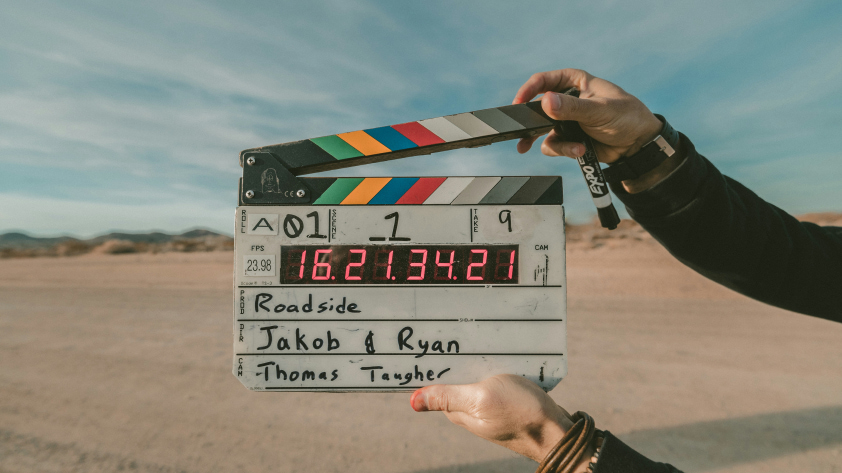


Videography is the practice of capturing moving images. It combines visual storytelling, technical skill, and editing into a medium that can inform, entertain, or inspire. Whether you shoot for social platforms, client work, or your own personal archives, understanding videography is a foundational step toward producing compelling video content.
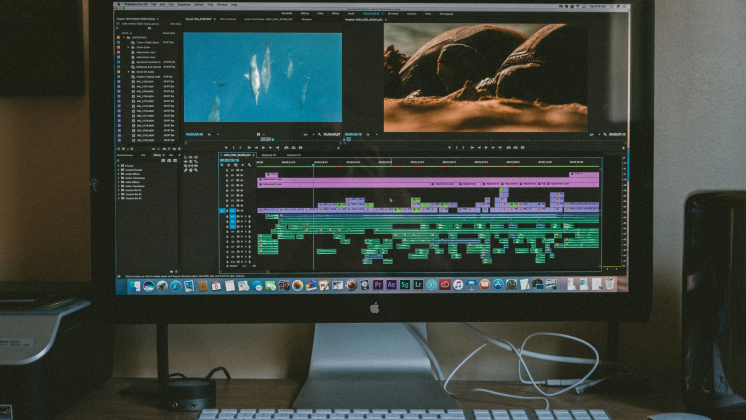
Common Types of Videography?
Sport Videography
Fast action. Unpredictable pacing. Sport videography focuses on capturing energy and intensity in motion. Think surfing, snowboarding, or high-speed racing. Here, timing and stabilization matter more than anything.
Cinematic Videography
This is where creativity and technical precision meet. Cinematic videography borrows techniques from film—light control, depth of field, smooth camera movements—to create visually rich, emotion-driven visuals. Experience the world through this cinematic vlogging video, shot with Insta360 Ace Pro 2.
Wedding Videography
Wedding videography demands precision and calm under pressure. You're dealing with fleeting moments, variable light, and real-time emotion. Videographers here often shoot long takes and rely on minimal crew to stay discreet.
Travel Videography
It’s light, portable, and fast. Travel videography captures landscapes, local culture, or spontaneous adventure. Adaptability is key. You don’t always have time to plan, so gear and setup have to be nimble.
Cameras for Videography
- Cinema cameras: These are high-end, expensive tools designed for maximum control and image quality. Heavy, complex, and often tethered to a crew.
- Camcorders: Still relevant for some, but their popularity has declined. Easy to use, but limited in image depth.
- DSLR and mirrorless cameras: The go-to for many creators. They balance flexibility and quality.
- Action cameras: Small form factor, big performance. Once limited to extreme sports, now favored for travel, content creation, and support angles in professional shoots.
The line between categories continues to blur, especially as creators demand more versatility from every piece of gear. Check out this travel video made with the Insta360 X5 action camera.
Best Cameras for Videography by Use Case
Check out our guide to the best camera for videography.
| Use Case | Requirements | Primary Camera Type | Secondary Camera Type |
| Sports | Fast motion, unpredictable angles, requires high FPS and stabilization | Mirrorless with fast lens + gimbal | Compact, mountable action camera |
| Weddings | Variable lighting, continuous recording, minimal disruption | Full-frame DSLR or cinema camera | Discreet 360° or wide backup camera |
| Travel | Portability, fast setup, weather resistance | Lightweight mirrorless or premium compact cam | Rugged action camera with AI editing tools |
| Short Films | High dynamic range, shallow depth, cinematic framing | Cinema camera with interchangeable lenses | 360° or compact camera for creative angles |
| Documentary | Long takes, varied environments, audio fidelity | DSLR or mirrorless with external mic support | 360° camera for immersive context shots |
Photography vs Videography
Photographers capture a still moment. Videography captures time, sound, and sequence.
Photographers frame a single decisive instant. Videographers string moments together. They think in movement, rhythm, and context. The gear, post-production workflow, and file formats all reflect this distinction. What looks good as a still may not hold when played at 24 frames per second.
Videography How-To: Tips to Level Up Your Skills
Shoot with Purpose
Plan a loose shot structure: wide, medium, close. Record transitions. Think about how clips will be cut together. Know what the scene needs before hitting record. Ask: what does this shot add?
Use the Right Settings
Frame rate affects mood. Resolution affects sharpness. Shutter speed affects motion blur. Know when to shoot at 24fps for drama or 60fps for clarity. Don’t default—adjust to fit the scene.
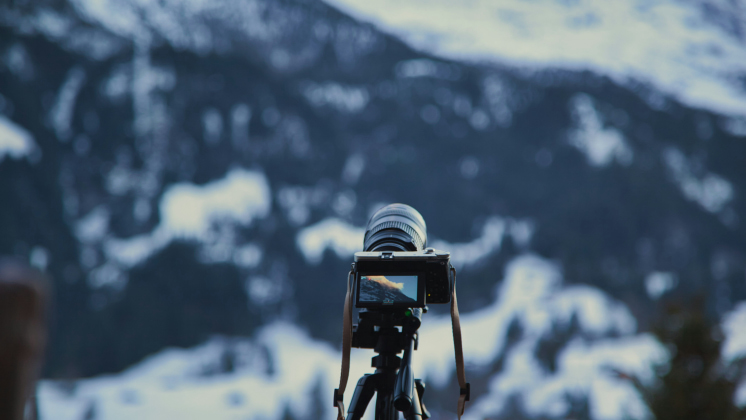
Get Stable
Even a few seconds of shaky footage can ruin the take. Whether handheld or mounted, stabilization matters. Tripods, gimbals, or even digital stabilization help footage feel intentional.
Record Clean Audio
Poor sound makes good visuals unwatchable. Use mics. Monitor levels. Prioritize quiet locations. Capture ambient sound and room tone, too—they help during the edit.
Capture Extra Footage
Start early. Hold after the action ends. Those few seconds before and after often save an edit. Always shoot a mix of wide, medium, and close-up. Collect B-roll and cutaways while you can.
Think in Edits
Shoot with your final edit in mind. Capture sequences, not just moments. Think like an editor: how will one scene connect to the next?
Use Creative Tools and Modes
Experiment with timelapse, slow motion, or pre-record features. Use them to tell a different side of the story, or highlight a detail you might miss in real time.
Stay Organized
Label files. Offload footage quickly. Use folders sorted by date, scene, or project. Organization reduces stress and speeds up post-production.
Videography Must Knows for Beginners
- Always clean your lens before shooting.
- Monitor your storage. Running out mid-shoot ends sessions early. Always carry spare memory.
- Save backups immediately. Use dual recording when possible or offload footage between shoots.
- Use focus peaking or manual focus when depth of field is shallow.
- Practice framing with movement in mind. Subjects don’t just sit still—they enter, exit, shift.
- Know your codecs. Shooting in higher-quality formats gives you more control in post.
- Use higher frame rates (like 60fps or 120fps) to capture smooth action and enable clean slow-motion in post.
- Anticipate movement. Frame with extra space in the direction your subject is headed.
- Lock your exposure settings if lighting is consistent. Sudden shifts during action can ruin the shot.
Good footage is no accident. It’s planned, practiced, and protected.
A Quick Videography Tutorial
Creating a compelling video isn’t about expensive gear—it’s about knowing how to plan, shoot, and edit with purpose. This step-by-step tutorial walks through the essential stages of video production, from initial concept to distribution. Check out some fun video ideas you can shoot with Insta360 cameras!
1. Define Your Purpose and Audience
Every strong video starts with a goal. Ask:
- What do I want this video to achieve?
- Who am I talking to?
Clarify your message before you even touch a camera. Be specific—“promote an event” or “teach a skill” works better than “make something cool.”
Then, define your audience. Are they beginners? Experts? Teens? Parents? Understanding your viewer shapes everything from tone to visuals.
2. Write a Script That Tells a Story
People engage with stories. Even instructional videos benefit from narrative structure. A solid script should:
- Hook the audience early
- Introduce the problem or context
- Show the process or resolution
- Wrap with a clear outcome or call to action
Use plain language. Read it aloud. If it sounds awkward or long, trim it.
3. Plan Your Shots: Storyboard and Shot List
Map out what the audience will see.
- A shot list outlines what shots you’ll capture, when, and where.
- A storyboard sketches out scenes visually. Stick figures work.
This prep saves time on location and avoids missed shots.
4. Choose the Right Location and Time
Pick locations that serve your message. Consider:
- Background noise (avoid highways, wind, or echoey rooms)
- Lighting conditions (natural light is great but changes fast)
- Access to power and bathrooms if you’ll be shooting long hours
Schedule wisely. Good light and quiet spaces often have tight windows.
5. Set Up for the Shoot
Before hitting record:
- Frame your subject using the rule of thirds
- Place the camera at eye level for a neutral, trustworthy feel
- Choose a medium or medium-close shot to balance context and intimacy
- Set focus and exposure manually if possible
Capture a mix of interviews, wide shots, B-roll, and reaction shots.
6. Capture Clean Sound
Audio makes or breaks a video. Use an external microphone and place it close to your subject—but out of frame. Test levels and record a few seconds of room tone (ambient silence) to smooth edits later.
7. Light for Clarity
Avoid harsh shadows or dark scenes unless intentional. For a clean look:
- Use natural light from windows
- Add fill light to remove shadows
- Keep lighting consistent across shots
Even smartphone videos benefit from controlled lighting.
8. Organize Footage
As soon as you’re done filming:
- Label and sort your clips by scene or location
- Separate interviews from B-roll
- Delete unusable takes, but keep anything with usable sound
Transcribing dialogue can also help you plan your edit more efficiently.
9. Edit With Intent
Good editing brings your story to life. Focus on:
- Pacing: Cut out dead space, but give key moments time to breathe
- Clarity: Use lower-thirds to ID speakers
- Continuity: Ensure visuals and sound flow smoothly
- Music: Choose tracks that match tone but don’t distract
- Captions: Always include them for accessibility
10. Export and Share
Choose .mp4 or .mov for most platforms. Then:
- Upload to the platform that best reaches your audience (YouTube, Vimeo, socials)
- Add a clear title and description
- Use a compelling thumbnail and consider SEO keywords
- Share it where your viewers already are
Keen to keep up to date on Insta360 stories? Keep an eye on our blog and sign up for our mailing list. Got a story to share? Email yours to communitystories@insta360.com and win up to US$50.







%20(1).svg)


%20(1).svg)

.svg)


