


















































Defining the Roles: Photographer, Videographer, Cinematographer
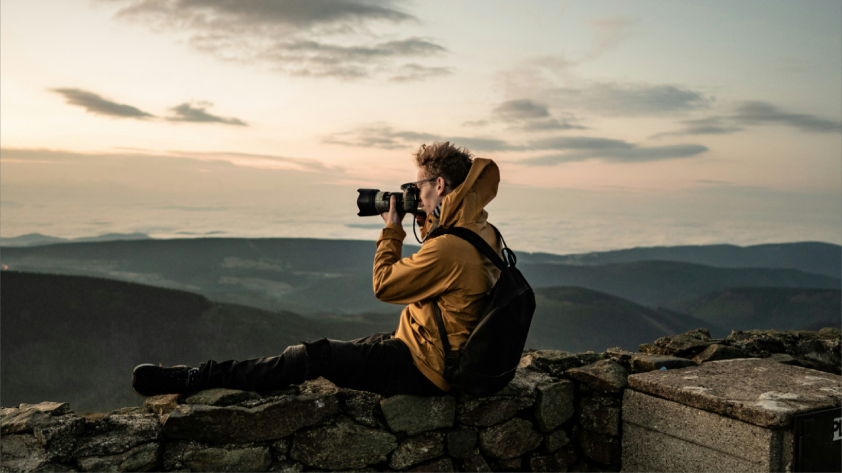
Photographers capture singular moments. Videographers record sequences in motion. Cinematographers? They direct the entire visual journey.
Photographers often work solo, choosing frames with precision. Videographers may wear many hats, managing audio, timing, and scene flow. Cinematographers typically lead crews and make deliberate choices in lighting, lens, and camera movement to serve a broader narrative.
Storytelling Power: One Frame or a Flow of Emotion?
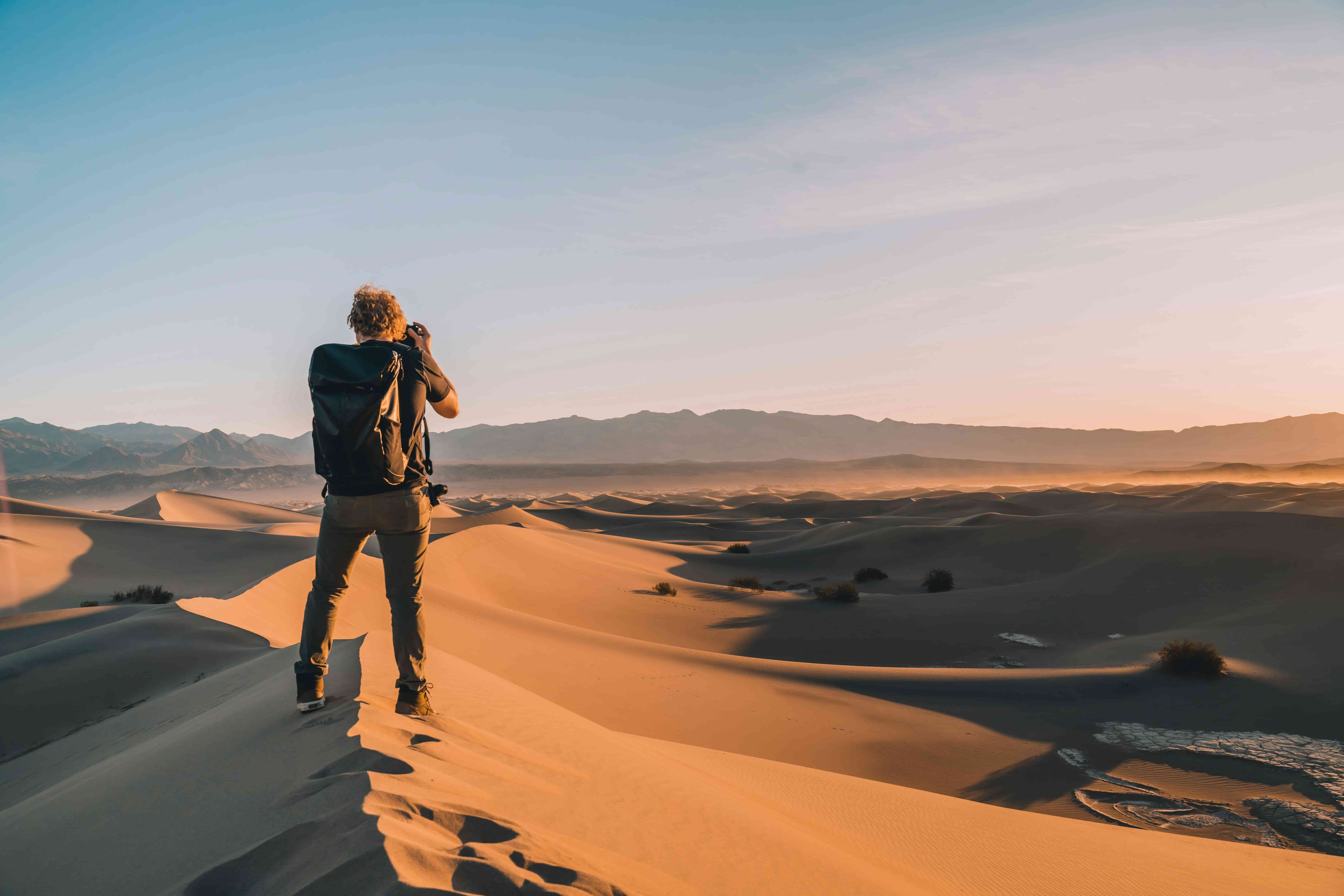
Photos freeze time. Videos capture time.
A compelling image can say plenty. But videos let stories unfold. They capture voice inflection, ambient sound, motion—things photos suggest but can’t deliver directly.
Wedding vows. Children playing. Waves breaking. You feel them through video, not just see them.
Technical Workflow: Planning to Post
The technical side of photography and videography shapes not just how creators work, but how their content is consumed. From gear to setup to editing, each path demands a different mindset—and a different level of time, skill, and gear readiness.
Gear Divergence
Photographers often prioritize:
- High-resolution sensors
- Prime or zoom lenses
- Flash setups or natural lighting control
Videographers typically need:
- Cameras with strong video codecs and frame rate options
- Gimbals or tripods for stability
- External microphones or wireless audio kits
Modern hybrid shooters favor compact gear that balances both demands. Today’s mirrorless systems and some action cams can deliver cinematic video and sharp stills from a single device.
Setup Time
Photographers can often work quickly, relying on:
- Snap judgment for framing
- Simple lighting tweaks
- Quick subject adjustments
Videographers need more layers in place:
- Clean audio capture
- Lighting continuity across takes
- Scene planning for narrative flow
Even a short video clip may require:
- Room tone recording
- Syncing visual and sound elements
- Planning for multiple angles
Editing Load
The edit is where workflows diverge most.
Photo editing typically involves:
- Batch editing in Lightroom or similar tools
- Retouching individual images
- File exports for web or print
Video editing includes:
- Timeline-based cuts and transitions
- Sound design and syncing
- Color grading for consistency
- Exporting in multiple aspect ratios or formats
A single photo set might be turned around in an afternoon. A short video with music, dialogue, and visual pacing might take days—or longer.
Time matters. Tools matter. And most of all, the expectations you set with clients or collaborators define how deep your workflow needs to go.
When to Use Photo, When to Use Video
Knowing when to shoot a photo instead of a video or vice versa depends on more than gear or preference. It’s about context, intention, and where your project is intended to be viewed. Some moments demand motion. Others are best left frozen in time.
Events and Experiences
Photos excel at distilling a scene into a signature moment—think a speaker at a podium, a couple under the arch, a clean product shot.
Video, though, captures everything in between. Speeches. Reactions. Applause. Movement across a space.
For events like:
- Weddings: Photos for portraits, video for ceremony and speeches.
- Concerts: Photos for press, video for vibe and crowd energy.
- Conferences: Photos for speaker slides and PR, video for recaps and social reels.
The question isn’t which format to use—but which moments to assign to each.
On the Move
Travel, action sports, street scenes—these demand flexibility. You often have only seconds to capture a moment or commit to recording something dynamic as it unfolds.
Photos are great for:
- Landmarks and scenery
- Candid portraits
- Travel journaling
Video suits:
- POV experiences
- Movement-heavy environments (bike rides, hikes, parades)
- Capturing multiple angles for edits later
Hybrid creators often shoot video first, then export key moments as stills after. It reduces friction without missing anything.
Platform Fit
Where your content goes can dictate what you shoot.
| Platform | Favors | Notes |
| Instagram Grid | Photos | High-impact visuals for profile permanence |
| Instagram Reels | Video | Fast-paced clips, vertical orientation |
| TikTok | Video | Audio-driven storytelling, trend adaptation |
| Photos | Static compositions for planning & discovery | |
| YouTube | Video | Long-form content, storytelling, tutorials |
| Both | Mixed engagement for personal and public use |
Think format-first, not gear-first. The medium should serve your message, not the other way around.
Demand and Earning Potential
Who’s Hiring?
There's wide demand for both: solo entrepreneurs, agencies, marketing departments, live event producers, social media managers, nonprofits, and content studios. Across industries, hybrid content creation is no longer a bonus—it’s expected.
Creative professionals who can shoot, edit, and deliver both photos and video bring more to the table. Whether it's a product launch, behind-the-scenes feature, or community recap, clients prefer multi-format delivery from a single trusted source.
Pricing Trends
While rates vary by region and experience, photographers and videographers often find parity in day rates. That said, post-production is where video consumes more time—so video pricing tends to scale with complexity.
| Service Type | Typical Rate Range (USD) |
| Event Photography | US$500–3,000 per event |
| Event Videography | US$800–4,000 per event |
| Commercial Photo Shoot | US$1,000–5,000 per day |
| Branded Video Project | US$2,000–10,000+ per project |
Hybrid creators can structure packages to reflect:
- Full- or half-day rates
- Bundled editing hours
- Platform-specific exports (square, vertical, widescreen)
Value isn’t just in deliverables, but in efficiency. Being the go-to person for both formats builds repeat business and stronger client relationships.
Hybrid Creativity: Get the Best of Both
Dual Output
Some hybrid cameras allow you to record high-res video and extract usable stills afterward. This saves time and reduces the need for duplicate gear. It also allows for more spontaneity—there’s less pressure to choose one format at the outset.
Exporting Photos from Video
With 4K, 6K, or 8K footage, creators can pull clean stills post-shoot. These frames aren’t just backups—they’re social-ready, high-detail images that extend the value of a single clip.
Ideal uses include:
- Social media thumbnails
- Event recaps
- Behind-the-scenes marketing
Frame-grabbing makes hybrid workflows practical, not just possible.
Shooting Smart
A smart hybrid shooter plans content around story and repurposing. You shoot:
- Wide for video context
- Tight for photo detail
- Motion sequences for loops or transitions
Lighting is chosen to suit both formats. Subjects are directed with both stills and motion in mind. And most importantly, you hit record with editing outcomes already in view.
Building a Hybrid Workflow
To work efficiently:
- If your camera supports dual card slots, dedicate one card to photos and the other to video. It makes sorting easier during the edit.
- Label sequences clearly in-camera or via shot list
- Edit in workflows that allow you to toggle tasks, not switch environments
Hybrid content isn’t about doing more. It’s about working smarter, planning better, and squeezing more impact from every moment you capture.
Where Action Cameras Fit In
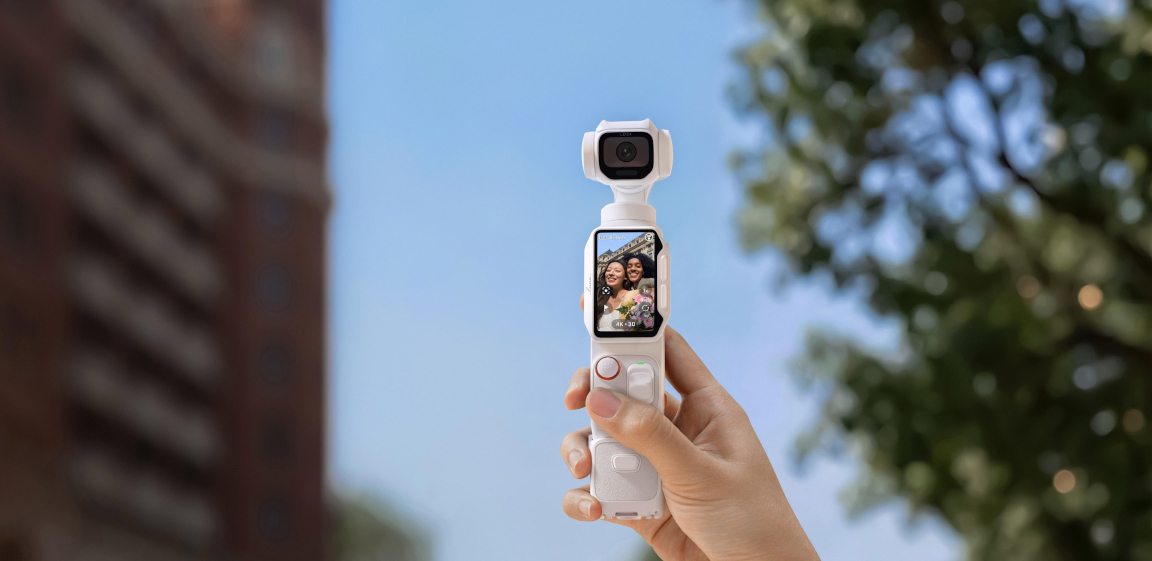
Modern action cameras are no longer niche tools for thrill-seekers. Today, they're compact, versatile, and increasingly part of hybrid creators' everyday kits.
Why? Because they do things traditional cameras can’t.
Photographers are using them to:
- Mount in tight, unconventional spots
- Shoot hands-free POVs while actively engaging in a scene
- Capture time-lapses from dynamic or elevated perspectives
Videographers turn to them for:
- Helmet, chest, or drone-mounted movement
- Superwide field of view for immersive storytelling
- Creative slow-motion or hyperlapse sequences
360 cameras unlock even more possibilities:
- Reframing after the fact means no missed angles
- Capturing an entire scene at once with no operator behind the camera
- Turning a single take into multiple outputs—standard widescreen, vertical, square—all from the same source clip
They’re also ideal for:
- BTS content without interrupting the shoot
- Risky or rough environments where pro rigs are impractical
- Supplementing main footage with context or texture
Pros aren’t replacing their main rigs. They’re extending their creative range.
FAQ: Photography vs. Videography
Is videography harder than photography?
Videography demands more planning and post-production, while photography relies heavily on timing and composition. Both have their challenges.
Photography usually involves quick decisions in the moment, especially with natural light and live subjects. Videography, on the other hand, layers in sound design, motion continuity, shot sequencing, and editing complexity. It’s not just capturing a scene—it’s building a timeline of scenes that make sense together.
Can you make a living doing both?
Yes. Many freelancers and content creators succeed by offering bundled services, increasing client value without doubling gear.
Being proficient in both formats opens more doors. Wedding pros often shoot both formats. Commercial shooters offer complete brand packages. Social-first creators rely on cross-format versatility to grow reach across platforms. Building a sustainable business today increasingly means offering stills and motion.
What gear works for both?
Some mirrorless and action cameras offer pro-grade photo and video functionality. Look for hybrid-ready gear that supports your workflow.
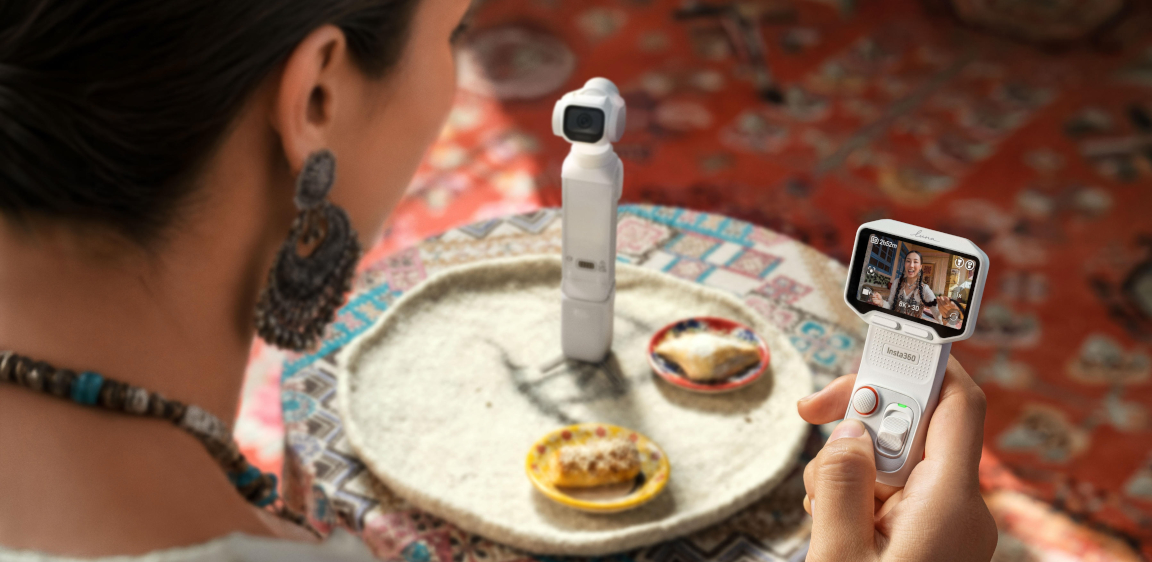
Examples include mirrorless cameras with fast autofocus, log profiles, and high-res stills. Or action cams like Insta360’s lineup that deliver 4K+ video and exportable stills. Think beyond just resolution—battery life, stabilization, and media flexibility matter too.
How do I capture photos from a video?
Shoot in 4K or higher, then use editing tools to export sharp stills from video.
High-resolution video lets you freeze dynamic moments you may not have caught with a still shutter. Tools like Premiere Pro, Final Cut, and even mobile apps make it easy to pull frames. It’s especially useful for fast-moving subjects or when you're wearing the camera and can't manually time every shot.
Do I need different editing tools?
Yes. Try Lightroom for photos, Premiere or DaVinci Resolve for video. Hybrid creators use both, depending on the project.
Photo tools focus on individual frame control—color correction, retouching, masking. Video editors work across time—sequencing, audio syncing, transitions, and pacing. If you plan to deliver polished output in both, you’ll need to be fluent in at least one tool from each category.
Keen to keep up to date on Insta360 stories? Keep an eye on our blog and sign up for our mailing list. Got a story to share? Email yours to communitystories@insta360.com and win up to US$50.




%20(1).svg)


%20(1).svg)

.svg)


