


















































Most people think you need fancy gear or a full crew to make something worth watching. Not true!
Some of the most creative video content starts with a single camera, a basic idea, and a slightly different point of view. Whether you're filming a birthday party, building a time-lapse, or capturing a low-key moment from your dog's perspective, the tools are simple and the results can be surprising.
These videography ideas aren't just easy to try, they're designed to help you experiment, learn fast, and make videos that feel personal.
1. Shoot a 360 Room Tour with a Twist
Curious how to make a regular space look cinematic? Position a 360 camera like Insta360 X5 in the center of a room and let the viewer explore every detail. Walk in and out of frame, talk to the camera, or add interactive callouts in post.
Use a light stand or bookshelf to hide the tripod, then apply reframing tools in the Insta360 app to create multiple versions of the same clip: one with a guided flow, one with swipeable freedom. Bonus: overlay text labels like "desk setup" or "cozy nook" for added clarity.
Real Estate Video Walkthrough Tutorial- @insta360 X5 + Unaltered Footage- Best Shooting Modes
2. Record a Hands-Free Day-in-the-Life POV
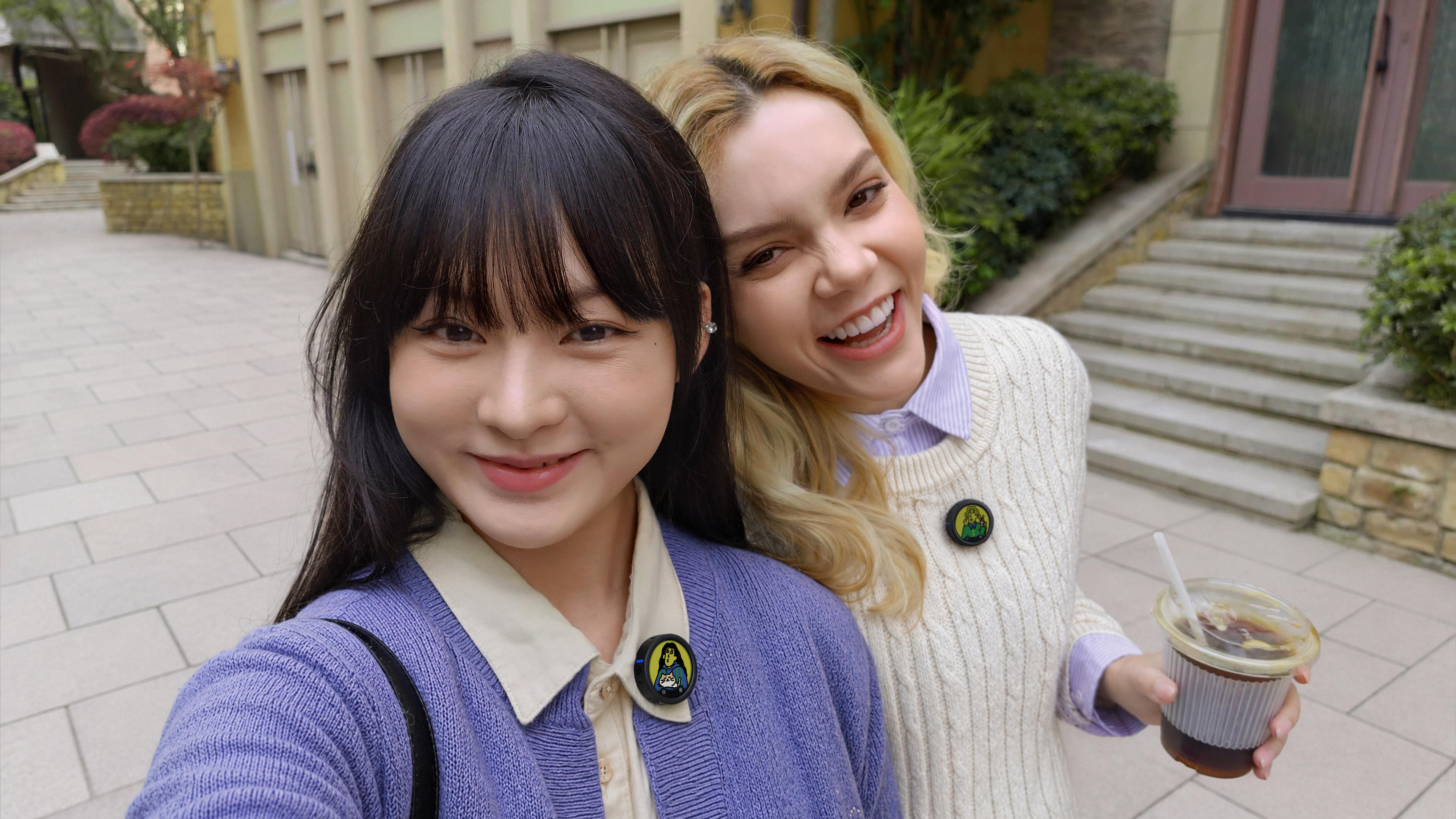
Spend the day fully present, while still capturing the good stuff. Clip Insta360 GO 3S to your shirt, hat, or pet harness and let it roll.
Start with an interval video set to capture a clip every 5 minutes. That way, you're not constantly recording but still catching the essence of your routine. When reviewing, look for sequences that transition naturally.
Walking into a room, opening a door, stirring coffee—to keep the narrative flowing.
3. Make a Travel Montage Using Just Your Phone
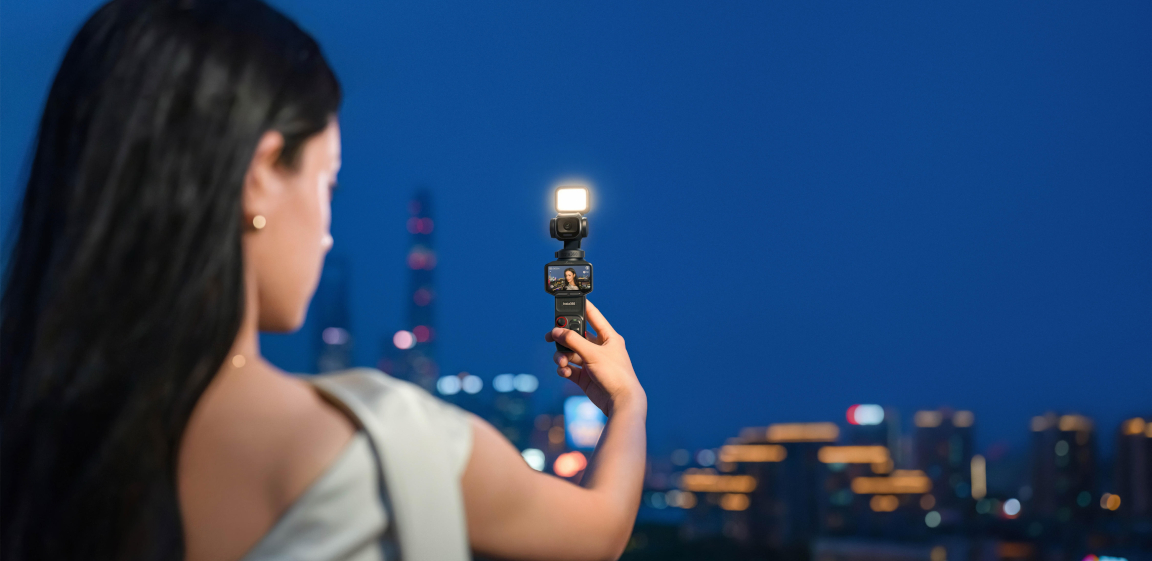
Don't have space for a bulky rig? That’s fine. Use Insta360 Flow 2 Pro with your smartphone to shoot smooth clips while walking, panning, or riding in a tuk-tuk.
Prioritize variety—wide shots, slow pans, close-up textures. Flow 2 Pro's AI tracking can keep your subject centered as they walk through alleys, markets, or parks. For editing, group scenes by color tone or vibe (e.g., golden hour, food spots) to create visual rhythm.
You can also try adding ambient sound for authenticity.
4. Capture a Birthday Party from Every Angle
For birthdays, don’t just point and shoot.
Place a 360 camera on a tripod near the cake or dance area and record the whole celebration. Use Insta360 X5’s InstaFrame mode to export flat videos that follow the action. Add markers in the app to track specific faces or gestures—like candle-blowing or first slice.
After exporting, overlay titles or captions for guests’ names or timestamps. This single clip can replace hours of fragmented phone footage.
5. Create a Stop-Motion Craft Tutorial
Love a hands-on project? Use time-lapse or interval capture to film your latest DIY creation. Set up your phone on Flow 2 Pro or a basic tripod, shoot each step, and stitch it together.
Start by sketching out 6–8 key moments in your process: layout, materials, halfway build, final touch. Shoot 2–3 angles per step—overhead, close-up, and side view. This makes your edit feel intentional, not rushed. Add soft music and subtitles to guide viewers through.
6. Film a Toy Adventure Movie with Your Kids
Looking for fun video ideas for kids? Build a story around their favorite toys and film it like a short movie. Use small props like cardboard tunnels, paper trees, or mini lights.
Film at kid height with Insta360 GO 3S mounted to a low tripod or even a toy car.
Capture dialogue separately using a phone voice recorder, then add it as voice-over. Keep the scenes short, 5 to 10 seconds each, to maintain energy and attention.
7. Showcase Jewelry or Product Shots with Movement
Product photography can feel static. Instead, use your phone and Insta360 Flow 2 Pro to glide across pieces, circle displays, or push in for details. Set the camera speed to a slow, consistent pace using the joystick or gesture control.
Try shooting in natural light near a window and use a reflective foam board to soften shadows. Film one shot per product at a time and shoot each from three angles: front, side, and 45 degrees. Use portrait mode for platforms like Instagram.
8. Try a 360 Dance Routine in One Take
Dance videos are everywhere, but 360 makes them pop. Set up Insta360 X5 at floor level and film a full routine. Choose a wide, clutter-free space.
Start recording before the music begins to capture natural motion in and out of frame. In post, use auto-tracking to follow your moves or keep the frame fixed for a unique perspective.
Combine real-time and TimeShift segments to emphasize key moments like jumps or spins.
9. Edit a Split-Screen Expectation vs. Reality Reel
One scenario, two outcomes. Use a vertical split to contrast what you planned versus what really happened. Record both sequences back-to-back while keeping framing consistent—tripod shots help.
For the "expectation" half, keep it clean and composed. For "reality," exaggerate a little: dropped tools, messy hair, cat interruptions. Sync both clips to the same beat or voiceover, and use text overlays to label each side.
10. Share a "What's in My Bag" or Gear Rundown
Set up your phone on a tripod or Flow 2 Pro and shoot clean, top-down clips unpacking your kit. Use a white or wood-grain background.
Lay out items in a grid, and introduce each one with a short clip showing its use. Use cutaways to demonstrate: lens in action, battery charging, mount attaching. Keep your voiceover relaxed and informative—imagine explaining it to a friend who’s new to the gear.
FAQs About Creative Videography Ideas
What are the best video ideas for YouTube beginners?
Video ideas for YouTube beginners include tutorials, gear breakdowns, day-in-the-life POVs, and simple product reviews. These formats are easy to film and let you focus on what you want to say.
What’s a fun video birthday idea using a 360 camera?
A great video birthday idea is filming the whole party with a 360 camera like Insta360 X5. Set it up in one spot to capture unplanned moments from every direction, then reframe in post to tell your own version of the event.
How do I shoot jewelry or small products at home?
Jewelry photography ideas work best with soft lighting and subtle movement. Use a phone gimbal like Flow 2 Pro to add motion and polish. Keep your background simple and let the product speak for itself.
Are Insta360 cameras safe and easy for kids to use?
Insta360 GO 3S is lightweight and easy to mount on kids, pets, or toys. With Kids Mode and hands-free operation, it’s designed to capture fun safely and effortlessly.
How often should I use the 360 reframing effect?
Use reframing when it supports your story. Too much movement can feel chaotic. Keep it clean, purposeful, and let key moments shine without overediting.
Keen to keep up to date on Insta360 stories? Keep an eye on our blog and sign up for our mailing list. Got a story to share? Email yours to communitystories@insta360.com and win up to US$50.




%20(1).svg)


%20(1).svg)

.svg)


