




















































Film transitions are the moments between clips that you're not supposed to notice. When they work, the cut disappears, and the footage feels seamless. When they don't, the seams show, and the whole edit feels amateur. Whether you're cutting a vlog, a travel video, or an action sequence, transitions are often what separates a good edit from a great one.
What Makes a Good Film Transition?
A good transition doesn't call attention to itself. It moves the viewer through a sequence without friction, establishing rhythm and connecting scenes in a way that feels deliberate rather than abrupt.
In cinematic videography, transitions do real work: they show the passage of time, move the story to a new location, or signal a shift in mood. But they only succeed when they're tied to movement, composition, or story, not when they're decoration.
This is where many beginner edits go wrong. Reaching for a flashy preset because it looks impressive usually backfires. A well-timed whip pan or a clean match cut will almost always read as more cinematic than a timeline full of stock effects.
In-Camera Transitions: How to Shoot Them
The most effective transitions happen on set, before you ever open an editor. Get these down first.
Whip Pan
A whip pan transition uses rapid camera movement to create motion blur between two clips. To make it work, finish your first shot with a quick pan in one direction, then begin the next shot with a matching movement. It might sound chaotic, but when done well, it’s a great effect, and also hides the cut to create a seamless connection between scenes.
This technique works especially well for travel films, sports content, and action-packed sequences. With a camera like Insta360 X5 or Insta360 X4, you can capture everything around you and choose the perfect framing later, making it easier to match movement between shots.
Object Pass
Sometimes all you need is something to block the frame. A tree, wall, signpost, or passing person can act as a natural visual wipe. As the object fills the frame, cut to another shot that begins with a similar obstruction. This can take a little planning, but don’t overthink it.
Simply something with the same color that fits the whole screen will suffice, and because the viewer briefly loses sight of the scene, the transition feels smooth.
Object passes are particularly useful when filming in busy environments. The compact design of Insta360 GO 3S also makes it easy to position the camera in creative locations where larger setups would struggle.
Match Cut
A match cut connects two shots using similar shapes, movements, or compositions. Imagine a skateboarder spinning through the air before cutting to a rotating Ferris wheel. The subjects are completely different, but the visual similarity creates a natural connection. It works with a variety of shot types, and when done well, it’s one of those transitions that will have cinematic purists purring with delight.
Body Cover
A body cover transition uses your hand, jacket, backpack, or even your entire body to briefly fill the frame before cutting to the next scene. Travel creators use this technique constantly because it requires very little preparation and works almost anywhere. Cover the lens completely, make your cut, then uncover the lens in the new location. Simple, effective, and creates the illusion of moving instantly between scenes.
Post-Production Transitions: How to Edit Them
With the in-camera basics covered, here's what you can build in the edit itself.
Jump Cut
A jump cut removes part of a continuous action to compress time. Instead of showing every step, you cut straight to the next meaningful beat. The result feels faster and keeps the viewer's attention on what matters. This is standard in tutorials and most short-form social content. Jump cuts are also common in travel montages.
Speed Ramp Transition
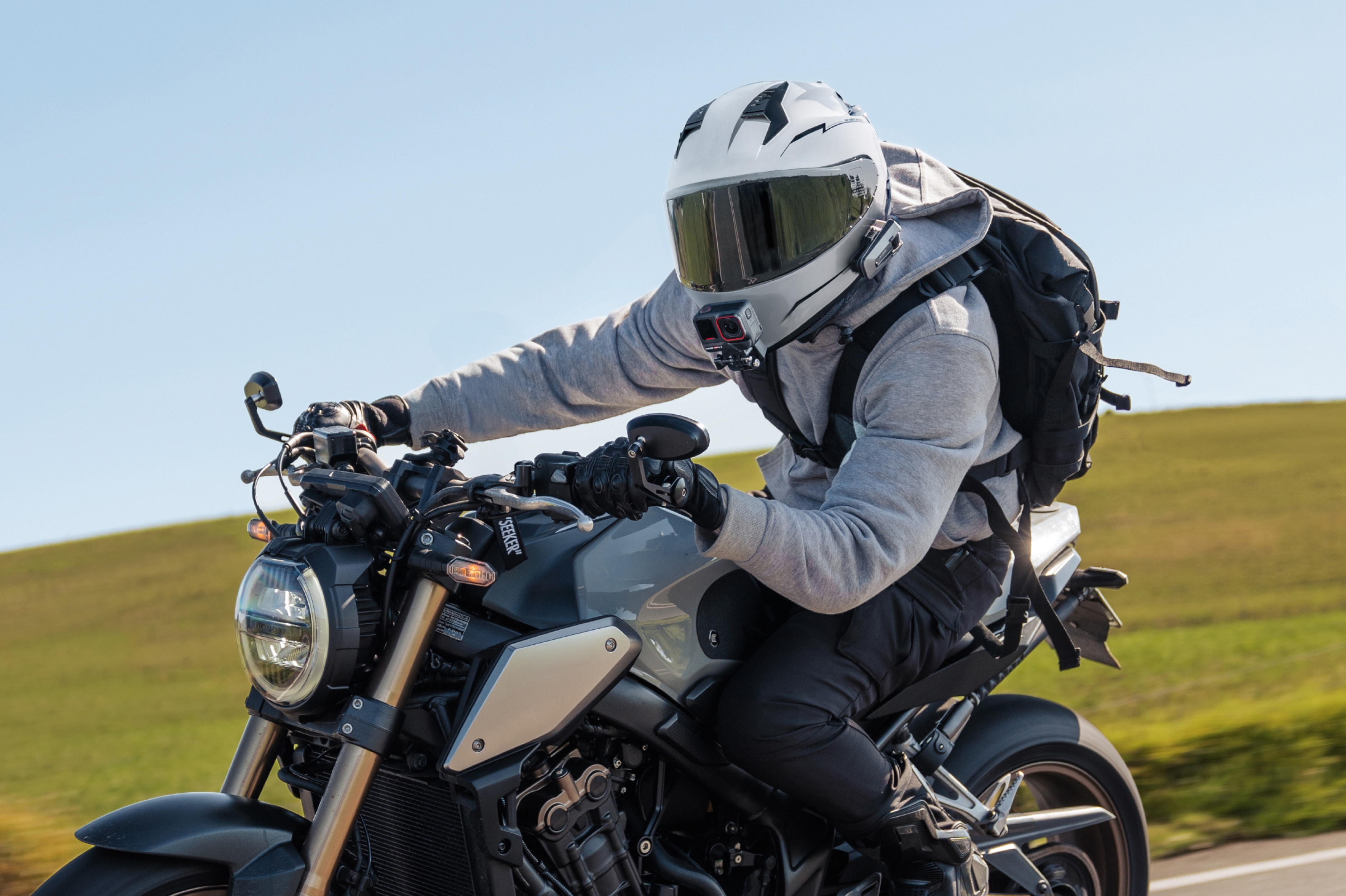
Speed ramps add a burst of energy to an edit. By increasing playback speed before or after a cut, you create a dynamic sense of motion that helps bridge separate clips. This technique is especially popular in action sports and adventure filmmaking. High-frame-rate footage provides the best results because it allows for smoother slow-motion and speed adjustments.
Insta360 Ace Pro 2 is particularly well-suited to this style of editing, giving creators flexibility during post-production. But the secret to speed ramp transitions is moderation. When well-placed, they can feel exciting, but too many will make your head spin.
Zoom Transition
A zoom transition creates the feeling of moving through space. One shot rapidly zooms in while the next begins with a matching zoom movement. When timed correctly, the viewer experiences a continuous sense of motion despite the scene change. This technique has become increasingly popular in travel and lifestyle content.
Color Flash/Light Leak
A quick burst of light can mask a cut while adding energy to the sequence, which is why it shows up so often in music videos and highlight reels. It works best as a supporting element rather than the main event. One or two light leaks in an edit adds character. More than that starts to feel like a filter stuck on repeat.
How to Shoot Transitions With an Action Camera or 360 Camera
The wider your perspective, the more options you have when it's time to edit. Action cameras and 360 cameras are particularly useful for transition-heavy projects because they combine stabilization, portability, and flexible framing.
With Insta360 X5 and Insta360 X4, creators can capture an entire scene and decide on camera angles and reframing later. This makes it easier to match movement, create digital pans, and experiment with creative transitions that might be difficult to plan.
Small cameras also unlock unique shooting opportunities. Insta360 GO 3S and Insta360 GO Ultra can be mounted in places that larger cameras simply can't reach. Whether you're filming a cycling adventure, city walk, or behind-the-scenes sequence, those unconventional angles often lead to more creative edits.
For smartphone creators, Insta360 Flow 2 Pro helps maintain smooth movement throughout a shot. Consistent motion makes transitions easier to execute because clips naturally align during editing.
7 Common Transition Mistakes to Avoid
1. Using Too Many Effects
Not every cut needs a transition. Overusing effects can make an edit feel cluttered at best and unwatchable at worst. Remember, the focus of the footage should be on your content and not the transitions.
2. Ignoring Motion Direction
Movement should generally continue in the same direction across connected clips. If you suddenly go the other way, the viewer will feel like they’ve been jerked in the opposite direction, which isn’t a good viewer experience.
3. Cutting at Random Moments
Transitions usually feel smoother when they occur during movement, so try to work the timings in well.
4. Mismatched Exposure
This is a big one. Large brightness changes can make cuts feel abrupt, which might mean that the dream transition you’ve got in your head just wasn’t meant to be.
5. Relying on Presets
Effects should support the footage, not replace strong storytelling. Countless preset transitions might be fun to play with (the page peel and the lens swirl, to mention just two), but go easy on them.
6. Skipping the Planning Stage
Many transitions are easier to execute when they're considered before filming begins, so try to plan if you want the best.
7. Prioritizing Style Over Story
A transition should serve the narrative. If it doesn't add clarity or emotion, it may not belong in the edit. Don't just add something because you like the look of it. Sometimes the best transition is the simplest cut.
Your Edit Starts in the Shot, Not the Timeline
The best transitions rarely come from a preset library. They come from deliberate filming, consistent movement, and editing decisions that guide the viewer naturally from one scene to the next.
Whether you're using a whip pan, match cut, speed ramp, or simple body cover, the goal is always the same: keep the story moving. Whatever you’re filming, Insta360 cameras give you the foundation and technology to create outstanding footage. Now it’s your job to put it all together.
Frequently Asked Questions
What Are the Most Popular Film Transitions?
Standard cuts, fades, dissolves, whip pans, match cuts, jump cuts, and speed ramps cover most of what you'll use. Each serves a different purpose, from maintaining continuity to marking a shift in time or place.
What Is the Difference Between a Cut and a Transition?
A cut is simply the point where one shot ends, and the next begins. A transition is the technique used to connect them. Every transition involves a cut, but not every cut uses a visible transition effect.
How Do You Edit Smooth Transitions?
Smooth transitions come down to matching movement, framing, timing, and exposure between clips. Getting these right while filming produces better results than trying to fix mismatches afterward in the edit.




%20(1).svg)


%20(1).svg)

.svg)


