

















































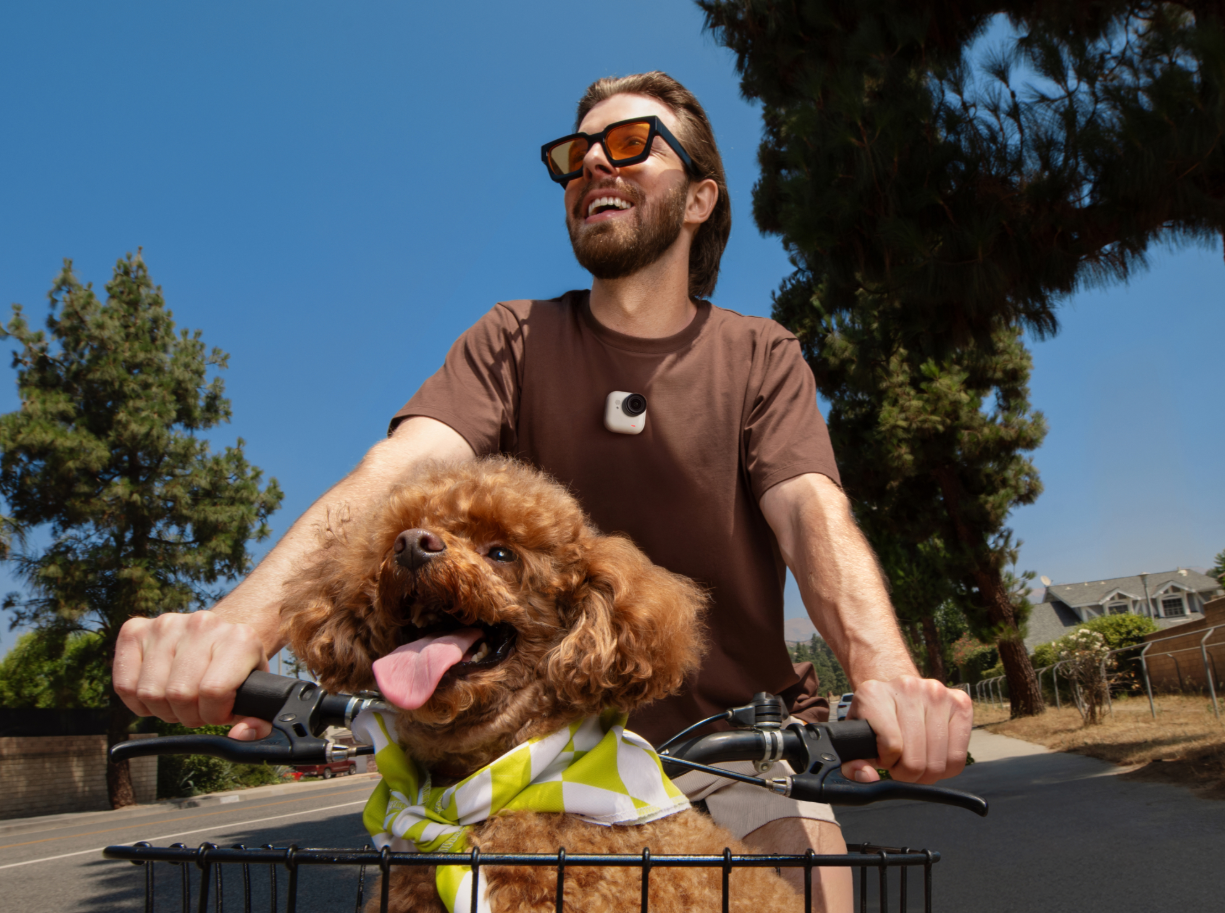


Some sequences just cry out for some slow motion: a mountain biker floating over a gap jump, a hummingbird coming in for a landing on a flower, ocean spray exploding off a cliff edge. In our increasingly fast-paced, chaotic world, sometimes we really do need to slow down.
Here's how slow motion works, how to shoot it properly, and how to create smooth, professional-looking results every time.
How Slow Motion Actually Works
Slow motion looks great (in the right circumstances), but have you ever stopped to wonder how it all works? Slow motion isn't created by recording more slowly, but rather by recording more frames than you'll ultimately play back.
When a camera captures a scene at a high frame rate and plays it back at a lower frame rate, time appears stretched. The action unfolds more slowly, revealing details that would normally pass by in an instant.
For example, if you record at 120fps and play the footage back at 30fps, one second of real-world action becomes four seconds of playback. The result is smooth slow motion without skipping frames or creating artificial motion.
This is why professional filmmakers, sports videographers, and action creators rely on high-frame-rate recording to create cinematic videography effects and smooth slow-motion sequences.
Frame Rates and Slow Motion: What You Need to Know
Frame rate is the basis of every slow-motion shot, and the higher your shooting frame rate, the more flexibility you have when slowing footage down later.
Here's a simple reference chart:
| Shooting Frame Rate | Playback Speed | Slow Motion Factor |
| 60fps | 30fps | 2× slower |
| 120fps | 30fps | 4× slower |
| 240fps | 30fps | 8× slower |
| 4K120fps | 30fps | 4× slower |
Higher frame rates capture more information, creating smoother motion when footage is slowed during editing. Many modern action cameras, including Insta360 X5 and Insta360 Ace Pro 2, offer high-frame-rate recording modes, including bullet time, specifically designed for cinematic slow motion.
What Frame Rate Should You Shoot In?
There’s not a single specific frame rate that you should be shooting. You’ll need to think about the activity you’ll be filming and the style you’re looking for. However, you can use this as a rough guide:
60fps
Perfect for subtle slow motion.
Ideal for:
- Travel content
- Walking shots
- Lifestyle videos
- Everyday moments
120fps
A favorite among filmmakers.
Ideal for:
- Sports
- Running sequences
- Action scenes
- Wildlife footage
240fps
Best for capturing extremely fast movement.
Ideal for:
- Water splashes
- Tricks and stunts
- Fast-moving vehicles
- Bullet-time effects
If you're unsure where to start, 120fps provides an excellent balance between image quality and dramatic slow-motion potential.
Does Resolution Affect Slow Motion?
Yes. Higher frame rates often require trade-offs in resolution depending on the camera. Some devices can record 4K120fps, while others may reduce image size to maintain processing performance.
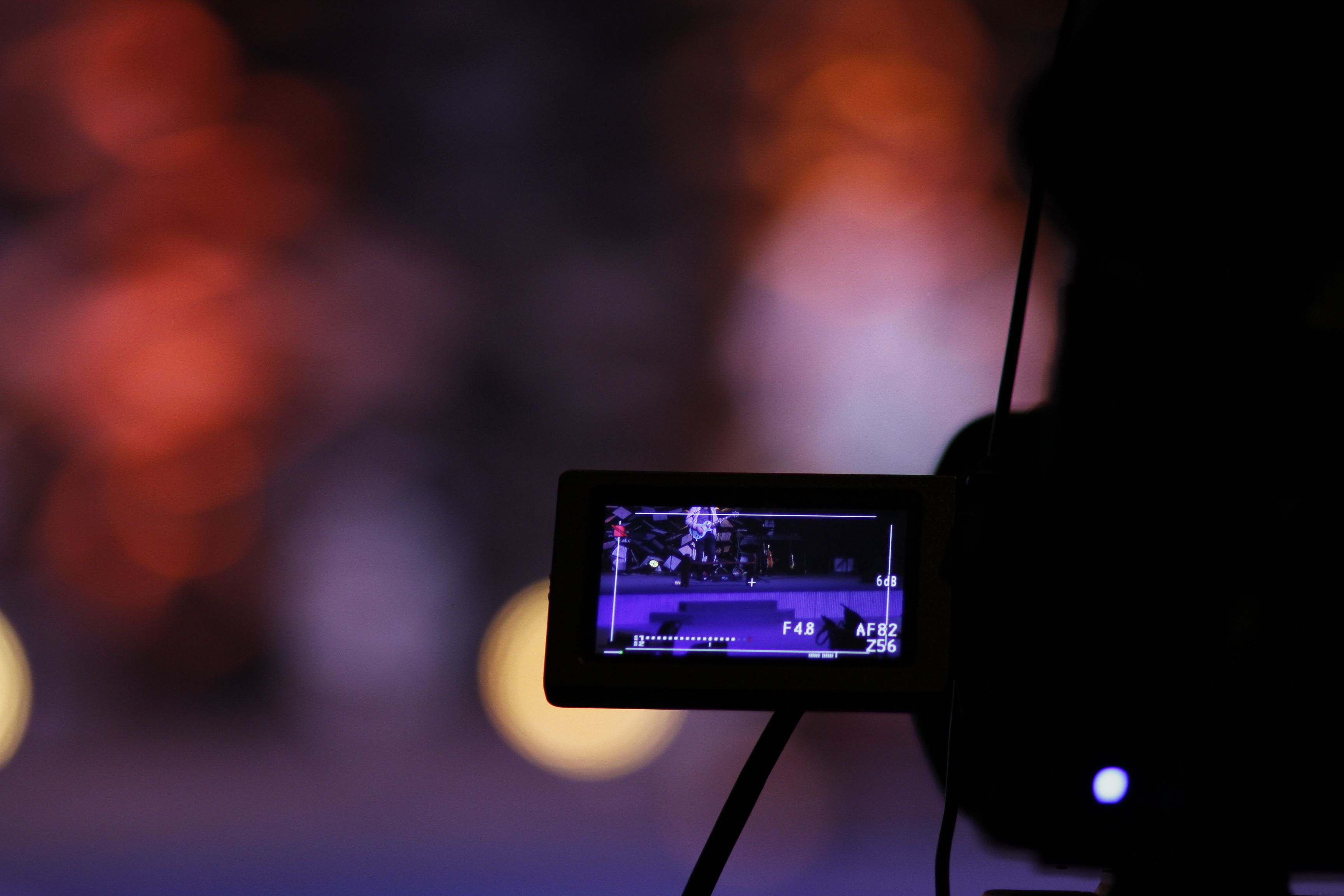
The good news is that modern imaging systems continue to push these limits, and modern action cameras can record high-frame-rate footage while maintaining exceptional image quality. However, it’s always worth checking your camera's available frame-rate and resolution combinations.
How to Shoot Slow Motion Footage
Enough of the theory - let’s get into how to actually film high-quality slow-motion footage that feels both natural and visually compelling.
- Use a Higher Frame Rate
This is non-negotiable. If you plan to slow footage down later, record at 60fps, 120fps, or higher. The more frames captured, the smoother the final result—simple as that.
- Increase Your Shutter Speed
High-frame-rate recording requires faster shutter speeds to maintain image sharpness. A common guideline is the 180-degree shutter rule, where shutter speed is approximately double your frame rate.
Examples:
- 60fps → 1/120s
- 120fps → 1/240s
- 240fps → 1/480s
3. Add More Light
Faster shutter speeds reduce the amount of light reaching the sensor. As a result, high-frame-rate footage often needs:
- Brighter environments
- Additional lighting
- Higher ISO settings
Outdoor conditions are usually ideal for slow-motion capture, but you might need to make some tweaks if you’re shooting indoors.
4. Stabilize Your Shots
Slow motion magnifies movement, and small camera shakes that look acceptable at normal speed become much more noticeable when footage is slowed down. Tools such as Insta360 Flow 2 Pro help create smooth camera movement when shooting with a smartphone, while built-in stabilization systems on cameras like Insta360 X4 and Insta360 GO Ultra help maintain professional-looking results in challenging environments.
For a hands-free option, Insta360 GO 3S handles stabilization automatically, so you can focus on the action, not the gear.
5. Think (Carefully) About Motion
Not every subject benefits equally from slow motion, and there’s definitely such a thing as “too much slow motion”.’ It’s about picking and choosing those key moments.
The strongest examples often involve:
- Sports
- Water
- Wildlife
- Vehicles
- Dance
- Human emotion
And bear in mind that the more movement happening in the frame, the greater the visual impact. A piece of slow-motion footage of somebody just walking through a garden might look nice, but is it really necessary?
How to Create Slow Motion in Post-Production
The steps above are just the start. The real magic comes together in the editing studio later on. Here’s how to create slow-motion footage in post-production using Insta360 Studio.
Step 1: Import Your Footage
Transfer your clips into Insta360 Studio and select the sequence you'd like to edit.
Step 2: Adjust Playback Speed
Locate the speed controls within the editing panel and reduce playback speed to:
- 50% for 2× slow motion
- 25% for 4× slow motion
- 12.5% for 8× slow motion
The exact value depends on the frame rate used during recording.
Step 3: Preview Motion Smoothness
Watch the clip carefully. Smooth slow motion should maintain fluid movement without visible stuttering or skipped frames.
Step 4: Fine-Tune Your Edit
Consider combining slow motion with:
- Music timing
- Speed ramps
- Color grading
- Sound design
These additions can dramatically increase the emotional impact of a scene. If you're presenting your work or reviewing edits with a team, Insta360 Link 2 delivers sharp, high-quality video for calls and remote collaboration.
Common Slow Motion Mistakes to Avoid
Even the best creators still run into problems, so if you’re new to slow motion, it’s worth keeping this in mind. Not everything will be perfect, but that’s how you learn. That being said, here are some mistakes to keep on your radar when starting.
Shooting at Too Low a Frame Rate
Trying to create extreme slow motion from standard 30fps footage often produces choppy results, so record at higher frame rates whenever possible.
Not Using Enough Light
High-frame-rate recording requires shorter exposure times, and dark environments can introduce noise and reduce image quality.
Forgetting About Shutter Speed
Using inappropriate shutter speeds can make movement look unnatural or blurry, so maintain proper exposure timing for cleaner results.
Overusing Slow Motion
Not every moment needs dramatic treatment. Slow motion is most effective when used selectively, and clips become annoying when the creator has overused it. Saving it for key moments increases its emotional impact.
Ignoring Audio
Most slow-motion sequences require separate sound design or music because recorded audio slows down along with the footage. Pairing your footage with a portable speaker like Insta360 Wave makes it easy to preview your edits with proper audio on location.
Shoot Fast, Play Slow
The world is busy, frenetic, chaotic. With Insta360 action cameras, you can capture all the twists and turns, jumps and skids, but it’s those moments when you slow everything down that often stand out the most.
By recording at higher frame rates, maintaining proper shutter speeds, and using thoughtful editing techniques, you can reveal details that would otherwise go unnoticed. And stylistically? It just looks great.
Whether you're capturing high-octane sports, travel adventures, wildlife encounters, or just some family fun, slow motion adds depth and emotion. In an increasingly hectic world, sometimes, we all just need to slow down.
Frequently Asked Questions
Does Slow Motion Reduce Video Quality?
Not necessarily. If recorded using a high frame rate and sufficient light, slow-motion footage can look incredibly sharp and detailed. However, some cameras may reduce resolution or crop the image at higher frame rates, so always check your camera's recording specifications before shooting.
How to Turn an Already Recorded Video into Slow Motion
Most editing software allows you to reduce playback speed after recording. However, if the original footage was captured at only 24fps or 30fps, slowing it significantly may introduce stuttering or artificial frame interpolation.
Why Does My Slow Motion Footage Look Choppy?
Choppy playback usually occurs for one of three reasons: the frame rate was too low, the playback speed was reduced too much, or you dropped frames during editing or export. Recording at 120fps or higher generally provides the smoothest results for cinematic slow motion.
Keen to keep up to date on Insta360 stories? Keep an eye on our blog and sign up for our mailing list. You can also contact our Enterprise team directly to see how 360 cameras can benefit your business.
Your shot. Your world. The Insta360 Global Awards 2026 supported by Leica are officially open. Join creators worldwide and compete across six categories (Street, Travel, Life, Portrait, Sports, and Night) for your share of a US$150,000+ prize pool, including cash prizes and Insta360 gear. Submit your best video or photo at insta360.com/awards.






.svg)


%20(1).svg)

%20(1).svg)


