
















































Recording clean audio used to mean dealing with cables, boom arms, and someone watching levels the entire time. That’s mostly gone now.
Wireless lavalier microphones have simplified the whole process. Clip one on, hit record, and you’re free to move. No cables, no setup stress, and no need to stay locked in one position.
That convenience is the appeal. But not all systems handle real-world recording the same way.
What Is a Wireless Lavalier Microphone, and How Do They Work?
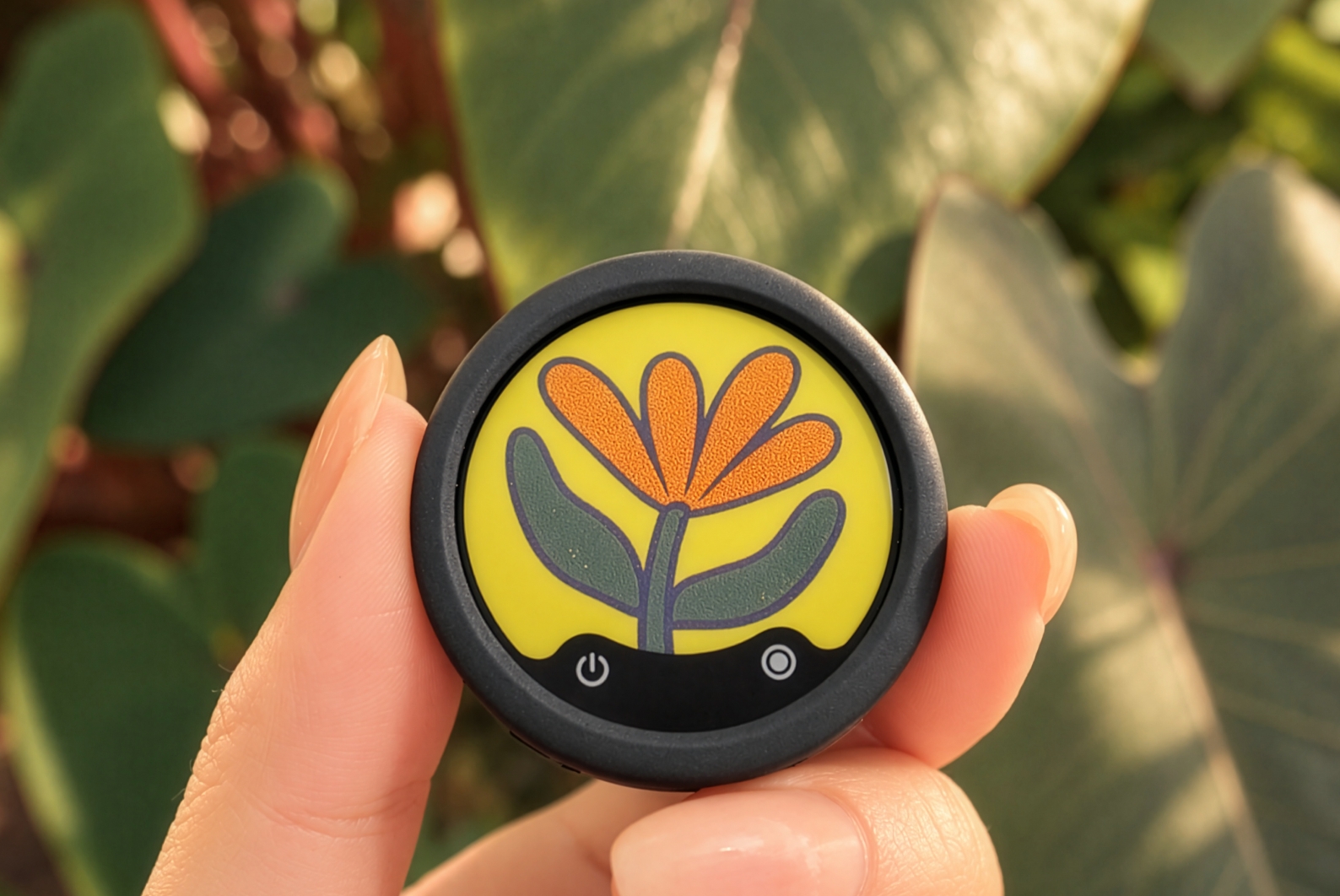
A wireless lavalier microphone is a small clip-on mic designed to sit close to your voice while staying out of frame.
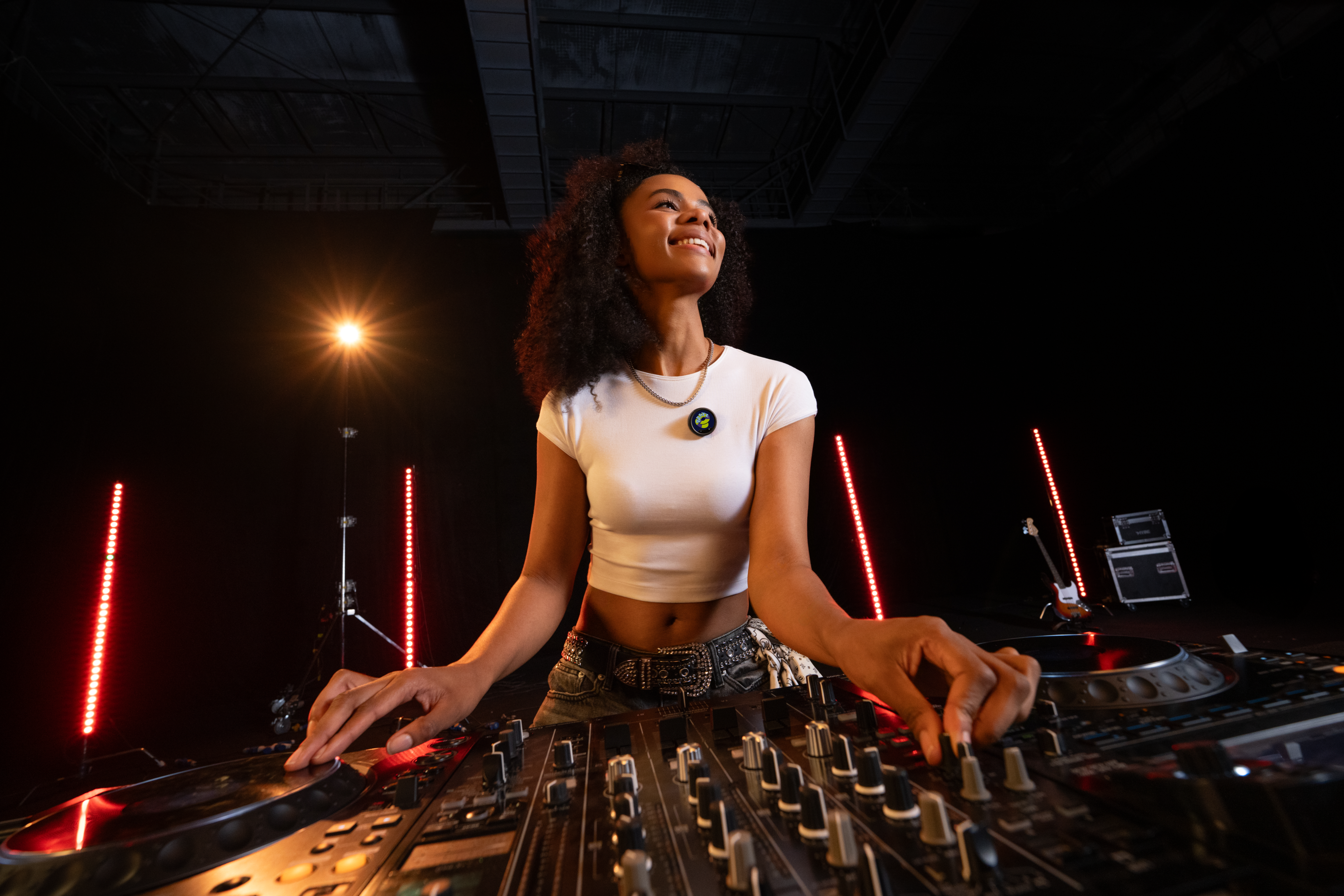
You’ll usually attach it to a shirt, jacket, or collar. Because it’s positioned near your mouth, it picks up speech clearly without needing a handheld mic or a larger setup.

Most systems have two parts:
- A transmitter, which captures your voice
- A receiver, which sends that audio to your camera, phone, or computer
Many use omnidirectional pickup, so your voice stays consistent even if you turn your head or shift position.
That’s what makes them useful. You can walk, talk, and interact naturally without worrying about staying in range of a mic.
What makes them so effective, whether you’re starting a vlog, interviewing people on the street, or simply narrating your action tricks, is freedom. You’re not tied to a desk, a boom arm, or a fixed position. You can move, interact, and record naturally, all without sacrificing audio quality.
How to Choose a Wireless Lavalier Microphone
Audio Quality
Audio quality is the whole point. If it sounds thin, distorted, or inconsistent, nothing else matters.
What you’re really looking for isn’t just clarity in perfect conditions. It’s stability when things aren’t perfect. Moving around, turning your head, background noise, sudden volume spikes.
This is where noise handling comes in. Basic systems simply record sound, but more advanced wireless lavalier microphones, such as Insta360 Mic and Mic Pro, isolate your voice using AI noise reduction, keeping it clear even in busy environments. With 32-bit float recording, they capture a wider dynamic range, protecting your audio even when levels spike unexpectedly, meaning greater headroom.
Range and Signal Stability
Big range numbers look impressive, but they’re rarely realistic.
Most advertised distances assume clear line of sight and no interference. In real use, walls, crowds, and other signals will cut that down quickly.
What matters more is how stable the connection is as you move. A shorter but reliable range is far more useful than a long range that drops out mid-take.
Some systems also include onboard recording as a backup, which can save a shot if the signal fails.
Battery Life and Charging
Battery life becomes a problem the moment you stop thinking about it.
A good system should last through longer sessions without forcing constant checks or mid-shoot swaps. Real shoots always run longer than expected.
Charging also matters. A charging case that tops everything up between takes is far more practical than relying on cables and outlets throughout the day.
Device Compatibility
Is there anything worse than making a purchase only to find that it’s incredibly choosy about what devices it can work with? Most modern systems support both iPhone and Android, but connection types still matter. USB-C has streamlined compatibility across newer devices, while some setups rely on Lightning connections or adapters. With cameras, like mirrorless and DSLR setups, you sometimes need specific receivers, cables, or specific input ports.
The best systems minimize that friction, letting you plug in and start recording immediately, regardless of the device. The days of choosy products that don’t integrate are thankfully coming to an end, which can only be a positive.
Ease of Use
A lavalier mic should be quick to use. That’s the whole point.
Power it on, clip it in place, and start recording. If you’re digging through menus or second-guessing settings, something’s gone wrong.
Simple on-device controls also help. Being able to mute or adjust levels directly from the transmitter keeps your focus on what you’re filming, not the gear.
Wireless Lavalier Microphones: Pros and Cons
Pros
- Hands-free recording — Clip it on and forget about it. No need to hold a mic or stay in one place.
- Natural movement — Walk, turn, interact. Your audio follows you without restriction.
- Discreet setup — Compact and low-profile, ideal for video where you don’t want gear in the frame.
- Consistent voice capture — Positioned close to your mouth, they maintain stable audio even as you move.
- Versatile across environments — From quiet rooms to busy streets, they adapt to changing conditions.
- Works across formats — Ideal for video, interviews, vlogging, and even mobile podcasting.
Cons
- Clothing noise — Movement or fabric friction can introduce unwanted sound if placement isn’t right.
- Battery dependency — Unlike wired setups, you need to manage charging between sessions.
- Wireless interference — Crowded environments can affect signal stability.
- Setup complexity (higher-end systems) — Advanced features may require a bit more setup or familiarity.
- Not always ideal for studio use — In controlled environments, other microphone types may offer more precision or directional control.

How to Set Up and Connect a Wireless Lavalier Microphone
1. Charge Everything First — Before you do anything, make sure both the transmitter and receiver are fully charged. It sounds obvious—but it’s one of the most common points of failure.
2. Connect the Receiver to Your Device — Plug the receiver into your camera, smartphone, or recording device. This could be via USB-C, Lightning, or a 3.5mm input, depending on your setup.
3. Power On and Pair — Turn on both the transmitter and receiver. Most modern systems pair automatically within seconds. If not, follow the pairing instructions specific to your device.
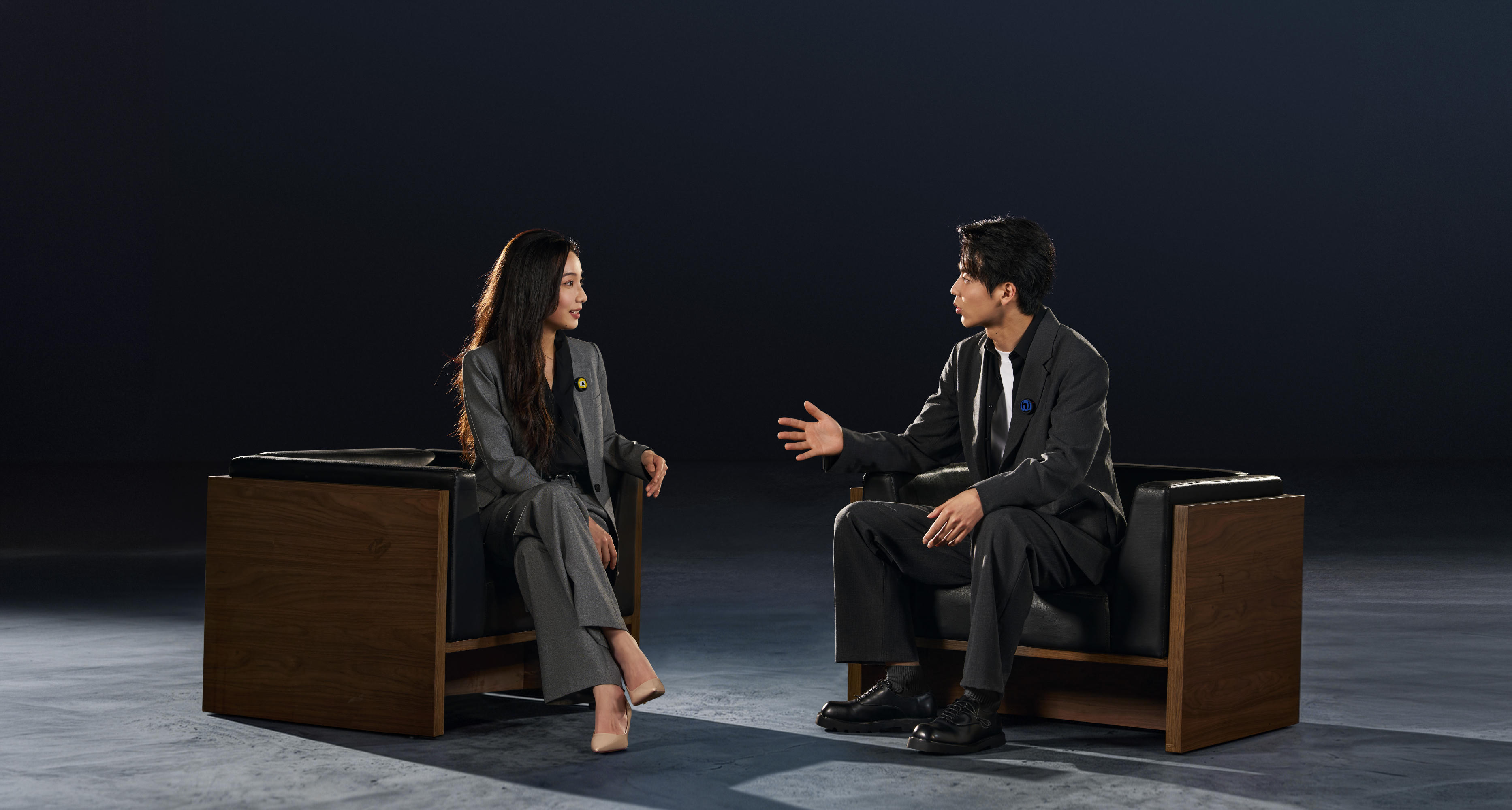
4. Attach the microphone — Clip the lavalier microphone onto your clothes, ideally, centered, 6–12 inches (15–30 cm) below the mouth, but away from any loose clothing.
5. Check audio and test — Do not dive straight into content creation. Slow down, check the audio levels, and do a test. Play it back, and make any adjustments and repeat until everything is right.
When Should You Use a Wireless Lavalier Microphone?
Lavalier microphones are now used across a huge variety of industries, but here are some of the most common examples where they could be useful.
- On-location interviews — Natural conversations without a rigid setup
- Walking or talking content — Keep your voice clear while you move
- Vlogging and daily content — Lightweight, fast — one of the best microphones for vlogging
- Event coverage — Capture speech clearly in dynamic environments
- YouTube videos — Especially for solo creators or mobile setups
- Social media content — Quick recording with minimal gear
- Mobile podcasting — Conversations that aren’t confined to a desk
- Travel content — Record in changing environments without sacrificing audio
Wireless Lavalier Microphone Placement Tips
- Keep it centered and high — Place the microphone in the middle of your chest, roughly 6–12 inches from your mouth. This keeps your voice balanced and consistent.
- Avoid loose or rubbing fabric — Clothing movement is one of the biggest causes of unwanted noise. Keep the mic clear of scarves, jackets, or anything that might brush against it.
- Secure it properly — Clips are generally very good, but microphones can always slip, so ensure that it’s as secure as possible before you start.
- Be mindful of wind — Outdoor recording introduces wind noise quickly and nothing destroys good audio like a howling wind. Use a windscreen or position the mic slightly under clothing for protection.
- Consider visibility — Depending on your content, you may want the mic hidden or visible. Both work—but hiding it requires extra care to avoid muffled audio.
How Much Do Wireless Lavalier Microphones Cost?
Wireless lavalier microphones span a wide range of price points, and what you get at each level can directly impact how consistent—and usable—your audio is.
$50–$100 — Entry-Level — This is where most people start, as the systems are affordable and easy to use, but come with limitations. They can work in quiet, controlled environments—but as soon as conditions become unpredictable, the cracks start to show.
- Basic audio quality
- Limited range and stability
- Minimal noise handling
- Few advanced features
$100–$300 — Mid-Range — A noticeable step up in both performance and reliability. This range works well for casual creators or those starting to take content more seriously.
- Improved audio clarity
- Better wireless stability
- More consistent performance in real-world environments
- Some noise reduction features
$300+ — Professional Level — This is where performance becomes dependable, not just usable. High quality, advanced features—if you’re looking for the best, this is it.
- High-quality, consistent audio
- Strong and stable wireless connection
- Advanced features like 32-bit float recording and AI noise reduction
- Support for multi-mic setups and complex workflows
The Best Wireless Lavalier Microphones in 2026
Best for Everyday Creators
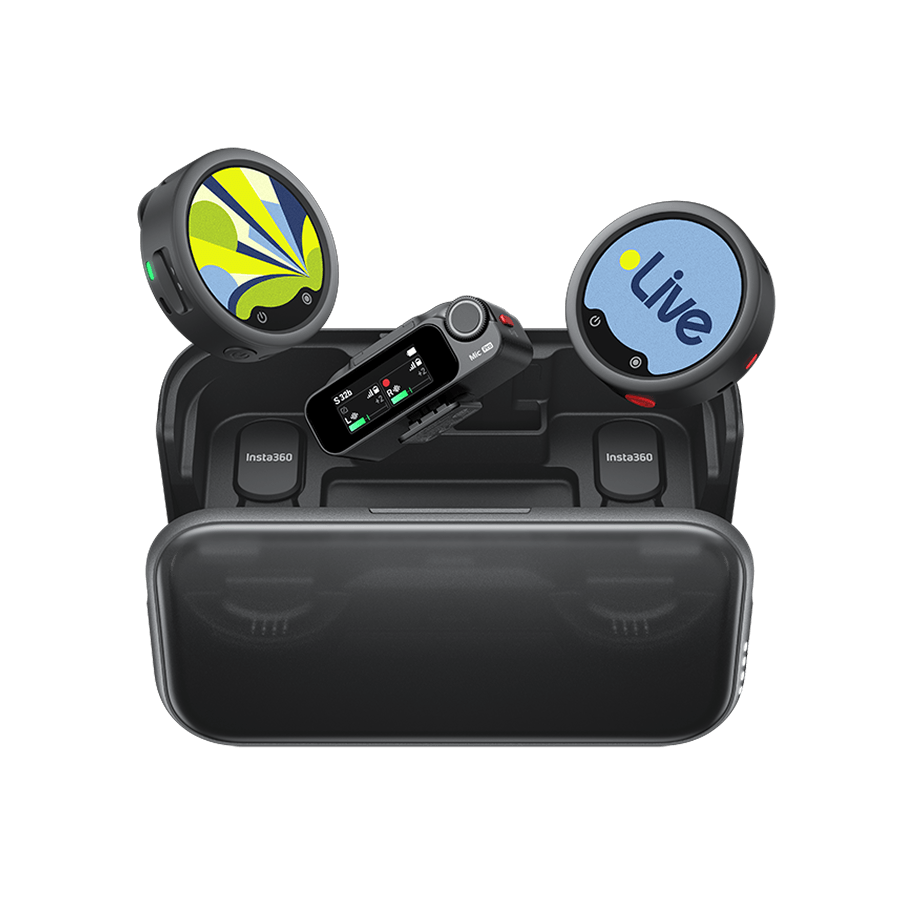
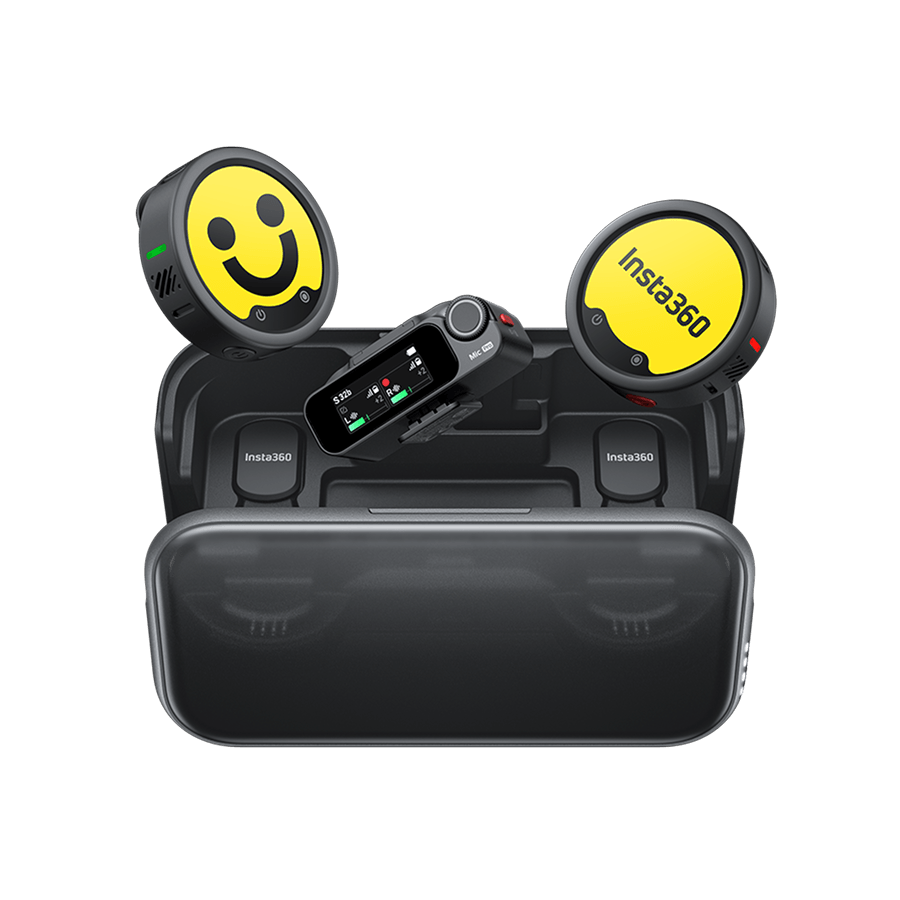
Insta360 Mic and Mic Pro
If you record regularly and want reliable audio without overcomplicating your setup, both are worth considering.
They support multiple transmitters, making it easy to move from solo recording to interviews without switching systems. Audio remains balanced as you move, while built-in noise reduction helps in busy environments.
Their recording safeguards are a key advantage. 32-bit float recording gives you more flexibility to recover audio that would otherwise be clipped. Mic Pro's built-in storage provides a backup if the wireless connection drops, while Mic features a microSD card slot for local recording.
Battery life is solid, with at least 10 hours of operation and up to 34 hours total when using a charging case.
The trade-off is that you may be paying for features you don't need if you only record occasionally. But if reliable audio matters to your workflow, both are strong options.
Better Audio Comes from the Right Setup, Not Just the Microphone
Great sound takes more than a good microphone. It also depends on choosing the right equipment and learning how to use it. With so many options available, it's worth considering your recording needs before deciding which features matter most.
Audio quality, wireless range, battery life, compatibility, and ease of use all affect your recording experience. Get the setup right, and capturing clear, consistent audio becomes much easier.
With systems like Insta360 Mic and Mic Pro, you can capture high-quality audio on the move without being tied to a studio. For creators who need both reliable sound and the freedom to record anywhere, it's a practical option.
Frequently Asked Questions
What Is the Difference Between a Lavalier and a Lapel Mic?
They are the same thing. “Lavalier” is the industry term, while “lapel mic” is the more casual name. Both refer to small, clip-on microphones designed to sit on your clothing and capture clear, close-range audio.
How Far Can a Wireless Lav Mic Work?
Many wireless lavalier microphones advertise ranges between 100 and 400 meters, but that’s typically based on ideal conditions with a clear line of sight and minimal interference. Add in buildings, lots of people, and other signals, and that could come down quickly.
In Which Situation Would You Not Want To Use Lavalier Mics?
Lavalier mics are less ideal in controlled studio environments where directional microphones can provide more precise audio. They can also struggle in high-wind conditions without proper protection, and in situations where visible microphones might distract from the scene.
Keen to keep up to date on Insta360 stories? Keep an eye on our blog and sign up for our mailing list. You can also contact our Enterprise team directly to see how 360 cameras can benefit your business.




.svg)


%20(1).svg)

%20(1).svg)


