
















































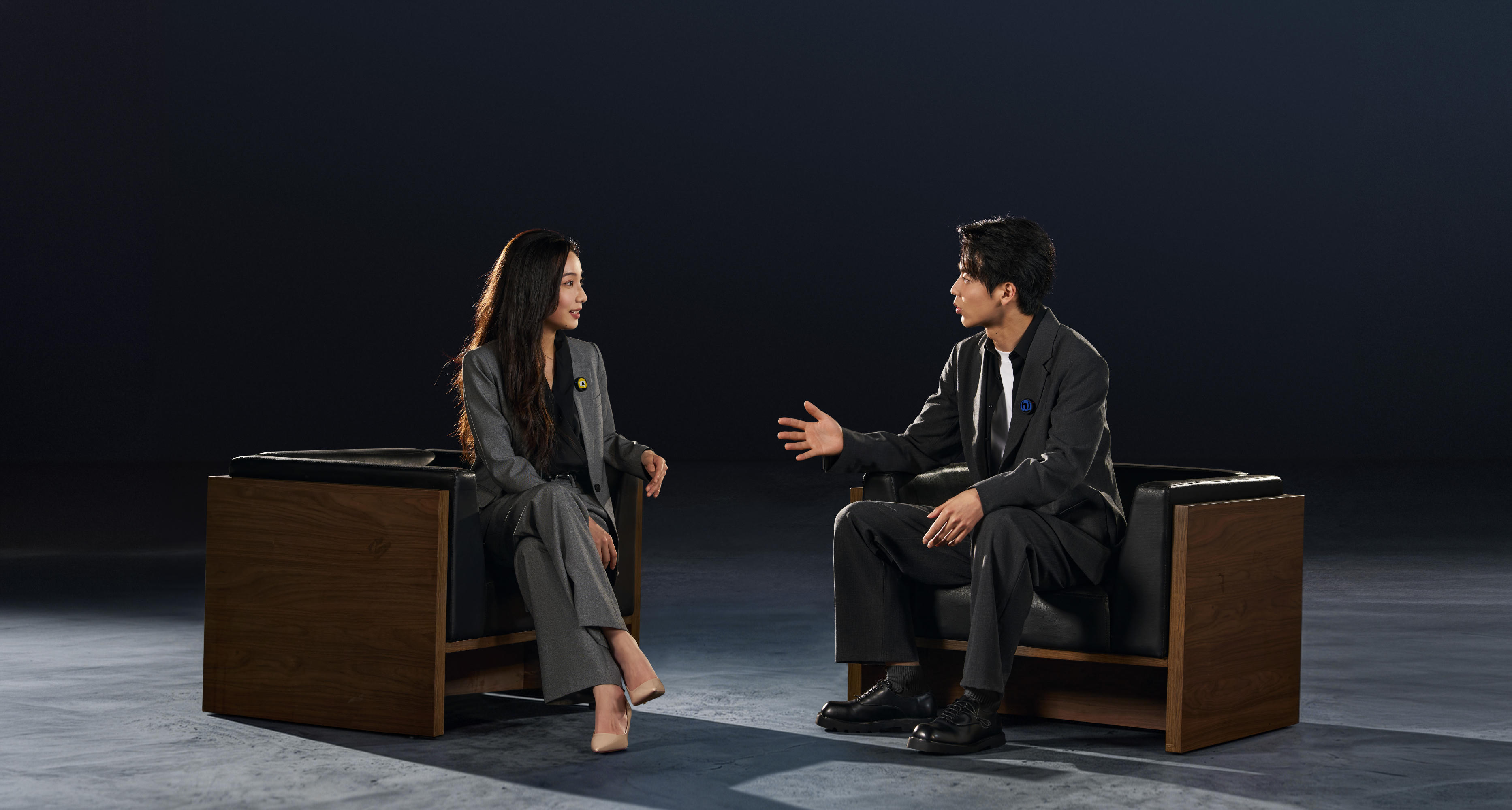


The best podcast microphone setup for multi-camera interviews starts with dedicated mics for every speaker. Isolated tracks give you clean voices, consistent levels and audio that's easier to sync across every angle, whether you're covering trail running, cooking or true crime.
Here's how to get it right.
Key Takeaways
- Give each speaker their own microphone whenever possible. Isolated tracks give you more control over levels, noise and overlapping dialogue.
- Build your audio workflow around the edit. Clean master tracks, organized files and reference audio can make syncing multiple cameras much easier.
- Wireless microphones can keep multi-camera sets cleaner while giving hosts and guests more freedom to move naturally.
Why Multi-Camera Interviews Need a Different Audio Approach
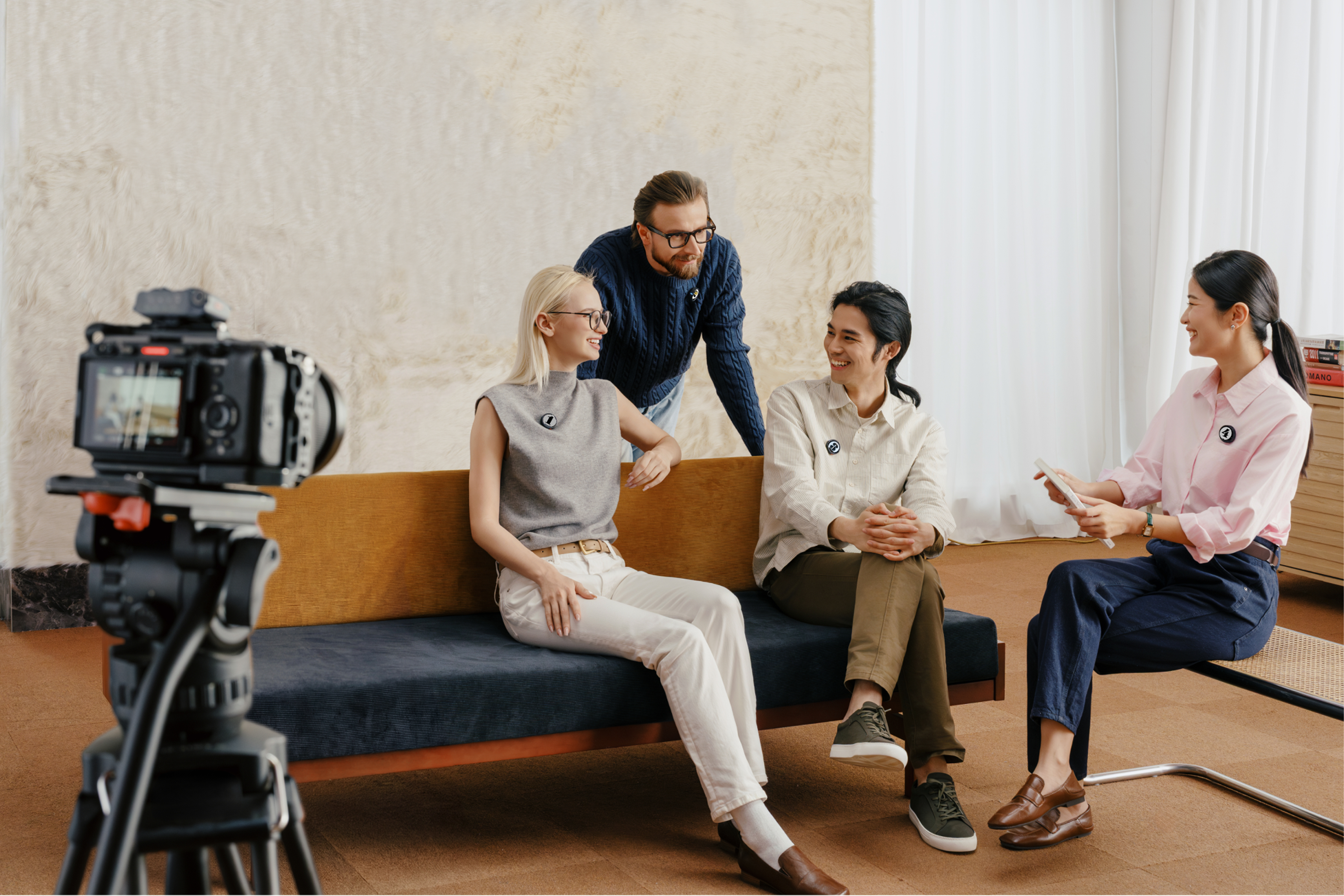
If you’re just starting a podcast, a single-camera setup keeps things simple. Connect a microphone, frame the shot and start recording. But adding more cameras gives you far more flexibility in the edit.
You might have one camera holding a wide two-shot, another covering the host and a third locked on the guest.
Before you add more cameras, though, it’s worth getting the basics of your podcast equipment locked down first. That's why it usually makes more sense to build the setup around clean master audio rather than treating every camera as an independent sound recorder.
Cameras can capture reference audio for synchronization while dedicated microphones handle the voices you actually want in the finished episode.
Microphone Types for Interview Podcasts
| Mic Type | Best For | Tradeoff |
| Wireless lavalier/clip-on | Multi-camera interviews, mobile guests and clean sets | Requires battery and connection management |
| Dynamic broadcast mic | Controlled studio podcasts | Visible on camera and limits movement |
| Shotgun/boom mic | Minimal sets and off-camera capture | Placement gets harder with multiple speakers |
| USB/conference mic | Desk-based and remote interviews | Less suited to isolated multi-person recording |
Wireless Lavalier Microphones
A small mic for podcasting with a big advantage when the cameras start multiplying.
Wireless lavalier microphones clip-on and stay close to the speaker without filling wide shots with stands, boom arms and cables. Hosts and guests can turn, gesture and settle into the conversation without constantly maintaining the same distance from a desk-mounted mic.
Dynamic Broadcast Microphones
Dynamic broadcast mics can deliver strong voice isolation when speakers stay close to them. They're a natural fit for controlled studio environments and can become part of the set's aesthetic.
Arms, stands and cables can creep into wide and side shots, however, especially with multiple angles.
Shotgun and Boom Microphones
If you want the microphone completely out of frame, a shotgun or boom setup is often the answer.
However, one boom covering multiple people won't provide the same separation as individual close microphones, particularly when guests turn their heads or talk over one another.
USB and Conference Microphones
For remote interviews and simple desk-based productions, USB and conference microphones can keep things beautifully compact. Insta360 Wave, for example, focuses on desktop voice capture and conferencing. Pair that type of setup with a camera such as Insta360 Link 2, and you've got a very different workflow from an in-person, multi-camera studio.
How to Set Up Microphones for a Multi-Camera Interview
Good multi-camera audio starts before anyone says a word. The aim isn't to build the most complicated signal chain possible. You want a repeatable system that captures each voice cleanly and gives your editor everything needed to keep the cameras synchronized.
- Give each speaker their own microphone. One host and one guest usually means two microphones. Add another guest and, where possible, add another dedicated channel rather than asking people to share.
- Position each microphone consistently. For clip-on microphones, keep placement close enough to capture a strong voice signal while avoiding hair, jewelry and clothing that could rub against the mic.
- Record speakers to separate tracks. Isolated tracks let you raise a quiet guest without raising everyone else. They also make individual noise reduction, EQ and editing far easier.
- Test realistic speaking levels. Don't stop at a quiet "one, two." Have everyone talk at normal interview volume and test laughter or excited speech too. Sudden peaks are often where problems appear.
- Listen to the room. HVAC systems, computer fans, refrigerators, traffic and hard reflective surfaces can all become obvious once headphones go on.
- Capture reference audio on each camera. It doesn't need to become the finished soundtrack. It gives your editing software a recognizable waveform for lining up each angle with a clean recording.
- Create a clear sync point. A slate or simple hand clap produces an obvious visual moment and audio spike that can save time if automatic synchronization struggles.
- Monitor before the interview starts. Check for clipping, interference, rustling clothes and unwanted background noise.
Routing Audio to Multiple Cameras
A master-recording workflow keeps things straightforward. Your microphones capture audio separately while every camera records reference sound. During editing, you sync the camera clips to that master recording.
Direct-to-camera recording works differently. Compatible wireless audio feeds into a primary camera, while the other cameras capture reference sound only.
Managing Individual Audio Tracks in Post
Anybody who thinks the work stops after you stop recording has a lot to learn about podcasting. And this is where some Type A organizing can be useful.
Labeling tracks by speaker, such as "Host," "Guest 1" and "Guest 2," is much more useful than trying to identify "Audio 01" later in the edit. Preserve your original files, choose the clean recording as your master and balance each speaker separately.
Individual tracks also let you reduce unwanted noise or mute an unused microphone when another speaker is talking. Once synchronization is complete, reference audio from the cameras can usually be disabled rather than included in the final mix.
The Multi-Guest Problem, and How Insta360 Mic Pro Solves It
More guests means more to manage on the technical side—more microphones, more hardware and more opportunities for inconsistent sound. Meanwhile, every stand or cable added to the room becomes another object your wide camera has to see—or carefully avoid.
That's where a compact wireless system starts earning its place.
Insta360 Mic Pro packs a three-mic array with directional pickup options and AI noise-canceling, helping creators focus where it's needed while dealing with less predictable environments. It can also connect seamlessly with compatible Insta360 cameras, including Insta360 X5 and Insta360 Ace Pro 2.
Syncing Audio Across Multiple Cameras
Syncing audio when several cameras are in play can easily become a messy situation if you don’t get things right. Here are three common ways to do it:
- Manual slate or clap synchronization is the simplest. Match the visible clap with the sharp spike in the audio waveform and you've got a clear synchronization point.
- Waveform synchronization uses the reference sound captured by each camera to align clips with your master audio. This is one reason it's worth recording usable scratch audio even when you know it won't make the final cut.
- Timecode offers a more advanced solution for productions that need several devices to share precise timing information. It can be valuable for longer shoots and more complex productions, but it isn't automatically necessary for a typical interview.
5 Common Mistakes in Multi-Camera Podcast Audio
Nothing works perfectly the first time around. In fact, it’ll probably be a process of maddeningly slow improvement. But isn’t that how life is supposed to be? To try and speed up the process, here are five of the most common pitfalls:
- Using one distant mic for everyone. The farther the microphone sits from a speaker, the more room sound becomes part of the recording. Individual close mics usually provide greater separation and consistency.
- Mixing every voice into one track. If one guest is too quiet or noisy, you'll have fewer options to fix that person without affecting everyone else.
- Ignoring clothing noise. A perfectly placed lav can become unusable when a jacket collar, necklace or loose shirt repeatedly brushes against it.
- Skipping reference audio. Silent secondary cameras remove one of the easiest clues your editing software can use for waveform synchronization.
- Testing speech but not laughter. Calm conversation might sit safely below clipping. A sudden laugh can hit much harder. Test the way people will actually speak.
Frequently Asked Questions
How Many Microphones Do I Need for a Podcast Interview?
Ideally, use one microphone for each active speaker. A two-person interview generally needs two close microphones. Three speakers are better served by three individual channels. Dedicated mics provide more control over volume, noise and overlapping dialogue than asking several people to share one recording source.
Can You Use Wireless Mics for a Multi-Camera Podcast?
Absolutely. Wireless microphones can be particularly useful for multi-camera interviews because they reduce visible cables and stands while allowing speakers to move more naturally.
What Is the 3-to-1 Rule for Microphones?
The 3-to-1 rule is a common microphone-placement guideline used when multiple mics are operating around different sound sources. As a rule of thumb, the distance between microphones should be at least three times the distance between each microphone and its intended source. If a mic sits roughly 6 inches from a speaker, for example, you'd aim for about 18 inches between microphones where practical.
Clean Audio Across Every Camera Doesn't Have to Be Complicated
Adding more cameras can chaotic at first. But when you approach it carefully, the pieces begin to come together. Set up your equipment with Insta360 Mic Pro. Give each speaker clean coverage. Keep important voices on individual tracks. Capture reference sound on your cameras and create an obvious synchronization point before the conversation begins.
Once that foundation is solid, the floor is yours to tell the story how you want.
Keen to keep up to date on Insta360 stories? Keep an eye on our blog and sign up for our mailing list. Got a story to share? Email yours to communitystories@insta360.com and win up to US$50.
Your shot. Your world. The Insta360 Global Awards 2026 supported by Leica are officially open. Join creators worldwide and compete across six categories (Street, Travel, Life, Portrait, Sports, and Night) for your share of a US$150,000+ prize pool, including cash prizes and Insta360 gear. Submit your best video or photo at insta360.com/awards.




%20(1).svg)


%20(1).svg)

.svg)


