

















































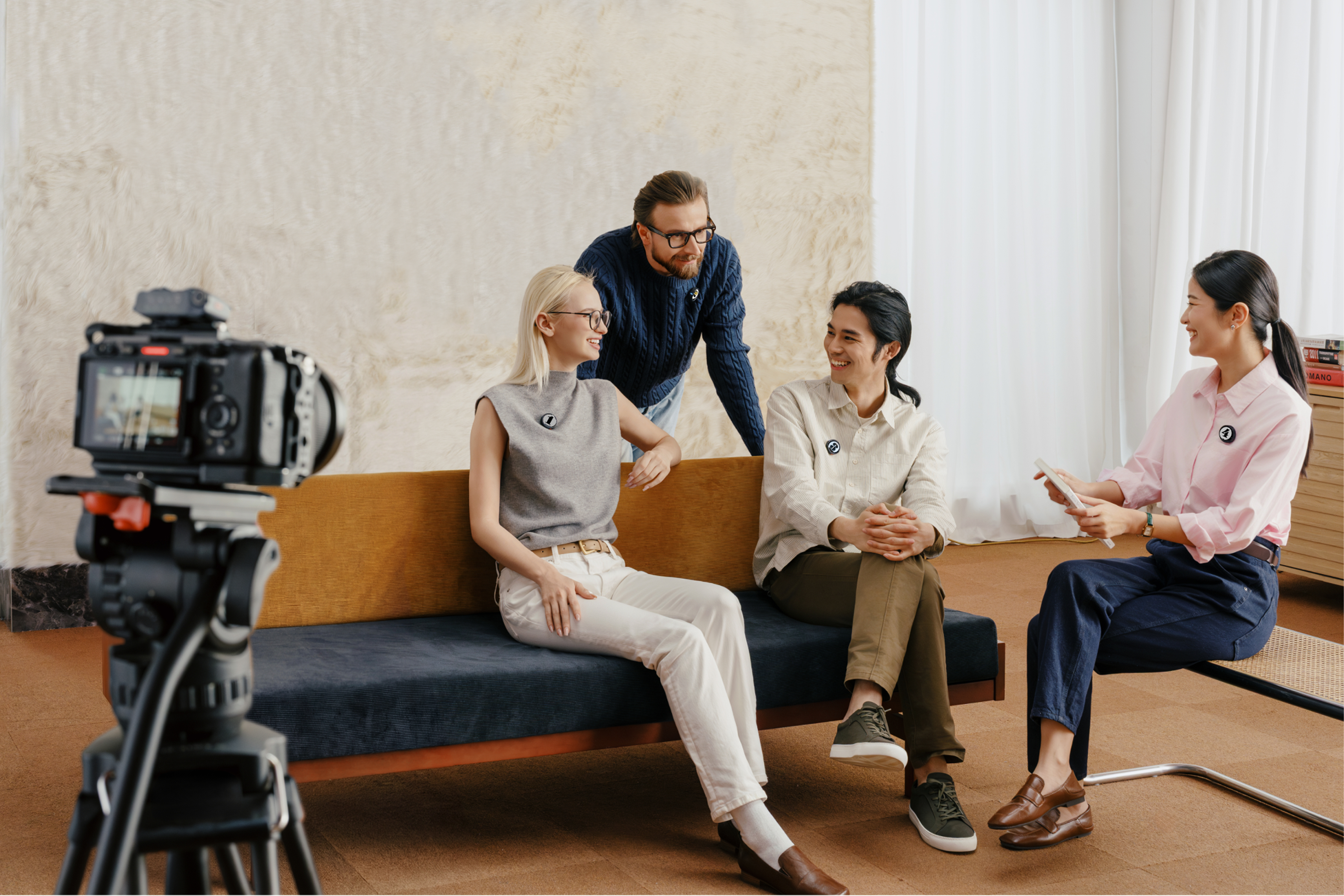


Starting a podcast is easy. Getting the audio right is where most people struggle.
You can have a good idea, solid guests, and a decent setup, but if the audio sounds thin, inconsistent, or noisy, it’s hard to listen to.
The “best” microphone depends on how you record. A desk setup, a remote interview, and an on-the-move podcast all need different things. Here are how to choose the right one.
What Is the Best Podcasting Mic in 2026?
So you’re thinking about starting a podcast. You’ve got your niche, you know all the relevant information, and maybe you’ve even got some good ideas for guests. But before you do anything, you need to ensure that you’ve got the best equipment.
The bad news is: there isn’t a single answer. But the good news is, you have options! Here’s a few picks that make sense from the Insta360 ecosystem.
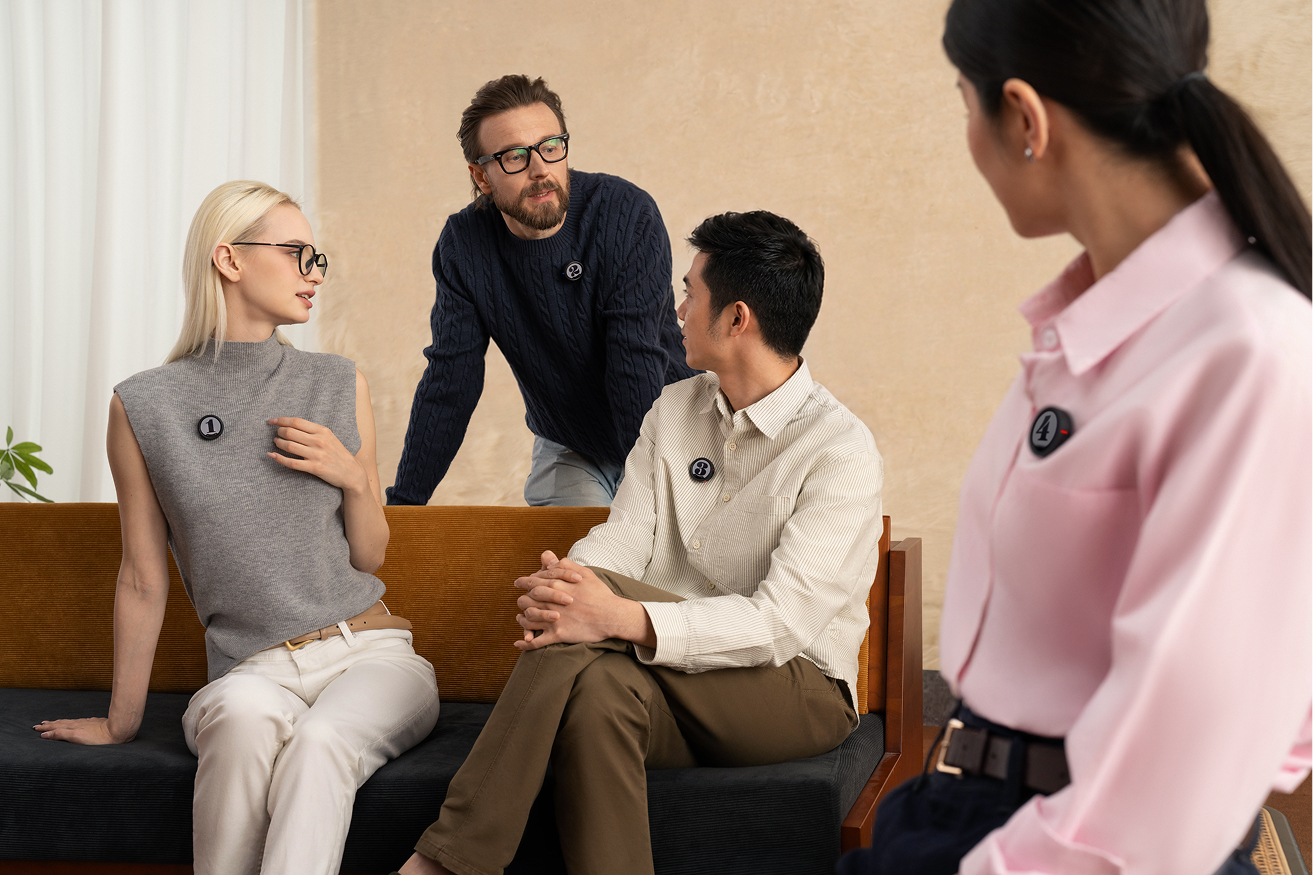
Best for Professional, Multi-Person Setups : Insta360 Mic Pro
If your podcast involves more than one voice (or you care about having full control over your audio) this is the one that makes sense. Insta360 Mic Pro is built for serious recording and can run multiple transmitters at once, capture isolated tracks, and sync everything cleanly in post. That alone changes the way you record conversations, panels, or interviews.
The audio quality is also outstanding. A three-mic array captures voices consistently, even if someone turns their head or shifts position. Add AI-powered noise reduction, and it holds clarity in environments that would normally ruin a take. And finally, the internal 32-bit float recording means sudden volume spikes won’t destroy your audio, and onboard storage keeps a backup running in case anything drops out.
Best for Solo Creators and Simple Setups: Insta360 Mic Air
If your podcast is more direct (one voice, quick setup, minimal gear) Insta360 Mic Air can certainly do a great job. It’s tiny and super light at just 7.9g, meaning you barely notice it’s there.
Clip it, attach it magnetically, or wear it as a pendant. Despite the size, the audio still comes through clearly and you get 48kHz recording with built-in noise reduction, so voices stay clean even outdoors or in busy environments.
The simple setup is where Mic Air really shines. There’s no receiver needed for compatible Insta360 cameras, just connect with practically any device, and you’re good to go. Controls sit on the transmitter itself so you can trigger recording or mute without touching your camera. This is perfect if you’re going live on YouTube and don’t want to be fiddling with the controls.
Battery life holds up across a full day, and the wireless range covers typical recording distances with no issues. You don’t get the same outstanding features as the Mic Pro, but sometimes, you don’t even need them.
| Feature | Insta360 Mic Air | Insta360 Mic Pro |
| Best For | Quick, solo recording | Podcasts, interviews, multi-person setups |
| Ease of Use | Clip on and record instantly | More setup, but far more control |
| Audio Control | Basic (set and go) | Advanced (gain control, presets, pickup modes) |
| Noise Handling | Standard noise reduction | AI-powered noise isolation |
| Mic Setup | Single mic, omnidirectional | 3-mic array with multiple pickup modes |
| Multi-Person Recording | Not supported | Up to 4 people |
| Internal Backup Recording | None | 32-bit float + onboard storage |
| Audio Safety | Limited (can clip in loud moments) | High (handles spikes without distortion) |
| Battery Life | ~10 hours | Up to 30 hours with a case |
| Range | Up to 300m (with receiver) | Up to 400m |
How to Choose the Best Podcast Microphone
Audio Quality
If audio quality isn’t your priority, it probably should be. With video, viewers might be willing to accept some shots that look a little rough around the edges, but with podcasts, if your audio flounders, what you want isn’t just clarity, it’s consistency. A mic that captures your voice naturally, without distortion or background noise creeping in as you move or shift.
USB vs Wireless vs XLR
Each type suits a different setup.
- USB microphones are simple. Plug them in and start recording. Best for solo desk setups.
- XLR microphones offer more control and higher-end audio, but require mixers or interfaces. Best for studio environments.
- Wireless systems prioritize flexibility. You’re not tied to a desk, which makes them ideal for interviews, video podcasts, or recording on the move.
Recording Environment
Your space matters more than most people expect.
Hard surfaces reflect sound, which creates echo. Background noise builds quickly in uncontrolled environments.
If you’re recording at a desk, you can manage this with your setup. If you’re recording outside or on location, your microphone needs to handle it for you.
Portability & Ease of Use
Think about what kind of podcast you’ll be making. Are you going to be sitting behind the same desk every week, or will each week come from a new exciting location where you have limited control over a number of variables? If your podcast involves interviews, travel, or spontaneous recording, portability matters.
A compact, easy-to-carry setup means you’re always ready to capture a moment when it happens. Ease of use can mean everything, but again, that needs to fit into your podcast style. Fast setup, intuitive controls, and reliable performance make the difference between recording more and recording less.
When a Wireless Lavalier Mic Is the Best Choice for Podcasting
Not all podcasts happen in controlled spaces, and not all hosts want to stay still. Some of the most popular podcasts in recent years include segments where the host roams the outside world, and that’s exactly what brings it all to life.
Wireless lavalier microphones are built for this. They clip on, disappear into your setup, and let you move naturally while keeping your voice front and center. No desk. No fixed position. Just clean audio that follows you wherever the story goes.
They’re perfect for walking conversations, on-location interviews, vlogging, video podcasts filmed alongside audio, and solo creators recording in real time.
How To Set up a Podcast Microphone for the Best Sound Quality
You can have the best mic in the world. But if it’s set up wrong, it won’t sound like it. Stick to these steps for the best results.
- Control Your Environment
If you’re setting up a podcast studio, hard walls, empty rooms, and background noise all affect your recording. Soft surfaces like carpets, curtains, or even furniture help absorb sound and reduce echo. If you’re podcasting on the move, you have less control, but it’s still worth carefully considering where you'll be recording. A mountain walk might work well. A packed bar, not so.
- Positioning
Positioning the mic is key. Too close, and your audio becomes heavy and distorted. Too far, and it loses presence. A good rule is to keep your mic about 6–12 inches from your mouth. If you’re using a lavalier, place it high on your chest, centered, and away from loose fabric.
- Test & Adjust
The worst thing you could possibly miss is a test recording. There are countless things that might not work right, so run a quick test, listen back, and make small adjustments. It takes seconds — and can be the difference between usable audio and something you have to redo.
- Monitor Sound
Use headphones whenever possible to catch issues in real time—background noise, interference, or changes in volume. Fixing problems early saves you from trying to repair them later.
High-Quality Podcast Audio Starts with Choosing the Right Microphone
The podcast industry is predicted to grow by a staggering 25% a year over the next four years, and by 2030, could be worth somewhere in the region of $100 billion. Now is the time to start that podcast you’ve been putting off for too long.
It began with an idea, but equipment and audio quality comes next. You’re not just thinking about sound quality, but also how you create.
Insta360 Mic Pro is the new titan on the block. With AI noise reduction, a three-mic array that keeps your voice consistent from any angle, and 32-bit float recording that protects every take, it removes the usual points of failure before they even appear. You bring the idea, and let Insta360 Mic Pro do the rest.
Frequently Asked Questions
What Type of Mic Is Best for Podcasting?
If you’re working from a desk in a controlled space, USB or XLR setups can deliver rich, consistent sound. But if your podcast involves movement, interviews, or video, wireless microphones are quickly becoming the go-to.
Is a Cheap Microphone Good Enough for Podcasts?
It can be, but you might run into some risks. Entry-level mics can capture usable audio, especially in quiet environments. But as your podcast grows, limitations become more noticeable—background noise, inconsistent levels, and a lack of depth in your voice.
Keen to keep up to date on Insta360 stories? Keep an eye on our blog and sign up for our mailing list. You can also contact our Enterprise team directly to see how 360 cameras can benefit your business.







%20(1).svg)


%20(1).svg)

.svg)


