



















































The podcast industry is thriving. In 2020, over a million podcasts were launched, bringing the global total to around 1.6 million. Six years later, there are now over 4.5 million podcasts worldwide, and the industry continues to expand at a record-breaking rate.
For those of you out there thinking about starting a podcast, now is the time. If you’ve already made a start but want to upgrade your equipment to pro level, now is also the time.
Sure, niches, ideas and guests are all important, but the bedrock of any good podcast is the equipment that makes it all work.
What Equipment Do You Need to Start a Podcast?
Before you dream of hitting record for the first time, it’s important to get the right equipment in place before you start. Otherwise, recording time easily turns into wasted time.
Essential Equipment
These are your essentials, and always try to keep them simple, reliable and focused on clarity. The shiniest and most expensive equipment isn’t always what you need.
- Microphone: Your most important tool. Clear audio keeps listeners engaged from the first second.
- Recording device: A laptop or smartphone is more than enough to begin.
- Headphones: Monitor your sound in real time and catch issues early.
- Recording software: Any basic recording app or DAW will do the job.
Optional (But Helpful) Equipment
Once you’ve got the basics in place, a few upgrades can take things further, especially if you’re thinking beyond audio.
- Camera: For video podcasts or clips. A device like Insta360 Link 2 instantly elevates your setup with sharp, responsive framing—great for going live on YouTube.
- Lighting: Good lighting adds depth and clarity, even in small spaces.
- Mic stand or boom arm: Keeps your microphone steady and positioned correctly.
- Pop filter or windscreen: Reduces harsh sounds and improves vocal clarity.
- Audio interface: Needed if you move into XLR microphones later on.
The Most Important Piece: Your Microphone
This shouldn’t come as a complete surprise, but the microphone used for a podcast is pretty important. In fact, it’s probably the most important piece in the whole jigsaw.
A great microphone sets the tone for the whole podcast. Listeners and viewers will put up with a lot, especially in the early days when teething problems are most prevalent. But bad audio will mean a rapid drop-off in listeners from the very beginning.
According to a report in the Proceedings of the National Academy of Sciences, high-quality audio has the ability to make a speaker appear more attractive and convincing, while poor audio has exactly the opposite effect.
It sounds obvious, but now there’s actual science to back it up.
For beginners, the goal isn’t perfection, but rather consistency.
You want a mic that captures your voice cleanly, minimizes background noise and fits your workflow without friction. A wire-free setup like Insta360 Wave lets you move naturally while keeping your audio locked in. No cables pulling at your setup. No rigid positioning. Just clear sound, wherever you’re recording.
For something more portable, a lavalier microphone is a great option that you can simply clip onto your clothes and forget you even have it. If you're looking to compare different wireless lavalier microphones, explore Insta360's collection to find the right option for podcasts, interviews, livestreams, and other content creation.
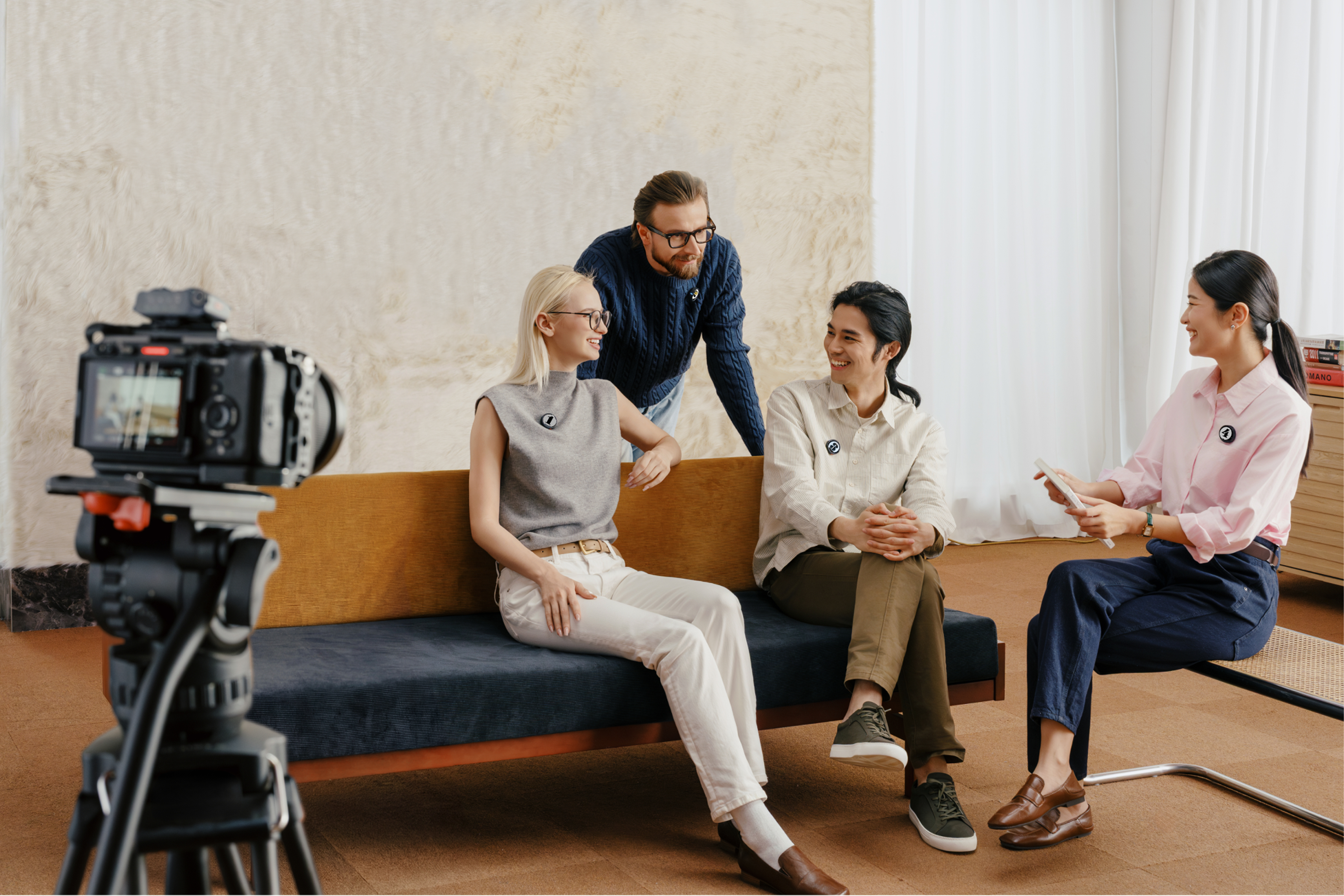
USB vs XLR vs Wireless: Which Should You Choose?
You’ll probably arrive at this question early, so let’s address it now. It’s not so much a question of which is best, but instead, which is best for you and your style of podcasting.
- USB microphones are the fastest way to start. Plug in, hit record and you’re live. No extra gear, no setup friction.
- XLR microphones offer more control and higher-end audio, but they come with complexity. You’ll need an audio interface, proper gain staging and a more fixed setup.
- Wireless systems sit in a different lane. They’re built for movement. For creators recording video podcasts, interviews, or multi-angle content, they remove the biggest limitation—being tied to a desk.
| Type | Ease of Use | Sound Quality | Best For |
| USB | Very easy | Good | Beginners, solo setups |
| XLR | Advanced | Excellent | Studio environments |
| Wireless | Easy + flexible | Very good | Mobile, video, dynamic recording |
Recording Devices: What You Can Use
You don’t need a professional-grade studio to make a great podcast, and many of the most successful podcasts had humble beginnings. Technology has now progressed to a point where all you need is a laptop or even a phone and an idea people want to listen to.
Laptop
This is the most common starting point. Reliable, easy to manage and compatible with nearly every recording platform. Pair it with a solid mic, and you’ve got a clean, controlled setup from day one.
Smartphone
Don’t underestimate it. Modern phones can record high-quality audio and video, making them one of the most flexible podcast tools available. With the right setup, your entire workflow fits in your pocket.
Stabilization makes a difference here. If you’re recording video or moving between shots, something like Insta360 Flow 2 Pro keeps your footage smooth and intentional—no distracting shake, no extra effort.
If portability is a priority, ultra-compact cameras like Insta360 GO 3S or Insta360 GO Ultra offer a lightweight, hands-free way to capture behind-the-scenes clips or secondary angles without complicating your setup.
Camera (for video podcasts)
More podcasts are becoming visual, and that changes everything. A dedicated camera adds depth, clarity, and a more cinematic feel to your content.
A webcam like Insta360 Link 2 is perfect for desk-based setups, offering sharp image quality with intelligent tracking. If you’re aiming for a more dynamic look, action-ready cameras like Insta360 Ace Pro 2 let you capture high-quality footage in almost any environment.
And if you want to experiment with angles, devices like Insta360 X5 or Insta360 X4 open up creative framing—capturing the full scene and letting you decide the perspective later. Both of these are great choices if you’re thinking about starting a vlog, as it takes out most of the stress of needing to think about angles at all times.
Headphones: Why They Matter More Than You Think
You might think headphones are just fancy add-ons that only professionals use, but they’re way more important than you might realize.
Headphones give you real-time feedback, letting you catch background noise, distortion, or mic issues before they ruin an entire take. Without them, you’re guessing. With them, you’re in control.
They also help prevent common issues like echo or feedback, especially when recording with multiple devices. It’s a small addition to your setup, but it can save hours in editing.
And you don’t need to splash the big bucks. Even a basic pair makes a difference, but whichever you use, use them consistently, because, over time, you’ll learn how your audio should and shouldn’t sound.
Other Optional Podcast Equipment
Now that we’ve got some of the essential basics out of the way, let’s take a look at some optional add-on equipment that could take your podcast to a new level.
- Acoustic treatment: You don’t need professional panels—soft surfaces go a long way. Curtains, rugs, and furniture can reduce echo and improve clarity instantly.
- Lighting: If you’re recording video, lighting shapes how your podcast looks just as much as your camera. Clean, balanced light makes everything feel more polished.
- Multi-camera setups: This is where podcasts become visual experiences. Switching angles, capturing reactions, and adding movement keeps viewers engaged.
7 Tips for Getting the Best Audio with Any Setup
So, you’re all set. The equipment is plugged in and synced together, the microphone has been tested—headphones at the ready. It’s time to go. The good news is that the early stages are always great fun, but the bad news is that it’s pretty much guaranteed that plenty of things will go wrong.
But to minimize them as much as possible, here are seven tips to keep in mind:
- Choose your room carefully: Hard surfaces create echo. Softer spaces—carpet, curtains, furniture—help absorb sound and keep your voice tight.
- Stay close to the microphone: Distance is the enemy. Keep your mic within a consistent range and your voice will stay full and present. (typically a fist’s length with tabletop microphones).
- Watch your levels: Too quiet, and you’ll introduce noise when boosting. Too loud, and you’ll clip. Aim for balanced, steady levels.
- Record a quick test before every session: Don’t even think about skipping this. A 10-second check can save an entire episode. Listen back. Adjust. Then start.
- Reduce background noise at the source: This is a mistake that all newbies experience at some point. Turn off fans, close windows and control your environment before hitting record. You’ll be amazed how loud that barking dog from down the street seems when you listen back.
- Stay consistent with your setup: Find a setup that works and stick with it—same mic position, same room, same settings. You might need to switch things up from time to time, but try to keep to what works and improve that over time.
- Keep editing clean and minimal: Good recording reduces the need for heavy processing. Focus on clarity, not over-polishing.
A Great Podcast Starts With the Right Equipment
Podcasting continues to grow rapidly, with millions of shows available worldwide, and listenership expected to keep rising in the coming years. With accessible tools and flexible setups, it’s easier than ever to start recording and sharing your ideas.
The goal isn’t perfection—it’s progress.
Whether you’re building a simple setup or creating a more dynamic video podcast, the right tools make all the difference. Options like Insta360 Mic Pro for wireless audio, Insta360 Flow 2 Pro for smooth smartphone footage, or cameras like Insta360 X5 and Insta360 Ace Pro 2 give you the flexibility to create content your way.
But most importantly, build something people want to listen to again and again.
Frequently Asked Questions
What Equipment Is Essential to Start a Podcast?
Less than you think. You can start a podcast with a microphone, a recording device, and headphones, and that’s it. Everything else—cameras, lighting, advanced audio gear—can come later as your podcast evolves.
Can I Start a Podcast With Just a Smartphone?
Yes, and it’s one of the easiest ways to begin. Modern smartphones can handle both audio and video recording with surprising quality.
Keen to keep up to date on Insta360 stories? Keep an eye on our blog and sign up for our mailing list. You can also contact our Enterprise team directly to see how 360 cameras can benefit your business.







%20(1).svg)


%20(1).svg)

.svg)


