

















































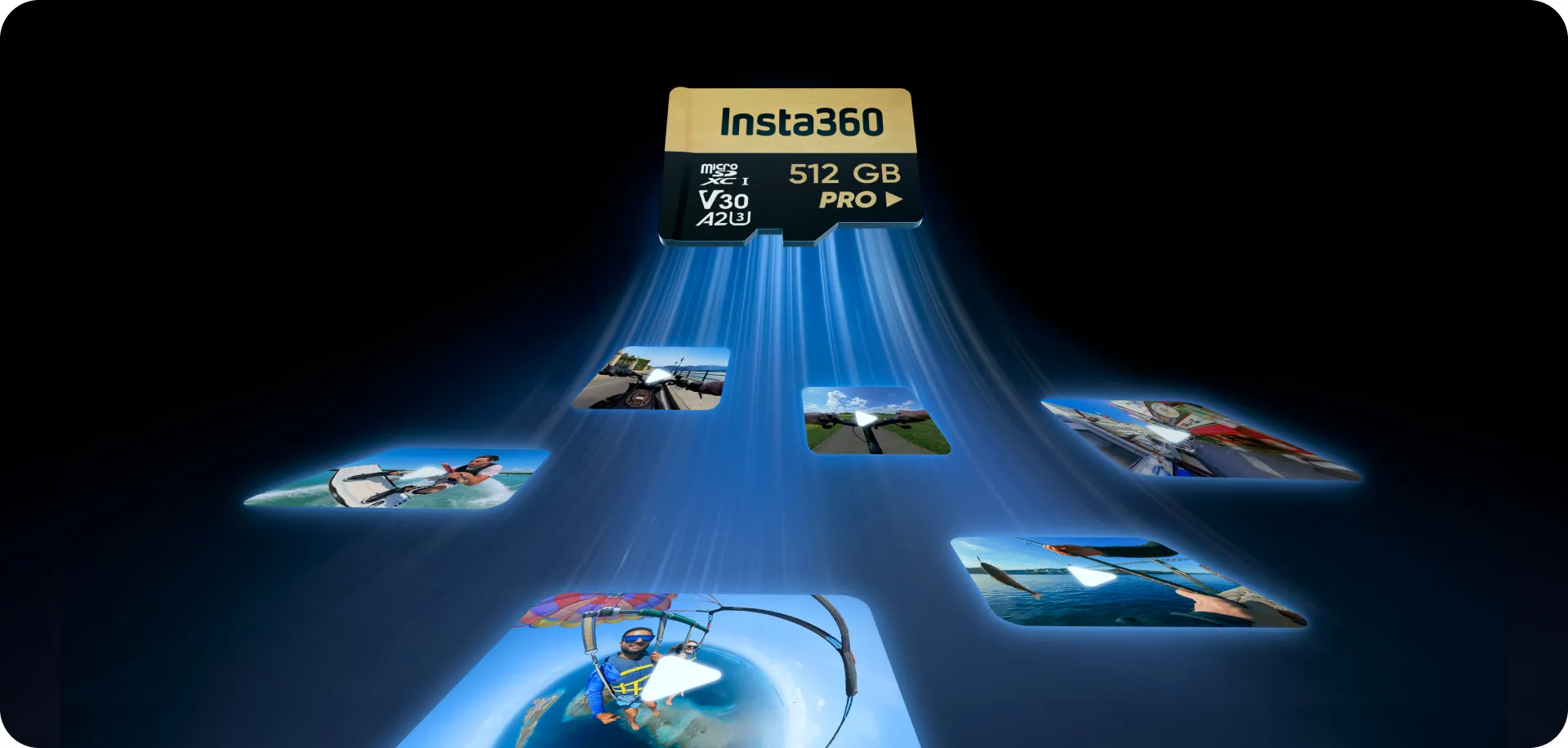


Smooth 360 footage isn’t just about the camera; your microSD—or memory—card is the unsung hero keeping every epic shot glitch-free. A card that’s too slow or incompatible can result in dropped frames, corrupted files, or lost footage, which is the last thing you want after nailing perfect 4K or 8K shots. This guide covers everything you need to know: from speed ratings and UHS-I compatibility to recommended capacities and tips to get the most out of your Insta360 camera.
Choose a Reliable, High-Speed SD Card
When choosing a reliable SD card to maximize your Insta360 camera performance, you want a minimum 120MB/s write speed to capture continuous high-definition 8K video. For the best results, consider using Insta360’s MicroSD Card. Slower speeds may not capture the action, but not all high-capacity cards are compatible.
Lexar Professional Silver Plus microSDXC Ultra High Speed, Class I (UHS-I) cards are a top pick for Insta360 Ace Pro 2. Start with at least 128GB, but go up to 1TB for higher write speeds. However, avoid cards over 1TB—they won’t work.
Why the Right microSD Card Matters for 360-Degree Action Cameras
When shooting with a 360 camera like Insta360 X5, the right microSD card matters. Speed, reliability, and capacity are critical factors that affect your ability to shoot uninterrupted, high-quality videos.
For consistent, high-quality results, it’s crucial to use UHS-I microSD cards with a Video Speed Class 30 (V30) or higher speed class formatted in exFAT format.
Don’t let a slow card be the villain in your next epic timelapse. They may stop working or create corrupted files, as has been experienced by those attempting to record 4K using a 64GB microSD UHS-I card. A “100MB/s” card showed similar problems. Playback appeared fine, but no data was actually saved.
Key Card Features for 4K and 8K Recording
When shooting 4K or 8K, write speed isn’t just nice to have—it’s mission-critical. Think of write speed as a throttle on your camera. The faster it is, the more creative freedom you have to capture every jump, splash, and crash in full detail. Simply put, if your card isn’t fast enough, you’re limiting performance right out of the box.
Capacity and Speed: How Much Card Do You Really Need?
When selecting your memory card, consider the model of Insta360 camera you have, since some models rely entirely on external microSD cards while others have built-in memory.
A minimum 128GB capacity is recommended since lower capacities have lower write speeds. It also depends on the resolution you record in, since higher resolutions require higher capacity. Still, the maximum capacity you can use is 1TB, as higher capacities become incompatible.
Compatibility, Formats, and Setup for Smooth Recording
- To get the best performance from your GO Ultra, ensure your memory card is fully compatible and correctly set up before recording.
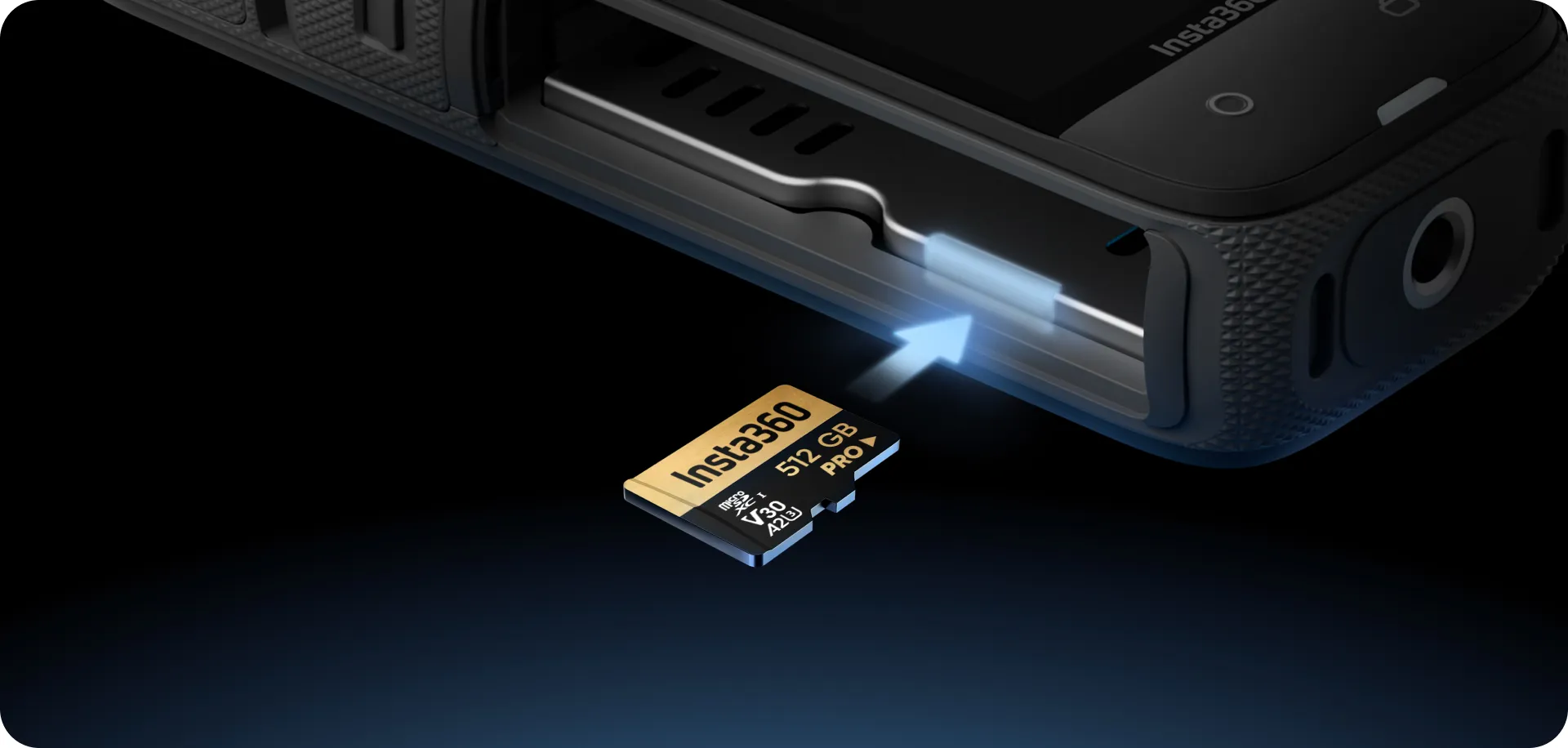
- Insta360 Ace Pro, Insta360 X5, and others have a microSD UHS-I slot with a V30 or higher speed rating for 4K and above recording.
- Note that while you could technically fit a superfast UHS-II microSD card, the slot is built for a Type I card and Type II cards won’t work—the slot can’t read their extra contacts and may corrupt files.
- Pro tip: Format your card in-camera, not on your computer, to keep your files safe and your footage smooth.
- Using exFAT formatting ensures proper file handling and reduces the risk of corrupted footage.
- When swapping cards, power the camera off and wait a few seconds before gently pressing the card to release it. Forcing a card in or pulling it out while the camera is writing data can corrupt files or damage the card contacts.
Transfer, Backup, and File Management Best Practices
After you finish shooting your video, you have two main ways to transfer files:
First, use your Insta360 and the USB charging cable that comes with it. Once connected to the computer, select USB mode on your camera and it will appear as a USB drive on your computer. From there, copy files directly or use Insta360 Studio for selective transfers.
Quick heads-up: Keep your camera battery charged during transfers. Nobody wants to lose their footage halfway through!
The second option for file transfers is to use a high-speed card reader on your computer. It’s the most secure and doesn’t rely on battery power.
Frequently Asked Questions
What is the best storage for my Insta360?
The best storage for Insta360 cameras is UHS-I microSD cards with a V30 or higher speed class, formatted in exFAT format, to prevent interrupted shooting or corrupt files, which may occur when using incompatible cards.
What SD card should I use for my Insta360?
For optimal performance with any Insta360 that uses microSD cards, a high-speed UHS-I V30 card is ideal, with a minimum capacity of 128GB or a maximum capacity of 1TB, such as the Lexar Professional Silver Plus microSDXC UHS-I Card.

How much memory do I need for my Insta360?
How much memory you need depends on what resolution you shoot in and for how long. For optimal performance with any Insta360 camera, a high-speed UHS-I V30 card with a minimum capacity of 128GB or a maximum capacity of 1TB is best.
Is 128GB enough for my Insta360?
In many cases, 128GB of memory should be enough for your Insta360. However, it depends on how much you shoot in 4K or 8K, as higher resolutions require faster write speeds and greater storage capacities. In such cases, a maximum of 1TB is best.
Ready to Select the Right Insta360 SD Card?
Choosing the right microSD card comes down to three things: speed, capacity, and compatibility. For reliable 4K and 8K recording, stick with a UHS-I V30 card and aim for at least 128GB, but ideally 512GB or 1TB for longer shooting sessions and higher write speeds. Pick the right card, format it right, and hit record, and you’ll be free to focus on chasing the next adventure while your Insta360 delivers seamless, high-quality video.
Once you’ve chosen the right card, make sure your camera can fully take advantage of it. Insta360 X5 is designed for high-performance 360° video, making it an ideal match for V30 high-speed microSD cards.
👉 Explore Insta360 X5 and get the most out of your next shoot.
Keen to keep up to date on Insta360 stories? Keep an eye on our blog and sign up for our mailing list. Got a story to share? Email yours to communitystories@insta360.com and win up to US$50.







%20(1).svg)


%20(1).svg)

.svg)


