



















































SD cards are essential to 360-degree cameras, from storing files to maximizing your device’s performance. Understanding the memory card is critical for using a 360-degree camera, or most cameras nowadays!
Here we answer the most asked SD card questions for 360-degree cameras.
What Does the SD Card Do in a 360 Camera?
The SD card in a 360 camera stores all your best photos and videos and facilitates file transfers between devices. It also supports your device’s performance (by utilizing read speeds) and can be the difference between capturing that awesome, smooth footage and missing out on a shot entirely.
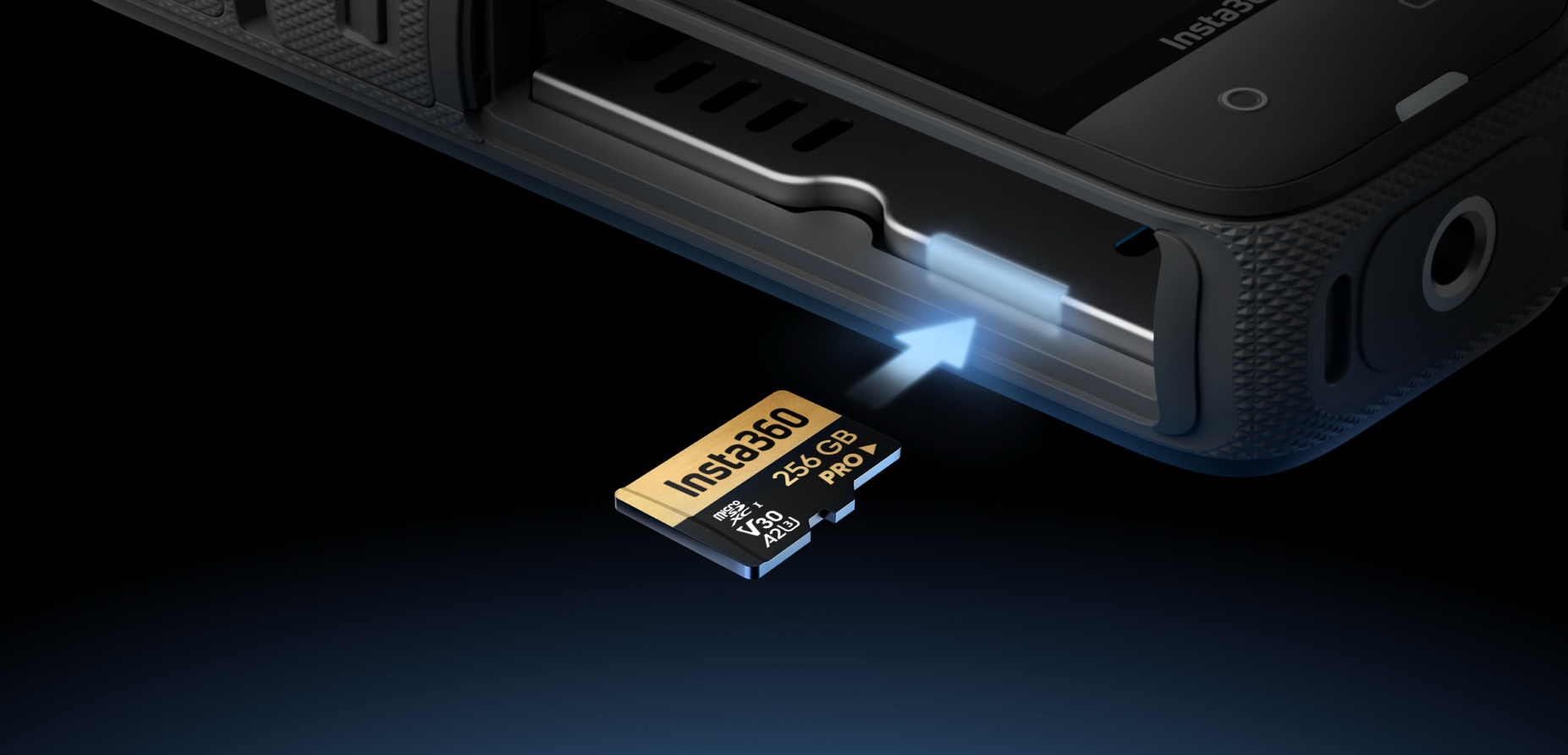
What Do SD Card Labels Actually Mean?
SD cards come in various forms with several different specifications, so you might think it’s pretty confusing. Thankfully, those tiny card labels are packed with information, so you know which card to choose and avoid any headaches.
Form Factor
SD memory cards are available in two form factors: SD and microSD. A third form factor, mini SD, followed the original but was phased out after the introduction of microSD. Form factor can usually be identified visually, as the SD card is larger than the microSD card. Still, it’s typically indicated on the card label as well.
If the form factor isn’t shown on the label, it’s likely a default SD card. If you want to use a microSD card in a device that only accepts SD, don’t worry, you can use an adapter.
Capacity Standards
SD memory cards are available in four capacity standards: Standard Capacity (SD), High Capacity (SDHC), Extended Capacity (SDXC), and Ultra Capacity (SDUC). Each capacity standard has a maximum storage capacity and preferred file format. They also have a unique logo design featuring their initials, such as SD or SDXC, for easy identification.
| Capacity Standard | Standard Capacity | High Capacity | Extended Capacity | Ultra Capacity |
| Logo | SD | SDHC | SDXC | SDUC |
| Max Capacity | 2 GB | 32 GB | 2 TB | 128 TB |
| File Format | FAT12, FAT16 | FAT32 | exFAT | |
While you may be tempted to buy a card with a higher capacity, ensure it’s compatible with your device first, and always be wary of read speeds.
Storage Capacity
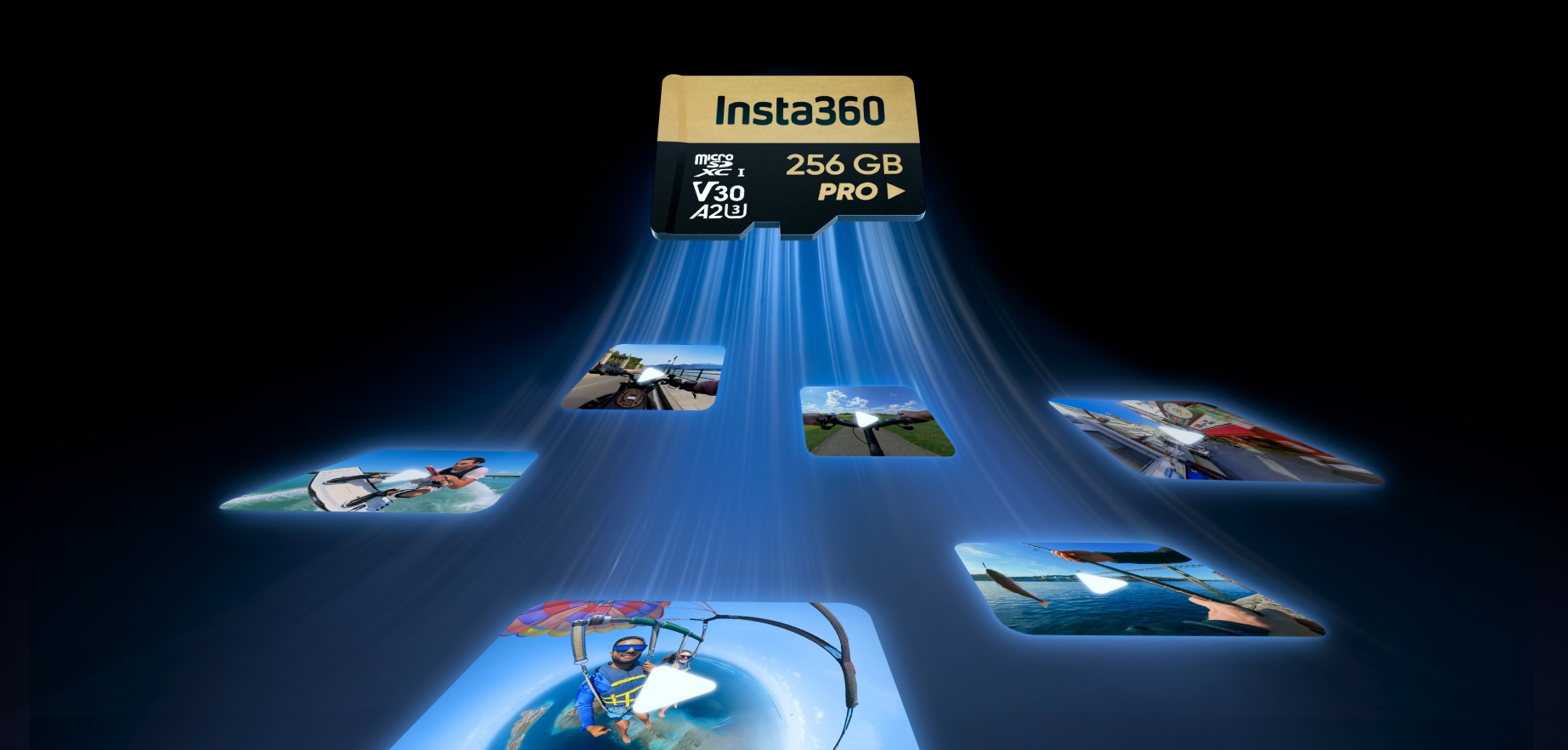
While capacity standards set a maximum storage capacity, actual capacities vary within a given standard. For instance, while the SD High Capacity standard allows up to 32 GB of storage, 8 GB SDHC cards are available. Thankfully, the label will indicate the available storage capacity.
Bus Interface
The bus interface indicates the bus speed, or the maximum data transfer rate between the card and the device. Interfaces are available in Default Speed, High Speed, three instances of Ultra High Speed (UHS), and SD Express (EX). UHS interfaces are identified by Roman numerals (I, II, or III), while SD Express is identified by its abbreviation (EX). Default and High Speed do not have a label identification.
| Bus Interface | Bus Speed | Card Compatibility |
| Default | 12.5 MB/s | SD, SDHC, SDXC, SDUC |
| High Speed | 25 MB/s | SD, SDHC, SDXC, SDUC |
| UHS-I (I) | 50 MB/s | SDHC, SDXC, SDUC |
| 104 MB/s | SDHC, SDXC, SDUC | |
| UHS-II (II) | 156 MB/s | SDHC, SDXC, SDUC |
| 312 MB/s | SDHC, SDXC, SDUC | |
| UHS-III (III) | 312 MB/s | SDHC, SDXC, SDUC |
| 624 MB/s | SDHC, SDXC, SDUC | |
| SD Express (EX) | 985 MB/s | SDHC, SDXC, SDUC |
| 1969 MB/s | SDHC, SDXC, SDUC | |
| 3938 MB/s | SDHC, SDXC, SDUC |
Keep in mind that actual performance is limited by the maximum bus speed allowed by either the card or host. For example, if you use an SD card with a bus speed of 104 MB/s, but your device only supports 50 MB/s, you’ll be limited to 50 MB/s.
Speed Class
Speed class ratings indicate the minimum write speed of the card. This set minimum is essential during video recording, which requires sustained write speeds to avoid dropped frames. Ratings exist within the Original (C), Ultra High Speed (U), Video (V), and SD Express (E) speed classes. While speed classes support certain video formats, real-world performance may vary.
| Minimum Speed | Speed Class | Video Format | ||||||
| Original | UHS | Video | SD Express | SD | HD | 4K | 8K | |
| 2 MB/s | Class 2 (C2) | Yes | No | No | No | |||
| 4 MB/s | Class 4 (C4) | Yes | ||||||
| 6 MB/s | Class 6 (C6) | Class 6 (V6) | Yes | |||||
| 10 MB/s | Class 10 (C10) | Class 1 (U1) | Class 10 (V10) | |||||
| 30 MB/s | Class 3 (U3) | Class 30 (V30) | Yes | |||||
| 60 MB/s | Class 60 (V60) | |||||||
| 90 MB/s | Class 90 (V90) | |||||||
| 150 MB/s | Class 150 (E150) | |||||||
| 300 MB/s | Class 300 (E300) | |||||||
| 450 MB/s | Class 450 (E450) | |||||||
| 600 MB/s | Class 600 (E600) | |||||||
Speed class is labeled with a letter and number, such as C2, U3, or V60. Where speed classes overlap, multiple symbols may be displayed to indicate compatibility with different devices. For example, a minimum write speed of 10 MB/s may be labeled C10, U1, and/or V10.
Read/Write Speed
Read speeds indicate how quickly information can be accessed from a card, while write speeds indicate how quickly information can be written on the card. The higher the read speed, the sooner your device can access files. Labels indicate the maximum read or write speed, so actual performance may vary.
Labels typically display only the maximum read speed, although a combination of read and write speeds may also be listed. MicroSD card labels usually don’t include this information because of limited space.
Application Performance Class
Application performance class indicates a card’s ability to run applications smoothly. It defines writing speeds and minimum input/output operations per second (IOPS). Cards come in either Application Performance Class 1 (A1) or 2 (A2), and are typically only applicable to smartphones or gaming devices.
What Size SD Card Should I Use?
The storage capacity of your card depends on your usage. Higher resolutions require more capacity. A minimum of 128 GB is recommended for 360 cameras, but you may prefer more. Keep in mind that cameras also have a maximum capacity, typically 1 TB for 360 cameras. Follow the instructions in your camera’s user manual to find the correct size for your camera.
Troubleshooting: My SD Card Doesn’t Work in My Camera
If you’re having trouble getting your SD card to work, first ensure the memory card is compatible with your device. Check that the card is inserted correctly, or try formatting the card in your device’s settings to resolve corruption errors, but note that this will erase all content on the card.
Look for any error messages on the camera screen and check how to resolve them in your camera’s user manual. If you continue to experience issues, contact the memory card manufacturer.
How Long Do SD Cards Last?
How long your memory card lasts depends on its quality and usage. SD cards have a limited number of write cycles, so frequent recording can wear them out quickly. Higher-quality cards can also slow wear over time.
Do I Need to Format My SD Card Often?
Formatting your SD cards regularly reduces errors and prevents corruption. Formatting the card is more thorough than deleting files, as it removes fragmented data, improving performance. Always format the card on the device you’ll use it with.
Should I Use One Big SD Card or Several Smaller Ones?
Using a single large SD card or several small ones depends on your purposes. One card with ample storage is useful for long shoots where swapping cards disrupts the process or for recording high-resolution footage. Several smaller cards can serve as insurance if one of your cards fails.
Why Do Some Cameras Recommend Certain Card Brands?
Cameras recommend certain brands to guarantee compatibility. Recommending reputable brands helps prevent counterfeit cards, and more often than not, the recommended brands have been tested with the device to ensure high-quality performance.
Does Editing 360 Footage Require a Fast SD Card Too?
The editing process typically occurs after 360 footage has been transferred from the card to another device, such as a computer or phone. Therefore, editing doesn’t necessarily rely on the card’s speed. However, a fast SD card is recommended to capture high-quality footage and speed up transfer times.
Which Insta360 Cameras Use SD Cards?
Many Insta360 cameras use microSD cards. Insta360 X5 supports UHS-1 V30 or higher and a maximum capacity of 1 TB. Insta360 Ace Pro 2 supports microSD cards up to 1 TB. Insta360 GO 3S has built-in storage options, though its successor, Insta360 GO Ultra, supports up to 2 TB.
Final Thoughts
Using the proper SD card ensures your 360-degree camera works at its full potential. While these cards seem fairly straightforward, there can be unexpected difficulties if they are misused, so take the time to check your card carefully.
And of course, if you’re looking to upgrade your camera to maximize your chances of capturing the most epic footage, you know where to go - our Store is full of the latest and greatest 360 cams, action cams and more.
Got a story to share? Email yours to communitystories@insta360.com and win up to US$50.







%20(1).svg)


%20(1).svg)

.svg)


