



Streaming in 2026 demands near perfection. Viewers are no longer willing to tolerate the shaky footage or muffled audio that were the norm ten years ago.
Audiences expect clarity, stability, and a great personality the moment a stream goes live. And while personality can’t be taught, this guide walks you through the must-have streaming equipment in 2026.
Why Dedicated Streaming Devices Are Essential in 2026
With streaming expectations now so high, using any old camera often just won't cut it. Viewers can spot a half-hearted setup from a mile off and will usually run a mile just as quickly. That's why using a dedicated streaming device has become increasingly important in recent years.
These streaming devices reduce risk because they're built to run longer, handle heat better, and manage live workloads without crashing mid-session. Smart cameras adjust framing and exposure automatically, while the audio remains clear and crisp without requiring constant adjustments. The result is fewer distractions and more time focused on the audience.
Streams are also inherently very different these days. Formats are more dynamic, with creators moving around more or even taking the stream out into the real world. When this is the case, you want dedicated devices that handle those changes smoothly and quietly in the background, keeping the focus on the viewer experience.
Integrating Imaging Gear Into Your Streaming Setup
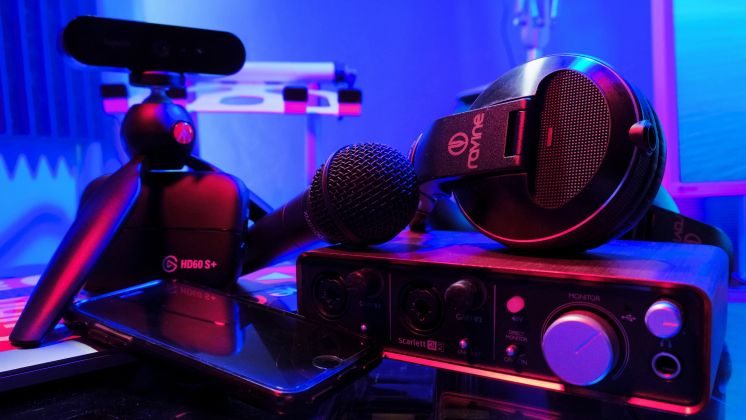
The camera that captures you is the viewer's first port of call. Before you've even opened your mouth and started on that intro that you so carefully practiced, your viewer has a few seconds to register how your stream looks, and that brief period can make or break it. If your image is sharp and well-balanced, viewers are immediately drawn in. If everything looks grainy, you're fighting an uphill battle.
Smart webcams and compact cameras have become the backbone of modern streaming setups, featuring auto-framing, face tracking, and real-time exposure adjustments that enable creators to move naturally without slipping out of frame.
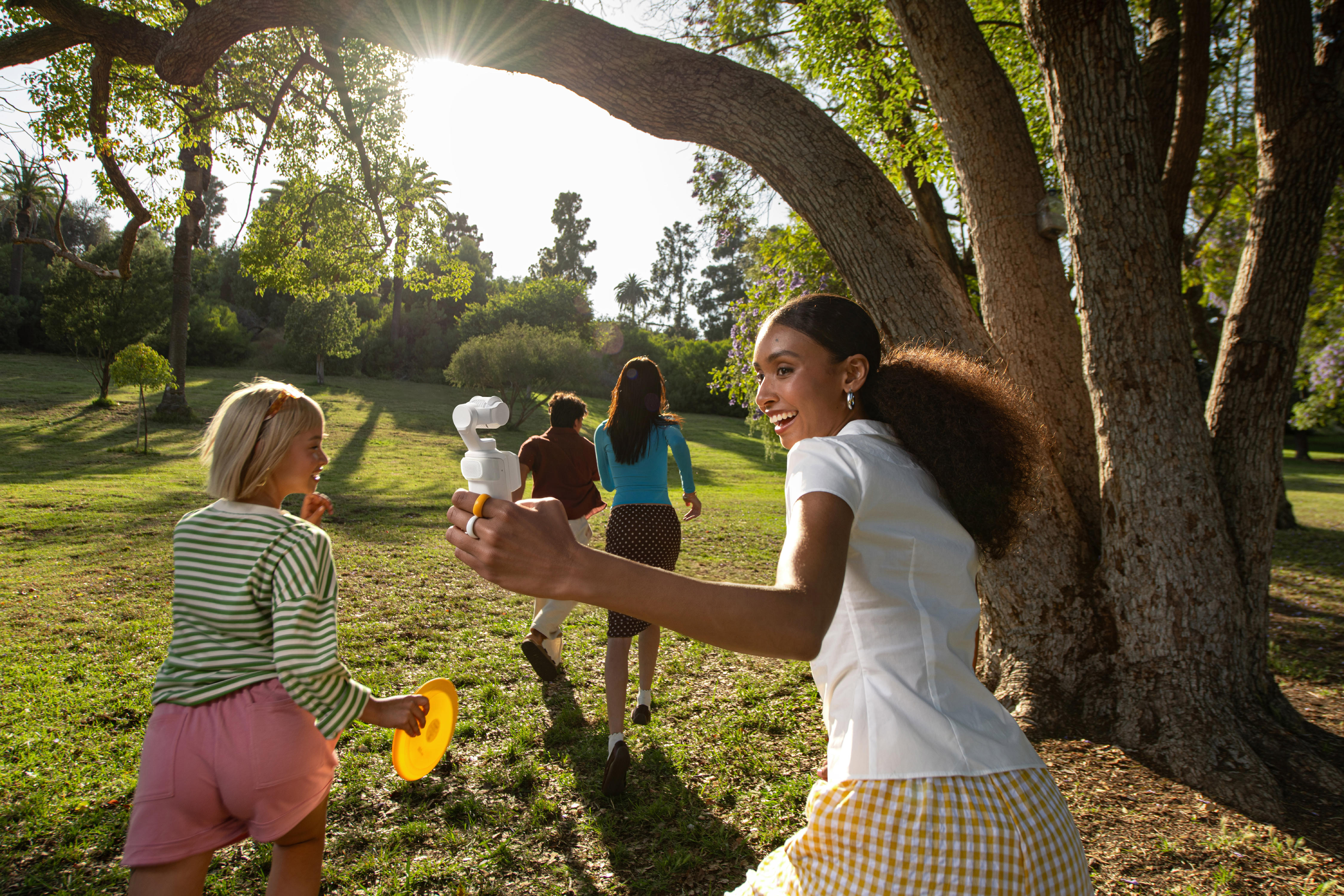
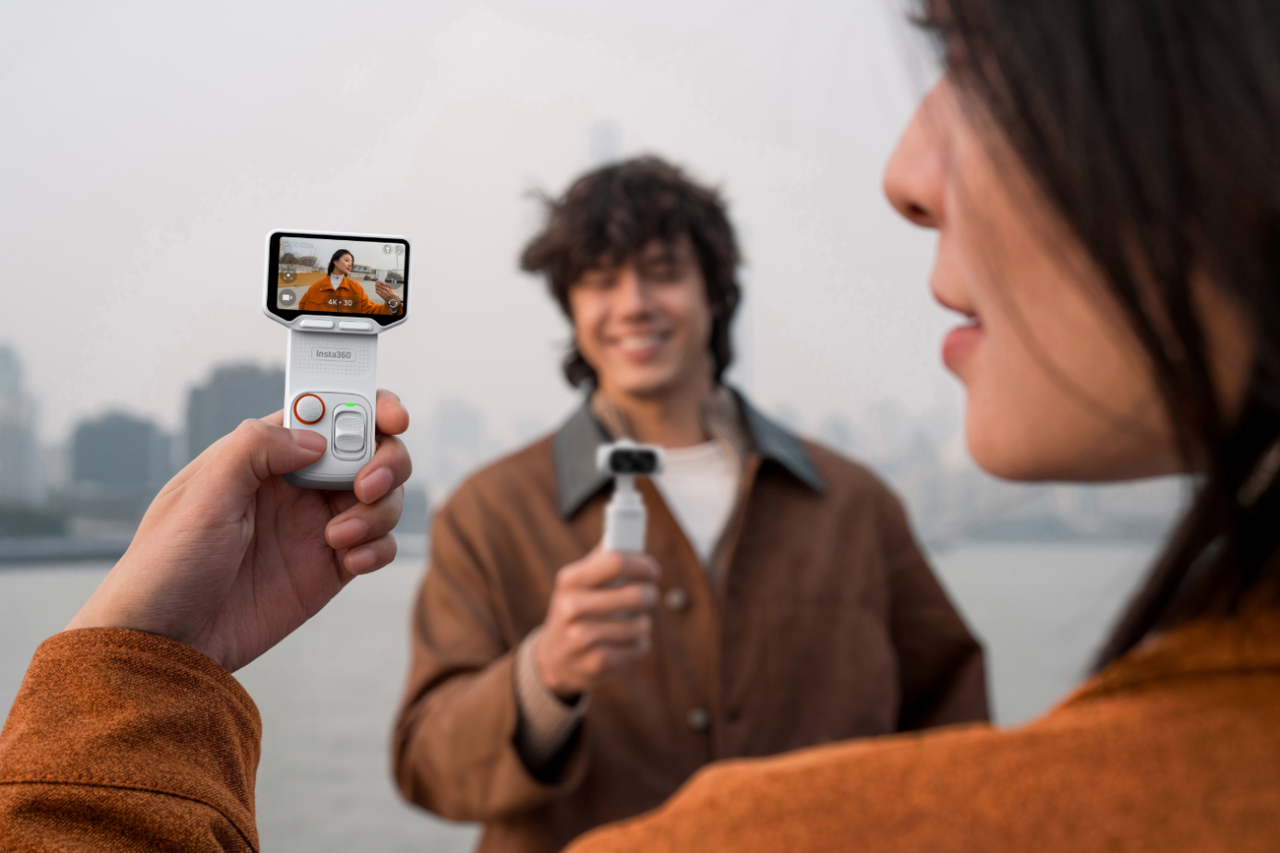
This is especially important for streams that involve standing, reacting, or shifting between different areas of a desk or room. If you’re streaming on the go using your phone, a gimbal like the Insta360 Flow 2 Series becomes an absolute must; otherwise, your content is going to resemble something from the early scenes of Saving Private Ryan.
However, there's no one-size-fits-all solution when it comes to imaging gear, and it often depends on what you're streaming. Some creators need a fixed, front-facing camera for long desk sessions, while others need flexible angles for whiteboards, product demos, or IRL-style movement.
Choosing the best streaming camera for your individual needs can take a little time, but it is absolutely worth it in the long run.
Audio and Lighting Essentials for Pro-Quality Streams
Once you've got the right camera in place, turn your attention to audio and lighting—the next two obstacles that can trip up your stream if you get them wrong. You can just about get away with average video if your content is engaging and interesting, but see how many viewers you lose if your audio sounds like something underwater or your lighting leaves viewers asking, “Who’s actually talking here?”
In live streaming, sound quality is often the deciding factor in whether viewers stay or leave. Clear, consistent audio keeps people engaged longer and makes your stream feel professional, even before they notice your visuals.
Choose audio gear that matches your format. If you're sitting at a desk for multiple hours, a fixed microphone works well. If you're moving around or venturing out into the real world, choose a mic that maintains consistent volume as you shift positions. Whatever you use, stability is key. Nothing breaks the magic of a live stream more than spending five minutes adjusting audio levels. For creators who need reliable wireless audio, the Insta360 Mic Pro delivers professional-grade sound for livestreams, interviews, and IRL content. If you're comparing different options, explore Insta360's full range of wireless lavalier microphones to find the best fit for your setup.
Lighting is something you never think about until it's bad. Try to maintain even light on your face throughout the stream, which keeps viewers focused and allows your camera to lock focus and exposure, especially during long sessions. A soft light placed slightly above eye level reduces harsh shadows and preserves natural skin tones.
If you're going outside or moving around, things get more complicated, but not impossible. If you're using a studio, plan where you'll operate and set lighting accordingly. Outdoors, a small light above the camera can make a bigger difference than you might expect.
Workflow and Software for Reliable Live Streams
With your foundations in place, it's time to consider your workflow and the software powering your stream. A smooth flow matters. It’s never a good look to ask viewers to “hold on for a minute” while pulling up the next segment.
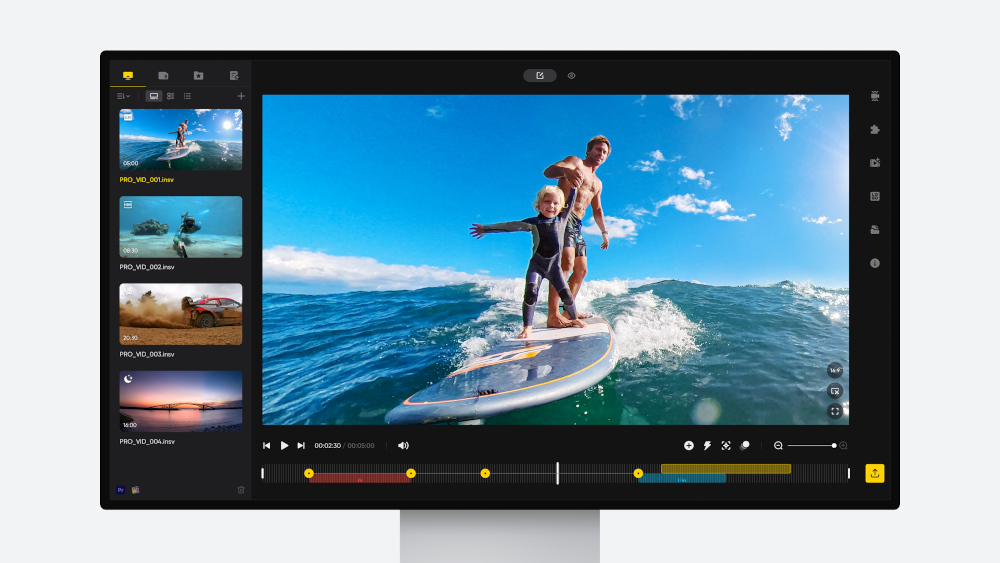
Reliable streaming software acts as the control center, handling scene switching, audio levels, overlays, and transitions without forcing constant micromanagement.
In 2026, automation leads the way. Tools remember preferences and adapt in real-time, rather than requiring non-stop input.
Efficiency matters. Overloading your system with unnecessary scenes or effects increases the risk of dropped frames and lag. Viewers can tell when effects exist purely for show. Keep things clean and focused, using only what adds real value.
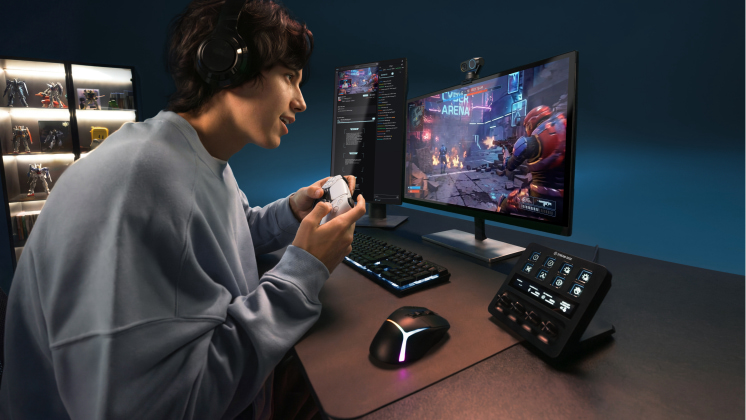
For game streaming, running both the game and streaming software can heavily tax your system, so confirm your specs are ready before launching a three-hour live stream.
Connectivity and Networking: Keep Your Streams Stable
Even the best gear falls apart without a stable connection. Buffering, dropped frames, or sudden disconnects break immersion instantly—and viewers rarely wait for recovery.
Start with your internet foundation. Wi-Fi works, but a wired connection is always best for live streaming. It reduces interference, lowers latency, and maintains consistent upload speeds during long sessions. Think of Wi-Fi as a backup rather than your primary connection.
Upload speed matters more than headline download numbers. Streaming is a constant outbound load, and stability always beats raw speed. Plan for more bandwidth than you think you'll need to avoid hiccups.
Always have a backup plan if your primary connection fails. This might be a second network or a mobile hotspot. A quick restart strategy can save a stream, and if you’re back live within five minutes, chances are some viewers will still be waiting.
Content Creation Tips for Engaging Streams
You can own all the best equipment, but without strong content, viewers won’t stick around. Streaming dates back to the 1990s, meaning most ideas have already been tested. In 2026, originality matters more than ever.
Start with framing and eye line. Keep the camera at eye level and close enough for expressions to read clearly. Viewers connect faster when it feels like you're talking to them, not past them.
Movement adds energy. Standing, leaning in, or gesturing naturally helps during long sessions. Watching someone slouched in a chair for hours gets old fast. Smart imaging tools help by keeping you framed without breaking flow, so test your setup before going live.
One word defines streaming in 2026: interaction. The most successful streams pull viewers in. Ask questions early, acknowledge chat by name, and leave space for responses.
Finally, pace yourself. New creators often burn out by going full throttle for hours. Not every moment needs to be loud or fast. Clear transitions, intentional breaks, and consistent structure help viewers stay longer—and help you last longer too.
Cutting-Edge Imaging Technology From Insta360
Modern streaming setups prioritize precision and flexibility. Fixed angles and static framing no longer reflect how creators move on camera—and that’s where imaging technology has evolved fast.
Across desk streams, IRL sessions, and hybrid formats, Insta360 cameras adapt in real time. Auto-framing keeps you centered, smart exposure balances changing light, and wide fields of view give you room to move without constant resets.
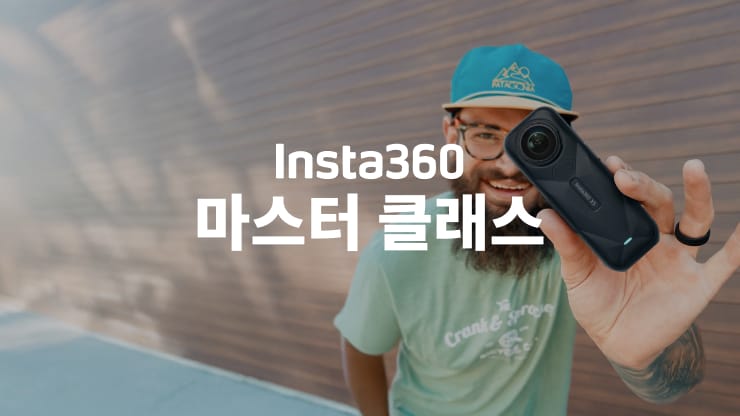
Action-style cameras such as the Insta360 X5 or Insta360 X4 allow streaming with 360 cameras that capture everything around you. Stabilization keeps footage usable even when movement is part of the format.
Then there’s Insta360 Link 2 Pro, a 4K webcam with tracking, framing, gesture control, and DSLR-quality imaging that outperforms traditional webcams. Whatever your format, flexibility and cutting-edge Insta360 technology help bring streams to life.
Future-Proofing Your Streaming Setup for 2026 and Beyond
What works in 2026 won’t necessarily work forever. Platforms shift. Formats evolve. The setups that last are built for adaptation.
Future-proofing means choosing equipment that works across desk, standing, and mobile formats, allowing room to experiment without starting over. Automation also plays a role. Features like auto-framing, tracking, and adaptive exposure reduce burnout by handling repetitive tasks quietly in the background.
It also helps to think beyond one platform. A setup that looks good on Twitch should translate smoothly to livestreaming on YouTube or other platforms without major changes. Clean audio, consistent framing, and flexible camera placement travel well.
Frequently Asked Questions
What Is the Most Used Streaming Device?
There isn’t a single device that dominates every stream. Most creators rely on a combination of a dedicated camera, reliable audio gear, and solid streaming software. The best setup is the one that fits your content and workflow.
What Is the Most Important Hardware for Streaming?
Camera and audio, without question. Viewers may forgive average visuals, but they won’t tolerate unclear sound or unstable framing.
Which Insta360 Cameras Are Best for 4K HDR Streaming in 2026?
It depends on your format. For desk setups, front-facing cameras like Insta360 Link 2 Pro work well. For mobile or hybrid streams, action-style cameras offer better stabilization and flexibility.
How Do I Connect My Phone to an Insta360 Camera for Live Streaming?
Most Insta360 cameras connect to a phone via a companion app, allowing users to control settings, view live previews, and stream directly to supported platforms.
Stream Smarter in 2026 with Insta360
Streaming in 2026 isn’t just about the right setup. It’s about originality, consistency, and knowing how to use your tools well. Great streams happen when content, creator, and equipment align.
Building the right setup means choosing gear that stays reliable when live, flexible when formats change, and simple enough to keep the focus on your audience. Dedicated devices, smart imaging, clean audio, and a stable workflow work together to make streams easy to watch and easier to run.
This is where Insta360 stands apart. From adaptable cameras to smart webcams like Insta360 Link 2 Pro, Insta360 offers the tools to build the stream you actually want. Whether you’re streaming from a desk, moving through a room, or taking content on the road, the right foundation is here. The best streaming equipment in 2026 won’t guarantee success, but it gives you everything you need to make it happen.




%20(1).svg)


%20(1).svg)

.svg)