
















It's the end of November. The tree is half up, the lights are tangled and you still don't know what tomorrow's video is. These 25 Vlogmas ideas give you a plan for each day up to Christmas morning, with a shot tip and a gear note for every one. You'll also see which ideas to film ahead, so the busiest week of December doesn't swallow your edits.
Key Takeaways
- Vlogmas runs from December 1 to Christmas Day, but weekly or 12-day versions work too.
- Pre-film a few indoor ideas on a quiet day so busy weeks only need quick edits.
- Keep each vlog short enough to edit the same night.
- Clear audio matters as much as sharp footage, so add a clip-on mic first.
- Cut one vertical clip from every vlog for TikTok, Instagram Reels and YouTube Shorts.
What Is Vlogmas?
Vlogmas is a series of daily vlogs posted from December 1 to Christmas Day. Viewers follow your holiday prep and traditions like a video advent calendar.
Daily uploads aren't the only option. Some creators run 12 Days of Vlogmas from December 14 to 25, and others go weekly. Pick the schedule you can realistically keep up with and won’t burn out.
Plan Your Vlogmas Kit Before December 1
Deciding what to film when you're already tired is tricky. So, map all 25 ideas onto a calendar and mark each one “film ahead” or “film on the day.”
You could pre-record a few ideas on your first quiet evening, even if that's December 2. YouTube lets you schedule a private video to go public at a set time, so those uploads go live while you're out.
Most of your Vlogmas will run on the camera you already own. If you're adding to your setup, or want to build a phone vlogging kit for lighter days, here's where each piece fits:
| Gear | What It Handles | Vlogmas Ideas It Suits |
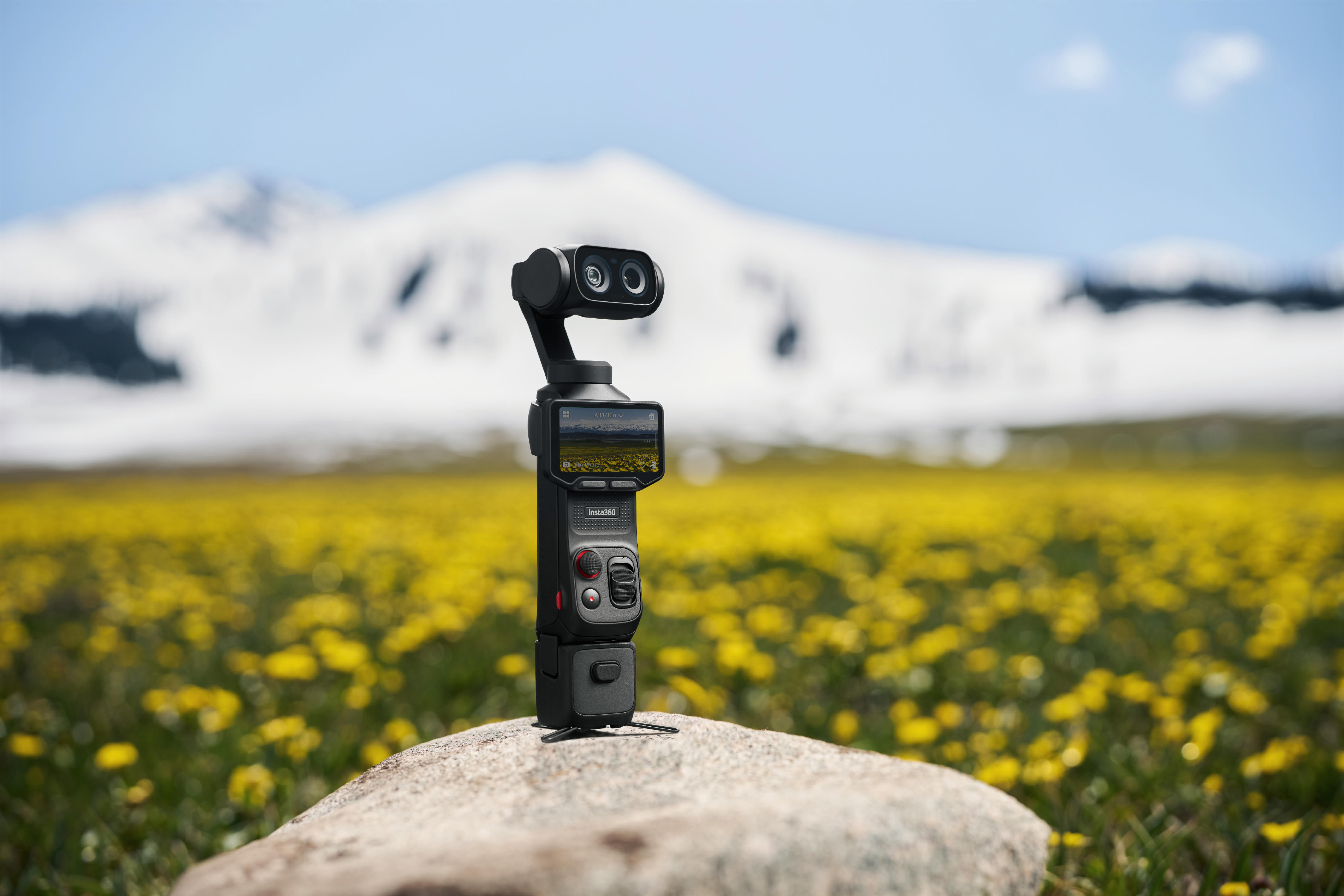
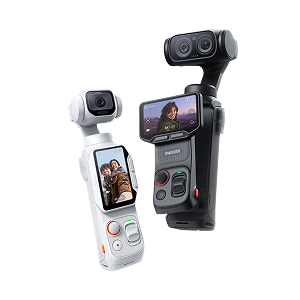
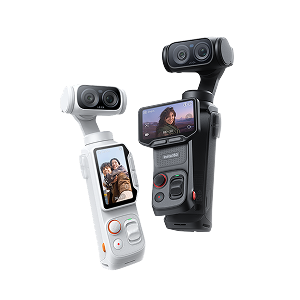
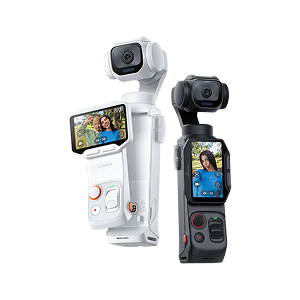
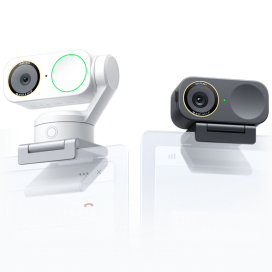
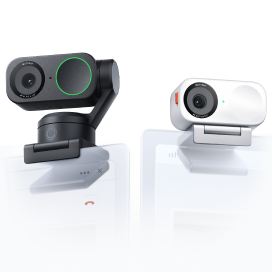
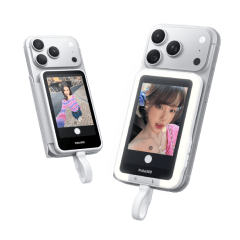
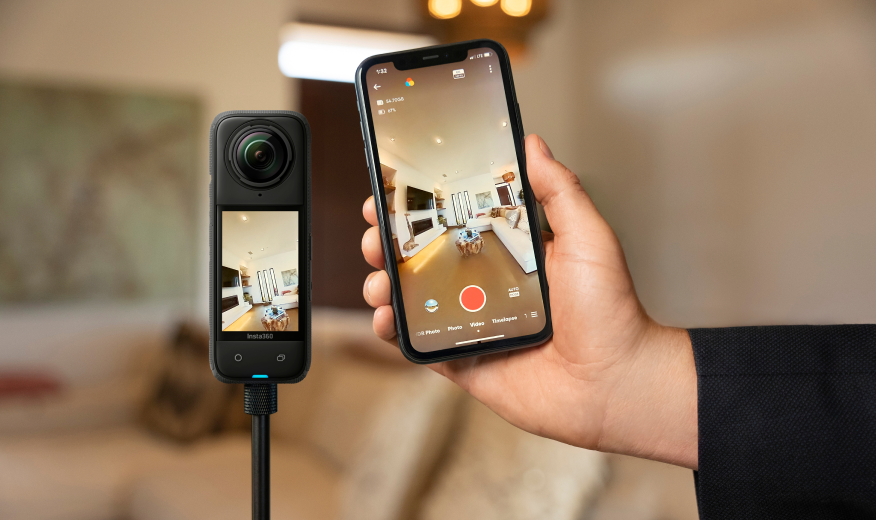
| Insta360 Luna Ultra or Insta360 Luna Pro | Pocket gimbal camera with Deep Track 5.0 tracking and a detachable 2-inch touchscreen for remote monitoring | Christmas market walk, travel day, Christmas Eve |
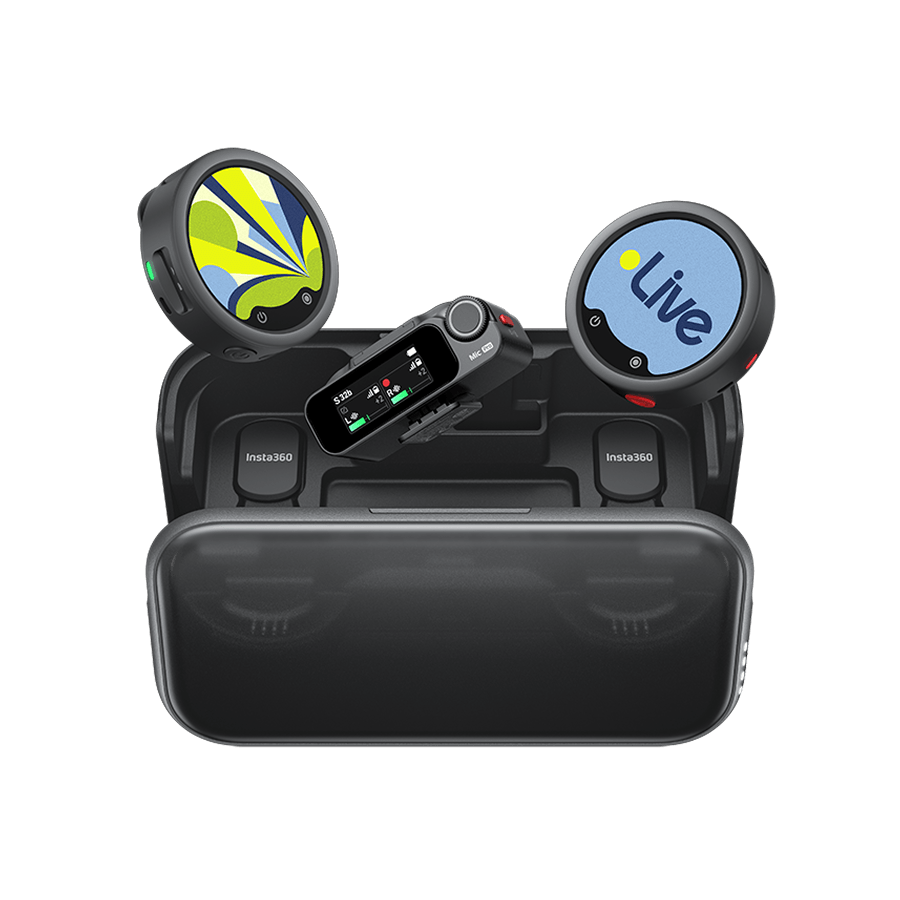
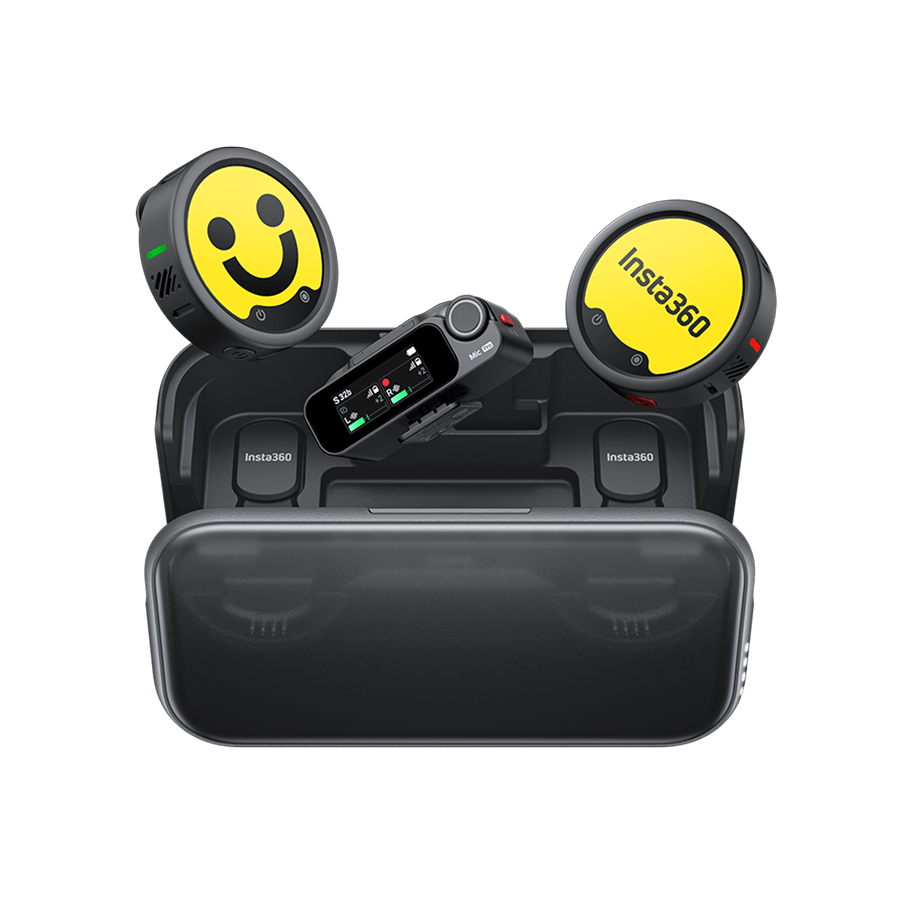
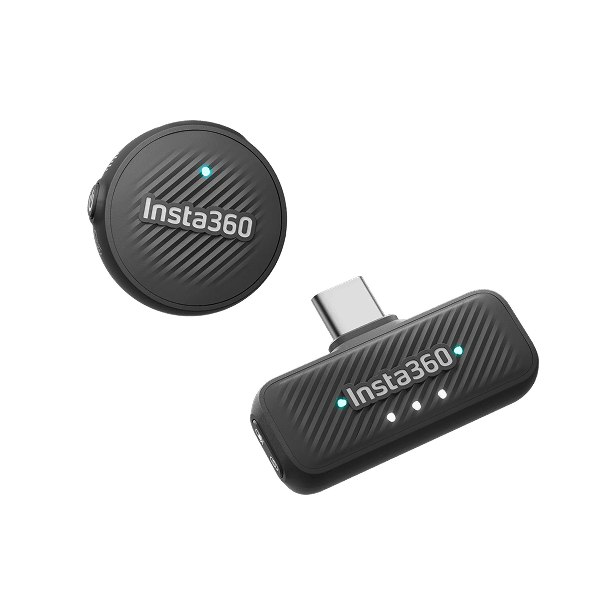
| Insta360 Mic Air | Clip-on wireless mic (7.9g) that connects directly to Insta360 Luna and Insta360 GO Ultra | Sit-down chats, Q&A, holiday markets |
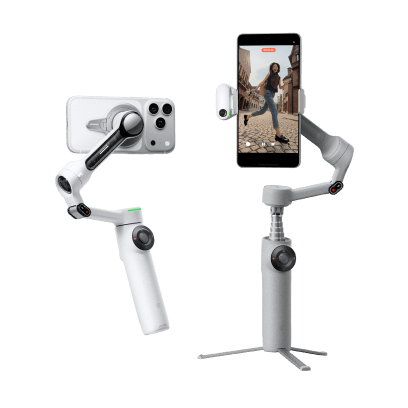
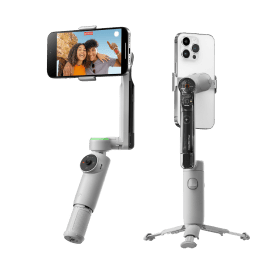
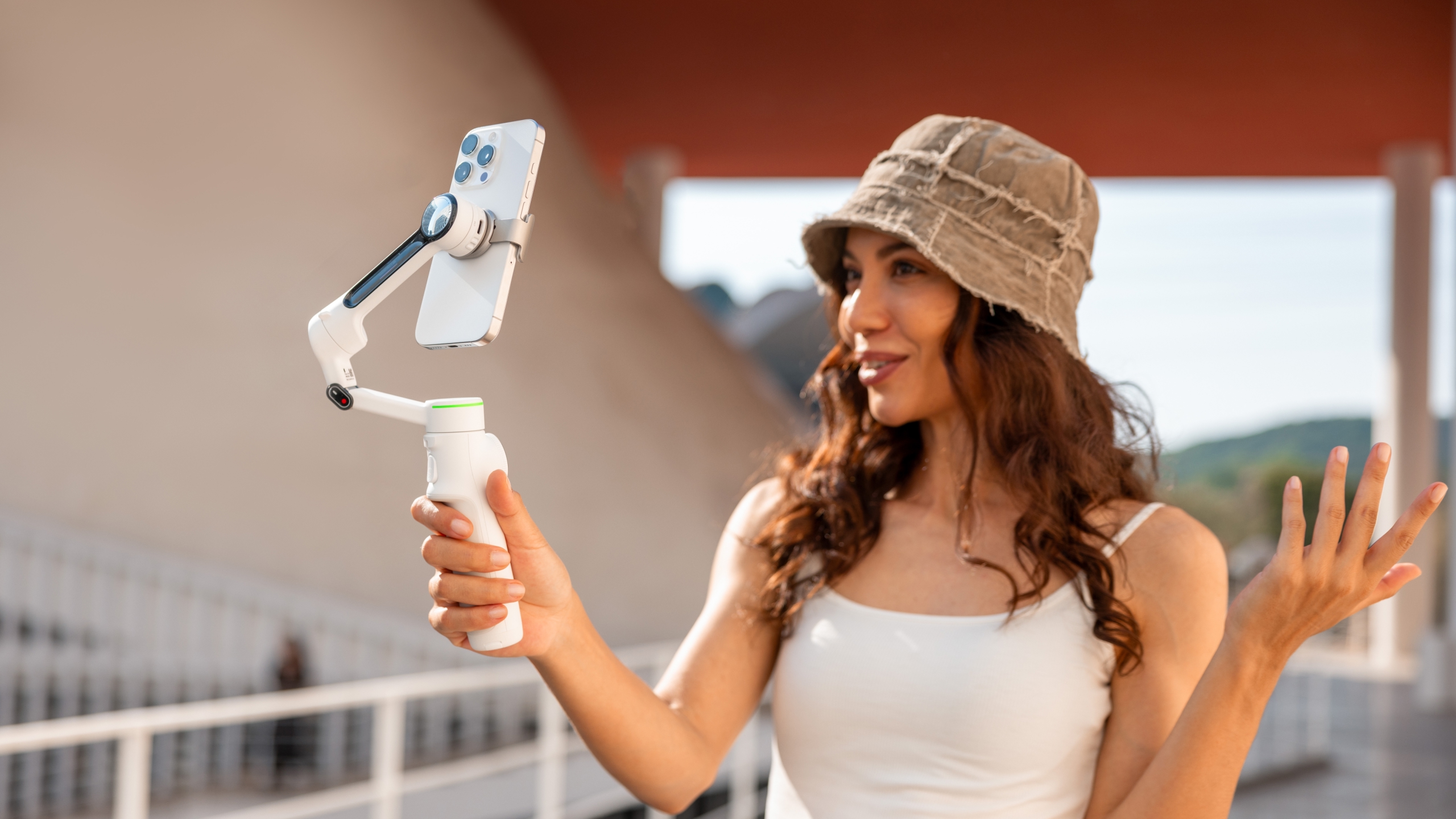
| Insta360 Flow 2 Pro | Phone gimbal with built-in selfie stick and tripod, plus Apple DockKit tracking | Baking, decorating, outfit try-ons |
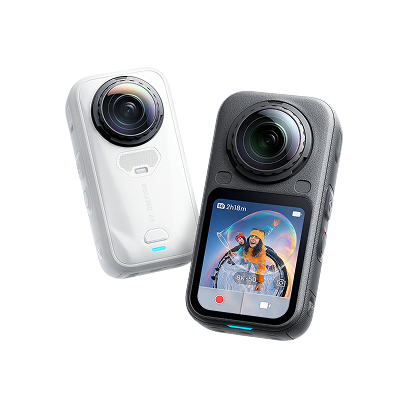
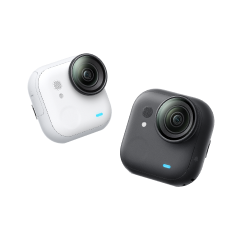
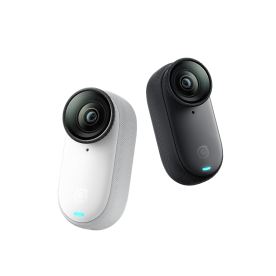
| Insta360 GO Ultra | Tiny hands-free 4K camera for POV shots | Skating, sledding, gift wrapping, Christmas morning |
Week 1 Vlogmas Ideas: Deck the Halls (December 1–7)
Day 1: Kick Off Vlogmas With a December Intro
Share what you've planned for the month, plus a quick tour of your space before it's decorated.
Shot tip: Film a wide “before” shot of your bare living room and save it for Christmas Eve.
Gear: Set up the camera you normally vlog with on a table or tripod, level with your eyes, so it feels like a face-to-face chat. If you're upgrading, Insta360 Luna Pro with Insta360 Mic Air gives a sit-down intro clean sound.
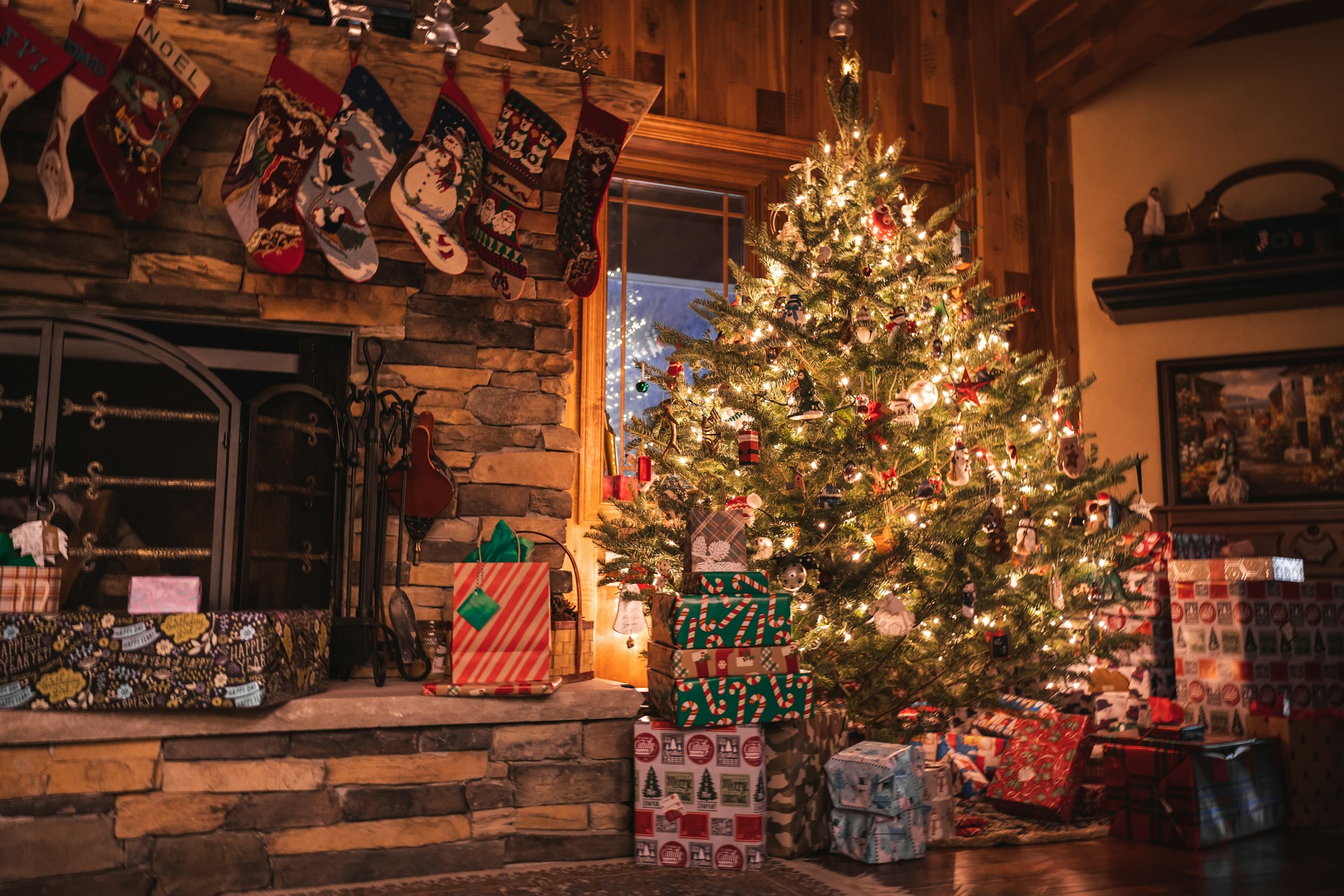
Day 2: Pick and Set Up Your Christmas Tree
Show the contenders, then capture the moment the tree goes up.
Shot tip: Keep filming as the tree squeezes through the front door. If it gets stuck or sheds needles everywhere, you've got a funny clip for short-form content.
Gear: Clip Insta360 GO Ultra to your jacket for a hands-free POV of the carry home. Both hands stay free for the tree.
Day 3: Decorate With Me
Put on music and tell the stories behind your favorite ornaments.
Shot tip: Lock off one wide angle for a time-lapse of the room transforming.
Gear: A gimbal like Insta360 Flow 2 Pro in tripod mode runs the time-lapse on your phone while your main camera takes close-ups.
Day 4: Holiday Clean and Reset With Me
Clean-with-me videos are relaxing to watch and simple to film. Set your camera on a tripod and clean away.
Shot tip: Time-lapse long stretches and keep the reveal at normal speed.
Nothing about this one is date-specific, so you could pre-film it whenever you have a spare hour.
Day 5: Advent Calendar Unboxing
Guess what's behind each door before you open it. Beauty, snack and toy calendars all work.
Shot tip: Sit facing the camera and hold each item up to the lens as you open it, so viewers see it clearly.
You can open a few doors in one sitting if you get a few days behind.
Day 6: Cozy Christmas Morning Routine
Coffee, candles and tree lights before sunrise. Keep the talking light.
Shot tip: Film B-roll first and record a voiceover once you've had that coffee.
Gear: Insta360 Flow 2 Pro tracks you around the kitchen, so you're not moving a tripod between shots.
Day 7: Share Your Holiday Playlist
Talk through your December songs and why each one matters. If your Spotify Wrapped has dropped, react to your top artists and songs of the year too.
Week 2 Vlogmas Ideas: Get Out and Film (December 8–14)
Day 8: Christmas Market Walk and Talk
Walk the stalls, try the food and talk to camera as you go.
Gear: Market noise can drown you out, so a clip-on mic helps viewers hear you over the crowd. If you're filming on Insta360 Luna Ultra or Insta360 Luna Pro, Insta360 Mic Air pairs straight to the camera with no receiver to carry.
Day 9: Neighborhood Christmas Lights Tour
Rank your neighborhood's best displays and you could finish with a “best house” award.
Shot tip: Film each house as a short static clip, then cut them together to music.
Day 10: Holiday Drink Taste Test
Try seasonal drinks from local cafés and score each one out of 10. It’s also quite an easy one to repurpose for TikTok or Instagram Reels.
Day 11: Ice Skating or Sledding Day
Action days make great Shorts material.
Gear: Insta360 GO Ultra mounts hands-free for a POV run. Check your camera's temperature guidance before a long session in the cold.
Day 12: Gift Shopping Vlog
Take viewers along, but keep the gifts vague if the people receiving them watch your channel. You could also close with a giveaway of a few goodies you picked up.
Day 13: Holiday Outfit Try-On
Show your party and Christmas Day looks, then ask viewers to vote in the comments.
Shot tip: Use one spot by a window for consistent light. You could also do some cool transitions between looks.
Day 14: Rank Your Favorite Christmas Movies
Debate makes this one comment-friendly.
Gear: Your main camera and a clip-on mic.
A sit-down ranking works any day of the month, so film it early and keep it in reserve.
Week 3 Vlogmas Ideas: Make, Bake and Give (December 15–21)
Day 15: Bake Holiday Cookies With Me
Bake your family's favorite recipe and share it in the description.
Shot tip: Shoot from overhead to fit your hands, bowls and counter in one frame.
Gear: Extend Insta360 Flow 2 Pro's built-in selfie stick to get your phone above the counter.
Day 16: Gingerbread House Challenge
Race a friend, a partner or the clock, and let viewers judge the winner.
Day 17: Make DIY Decorations or Gifts
Keep the steps simple so viewers can copy along.
Shot tip: Film each step close up, then one wide shot of the finished piece.
Craft sessions are easy to batch. Film two projects at once and post the second later.
Day 18: Gift Wrapping Chat or Speed-Wrap Challenge
Wrap while you chat, or set a timer and race.
Gear: Insta360 GO Ultra gives a fun POV of the tape and paper. For the chat version, Insta360 Mic Air keeps your voice clear over the rustling.
Day 19: Random Acts of Kindness Day
Drop off cookies or leave notes for neighbors. Keep the focus on the people you're helping. Just make sure to ask before filming anyone.
Day 20: Prep and Host a Holiday Get-Together
Film the cooking in detail and keep the party to a few quick moments so guests can relax.
Shot tip: Set the camera on a shelf for the group toast and leave it running.
Gear: Deep Track 5.0 on Insta360 Luna Ultra and Insta360 Luna Pro includes Group Tracking to keep several people in frame.
Day 21: Cozy Vlog for the Longest Night of the Year
December 21 is the winter solstice in the Northern Hemisphere. Lean into it with candles, blankets and a slower pace.
Shot tip: Light the scene with lamps and candles only.
Gear: Insta360 Luna Ultra and Insta360 Luna Pro both shoot 4K60FPS in PureVideo mode, which cuts noise in candlelit scenes.
Christmas Countdown Vlog Ideas (December 22–25)
Day 22: Travel Home or Welcome Guests for the Holidays
Heading home? Film the packing, journey and arrival. Staying put? Film the guest-room prep and the moment everyone walks in.
Either way, you'll end up with hours of clips, so keep the edit simple and cut your vlog faster by trimming as you go.
Day 23: Holiday Q&A and Year Reflection
Answer viewer questions, then look back on your year. It's also a good way for new viewers to get to know you, whether you’re a veteran or beginner vlogger.
Shot tip: Start collecting questions in week one.
Record the Q&A a few days early so Day 23 stays free for travel or last-minute plans.
Day 24: Christmas Eve Traditions
Matching pajamas, a church service or a family movie. Show what makes Christmas Eve feel like yours.
Shot tip: Cut your Day 1 “before” shot against the fully decorated room.
Day 25: Christmas Morning Unwrapping
Film reactions as gifts open, then put the camera down. Save the longer edit for December 26 if you need to.
Shot tip: Mount, charge and frame the camera the night before so nobody waits for you.
Turn One Vlog Into Shorts and Reels
While you edit each vlog, mark one 15–60-second moment, like a reaction or a funny fail. Export it vertically, add captions and post it to TikTok, Instagram Reels and YouTube Shorts with a pointer to the full vlog.
Transitions make these clips feel bigger—in the Short below, a creator tours New York at Christmas with Insta360 GO Ultra, jumping from one festive spot to the next.
How to Make a “Year in Review” Video
A “year in review” video is a short montage of your best moments from the past 12 months, cut to one song.
- Gather clips from your camera roll and Vlogmas footage into one folder.
- Choose a structure, either month by month or your top 10 moments.
- Cut clips to the beat of one song, keeping most under three seconds.
- Add simple film transitions and a text label for each month.
- Export a horizontal version for YouTube and a vertical cut for Shorts and Reels.
Frequently Asked Questions
When Does Vlogmas Start and End?
Vlogmas starts on December 1 and ends on Christmas Day.
Do You Have to Post Every Day for Vlogmas?
No. Daily uploads are traditional, but weekly vlogs and 12-day runs are common. Choose a schedule you can keep up through Christmas.
How Long Should a Vlogmas Video Be?
Aim for 8–15 minutes for a daily vlog. That's long enough to tell a story and short enough to edit the same night. But you could also shoot longer 30-minute videos if you have the time.
What Camera Do You Need for Vlogmas?
The camera you already vlog with is enough. Good light and clear audio make the biggest difference, so add a clip-on mic first. If you're upgrading, look for a small camera with stabilization, subject tracking and a screen you can see while filming yourself.
Start Filming Vlogmas With the Gear You'll Actually Carry
Vlogmas runs smoother with a plan. Pre-film the indoor ideas when you get a quiet evening, keep daily edits short and cut a vertical clip from every vlog. Then enjoy the rest of the month!
If you're upgrading your vlog camera this year, Insta360 Luna Ultra and Insta360 Luna Pro fit the whole month in your coat pocket. You get sharp footage that holds up under Christmas lights, a detachable screen for framing yourself and vertical video that's ready for Shorts and Reels.
Keen to keep up to date on Insta360 stories? Keep an eye on our blog and sign up for our mailing list. Got a story to share? Email yours to communitystories@insta360.com and win up to US$50.