

















































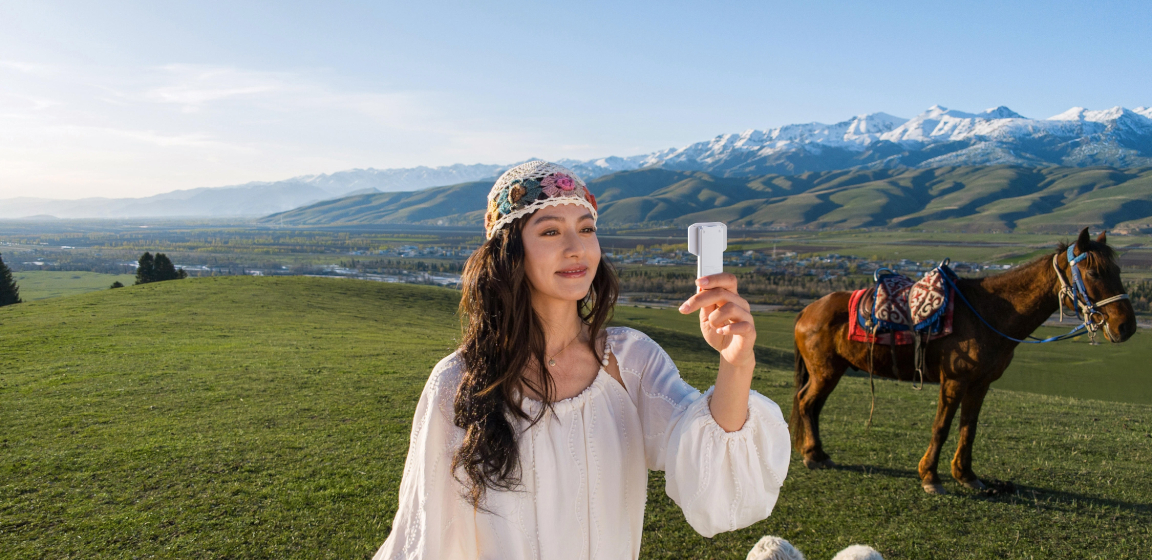


Vlogging is easier when your camera can handle the technical details while you focus on what you want to say and do. Insta360 Luna Pro combines a compact gimbal design with a 1-inch 8K sensor, 3-axis mechanical stabilization, a detachable 2-inch OLED touchscreen, and flexible audio options, giving you a setup that works for everything from everyday vlogs to travel and short-form content.
Whether you're filming yourself on a solo trip, recording a walk-and-talk, or making casual videos for social media, here's how to get the most out of Luna Pro as a vlogging camera.
Key takeaways
Insta360 Luna Pro is built for vloggers who want high-quality video without carrying a bulky camera setup. Start with 4K30fps for everyday vlogging, switch to PureVideo 4K30fps in low light, and use 4K30fps vertical video for social content. The detachable touchscreen makes solo shooting easier, while Smart Tracking can help keep you in frame. For clearer dialogue, the built-in Wind Guard works well for everyday shooting, while Insta360Mic Air or Mic Pro is worth adding when audio is a priority.
Why Insta360 Luna Pro Is a Good Camera for Vlogging
Yes, Luna Pro is well suited to vlogging, particularly for creators who want a portable camera that can handle both talking-to-camera footage and more dynamic shots. Its 3-axis mechanical stabilization, detachable touchscreen, Smart Tracking, 4K30fps vertical video, and built-in Wind Guard cover many of the practical challenges that come with filming yourself.
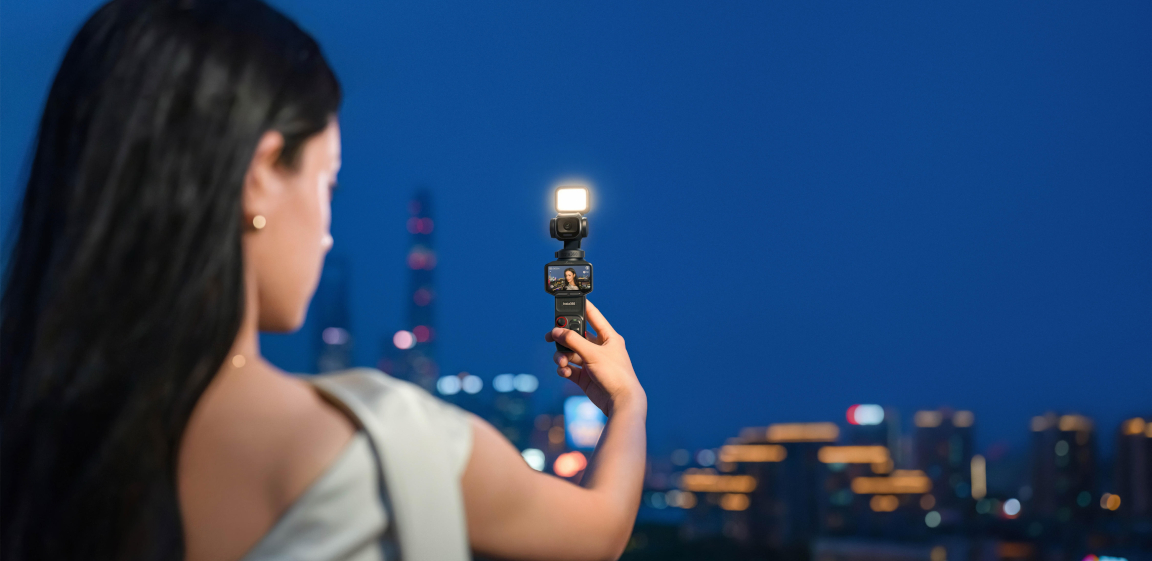
The detachable 2"-inch" OLED touchscreen is particularly useful for solo creators. Take the screen off the camera to monitor your framing remotely, adjust the composition, change settings, and control the camera without having to keep your phone connected.
For handheld vlogs, the 3-axis mechanical gimbal helps keep footage steady as you walk and move. Deep Track 5.0 can also track a person or pet, while Smart Framing lets you preset where your subject appears in the frame.
Luna Pro is especially well suited to:
- Daily vlogs: Compact enough to carry around and quick to set up.
- Travel vlogs: Use the gimbal stabilization and remote touchscreen to capture yourself without relying on someone else.
- Walk-and-talks: Stabilization keeps footage steady while you're moving.
- Solo content: Remote monitoring and tracking make it easier to film yourself.
- Short-form content: 4K30fps vertical video gives you footage that's ready for platforms such as TikTok, Instagram Reels, and YouTube Shorts.
Build a Simple Insta360 Luna Pro Vlogging Setup
A good Luna Pro vlog setup doesn't need to be complicated. Start with Luna Pro, a grip or mount that suits how you shoot, and a microphone when you need clearer or more controlled audio.
For handheld vlogging, the 1/4" Thread Handle provides a simple grip and can also be used as a tripod. If you need longer shooting sessions or want a built-in tripod with additional battery capacity, the Battery Handle is another practical option.
For audio, Insta360 Luna Pro has a built-in microphone and a pre-installed Wind Guard that helps reduce wind noise. That's enough for many casual indoor vlogs and quieter environments. When you're filming outdoors, walking through busy areas, or speaking from farther away, an external microphone can make dialogue clearer.
Luna Pro is compatible with Insta360 Mic Air and Mic Pro, both of which can connect directly to the camera via Bluetooth.
Recommended setup:
- Insta360 Luna Pro: Your main camera.
- 1/4" Thread Handle: A lightweight option for handheld shooting and tripod setups.
- Mic Air: A compact choice for everyday vlogging.
- Mic Pro: A more advanced option with additional audio features and a customizable E-Ink display.
For more information about Luna Pro accessories and which ones are perfect for you, check The Best Accessories for Every Shooting Style.
Best Insta360 Luna Pro Settings for Vlogging
For most vlogs, 4K30fps with Auto Exposure is the best starting point. Change the settings mainly when your lighting, shooting style, or output format calls for something different.
Talking-head vlogs
For a typical talking-to-camera vlog, use 4K30fps, 16:9, and Auto Exposure. Keep the camera at around 1× for a natural perspective, and use Face metering to help prioritize your face when exposure conditions change.
If you're filming yourself with the camera on a tripod or handle, the detachable touchscreen makes it easy to check your framing before you start.
Walk-and-talk vlogs
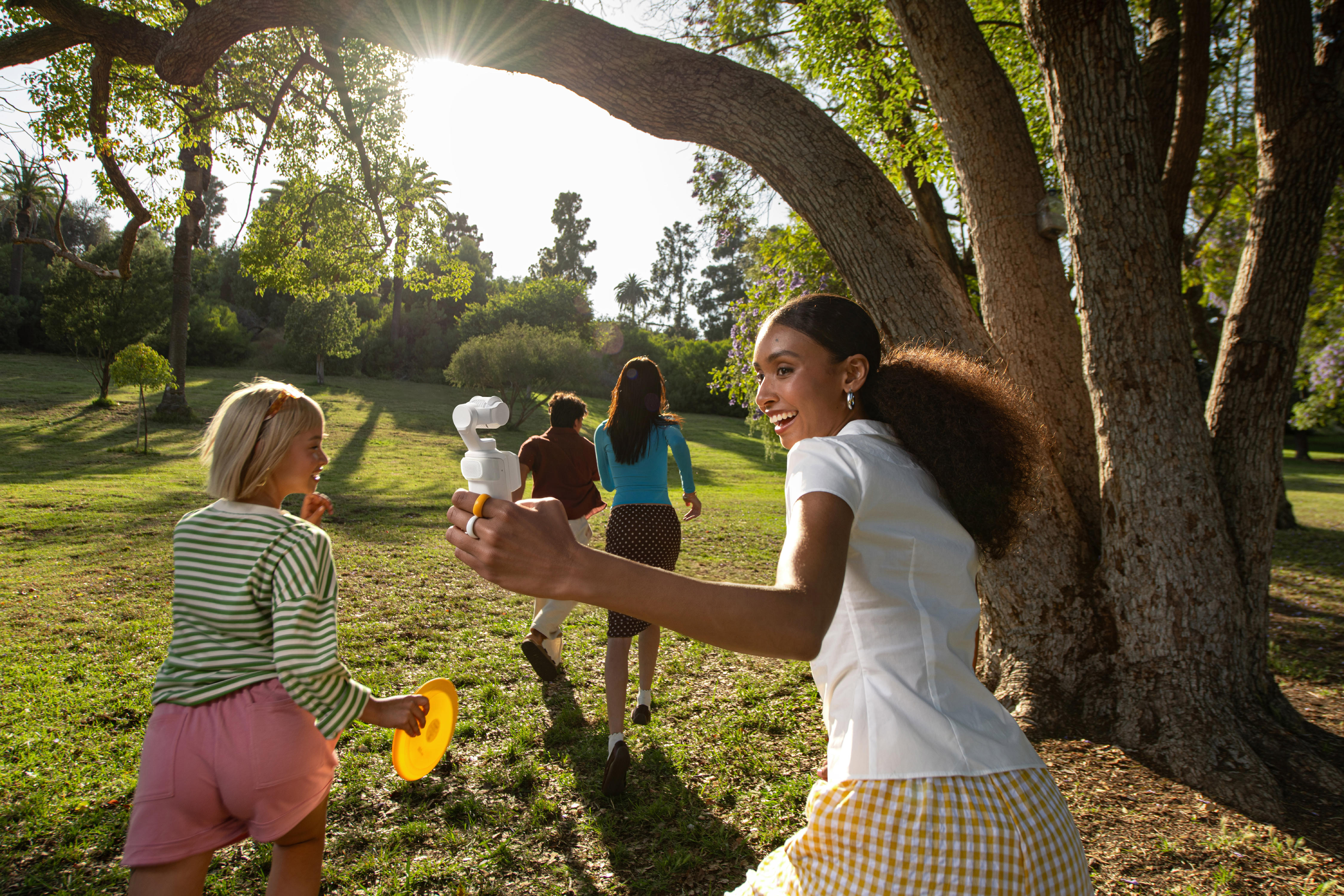
For walking footage, 4K30fps remains a good default. The 3-axis mechanical gimbal helps keep the shot steady as you move, so you can focus on your surroundings and what you're saying.
For more demanding movement, avoid using Insta360 Luna Pro for high-intensity action where a dedicated action camera may be more appropriate.
Indoor and low-light vlogs
When you're filming at night, around dusk, or in a dark indoor environment, switch to PureVideo at 4K30fps with Auto Exposure. PureVideo is designed to reduce noise while improving brightness and detail in low-light scenes.
Keep the zoom at 1× in very dark environments. If the scene has plenty of available light, you can use higher zoom levels when needed.
Outdoor and travel vlogs
In good daylight, 4K30fps is the easiest choice for everyday travel footage. If you want maximum detail and have plenty of light, 8K30fps can give you more room to crop in post.
For bright outdoor scenes with strong contrast, you can also use Dolby Vision. For most everyday vlogs, however, 4K30fps is a simpler and more practical choice.
Vertical vlogs
For TikTok, Instagram Reels, and YouTube Shorts, use 4K30fps in a 9:16 aspect ratio. Insta360 Luna Pro uses 6K oversampling to produce 4K vertical footage directly from the camera, so you don't need to crop a horizontal video afterward.
For more detailed recommendations, see our Best Luna Pro Settings Guide.
How to Shoot Better Vlogs with Insta360 Luna Pro
Better vlogs come from more than camera settings. Good framing, varied shots, steady movement, and a simple story will usually make a bigger difference than constantly changing settings.
Keep yourself in frame
Use the detachable touchscreen to check your composition before recording. For solo shooting, Deep Track 5.0 can help keep you centered as you move, while Smart Framing gives you more control over where you appear in the shot.
You don't always need to stay in the center. Positioning yourself to one side of the frame can leave room to show a landmark, another person, or what's happening around you.
Mix up your shots
Avoid filming an entire vlog from one angle. Combine talking-to-camera clips with wider shots of your surroundings, close-ups of what you're doing, and short clips showing transitions between locations.
For example, a simple travel sequence could include:
- A talking-to-camera introduction.
- A wide shot showing the location.
- A walking clip between locations.
- Close-ups of food, objects, or activities.
- A short closing clip.
These small changes give you more material to work with when editing.
Let the camera move with you
The gimbal is designed to keep your footage steady, but your own movement still matters. Walk smoothly, avoid sudden changes in direction, and hold the camera comfortably rather than constantly adjusting your grip.
For solo shots where you want more movement, try combining the gimbal with tracking so Insta360 Luna Pro can follow you while you move through the scene.
Pay attention to light
Whenever possible, face your main light source rather than placing it directly behind you. In low-light situations, use PureVideo at 4K30fps, and consider adding a fill light if the scene is extremely dark.
Avoid relying on 8K30fps, 4K60fps, or 4K120fps in dark environments. These higher-performance modes are better suited to well-lit scenes.
Give your vlog a simple story
You don't need a complicated script. Before you start filming, think about what you're doing, where you're going, and what you want the viewer to see.
A simple beginning, middle, and end is enough. Capture the important moments, then use shorter clips of your surroundings to connect them together.
How to Get Better Vlog Audio with Insta360 Luna Pro
For casual vlogging in quiet environments, Luna Pro's built-in microphone and pre-installed Wind Guard are usually enough. If you're outdoors, dealing with background noise, or want your voice to sound clearer and more consistent, an external Insta360 microphone is a worthwhile upgrade.
The Insta360 Mic Air is a lightweight option for everyday vlogging, while Mic Pro is better suited to creators who want more advanced audio features. Both are compatible with Luna Pro and can connect directly via Bluetooth.
When using an external microphone:
- Position it close to your mouth without placing it directly in front of your face.
- Keep clothing and accessories from rubbing against the transmitter.
- For outdoor shooting, use appropriate wind protection.
- Do a short test recording before filming a longer segment.
- For two-person vlogs, Luna Pro supports two wireless transmitters connected to the camera.
Good microphone placement often matters more than changing audio settings. Keep the microphone close to the speaker, reduce unnecessary background noise, and check your recording before moving on.
Edit and Share Your Insta360 Luna Pro Vlogs
The simplest workflow is to review your footage, transfer the clips to the Insta360 app, trim them into a story, and export them in the format that suits your platform.
Start by reviewing your clips and removing anything you don't need. You don't have to use every shot. Keep the clips that move the story forward, show something interesting, or add context to what you're saying.
For a quick edit, use the Insta360 app to trim clips and arrange your footage. Luna Pro also supports AI-powered editing features designed to help streamline vlog creation when you have a large amount of footage.
For more advanced projects, 10-bit I-Log and ACES workflow compatibility give experienced creators more flexibility for color grading in post-production. I-Log footage requires color grading before sharing.
For social content, shoot 4K30fps vertical video in 9:16 so your footage is already formatted for TikTok, Instagram Reels, and YouTube Shorts. For YouTube vlogs and other widescreen content, use 16:9.
Insta360 Luna Pro Vlogging FAQs
Is Insta360 Luna Pro good for vlogging?
Yes. Luna Pro is a strong choice for daily, travel, solo, and short-form vlogging, particularly if you want a compact setup with stabilization, remote monitoring, and smart tracking. The detachable touchscreen is especially useful when you're filming yourself without someone behind the camera.
What are the best Luna Pro settings for vlogging?
For most situations, start with 4K30fps, 16:9, and Auto Exposure. Use PureVideo 4K30fps in low light and 4K30fps 9:16 for vertical social content. For more information, see our Insta360 Luna Pro FAQ: Everything You Need to Know.
Do I need an external microphone to vlog with Luna Pro?
Not necessarily. Luna Pro's built-in microphone and pre-installed Wind Guard are suitable for many everyday vlogs, particularly indoors or in quieter environments. An Insta360 Mic Air or Mic Pro is a better choice when you're filming outdoors, dealing with background noise, or want clearer dialogue.
Keen to keep up to date on Insta360 stories? Keep an eye on our blog and sign up for our mailing list. Got a story to share? Email yours to communitystories@insta360.com and win up to US$50.
Your shot. Your world. The Insta360 Global Awards 2026 supported by Leica are officially open. Join creators worldwide and compete across six categories (Street, Travel, Life, Portrait, Sports, and Night) for your share of a US$150,000+ prize pool, including cash prizes and Insta360 gear. Submit your best video or photo at insta360.com/awards.




%20(1).svg)


%20(1).svg)

.svg)


