

















































You hit record on a busy street, talk for five minutes, then play it back and hear mostly bus. Most new vloggers learn the same lesson that way: the camera is rarely the weak link. The right vlogging camera accessories fix the problems your audience actually notices, and buying them in the right order saves you money. Start with sound. Everything else can wait for your next paycheck.
Key Takeaways
- A wireless mic comes first, because viewers forgive soft footage long before muddy audio. Outdoors, add a windscreen.
- A selfie stick or grip tripod comes next for better framing and a stable base.
- Spare batteries and a backup memory card jump the queue only if you film long days.
- Add hands-free mounts next, then lights and filters once your footage shows you need them.
- Big ring lights, heavy rigs and bundled kits with weak mics can wait.
Which Vlogging Camera Accessories Do You Actually Need?
Buy a wireless mic first, then a selfie stick or grip tripod, then spare power if you shoot long days. Mounts, lights and filters come later.
| Accessory | Problem It Fixes | Priority | Insta360 Pick |
| Wireless mic | Thin, echoey or windy voice audio | Buy first | Mic Pro or Mic Air |
| Selfie stick or grip tripod | Arm's-length framing and no stable base | Buy first | 114cm Invisible Selfie Stick or Spin Stick |
| Spare power | Camera dies halfway through a shoot | Buy first for long shoots | Battery Handle for Luna Series |
| Hands-free mount | Missed moments when both hands are busy | Add next | Neck Mount + POV Head Tracker |
| Fill light | Dim, flat faces indoors and at night | Add later | — |
| ND or mist filters | Choppy motion and harsh highlights outdoors | Add later | ND Filters |
Audio: The Upgrade Viewers Notice First
Viewers will sit through slightly soft footage and the odd wobbly pan. Muffled, echoey sound is where they bail. In one study, listeners rated speakers as less intelligent and their work as less important when audio quality dropped, even though the content stayed identical.
Your camera's built-in mic sits a few feet away and picks up traffic and wind along with your voice. A mic clipped to your collar closes that gap.
When you're choosing the best wireless microphone for vlogging, compare:
- Battery life—if you film long walk-and-talk days
- Noise reduction—if you shoot on busy streets
- Range—if you set the camera down and walk away from it
Wireless Lavalier vs On-Camera Mic
An on-camera mic works for sit-down vlogs in a quiet room. Once you start walking or filming on a noisy street, a wireless lavalier wins because it stays close to your mouth.
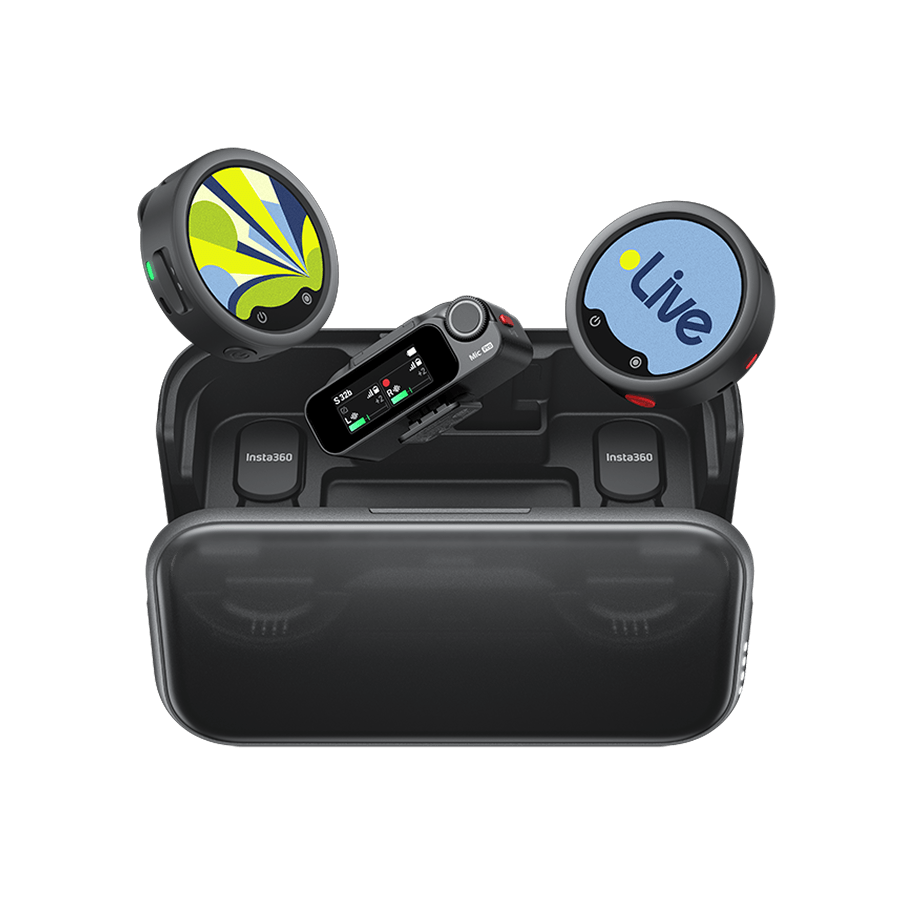
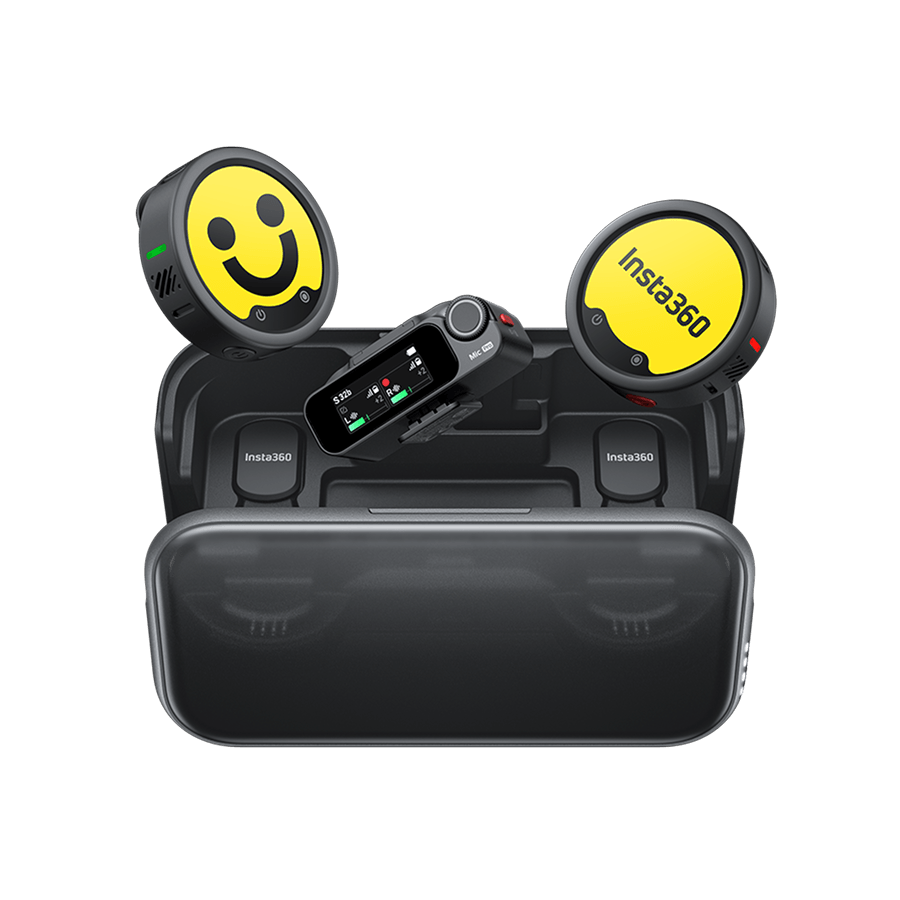
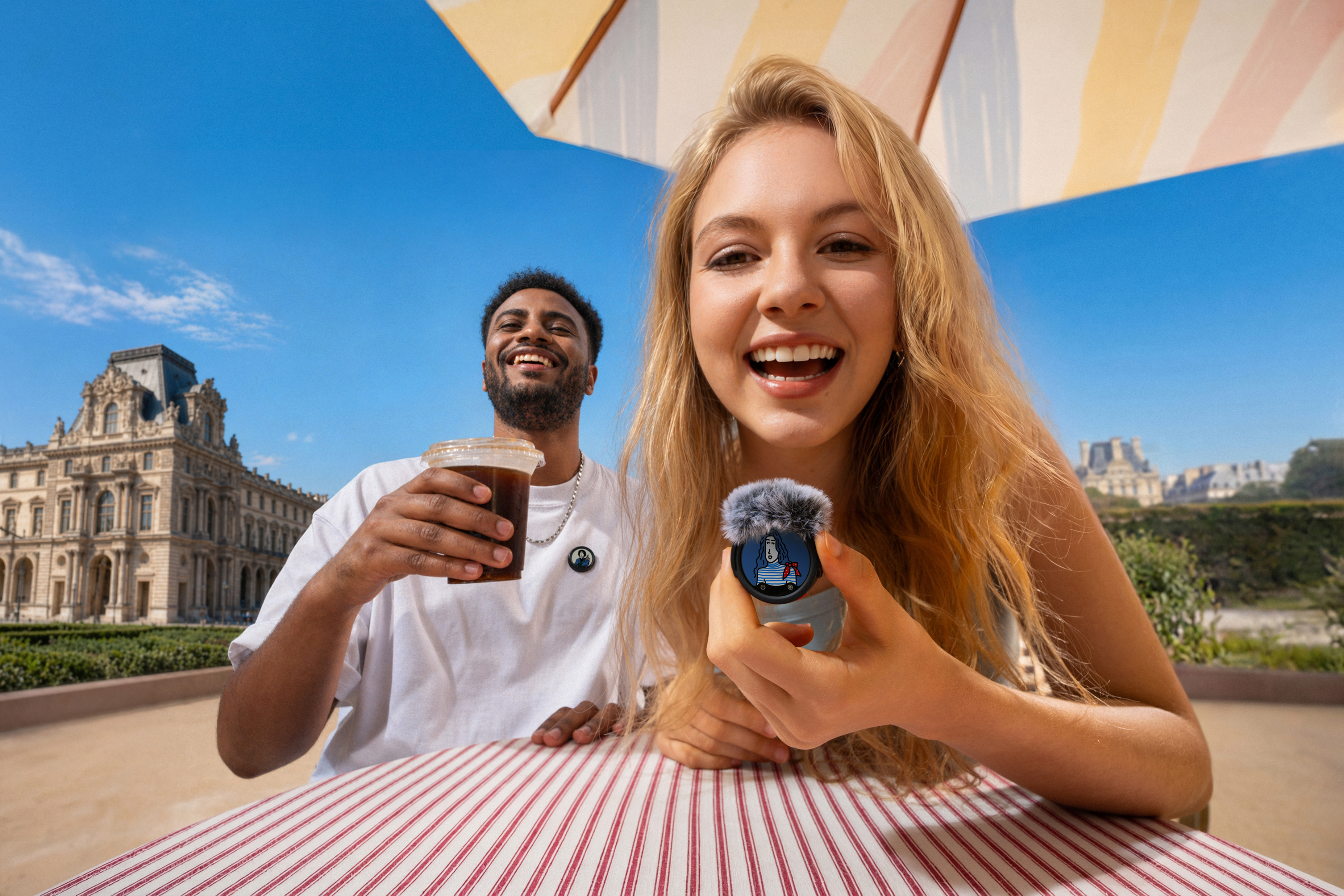
Insta360 Mic Pro is the flagship pick for vloggers who film somewhere loud.
It connects directly to compatible Insta360 cameras, including Insta360 Luna series, X6, X5, Ace Pro 2 and GO Ultra, so you can skip the receiver. Its 3-mic array and AI Noise Canceling help your voice cut through street noise, and the transmitter saves a 32-bit float backup to its onboard memory in case the wireless signal drops.
Insta360 Mic Air is the lighter, entry-level pick. The coin-sized transmitter pairs directly with compatible Insta360 cameras, like X6, X5, Luna Pro and Luna Ultra, so you don’t need a receiver. Built-in noise reduction helps clean up street sound, and you can clip it on, stick it on with the magnet or wear it as a pendant.
Microphone Windscreens for Outdoor Vlogs
Wind hitting a mic head-on creates a rumbling roar that's hard to fix in post. A windscreen breaks up that airflow, and on a breezy beach it's usually all you need.
Insta360 Mic Pro and Mic Air both come with a Windshield in the box. For stronger gusts on Mic Pro, add the Large Mic Pro Windshield, sold separately.
Support and Stabilization: Sticks, Grips and Mini Tripods
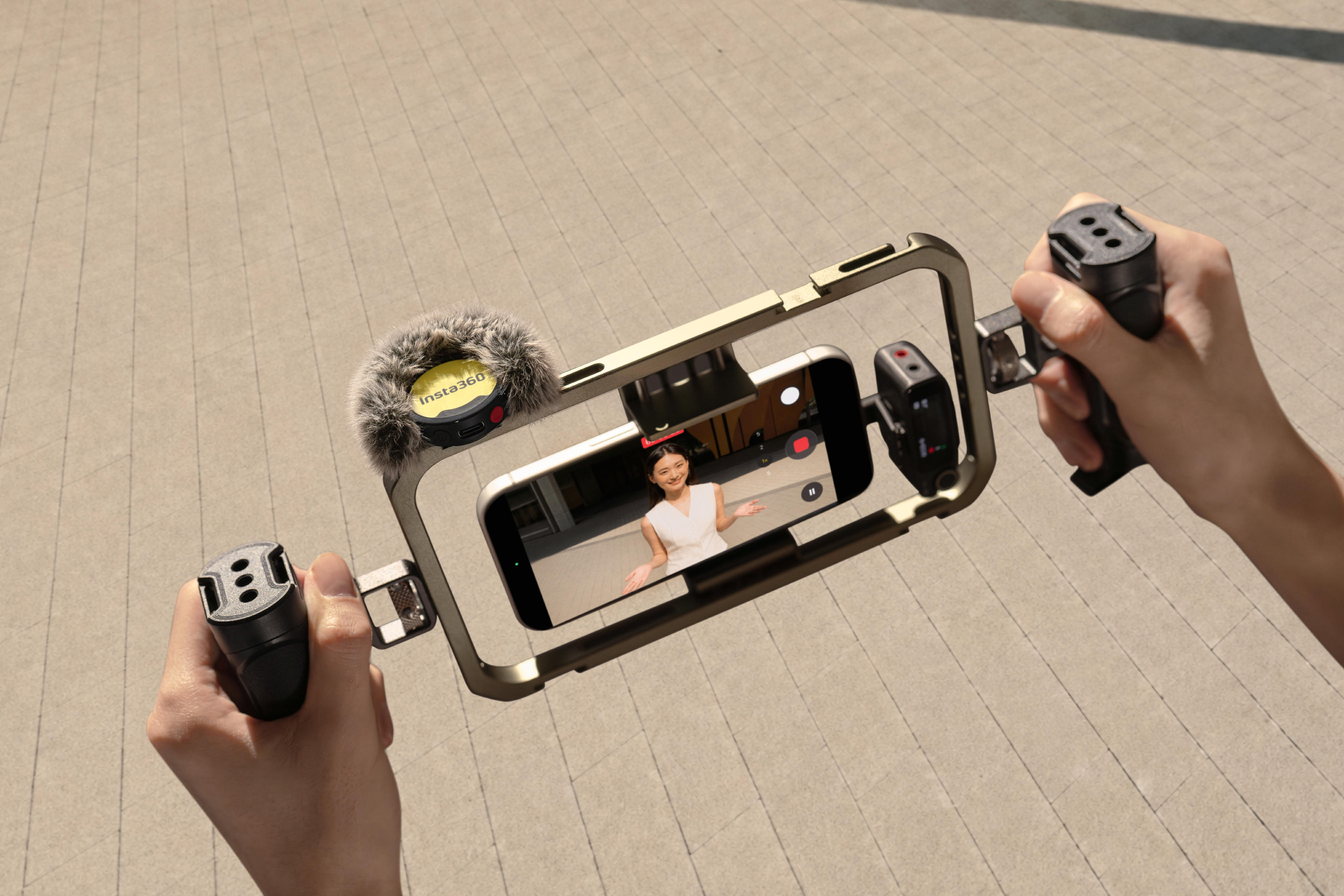
At arm’s length, your face fills the frame and the beautiful location behind you barely gets a look-in. A selfie stick pushes the camera out far enough to show where you are, and a grip that unfolds into a mini tripod doubles as a stand.
Shooting 360? The 114cm Invisible Selfie Stick disappears from your 360 footage automatically for drone-like third-person shots. This one’s great for everyday filming, but for high-speed sports switch to the Action Invisible Selfie Stick, which uses carbon fiber for high-intensity action.
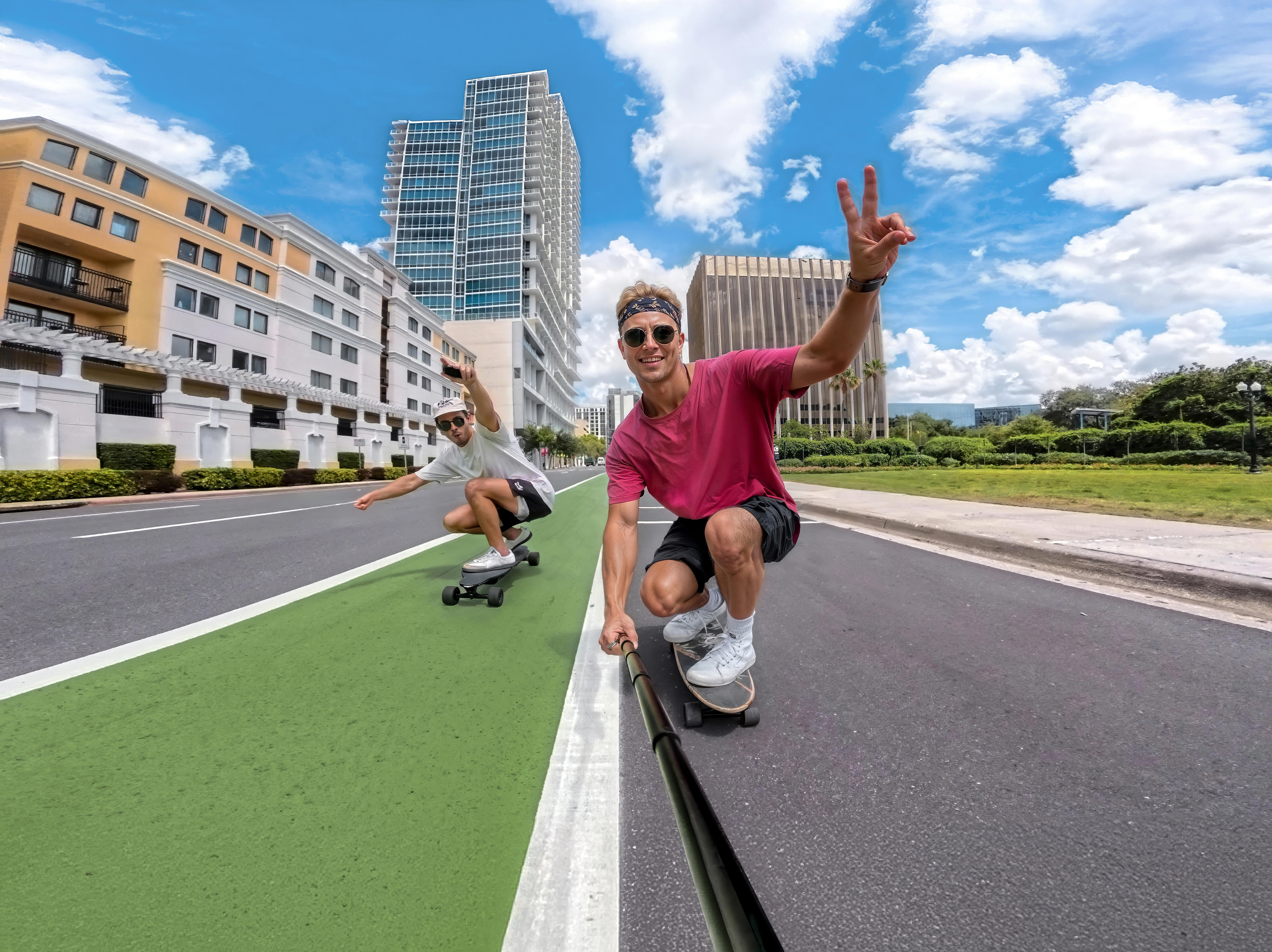
If you vlog on an Insta360 GO Ultra or Ace series camera, the Spin Stick adds a party trick—one twist flips the camera a full 180 between front and rear views without stopping the recording. Twist the control wheel fast and you get a motion-blur transition straight out of camera. It also doubles as a tripod.
Power and Storage for Long Shooting Days
Nothing ends a travel vlog faster than a dead camera at golden hour. If you film from breakfast to dinner, pack at least one spare battery. A charging case tops up several at once overnight.
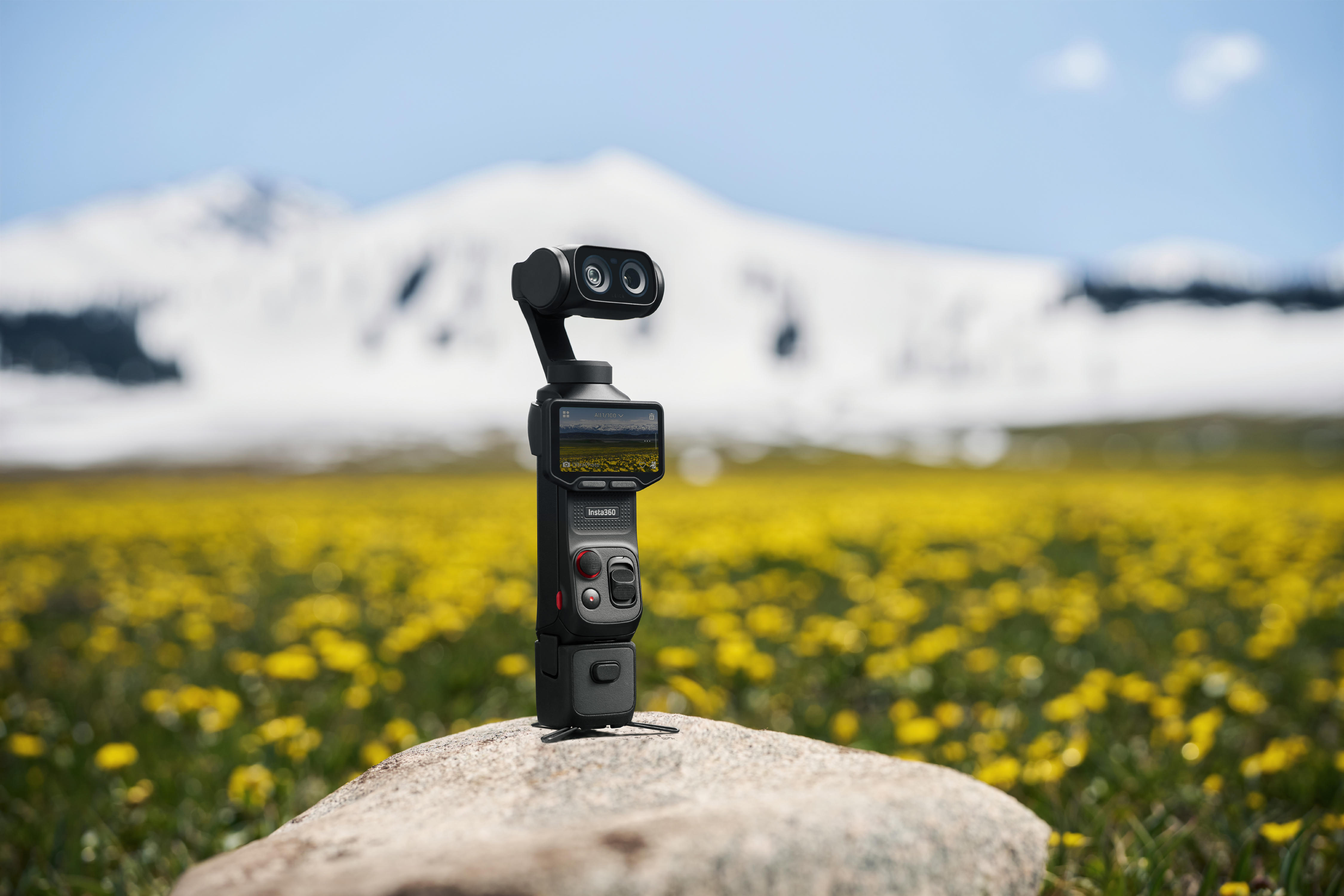
On Insta360 Luna Pro or Luna Ultra, the Battery Handle for Insta360 Luna Series rolls power, grip and tripod into one accessory. Its built-in battery takes your camera from empty to nearly half a charge in 30 minutes, the tripod legs fold out in seconds and a 1/4" thread connects other accessories. It's one of the best Insta360 Luna Pro accessories for anyone filming long days on the move.
Carry a backup memory card your camera's maker recommends for its top video mode. Cards fill up, fail and vanish into hotel bedsheets.
Hands-Free and POV Mounts
Some of the best vlog moments happen when both your hands are busy: cooking, climbing, paddling or steering a toddler through an airport. A hands-free mount keeps rolling while you get on with it. Pick one that matches how you move:
- Neck mounts give a natural chest-height view for walk-and-talk vlogs
- Head mounts follow your eyeline, so viewers see what you see
- Backpack clips stay out of the way on long hikes
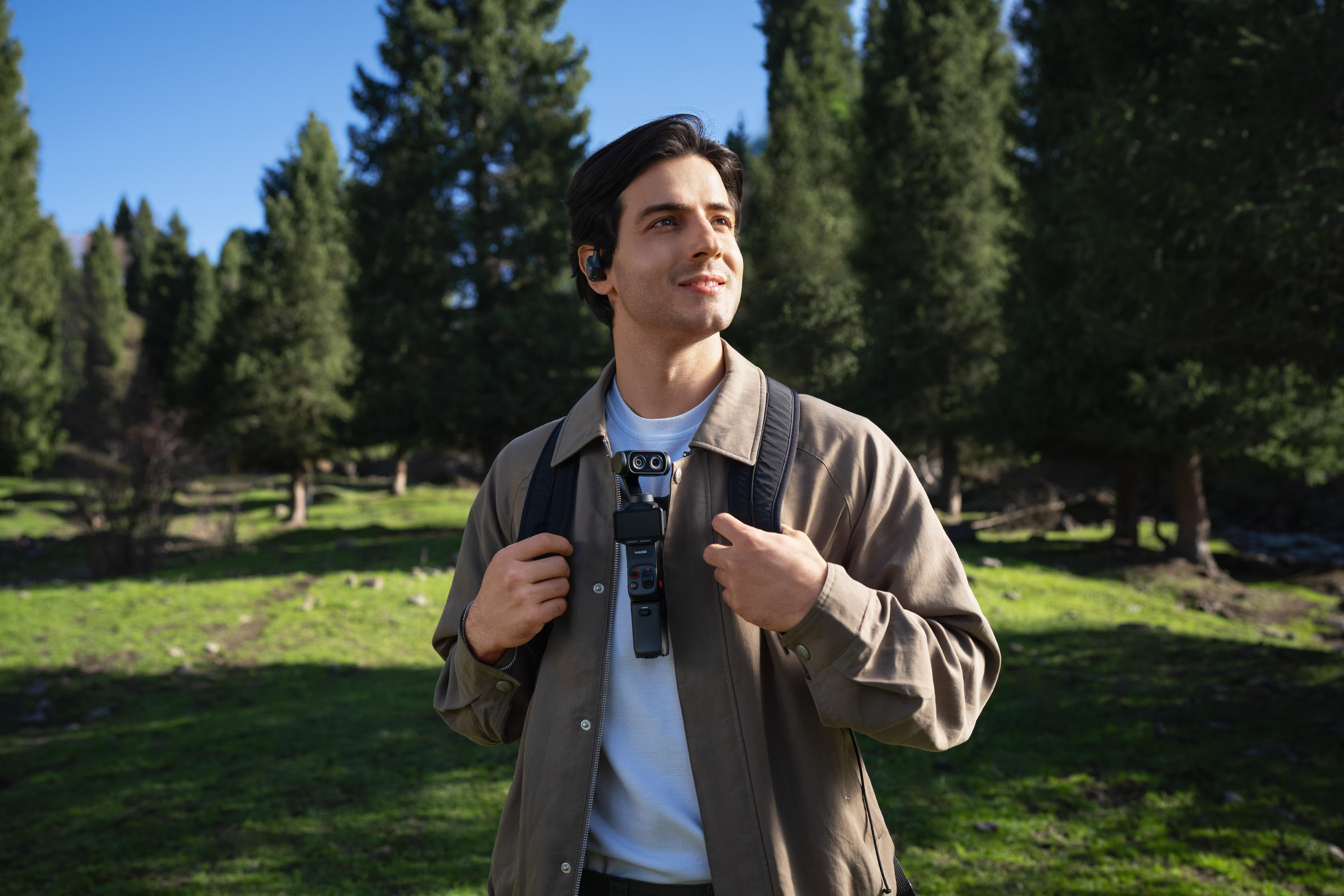
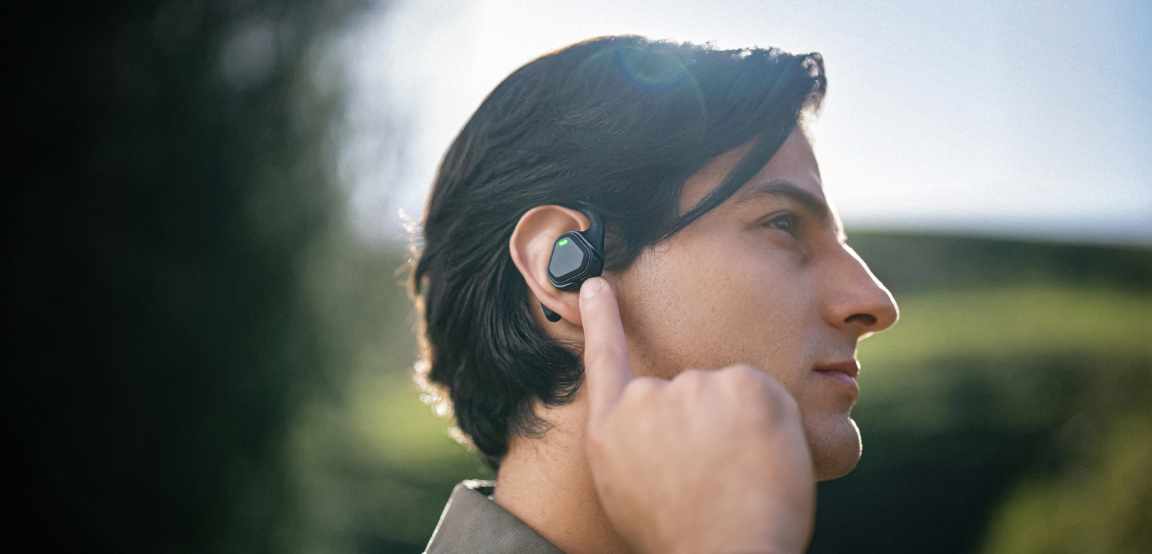
If you shoot on Insta360 Luna Pro or Luna Ultra, pair the Neck Mount for Luna Series with the POV Head Tracker. The tracker sits on your ear and syncs the camera with your head movement in real time. Glance left at a street performer and your footage glances with you.
Lighting and Filters for a More Polished Look
A small LED panel on your stick or grip brightens your face indoors and at night. Look for adjustable brightness and color temperature.
Filters suit outdoor shooters. Neutral density (ND) filters cut incoming light so you can use a slower shutter speed in bright sun, which makes motion look smoother. Mist filters soften harsh highlights for a more cinematic look. Insta360 has ND filters for Insta360 X6, GO Ultra, Go 3S and the Luna Series, plus Black Mist filters both both Luna cameras.
Build Your Vlogging Kit in Three Stages
- Stage one is a mic and a selfie stick or grip tripod, which fix the two problems that make new vlogs hard to watch.
- Stage two adds spare power and a hands-free mount once your shoot days get longer or your content gets more active.
- Stage three brings in a compact light, plus filters if you film outside a lot.
Filming on your phone? The same order works for a vlogging kit for your phone. Just swap the selfie stick for a phone gimbal to keep footage steady while you walk.
Vlogging Accessories You Can Skip for Now
Your budget goes further once the essentials are sorted. These can wait until your footage shows you need them:
- Large ring lights—they look great in a bedroom studio and get in the way everywhere else.
- Heavy cages and rigs—a small camera loses its biggest advantage the moment you bolt it into a metal frame.
- Cheap all-in-one kits—the bundled mic is usually the weakest part, so you end up buying a proper one anyway.
- Stacks of lens attachments—clip-on fisheyes and macros rarely survive past week one.
Frequently Asked Questions
What Camera Accessories Do You Need to Start Vlogging?
A wireless microphone and a selfie stick or grip tripod. Those two give you clear audio and decent framing, which are the issues viewers notice first. Add spare batteries for long shoots.
Is a Microphone Necessary for Vlogging?
Not strictly, but it's the upgrade that makes the biggest difference. Built-in mics pick up every bit of noise around you. A clip-on mic keeps your voice clear in wind, traffic and echoey rooms, which helps people keep watching.
Do I Need a Gimbal for Vlogging If My Camera Has Built-In Stabilization?
Usually not. Action cameras and 360 cameras with strong built-in stabilization handle walking shots well on their own, so a stick or grip is enough for most vlogs. A gimbal helps most with phones and larger mirrorless cameras, or for smooth tracking moves.
Start with Sound, Then Build Your Setup Around How You Vlog
Your first vlog kit can be two items: a mic and a stick or grip. Spare power follows once your days get longer. Everything else can wait until your footage tells you what's missing.
Ready to fix the part viewers notice first? Pick an Insta360 wireless lavalier microphone, clip it on and hit record.
Keen to keep up to date on Insta360 stories? Keep an eye on our blog and sign up for our mailing list. Got a story to share? Email yours to communitystories@insta360.com and win up to US$50.
Your shot. Your world. The Insta360 Global Awards 2026 supported by Leica are officially open. Join creators worldwide and compete across six categories (Street, Travel, Life, Portrait, Sports, and Night) for your share of a US$150,000+ prize pool, including cash prizes and Insta360 gear. Submit your best video or photo at insta360.com/awards.




%20(1).svg)


%20(1).svg)

.svg)


