

















































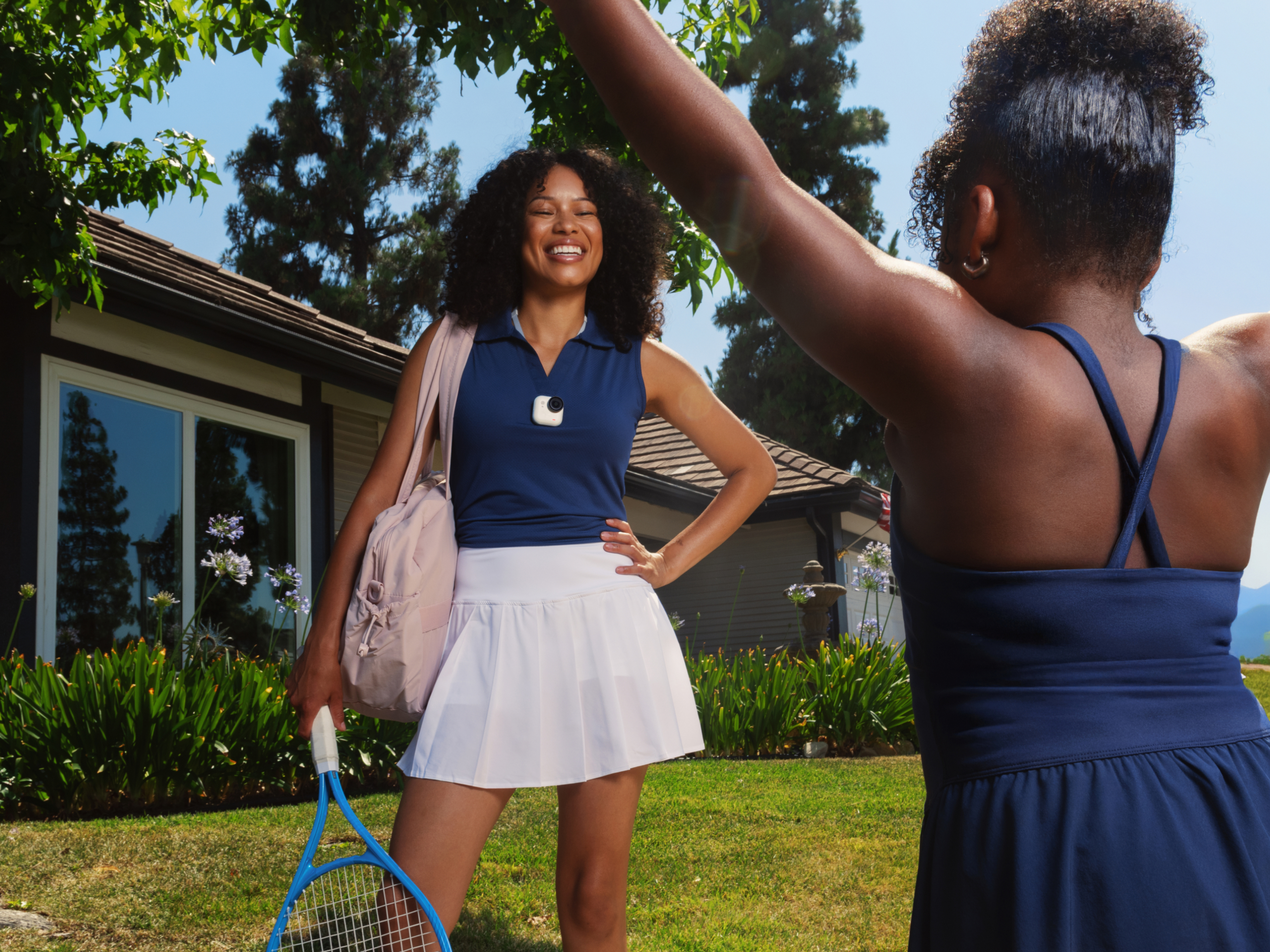


It’s small enough to fit in the palm of your hand and weighs less than a tennis ball—say hello to Insta360 GO Ultra, one of the world’s smallest POV cameras that proves once and for all that big, powerful cameras can also come in small sizes.
What Is Insta360 GO Ultra?
Insta360 GO Ultra is designed for hands-free filming, giving creators a lightweight way to capture immersive first-person footage without carrying bulky gear. Clip it to your shirt, mount it to a helmet or snap it onto a bike setup, and it records your perspective naturally while you stay focused on what you’re doing.
Its real power comes with its Point of View (POV) shooting. Because of its weight and portability, this camera is designed for the most immersive footage you can imagine, while still delivering outstanding image quality.
And the best part of it all is that it’s remarkably beginner-friendly.
Key Features That Make GO Ultra Stand Out
Insta360 GO Ultra packs a remarkable number of impressive features into its modest-sized casing, and here are some of the key ones to understand straight away.
Tiny, Lightweight Design
We can really only start with size and weight. Insta360 GO Ultra keeps things simple, and its compact body, weighing just 1.9 oz (52.9 g), can easily fit in the palm of your hand.
If you want specifics, the camera with the pre-installed Lens Guard is 46×45.7V22.4mm (1.8×1.8×0.9in), making it roughly the same size as a compact wireless earbud case. Perfect for anybody commuting, hiking, skating, traveling or doing just about anything.
Magnetic Mounting System
One of the biggest advantages for beginners is the magnetic mounting ecosystem. Snap it onto a pendant mount for chest-level POV shots, attach it to a hat or mount it to your gear for unique perspectives. That flexibility opens up creative angles fast. Bike rides through the city. Cooking tutorials from your perspective. Hands-free travel footage. Pet POV clips. Take your pick.
Hands-Free Shooting
POV footage feels immersive because your hands stay free. Instead of constantly holding a device, you can focus on movement and interaction naturally. The footage feels more personal because viewers experience events from your perspective instead of watching from a distance.
FlowState Stabilization
POV is all well and good, but our perspective is often jerky, shaky and very bumpy, which can be a real headache for beginners. But thankfully, Insta360 GO Ultra uses Insta360’s FlowState Stabilization to smooth out motion while you walk, ride or move through busy environments.
AI-Powered Editing
Editing can feel intimidating at first. Doesn’t it require hours staring intently at a tiny screen? Not anymore. Insta360 GO Ultra makes it easier with AI-powered tools in the Insta360 app that help automatically trim clips, sync music and create shareable edits in minutes. Shoot with freedom, but don’t get bogged down in the editing room.
What’s in the Box? (Beginner Setup Essentials)
The ease of the beginner setup starts from the moment you open the box. It's not overloaded with things you might just use once and never again. Insta360 keeps things short and sweet. Inside, you’ll find:
- Insta360 GO Ultra camera.
- Lens Guard (pre-installed).
- Quick Release Safety Cord.
- Magnetic Pendant mount.
- Magnetic Easy Clip.
- USB-C cable.
How to Set Up Your Insta360 GO Ultra
Once the camera is out of the box, there are just a few steps to go through before you can start shooting your heart’s content.
1. Charge the Camera
Before your first shoot, fully charge the device. Two options here. Connect the USB directly to the camera, which then charges 80% in 12 minutes and 100% in 20 minutes, or place the camera into the Action Pod, and charge from there, which takes 18 minutes to charge to 80% and 40 minutes to go up to 100%.
2. Download the Insta360 App
Install the Insta360 mobile app and connect your device. The app guides you through setup and makes transferring footage fast and intuitive.
3. Pair Your Device
Turn on Insta360 GO Ultra and pair it with your phone through Bluetooth or Wi-Fi. The process only takes a few minutes.
4. Update Firmware
Firmware updates improve stability and unlock the latest features, so it’s always worth checking for updates before your first shoot.
5. Choose a Shooting Mode
Start simple. Standard video mode is perfect for everyday POV footage. Once you get comfortable, experiment with slow motion, time-lapse and FreeFrame video.
6. Test & Go
Before recording longer clips, do a quick test shot. Chest-level framing usually creates the most immersive perspective for beginners. Once everything looks good, you’re all set to hit record for the real first time.
Shooting Your First POV Video
You’ve got everything set up, your finger is primed for recording, but what should your first POV shot be? It’s easy to freeze at this stage, perhaps a little overwhelmed by the sheer choice of options. But don’t overthink it.
The easiest way to start is by filming everyday movement. Walk through your neighborhood. Ride your bike to work. Capture a morning coffee run or a quick hike before sunset. Basically, just clip on the camera and get going.
Try moving steadily instead of making sudden turns or exaggerated camera movements as this will help with smoothing the footage. Chest-mounted footage usually creates the most balanced point of view. Head-mounted shots feel more intense and energetic, while lower angles can add speed and drama. Take your pick.
Editing and Sharing Your Footage
Film editing used to be a grueling process, but thanks to modern wizardry and AI assistance, you can now piece clips together easily and have them social-media-ready in no time.
The Insta360 app is designed to make editing approachable, even if you’ve never touched editing software before. Import your clips, trim your favorite moments, add music and export directly to your desired platform.
But just remember that different social media platforms require different ratios. Vertical exports work well for Reels and TikTok, while widescreen formats feel more cinematic for YouTube.
Creative Ways to Use Insta360 GO Ultra
Once you’ve mastered the basics, you’ll probably want to start getting creative right away. If you need a little inspiration, read on.
Travel POV
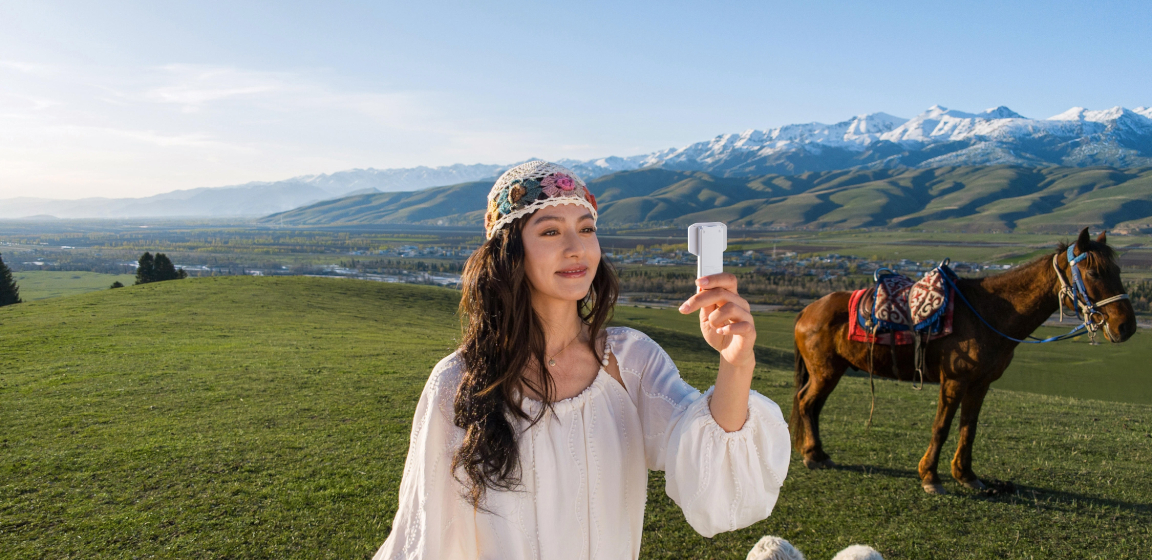
Insta360 GO Ultra was born to travel. Busy night markets. Train rides through the mountains. Walking unfamiliar streets at sunrise. Because it’s compact and discreet, it’s easier to film naturally without interrupting the moment. Hit record, let the camera do the work while you live the experience.
Fitness and Sports
Cycling, skating, climbing and trail running all feel more immersive from a first-person perspective. Hands-free filming also lets you focus fully on movement instead of camera handling.
Everyday Vlogging
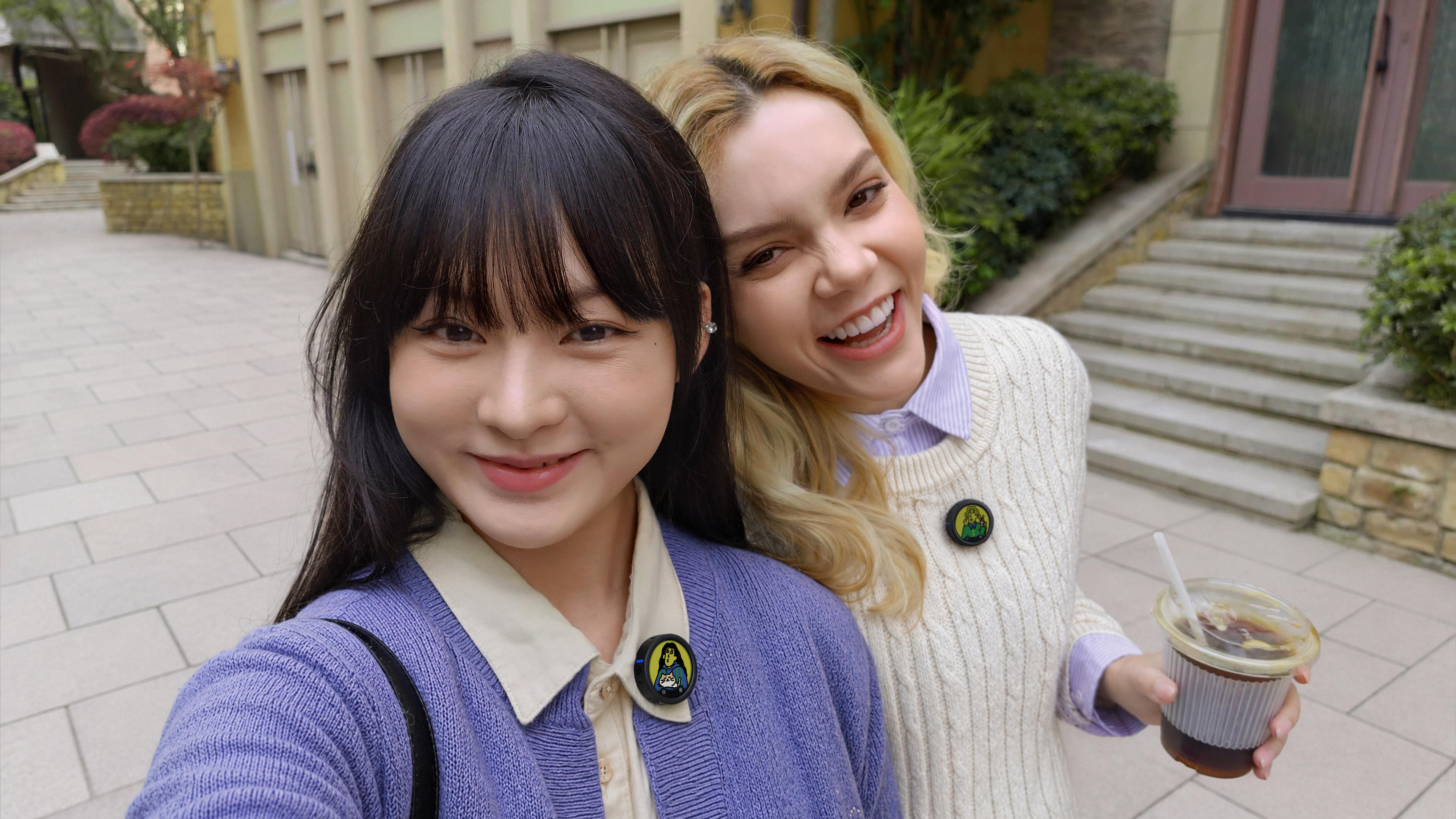
Vlogging used to require some serious setup, but modern cameras like Insta360 GO Ultra work brilliantly for lightweight daily storytelling because they capture life naturally while staying out of the way.
Family Moments
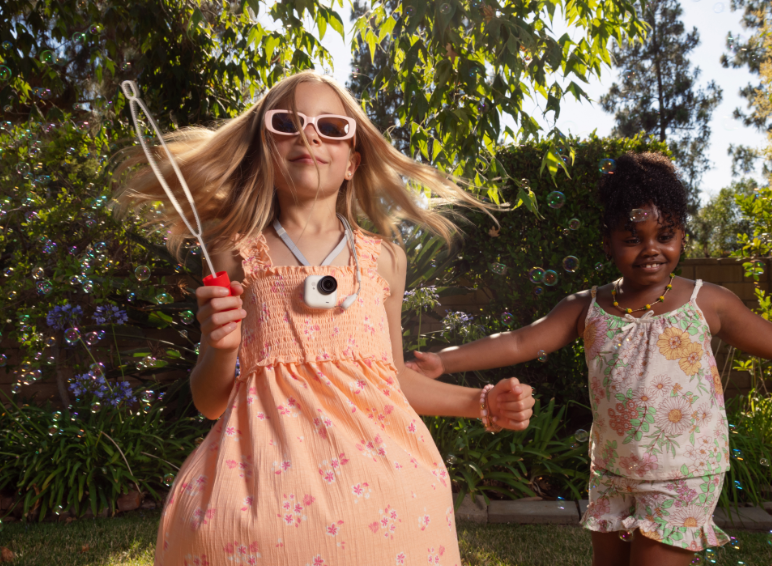
Some of the best footage comes from ordinary moments—cooking together, playing with pets or spending time outdoors. The small design makes it easier to capture genuine interactions instead of staged scenes.
Behind-the-Scenes Content
Artists, creators, musicians and makers can use Insta360 GO Ultra for immersive behind-the-scenes footage that feels more engaging than static tripod shots.
Insta360 GO Ultra vs Other Insta360 Cameras: Which One Is Right for You?
Insta360 GO Ultra is just one camera in Insta360’s impressive lineup. Which is right for you? Let’s take a look.
Insta360 GO Ultra is ideal for creators who want lightweight, wearable POV footage with minimal setup. It’s compact, discreet and perfect for everyday adventures.
When comparing Insta360 GO Ultra to Insta360 GO 3S, the latter is smaller, but its sensor and low-light capabilities don’t match those of Insta360 GO Ultra.
Insta360 X Series, including Insta360 X4 and Insta360 X5, focuses more on immersive 360 capture and reframing flexibility. It’s a strong option for creators who want maximum editing freedom and all-angle shooting.
And then there’s Insta360 Ace Pro 2, the king of action cameras, providing cinematic action footage with a larger form factor and advanced shooting controls.
Tips to Get the Most Out of Your Insta360 GO Ultra
The more you experiment, the better your footage becomes, but there are a few simple habits that can improve your results quickly:
- Keep lenses and mounts clean before filming.
- Use movement to make POV footage feel dynamic.
- Try different mounting positions for unique perspectives.
- Record multiple short clips instead of one long video.
- Use natural light whenever possible.
- Carry the charging case during longer outings.
- Review footage often—and check out some Insta360 GO Ultra tips and best settings to understand what works.
Start Capturing Hands-Free Moments with Insta360 GO Ultra Today
The problem with using your hands with a camera is that you need to use your hands. This immediately takes you out of the moment, breaking the magic and forcing you to think about framing rather than experience.
With Insta360 GO Ultra, you can pin the camera to your hat, your shirt, your bike—even your dog if you really want—hit the record button and forget it's even there. Live in the moment, while your Go Ultra quietly records all those little moments.
Frequently Asked Questions
What is the Insta360 GO Ultra Camera Best Used For?
Insta360 GO Ultra is best for hands-free POV storytelling. It works especially well for travel, sports, commuting, outdoor adventures and everyday moments where holding a traditional camera would interrupt the experience.
Is Insta360 GO Ultra Good for Beginners?
Yes. Insta360 GO Ultra is designed to be beginner-friendly with simple controls, quick mounting options, app-guided setup and AI-assisted editing tools that make shooting and sharing easier.
How Long Does the Insta360 GO Ultra Battery Last?
Battery performance depends on recording settings, shooting modes and usage habits. However, as a rough guide, the standalone camera can shoot at 1080p for 70 minutes, but if you put it in the Action Pod, you can shoot for around 200 minutes.
Can You Use Insta360 GO Ultra for Vlogging?
Absolutely. Insta360 GO Ultra works well for lightweight vlogging because it captures immersive first-person footage while keeping your hands free. Its compact size also makes filming in public feel more natural and discreet.




%20(1).svg)


%20(1).svg)

.svg)


