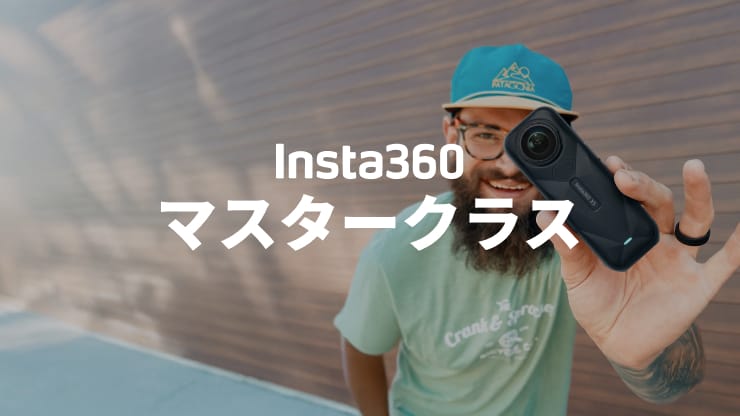




Insta360 Mic Air was already a solid wireless microphone for Insta360 camera users: compact, fast to connect, and easy to use.
Insta360 Mic Pro is a different product entirely. Rather than go for an iterative upgrade, we've introduced a new microphone architecture, a dedicated AI chip, directional pickup modes, and customizable E-Ink display that no other wireless lavalier on the market offers.
That said, the Mic Air still makes sense for a specific type of user. Here is an honest breakdown of what has changed, what has stayed the same, and how to decide which one fits your setup.
The Core Difference: A New Microphone Architecture
The most significant change between the Mic Air and the Mic Pro is not a feature. It is the foundation the product is built on.
The Mic Air uses a single-capsule design, which is standard across the wireless lavalier category. Mic Pro uses a three-microphone array arranged in an isosceles right-triangle layout. This changes how the microphone captures sound.
Noise Cancelation: One Mode vs. a Full System
Mic Air offers a single noise cancelation mode. It works, and for most everyday shooting conditions it does the job.
The Mic Pro's noise cancelation is built on a dedicated NPU chip, the first wireless microphone to use one. The practical result is faster processing and more natural-sounding output. You get multiple modes, including directional pickup patterns that can be combined with noise cancelation for complex environments.
If you shoot primarily in quiet or controlled environments, Mic Air's single-use mode is probably sufficient, and offers a great audio upgrade for people who need something quick and easy. If you regularly shoot outdoors, at events, or anywhere with unpredictable background noise, Mic Pro's system gives you meaningfully more control.
Directional Pickup Modes: Mic Pro Only
Mic Air has no selectable pickup patterns. Mic Pro on the other hand, offers four!
Omnidirectional (360°) captures sound from all directions, the natural option for vlogging and field recording where your voice sits in the environment rather than being isolated from it. Cardioid focuses on sound from directly in front of the microphone, rejecting noise from the sides and rear, and is best for outdoor solo shooting, live streams, and voiceover. Figure-8 captures from both the front and rear simultaneously, rejecting the sides, and is designed for two-person conversations using a single transmitter. Voice Focus helps cut out the noise and improve the quality of natural voice coming through, ideal for interviews on the street or generally noisy environments.
For solo vloggers who always shoot in the same kind of environment, this may not be a deciding factor. For anyone shooting across multiple scenarios, having the right pattern for each one is the difference between audio that works and audio that needs fixing.
Internal Recording: Mono vs. Stereo + 32-Bit Float
Mic Pro records internally (a feature exclusive to Pro) as a backup when your wireless connection drops or your camera fails.
Mic Air records in mono, whereas Mic Pro records in stereo at 32-bit float.
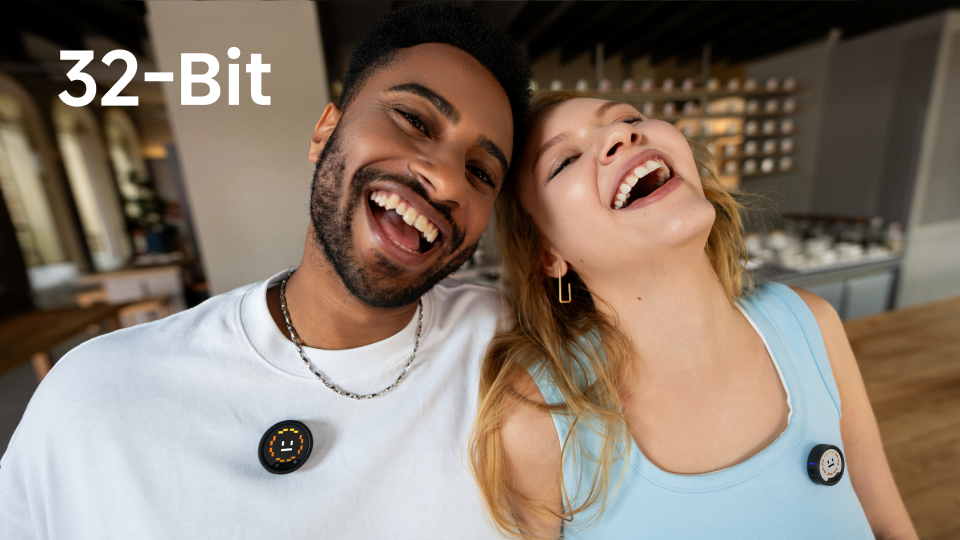
Stereo internal recording gives you a more spatially balanced backup track, useful for ambient recording and ASMR, and more flexible in post. The 32-bit float format means your internal recordings will not clip regardless of how loud or quiet the source, with 168dB of dynamic range versus 96dB at 16-bit.
For high-stakes shoots (events, weddings, live performances) the quality of your backup recording matters. The Mic Pro's internal recording is not just a safety net. It is a usable track.
The E-Ink Display: Exclusive to Mic Pro
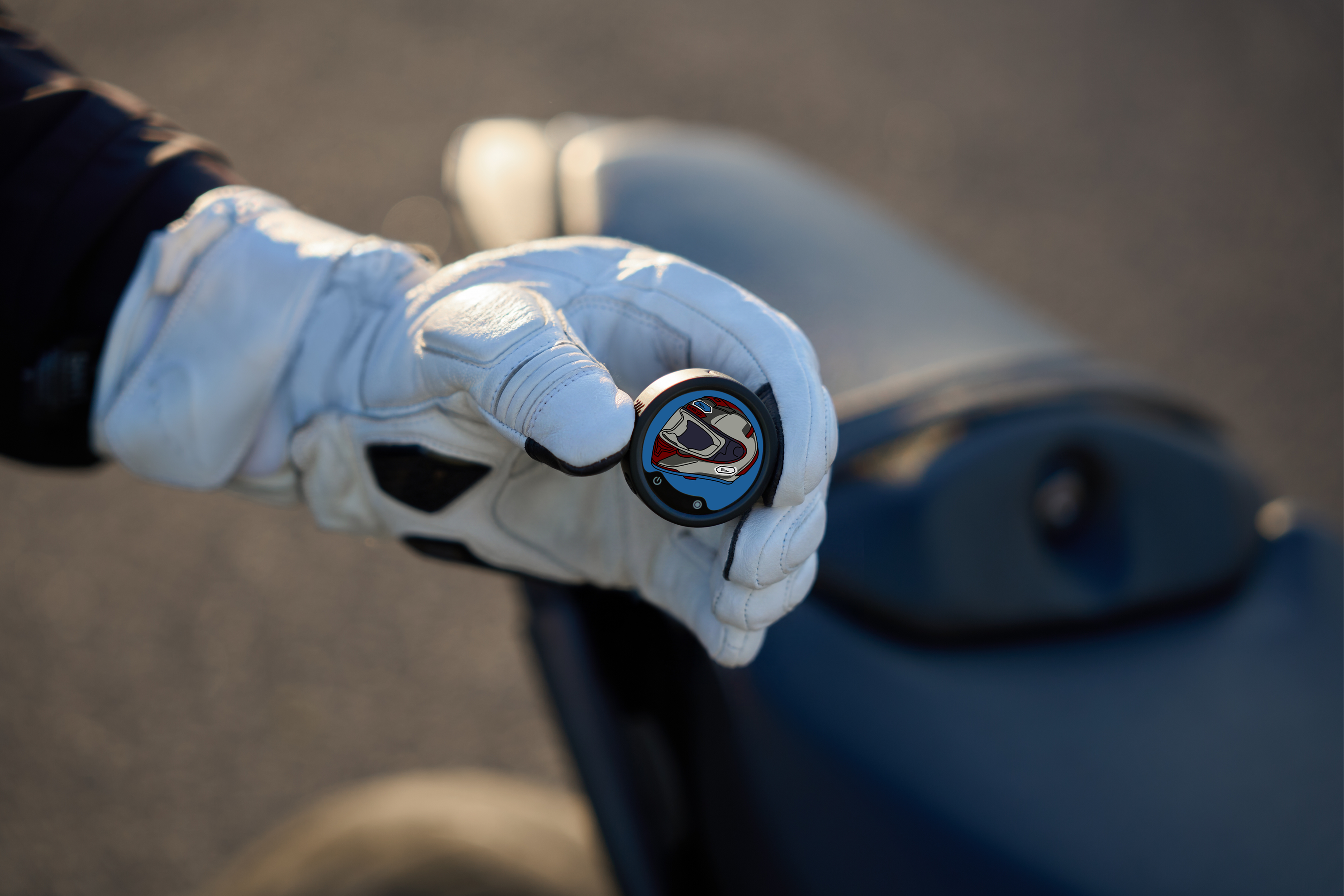
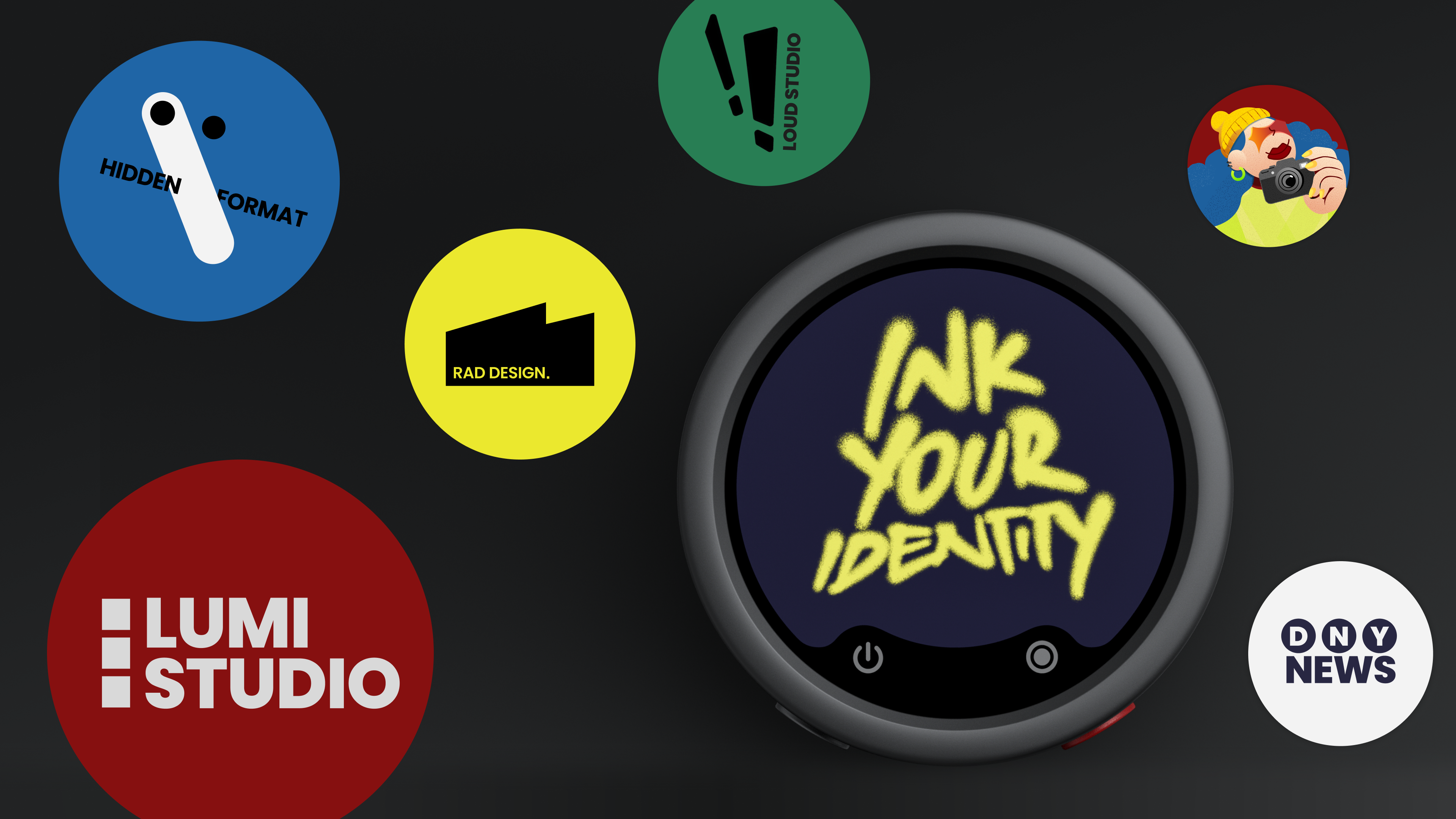
Mic Pro's transmitter features a unique, customizable E-Ink display. You can load your own images via the Insta360 app, choose from an official library, or leave it on the default Insta360 logo. The Mic Air has no display on the transmitter.
Its value depends on how much your gear appears on camera. For creators with an established visual identity, streamers who want to display a brand or sponsor logo, and anyone whose mic is visible in the shot, this is a real differentiator. For creators who hide their mics or shoot in ways where the transmitter is not seen, it matters less.
Battery Life: Mic Air Pulls Ahead
Mic Air delivers up to 10 hours of battery life. Mic Pro delivers up to 10 hours on the transmitter alone, extending to 30 hours with the charging case.
The Mic Pro does offer 5-minute hypercharging, giving you 1.5 hours of use from a short top-up. For run-and-gun shooting where you forget to charge, this is a useful feature the Mic Air does not have.
If you shoot long days without easy access to charging, the Mic Air may be a more comfortable option. If you shoot in shorter bursts and can top up between setups, the Mic Pro's hypercharging closes the gap.
Multi-TX/RX: A Mic Pro-Only Capability
The Mic Air does not support multi-transmitter or multi-receiver configurations. The Mic Pro supports 4TX + 1RX (four transmitters, one receiver, four independent audio tracks) for panels and group interviews, and 2TX + 4RX (two transmitters broadcasting to four receivers) for multi-camera event coverage. Timecode sync is built in, with approximately one frame of drift per 24 hours.
If you ever run shoots with more than two people or more than one camera, the Mic Pro is the clear choice. The Mic Air can support dual recording, but is typically used as a one-to-one system (and no dual transmitter package is offered with the Air).
Insta360 Camera Compatibility: Both Work, Mic Pro Stands Out
Both the Mic Air and the Mic Pro support Insta360 Direct Connect, pairing the transmitter directly with compatible Insta360 cameras without a receiver.
On newer Insta360 camera models, the Mic Pro offers improved Bluetooth range, more stable connections compared to the Mic Air. If you shoot primarily on Insta360 hardware and have recently upgraded your camera, the Mic Pro will feel noticeably more reliable.
Which One Is Right for You
Choose the Mic Air if:
- You shoot primarily in quiet or controlled environments
- You use one Insta360 camera and one microphone, nothing more complex
- Portability is your top priority
- You want a capable, straightforward wireless mic at a lower price point
Choose the Mic Pro if:
- You shoot across different environments and need noise cancelation that adapts
- You want selectable pickup patterns for different scenarios
- You record events, interviews, or any situation where losing audio is not an option
- You run multi-person shoots or multi-camera setups
- Your gear appears on camera and you want it to reflect your brand
Side-by-Side Comparison
| Feature | Mic Pro | Mic Air |
| Microphone array | 3-mic array | Single capsule |
| AI noise cancellation | NPU-powered, two modes | Single mode |
| Directional pickup patterns | 4 (omni, cardioid, voice focus, figure-8) | None |
| Internal recording | Stereo, 32-bit float | No |
| E-Ink display | Yes, customizable | No |
| Battery (TX solo) | 10 hours | 10 hours |
| Battery (with case) | 30 hours | 10 hours |
| Fast charging | 5 min = 1.5 hours | No |
| Multi-TX/RX | Up to 4TX + 1RX / 2TX + 4RX | No |
| Timecode sync | Yes | No |
| Direct Connect (Insta360) | Yes | Yes |
| Bluetooth to phone | Yes | No |
| Transmission range | 400m | 300m |
Mic Air remains a capable, compact option for creators who want simple, reliable wireless audio with their Insta360 camera. The Mic Pro is for everyone who needs more: more control over how sound is captured, more protection against losing it, and more flexibility across different shooting scenarios.
If you are already on the Mic Air and wondering whether the upgrade is worth it, the answer comes down to one question: are you regularly running into the limits of what it can do? If noise, placement, or backup recording have ever cost you a usable take, the Mic Pro addresses all three.
Keen to keep up to date on Insta360 stories? Keep an eye on our blog and sign up for our mailing list. You can also contact our Enterprise team directly to see how 360 cameras can benefit your business.








%20(1).svg)


%20(1).svg)

.svg)