

















Driving vlogs might sound simple on the face of it. But then you start properly planning one, and the questions show up. Where does the camera go? How do you hear yourself over the engine? Learning how to record a driving vlog is mostly about answering those before you turn the key—and here’s how to get started.
Key Takeaways
- Choose a car-vlogging camera that handles changing light and mounts securely.
- Position the camera to capture both you and the road without blocking your view.
- Use a dedicated microphone to keep your voice clear over road and engine noise.
- Plan what you’ll talk about and complete your camera, audio and mount checks while parked.
- Keep the camera hands-off while driving, then edit the footage after.

Choose a Camera Built for the Road
You might be tempted to use your phone, but it sets exposure for the brightest thing in the frame—usually the road through the windshield—leaving your face in shadow.
A phone car mount won't solve it either, since they’re made to hold a phone where you can glance at directions, which puts it low and off to one side.
A camera made for car vlogging can be mounted in exactly the right position and maintains detail in a bright window and a dark cabin at once.
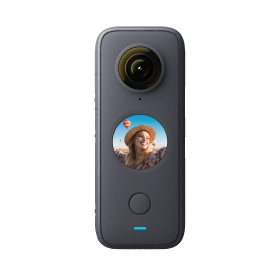
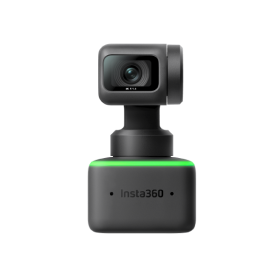
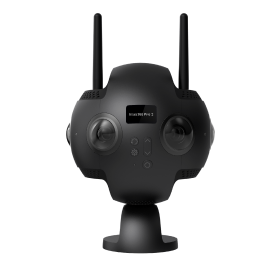
Two Insta360 cameras do it differently, and the right one depends on the kind of vlog you want to make:
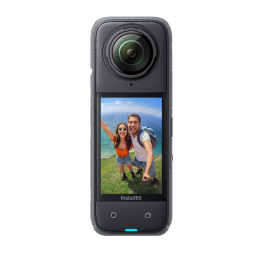
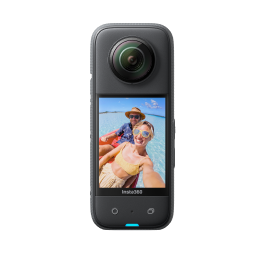
Insta360 X6: For Full 360 Freedom
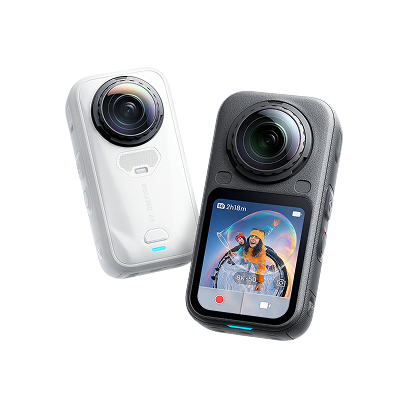
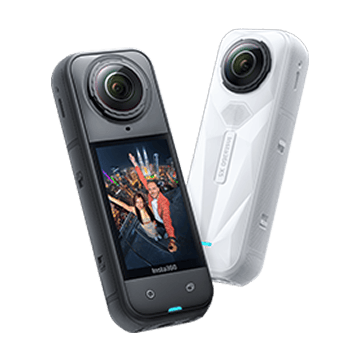
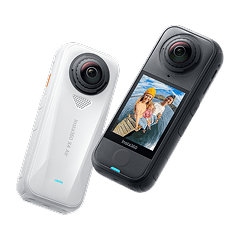
Insta360 X6 records everything around it at once. You stick it to the windshield, drive and choose where the camera was pointing once you're editing.
It shoots native 8K50FPS 360 video using dual custom Sony sensors, and that resolution does real work here. When you crop into a 360 file to make a normal-looking shot, you throw most of those pixels away. Starting with more of them is what keeps the finished clip sharp.
Two ambient light sensors and in-camera Dolby Vision cleverly handle sudden changes in light, too.
Running a 360 camera in the car also means one mount covers angles that would otherwise need two cameras.
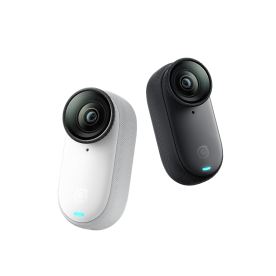
Insta360 Ace Pro 2: For a Dedicated Dashcam Setup
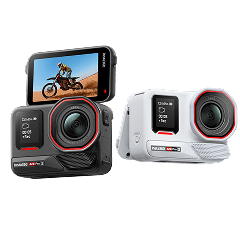
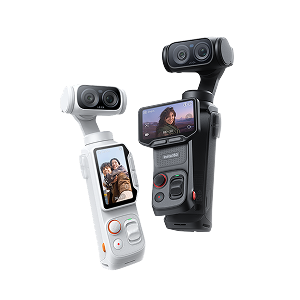
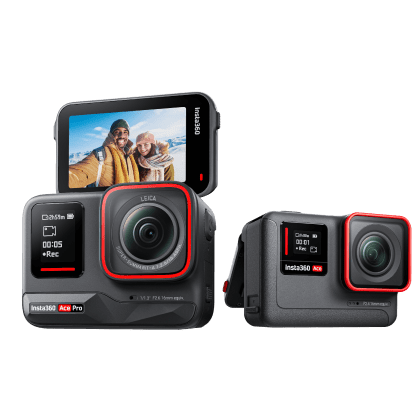
If you’ll mostly be talking to the camera and want the road visible behind you, Insta360 Ace Pro 2 points one way, records a normal video file and drops straight into an editor with no reframing step.
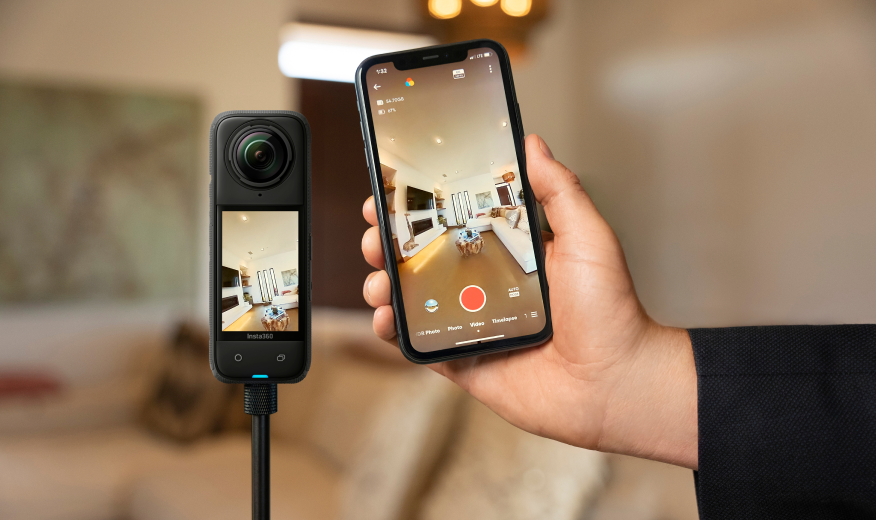
The flip screen is the practical win. You can frame yourself while parked and know exactly what the shot looks like before you pull away.
It also pairs with Insta360 Mic Air without the separate receiver most wireless microphones need plugged into the camera, so your whole setup is the camera plus a microphone that clips to your shirt.
Setting up Insta360 Ace Pro 2 as a dedicated dash cam is straightforward, too, so there’s no fussing about.
Mount It So the Shot Never Moves
A mount has one job: hold the camera’s position.
If your car is a lease or a rental, adhesive is out and suction is your answer. If your windshield curves sharply, one cup may not seal, so choose a mount with two or three.
Some states also restrict windshield mounting—for example, California limits this to specific areas including a small section in the lower corner, so check your local rules.
Here are four recommendations:
| Mount | Best For | Key Detail |
| Dash Cam Mount | Vlogging in the same car regularly | Resuable 3M adhesive to the windshield or dashboard, with a quick release so the camera comes off and the mount stays put. Insta360 Ace Pro models need a Quick Release Mount or 3-Prong ¼” Adapter to attach. |
| Suction Cup Car Mount | Rentals or switching between cars | Grips smooth glass or paint. The double ball lets you fine-tune the angle. |
| Dual or Triple Suction Cup Car Mount | Exterior shoots at speed (hood, door, rear window) | Three cups in a triangle to hold firm. Pairs with the Action Invisible Selfie Stick, which holds the camera off the bodywork for a follow-cam visual. |
| Flexible Adhesive Mount | Curved surfaces (dashboard, A-pillar, hood) | Resists heat buildup and humidity, so the adhesive won’t soften in direct sun. |
Whichever you land on, fitting the Insta360 car mount properly is worth doing on clean, cool glass before you leave home.
Popular Camera Positions for Car Vlogging
Where you put the mount decides what the vlog feels like. Here are some ideas:
- Windshield center, behind the mirror. Catches your face and the road in one shot, which is why it's the default.
- Dashboard, facing you. Closest to a normal talking-head video. Best when the vlog is mostly you speaking.
- Passenger seat or headrest. A three-quarter angle that looks more cinematic and works well as cutaway footage between talking segments.
- Outside on the hood or rear window. Speed and scenery. Excellent in short bursts, unwatchable for 10 minutes straight.
Also, plan for time of day. Driving into low sun puts you in a silhouette, so save that stretch for scenery and talk earlier in the clip.

Capture Clean Audio Without Distractions
Bad audio can lose more viewers than bad video. Tire roar, engine noise and fan hiss can drown out your voice on the built-in mic. Try the quick fixes first: turn the fan down, keep the windows up, switch the air to recirculate and keep the camera out of a vent's airflow.
For consistently clear audio, though, a dedicated microphone is worth it. Here are two of the best:
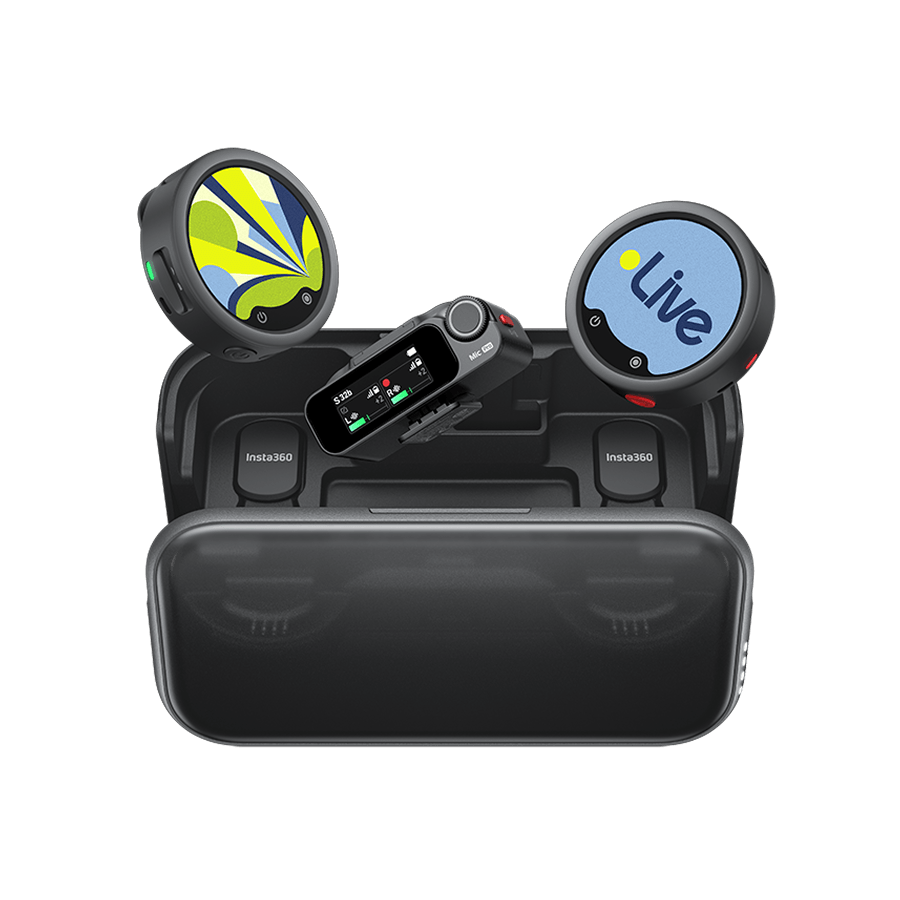
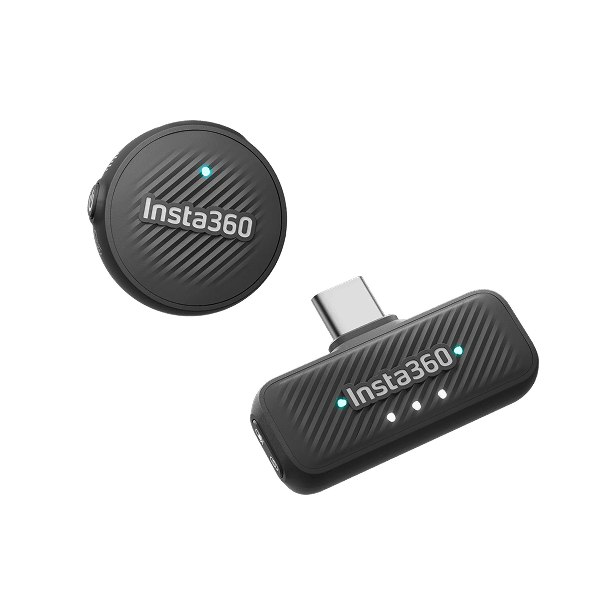
Insta360 Mic Air for Simple, Reliable Wireless Audio
Insta360 Mic Air is the small fix. The transmitter weighs 7.9g, clips to your collar or attaches magnetically, records 48kHz audio with noise reduction built in and runs for 10 hours.
It connects straight to Insta360 X6 and Insta360 Ace Pro 2 with no receiver box cluttering the cabin.
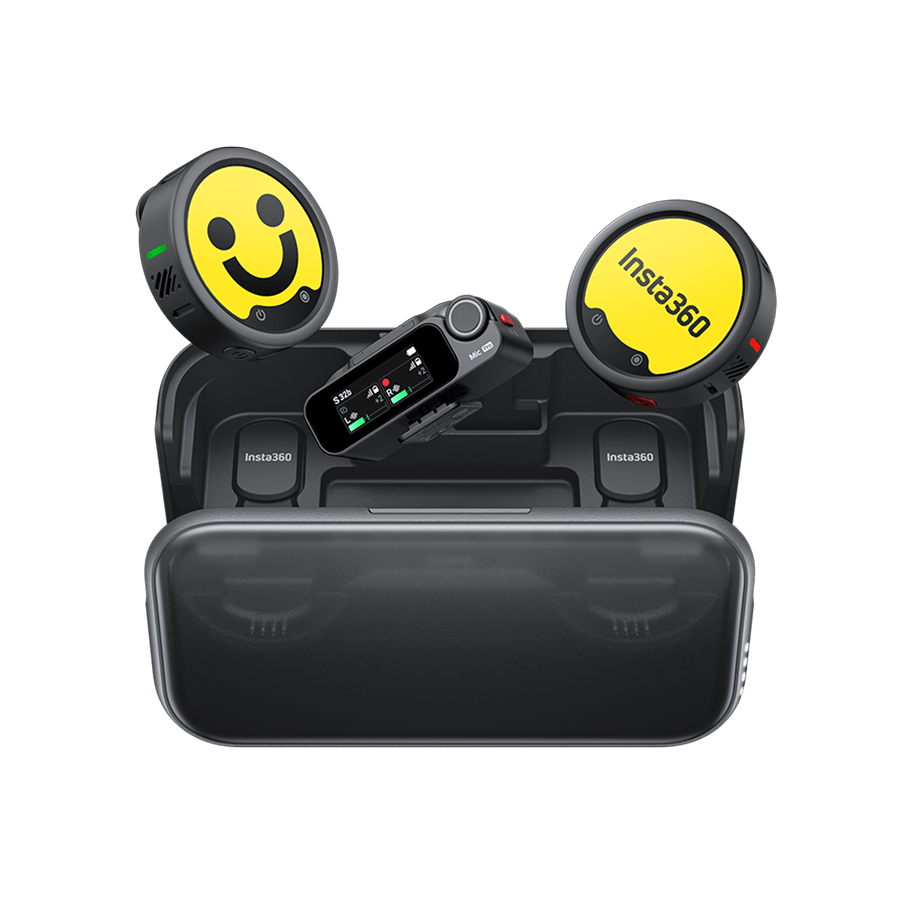
Insta360 Mic Pro for Multi-Speaker Recording
A road trip with a passenger needs two microphones, one clipped to each person. Insta360 Mic Pro covers that, and Insta360 X6 connects two transmitters at once so both voices record to the camera directly.
The difference between Mic Pro and Mic Air comes down to how many people are talking and how much control you want over levels.
Plan the Drive and What You'll Say
With the camera mounted and a microphone clipped on, the last thing to sort before you turn the key is what you're actually going to say.
Most first driving vlogs become awkward at around 90 seconds. You say the thing you got in the car to say, then there's road noise and a very long silence.
Pick one question the drive answers instead. "Was moving here worth it?" gives you 20 minutes. "Topics: work, apartment, weekend" gives you 90 seconds.
Formats that hold up over a full drive:
- A life update told as a story with an ending, rather than a list of news.
- A walkthrough of the car itself: what you changed, what broke, what you'd do differently.
- Questions from your comments, answered one at a time.
- A drive to somewhere specific, where arriving is the payoff.
Then plan the route, so you're not making decisions and talking at the same time.
Run Your Final Checks Before You Pull Away
Everything below happens parked, engine off.
Two things end most shoots early: a full memory card and a dead battery. Start with an empty card, and run a USB-C cable from the car—or use the Insta360 X6 Power Selfie Stick, which adds 157% more runtime and gets you up to 6 hours of 8K30FPS recording.
Then work through this:
- Set your resolution and frame rate now, not while you're moving.
- Switch on Loop Recording if you don't know how long you'll be out. It overwrites the oldest footage instead of stopping dead when the card fills.
- Record 10 seconds and play it back. Framing, exposure and audio all get confirmed in one take.
- Tug the mount. If it shifts in your hand, it'll shift on the road.
- Wipe the lens. Windshield glare plus a fingerprint ruins an hour of footage.
- Check the microphone is connected and not trapped under a seatbelt.
Record Without Taking Your Eyes Off the Road
Once you're moving, the camera stops being something you can manage. Press record while parked and don't touch it again. Don't flip the screen around to check yourself either, because watching a screen is what turns a legal setup into a ticket.
Pull over for anything that needs your full attention, such as long explanations, emotional stretches, reactions where you're gesturing with both hands.
Talking to a camera alone in the car feels ridiculous at first. But keep driving. You’ll settle into a rhythm after a few minutes.
Edit for Watchability
Back home, the footage arrives as one long file and the job is deciding what survives.
Aim to turn 45 minutes of driving into 6–8 minutes of video. The number matters, because the instinct is to trim lightly and end up with 25 minutes nobody finishes.
Find the handful of moments genuinely worth keeping, build the video around those and use everything else as background footage under narration.
Reframing 360 Footage with InstaFrame 2.0
Shooting in 360 moves the angle decision into the edit. In the Insta360 app, pull a face-on shot for the parts where you're talking, then swing the view out to the windshield for scenery, all from the same clip.
InstaFrame 2.0 also outputs a ready-to-share flat version alongside the 360 file, so you aren't starting from nothing. PanoMind can flag likely highlights if you'd rather not scrub the whole drive.
Insta360 Tip: Cut a vertical version for Shorts and TikTok from the same 360 file. You're reframing a sphere, so a vertical crop costs you an export rather than a second shoot.
Trimming Dashcam Footage into a Story
Flat footage needs harder cutting, since you can't change the angle later. Cut on movement, because a turn or a shift in the light hides the join.
Also put a quiet music bed under driving footage and drop it out when you speak. Add captions, too, since plenty of viewers watch with the sound off. And keep the original road noise underneath instead of stripping it out, because it's what makes the footage feel like a real drive.
Frequently Asked Questions
How Do You Record Video While Driving?
Mount the camera before you move, start recording while the car is parked and leave it alone until you stop. Voice control is the only safe way to change anything mid-drive. Filming handheld is dangerous and illegal in most places.
What Camera Should You Use for a Driving Vlog?
A small camera that mounts to glass, holds exposure in bright and dark at the same time and stabilizes well. Go for a 360 camera if you want to choose angles while editing, or a standard action camera if you'd rather have simpler files and a faster edit.
Is It Legal to Record Video While Driving?
Recording is generally legal. Operating the device while driving often isn't. Most states ban handheld phone use outright, many restrict what can be mounted on a windshield, and anything that pulls your attention from the road can fall under distracted driving laws. Check the rules where you drive, and treat a mounted, hands-off camera as the only setup worth using.
The Right Camera Setup Helps You Turn Every Drive Into Footage Worth Sharing
Most of the work happens before you move. Mount the car vlogging camera where it can see you and the road, clip a microphone to your collar, decide what the drive is about and the recording takes care of itself.
If you want the most creative freedom and the best image quality from the start, Insta360 X6 is the most reliable pick.
Keen to keep up to date on Insta360 stories? Keep an eye on our blog and sign up for our mailing list. Got a story to share? Email yours to communitystories@insta360.com and win up to US$50.
Your shot. Your world. The Insta360 Global Awards 2026 supported by Leica are officially open. Join creators worldwide and compete across six categories (Street, Travel, Life, Portrait, Sports, and Night) for your share of a US$150,000+ prize pool, including cash prizes and Insta360 gear. Submit your best video or photo at insta360.com/awards.


-tuya.jpg)