















































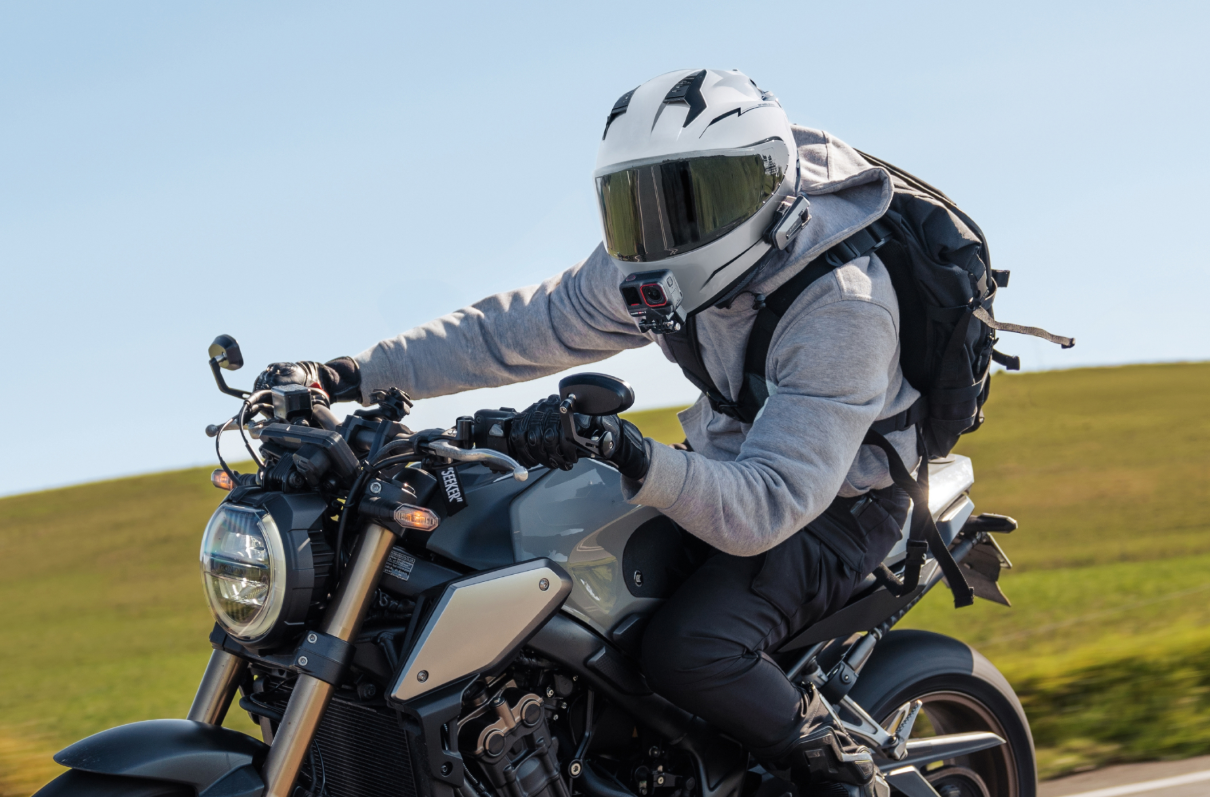


Strap it to your helmet, mount it to your chest, run with it or dive beneath the waves—say hello to the last action camera you’ll ever need. Insta360 Ace Pro 2 comes with 8K AI power, a lens co-engineered with Leica, FlowState Stabilization and an integrated wind guard to keep that audio crisp and clear.
Despite all that power, getting started is surprisingly simple. This guide will walk you through unboxing and how to start shooting in minutes.
What’s Inside the Insta360 Ace Pro 2 Box
Opening an Insta360 Ace Pro 2 box is like Christmas morning—that immediate excitement and desperate urge to start filming. But first, let’s take a look at what’s in that box.
Inside, you’ll find the Insta360 Ace Pro 2 camera itself alongside the essentials needed to get shooting quickly.
Depending on the bundle, this typically includes a rechargeable battery, mounting hardware, charging cable and quick-start documentation to help first-time users get moving fast.
The first thing most people notice is the build quality. Insta360 Ace Pro 2 feels rugged without becoming bulky. It balances portability with a premium feel that you already know will lead to great footage.
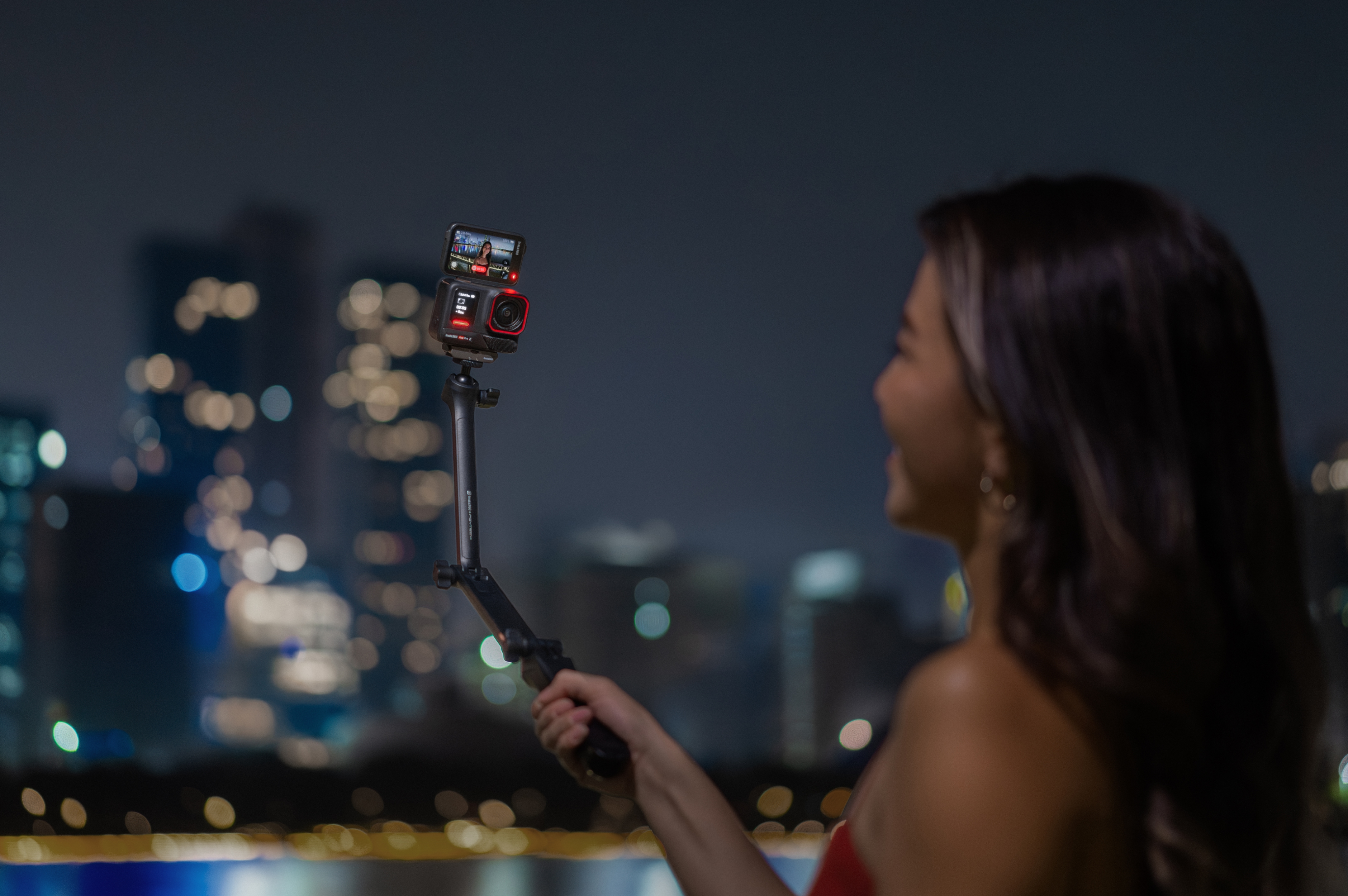
The flip touchscreen immediately stands out as well, snapping smoothly into place and making framing yourself dramatically easier, whether you’re filming travel clips, action sequences or handheld creator content.
If you want to go even further, the Videography Bundles bring together everything needed to deliver extraordinary footage as well as useful add-ons, like cinematic lenses, portable printers and more.
And that’s just the beginning.
Add on Insta360 Ace Pro 2 accessories, such as the Invisible Selfie Stick, ND filters, mounts and tripod for a more varied shooting experience.
First-Time Insta360 Ace Pro 2 Setup
Insta360 Ace Pro 2, which is the blockbuster sequel to the popular Insta360 Ace Pro, comes with a dizzying array of features. But that doesn’t mean it can’t be unboxed and ready to go in a matter of minutes.
Firstly, start by charging the battery. You’re probably desperate at this point to get started, but you won’t get very far without a full battery. And don’t worry, it charges 80% in just 18 minutes and fully charges in 47 minutes.
Once it’s ready, insert a compatible microSD card before powering the camera on for the first time.
Once booted up, the touchscreen interface walks you through the basics with clean menus and simple prompts that are easy to navigate, even if you’ve never used an action camera before.
From there, connecting to the Insta360 app takes only a few minutes. Pairing the camera unlocks faster file transfers, editing tools, firmware updates and remote shooting controls directly from your phone.
You can do it without, but with the app, your workflow gets a real supercharge, meaning you can go from filming content to publishing content in just a few minutes if the inspiration strikes.
Key Insta360 Ace Pro 2 Features
Where to even begin with this titan of an action camera?
With its F2.6 aperture lens co-engineered with Leica, you’re getting something that delivers precision quality regardless of the light situation and also stunning 4K60FPS Active HDR and 8K30FPS video.
Its FlowState Stabilization delivers impressively smooth footage during movement—action footage lives or dies based on movement and smooth stabilization.
The in-camera Horizon Lock helps clips feel controlled without removing the natural energy that makes action shots exciting in the first place. Whether you’re filming from a bike, running through city streets or hiking uneven trails, movement stays fluid and watchable.
The flip touchscreen also changes how people shoot. Framing yourself becomes easier during travel filming, vlogging and solo content creation, while quick access to settings helps reduce downtime between shots.
Voice controls and AI-powered shooting tools further simplify the filming experience when your hands are occupied or conditions get hectic. Instead of digging through menus mid-shoot, you can stay focused on the moment unfolding around you.
Best Settings on Insta360 Ace Pro 2 for Your First Action Shot
OK, the box is opened, the camera is fully charged and you’ve inserted a beast-size SD card, which means you’re ready to experiment to your heart’s content. But then you freeze at the thought of having to choose the settings to get started with.
Here’s the answer: don’t overthink it and keep it simple in the early stages.
For most situations, 4K60FPS is the ideal starting point. It balances detail, smooth motion and flexibility while handling fast movement far better than lower frame rates.
Whether you’re filming skate sessions, hiking trails, bike rides or just ambling through a busy street scene, this setting gives you clean, versatile footage that works well across both YouTube and social platforms.
Put stabilization on, which should iron out some of those early bumpy moments, and consider using a wider perspective to create a greater sense of speed and immersion. Really just to incorporate more of the wonderful world you’re moving through.
How to Capture Your First Action Shot Like a Pro
Your early attempts might be hit-and-miss, perhaps with more of the latter as you get to know the camera, but that’s the point. Things take time, but if you follow these few tips, you can at least get off to the best possible start.
Subject Matter
First of all, what to film?
Great shots pull viewers into the scene instead of making them feel like distant observers, and that starts with how you move through an environment. Walking toward a subject creates momentum, while tracking beside a moving bike adds energy.
Even something as simple as stepping through a crowded street market or following a trail through falling snow can make footage feel far more immersive.
Perspective and Angles
Perspective is hugely important too.
Low angles often make motion feel faster and more dramatic, while foreground elements like branches, fences, traffic or passing people help create depth inside the frame. The more layers of movement you capture, the more cinematic the final result feels.
Timing
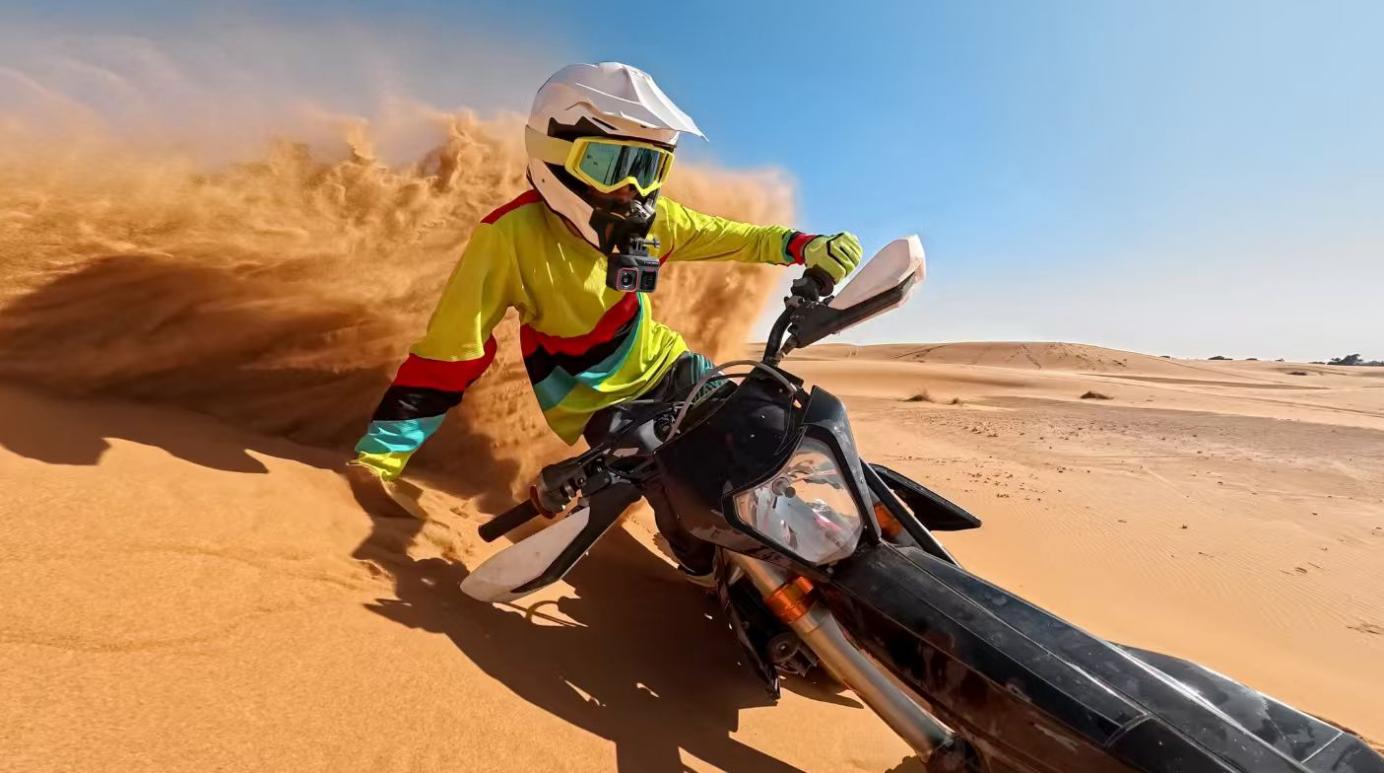
Then there’s timing. When shooting during golden hour and early mornings, the light is naturally softer, with longer shadows and richer colors that instantly elevate footage without requiring heavy editing later. Rain, fog, ocean spray, dust and reflections can also add atmosphere that makes clips feel far more dynamic and alive.
But to begin with, don’t stress too much about all this. Have fun, and practice, practice, practice.
Pro Tips to Instantly Improve Your Footage
As your filming improves, you’ll naturally start noticing ways to refine your shots even further.
First, avoid filming everything from a standing position. Movement creates energy, even in slower scenes. Walk into shots, follow subjects naturally or let the environment move around you instead of keeping every clip static and flat.
Vary your shot lengths as well. Fast cuts work beautifully during action-heavy sequences, but longer clips help create breathing room and atmosphere between high-energy moments. Good pacing keeps viewers engaged without overwhelming them.
Leading lines can also make footage feel more professional instantly. Roads, bridges, railings, trails and city streets naturally guide the eye through a frame while adding depth and motion to scenes.
Keep your lens clean, too. It sounds obvious, but fingerprints, rain spots and dust can quietly ruin otherwise incredible footage. Action cameras spend a lot of time outdoors, so regularly wiping the lens becomes part of the filming process.
Editing Your First Clip in the Insta360 App
The first rule of editing is: Don’t over-edit.
The second rule of editing: Don’t over-edit.
This is a prime mistake for beginners who see a huge selection of editing tools and start wanting to tweak everything. However, what often happens is the saturation goes haywire, the contrast slips and light disintegrates. What was once good footage now looks like a Jackson Pollock painting gone wrong.
Keep it simple. Once your clips are transferred from Insta360 Ace Pro 2, you can quickly trim footage, adjust framing, add music and build short edits directly from your phone. The workflow feels fast and creator-friendly rather than overly technical, which makes a huge difference when you’re learning.
Begin with an aggressive cut, and here you really need to think like a viewer rather than a content creator. Does the viewer really need that 5-minute panning shot just because you thought it looked nice? Remove any moments where the shot feels static or repetitive, then build around the strongest sequences and transitions.
If you need to tweak contrast, color or exposure, by all means, but do it sparingly.
Music also changes the energy of an edit immediately. Faster tracks naturally increase momentum, while slower music can make travel clips or scenic footage feel more cinematic and emotional.
Insta360 Ace Pro 2 vs Other Insta360 Cameras: Which One Is Right for You?
Choosing the right action camera usually comes down to how you actually plan to shoot. Different creators want different things, and Insta360’s lineup is designed around very different filming styles rather than a one-size-fits-all approach.
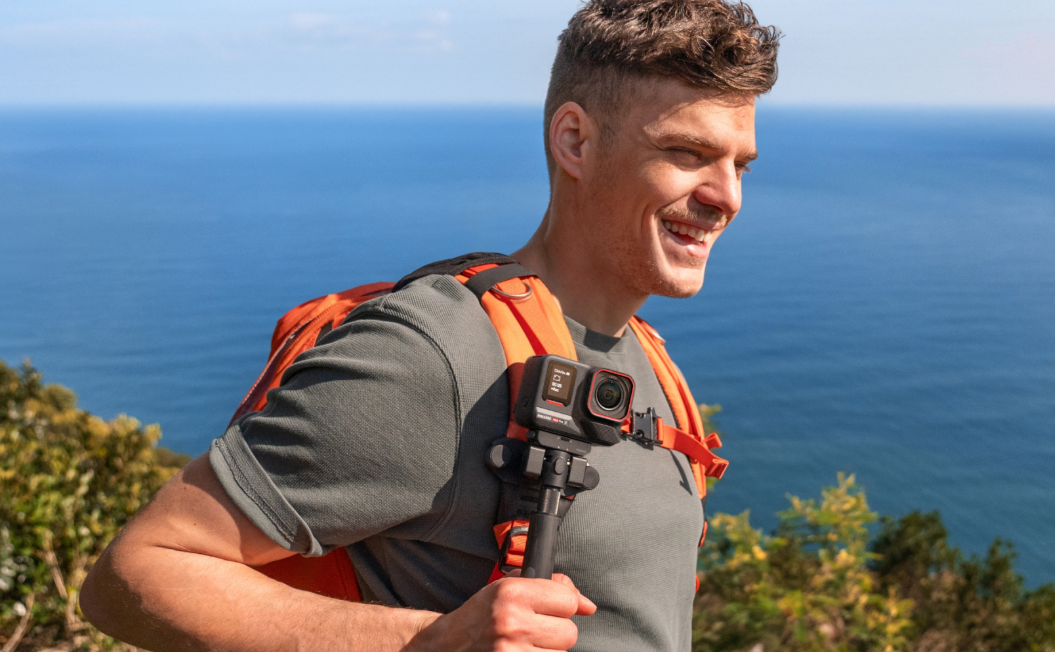
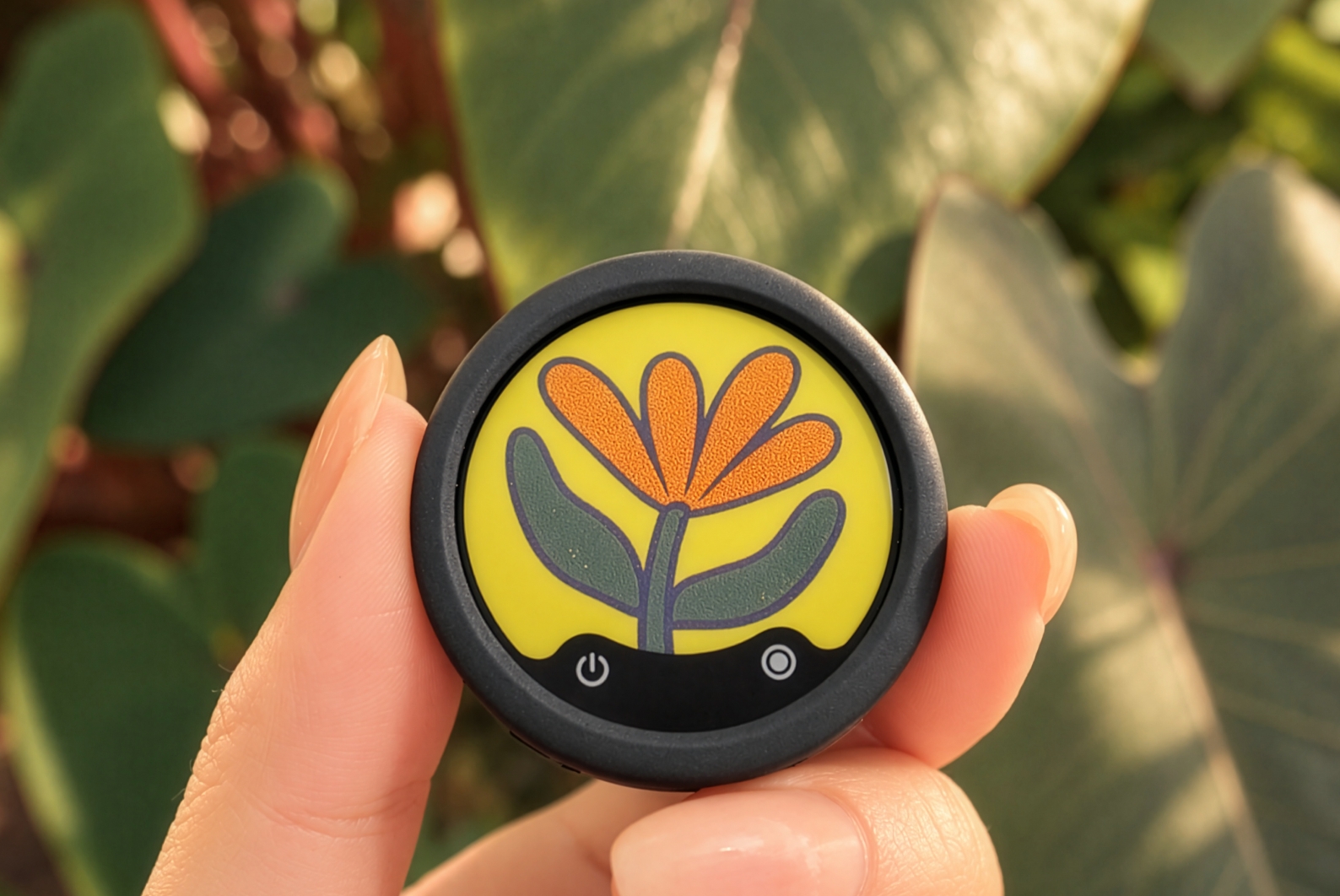
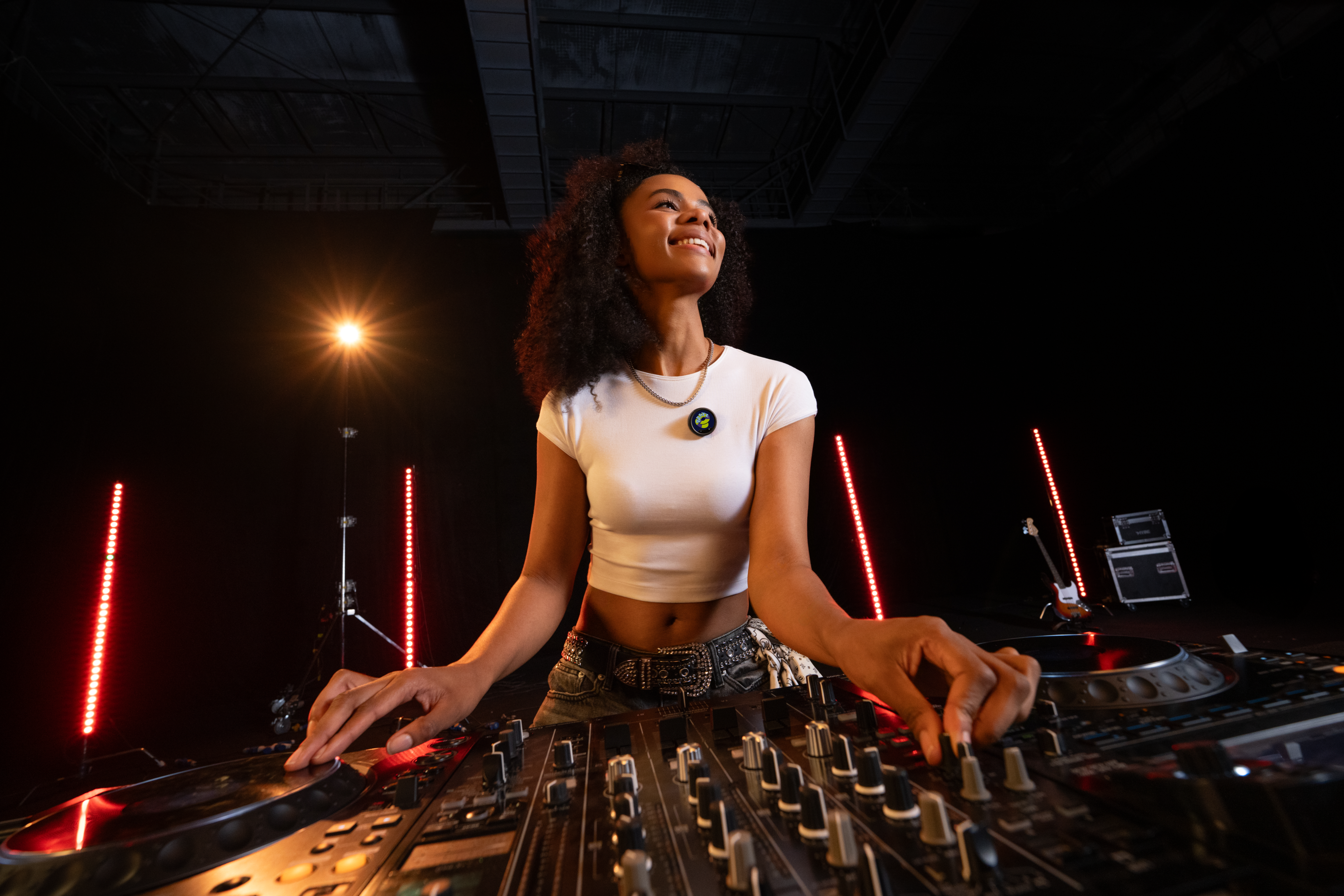
Insta360 GO series focuses on ultra-lightweight portability and wearable filming.
These cameras are ideal for creators who want tiny setups for quick POV shots, travel clips or hands-free content where size matters more than maximum image control. However, they’re designed for very different shooting styles than the more cinematic, traditional action-camera approach of Insta360 Ace Pro 2.
Insta360 X series takes a completely different approach with immersive 360 capture.
It’s built for creators who want maximum flexibility during editing, allowing shots to be reframed after filming for highly dynamic social content and cinematic movement. It's a different type of content creation, but as with Insta360 GO series, when you want the very best quality, it's always Insta360 Ace Pro 2.
Start Shooting Like a Pro with Insta360 Ace Pro 2 Today
Insta360 Ace Pro 2 is, quite simply, one of the best action cameras on the market today.
With a huge variety of features and functions, phenomenal image quality in both good and bad lighting, it’s the perfect camera to film a busy street scene, do some underwater filmmaking or strap it on to your helmet and let loose on the ski slopes. This is the multi-purpose beast that you’ve been looking for.
And now that you’ve had a comprehensive walk-through, from unboxing to editing, go forward, learn and create like never before.
Frequently Asked Questions
Is Insta360 Ace Pro 2 Good for Street Photography?
Yes, especially for creators who like capturing fast-moving environments and candid moments. The compact design makes Insta360 Ace Pro 2 easy to carry through busy streets, while strong low-light performance helps maintain detail in night scenes, neon-lit areas and indoor environments.
Does Insta360 Ace Pro 2 Need an SD Card?
Yes. Insta360 Ace Pro 2 requires a compatible microSD card for storing photos and video clips. Faster cards are generally recommended for higher resolutions and frame rates because they help maintain smooth recording performance during longer or more demanding shoots.
What Is the Best Resolution for Action Shots?
For most creators, 4K60FPS offers the best balance between sharp detail, smooth movement and manageable file sizes. It works especially well for fast-moving scenes where stabilization and motion clarity matter more than extremely high resolutions.
Is Insta360 Ace Pro 2 Good for Low-light Shooting?
Low-light performance is one of Insta360 Ace Pro 2’s strongest features. Night streets, sunsets, indoor environments and early morning scenes retain noticeably more detail and cleaner image quality compared to many traditional action-focused cameras, making it a strong option for creators who regularly shoot outside bright daylight conditions.




%20(1).svg)


%20(1).svg)

.svg)


