










































Insta360 Luna Ultra FAQs: Everything You Need to Know
Welcome to the next generation of imaging, where Leica-engineered optics meet AI-powered tracking and professional video tools, where superb image quality meets remarkable portability and ease of use.
Welcome to Luna Ultra.
Whether you're deciding if it's the right camera for your next adventure or you've just unboxed one, this guide answers the most common questions about setup, features, shooting modes, accessories, and editing to help you get the most from every shoot.
Key Takeaways
- Insta360 Luna Ultra pairs Leica-engineered optics with a three-axis mechanical gimbal for professional-grade stabilization straight out of the camera.
- A detachable 2” OLED touchscreen and DeepTrack AI tracking make solo filming and shooting hard-to-reach angles far easier.
- PureVideo Mode, 8K Dolby Vision and 10-bit I-Log give creators flexibility from everyday shooting to full cinematic color grading.
- Support for external microphones completes a comprehensive audio and video workflow for serious content creators.
Getting Started & Setup
What's Included in Insta360 Luna Ultra’s Box?
So you've got your Insta360 Luna Ultra box—now what?
Insta360 Luna Ultra gets you filming quickly, with everything you need to capture your first shots in minutes.
Depending on your package, the box includes the camera, its detachable 2” OLED touchscreen, battery, USB-C charging cable and essential documentation. Official bundles may include additional accessories, so check your selected package before purchasing.
Setup is straightforward: attach the touchscreen, power on the camera, follow the on-screen prompts and connect to the Insta360 app.
Within minutes, you'll be ready to record, adjust settings, and explore the camera's creative features.
Hardware & Design
What Makes Insta360 Luna Ultra Different From Other Gimbal Cameras?
Just another gimbal? Not quite. Some cameras prioritize image quality, others focus on portability or stabilization—Insta360 Luna Ultra brings all three together.
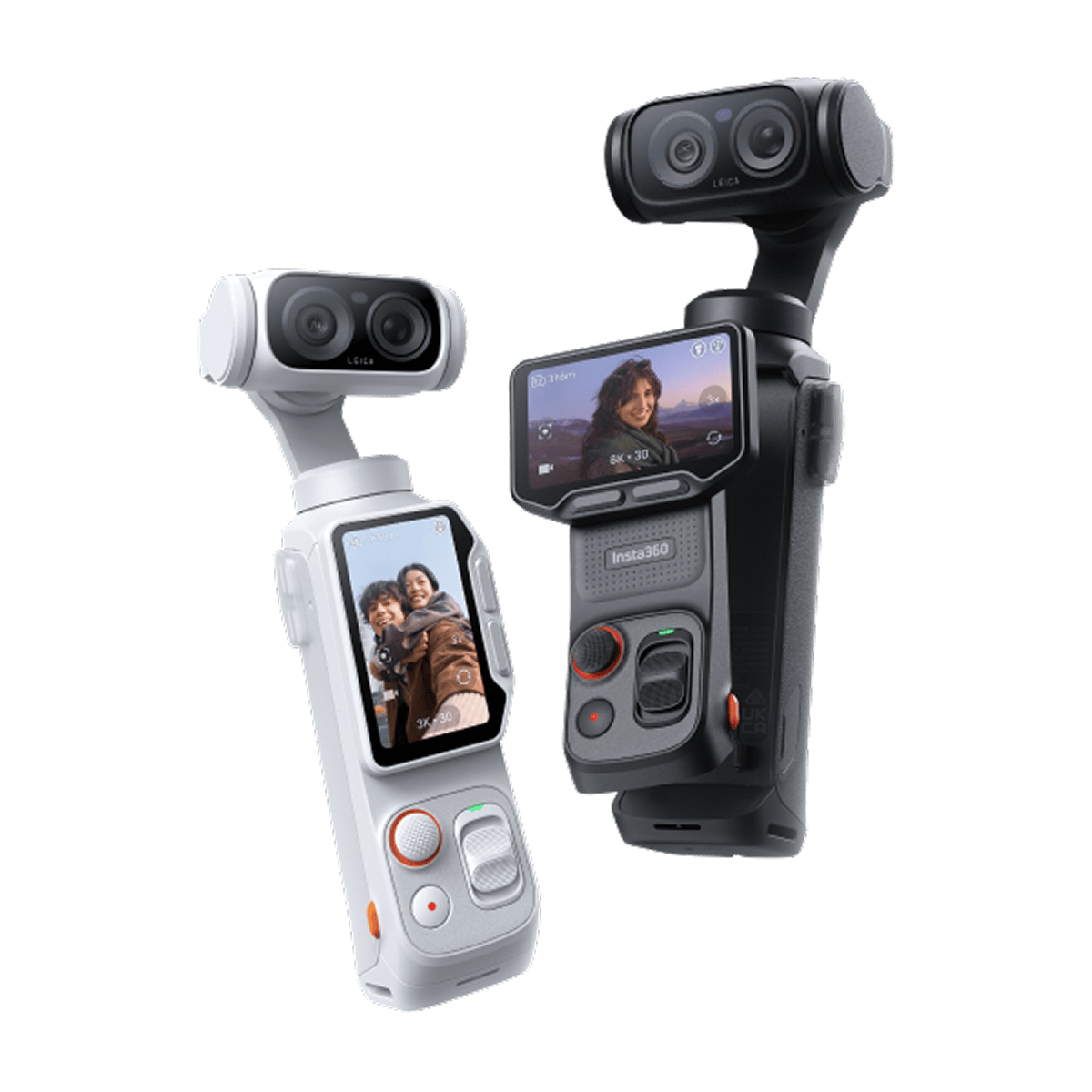
Built with Leica, Insta360 Luna Ultra pairs premium optics with a sophisticated three-axis mechanical gimbal, giving creators smooth footage without sacrificing image quality.
This partnership marked a big step for the brand, detailed in Insta360's announcement of the Luna series gimbal cameras built with Leica. Rather than relying solely on electronic stabilization, the gimbal physically compensates for movement as you shoot, keeping footage steady even while walking or filming handheld.
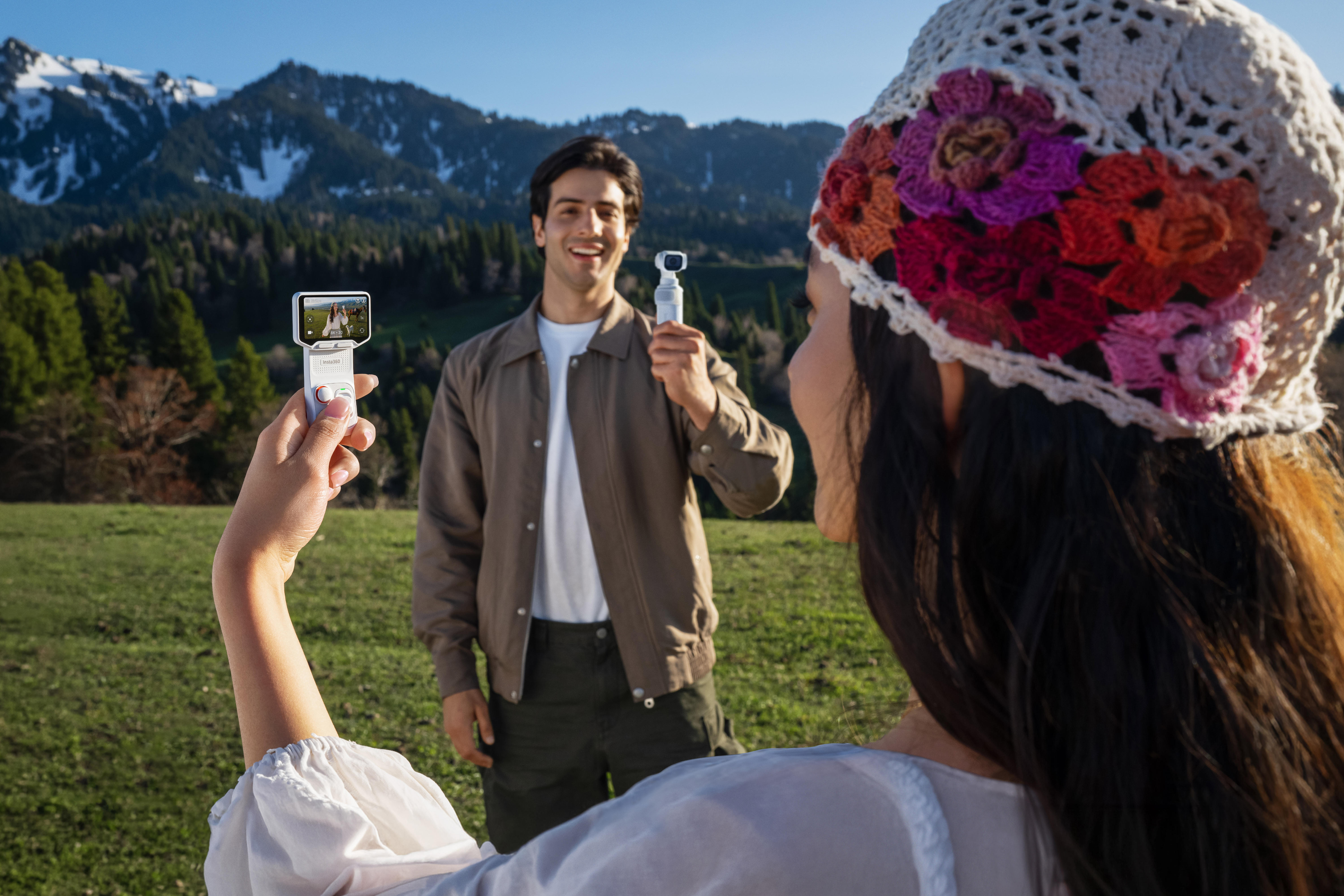
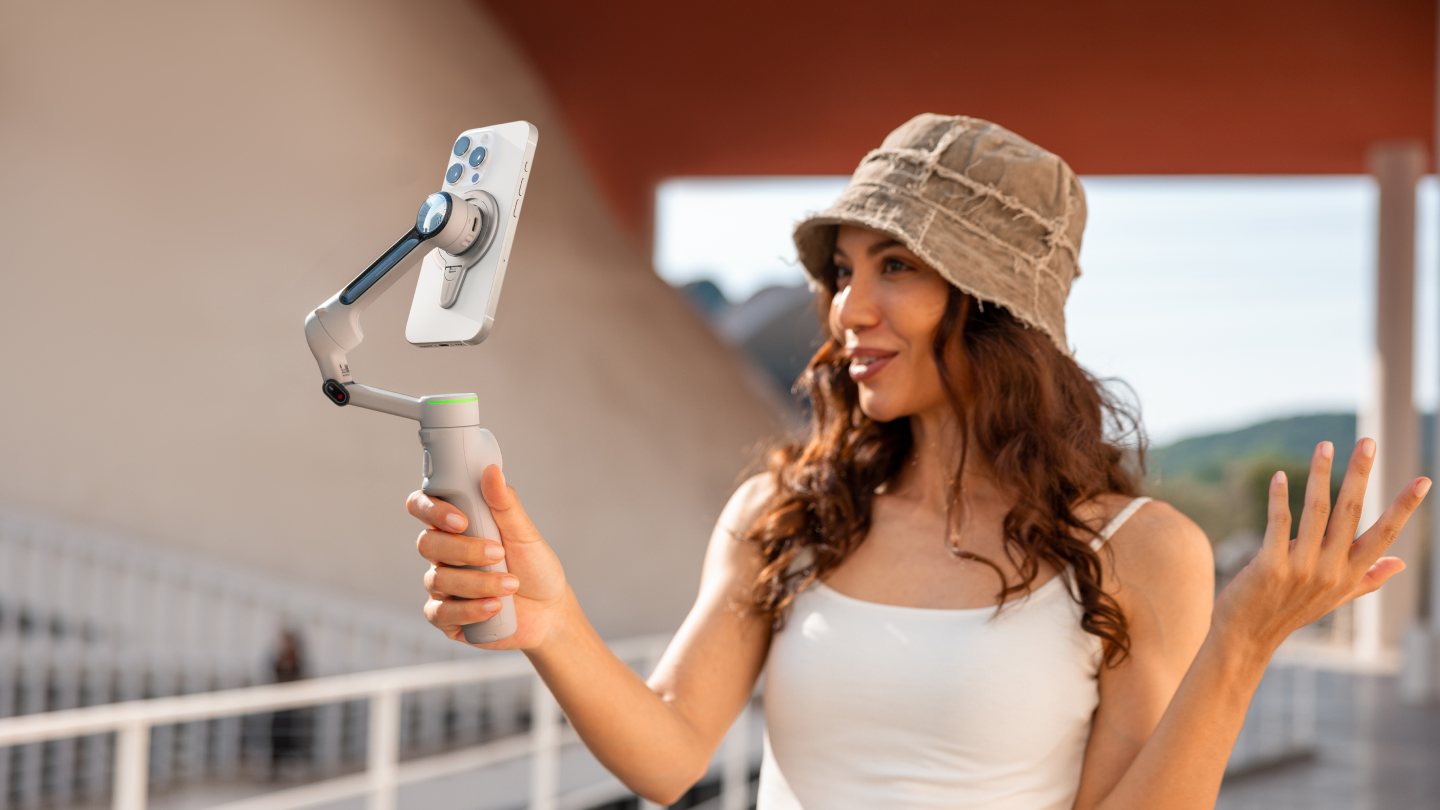
One of Insta360 Luna Ultra's defining features is its modular design: the detachable 2” OLED touchscreen adds flexibility when composing shots, whether you're filming yourself, working from unusual angles, or mounting the camera somewhere the display would otherwise be hard to see.
How Does the Detachable 2” OLED Touchscreen Work?
Creative angles call for creative framing, and that's where Insta360 Luna Ultra's detachable touchscreen earns its keep.
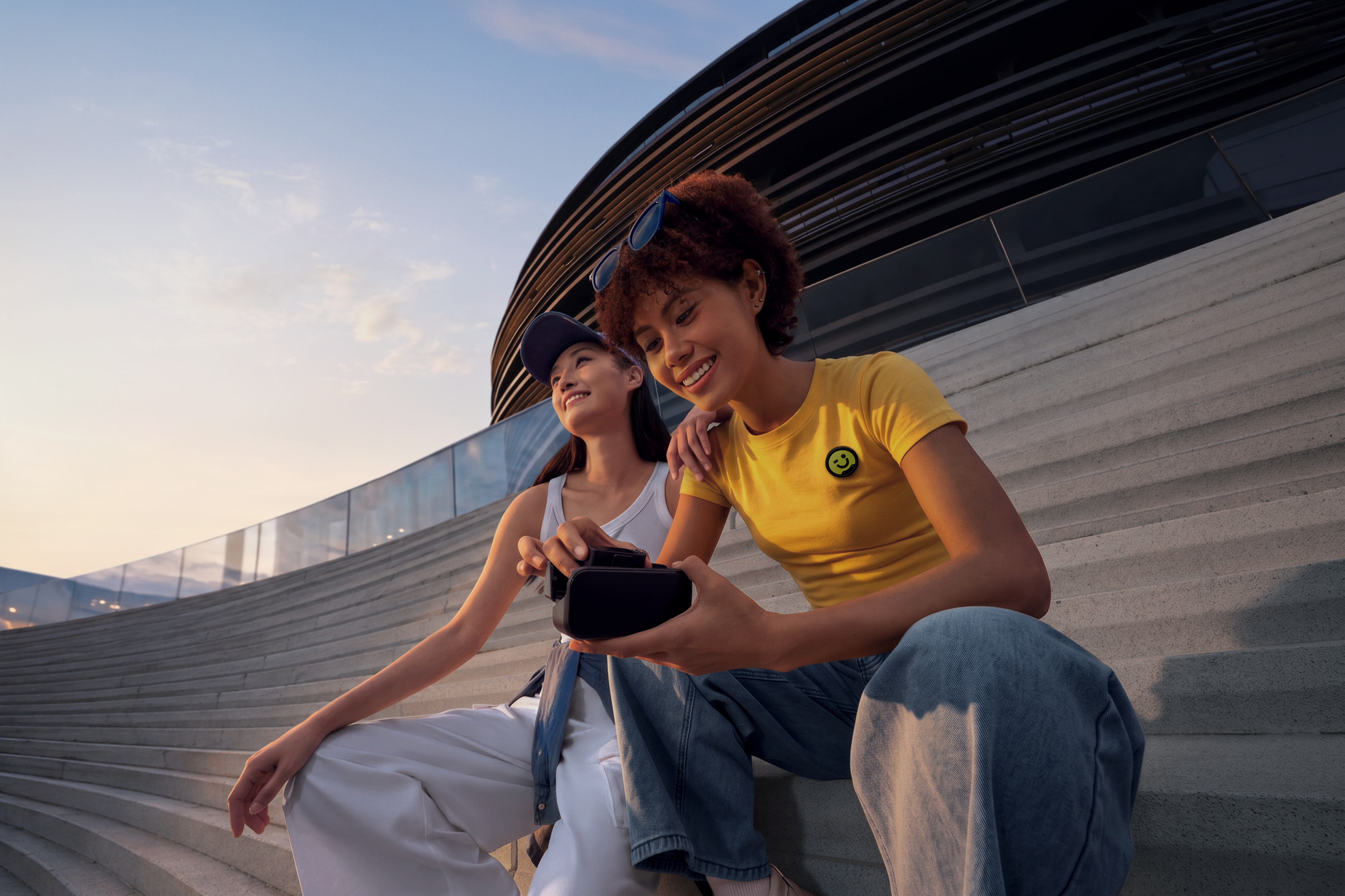
The bright 2" OLED display detaches from the camera, letting you monitor composition remotely when the camera is mounted somewhere framing would otherwise be difficult—filming yourself across the room, shooting low-angle close to the ground or positioning the camera above a crowd. It's far more flexible than a permanently attached screen.
Lenses & Zoom
What Focal Lengths Does Insta360 Luna Ultra Cover?
No single focal length suits every scene, which is why Insta360 Luna Ultra gives creators the flexibility to shoot everything from sweeping landscapes to tight, intimate compositions without changing equipment.
Luna Ultra covers five focal lengths, from wide-angle to a 12× (240mm) zoom, with 6× (120mm) zoom staying fully lossless.
Its versatile optical system adapts to what you're filming. Wider focal lengths suit travel, architecture, city streets and scenic vistas, capturing more of the environment in every frame. Switch to longer focal lengths to isolate your subject, compress the background or create flattering portraits with natural depth.
What Is the Telephoto Macro Feature?
Some of the most compelling shots hide in the smallest details. Telephoto Macro lets you capture subjects up close with impressive clarity and natural background separation, while keeping a comfortable distance—useful when photographing insects, delicate objects or anything you don't want to disturb.
Unlike traditional macro photography, which often requires dedicated lenses, Insta360 Luna Ultra makes close-up shooting far more accessible. Highlight textures, intricate patterns, flowers, food, handcrafted products, or tiny design details that might otherwise go unnoticed.
Video & Photo Modes
Which Resolutions and Frame Rates Should I Use?
The best settings depend on what you're creating. Rather than defaulting to the highest resolution, match your settings to the result you want.
For everyday content, 4K30FPS offers an excellent balance between image quality, storage space, and smooth playback—great for travel videos, YouTube content, family memories, and general filmmaking.
Reach for 8K when detail matters most—cropping into a shot in post, delivering footage for a larger screen or pairing with 8K Dolby Vision for the most cinematic color and contrast straight out of the camera.
Filming fast-moving action like sports, pets, or energetic handheld sequences? 60FPS produces smoother motion and room for subtle slow-motion effects in editing. Dialing in the right settings for better shots with Insta360 Luna Ultra makes it easier to switch between these modes on the fly.
What Is PureVideo Mode and How Does It Help in Low Light?
Low light challenges even experienced creators—as daylight fades, noise increases, colors mute, and detail disappears. PureVideo Mode lets you shoot well into the night.
Using computational imaging, PureVideo enhances footage captured in darker environments, reducing noise while preserving natural colors, sharpness, and dynamic range. Rather than simply boosting brightness, it analyzes each scene to produce cleaner, more balanced results.
What Photo Modes Are Available?
Though built with video creators in mind, Insta360 Luna Ultra also offers a versatile range of photo modes.
Standard Photo suits everyday shooting, while UltraPhoto captures stills at up to 37MP with a Leica watermark for extra clarity. Live Frame photos add a few seconds of motion around a still image, and 200MP Scenic panorama and 360 Panorama modes cover expansive scenery in a single tap.
What Are Dolby Vision and 10-Bit I-Log, and When Should I Use Them?
Not every project needs professional color grading, but it helps to have the option as your ambitions grow. Dolby Vision delivers vibrant colors and enhanced contrast straight out of the camera, looking polished on compatible displays with minimal editing—great for travel videos, social media, and everyday content.
10-bit I-Log, meanwhile, suits creators who plan to edit and color-grade footage. By preserving far more color information than standard profiles, I-Log offers greater flexibility when adjusting exposure, recovering highlights or creating a consistent cinematic look across shots.
Color & Creative Profiles
What Are the Built-In Leica Color Profiles and Filters?
Color plays a huge role in how a story feels—a warm, vibrant scene creates a very different mood than one with softer tones, even filmed in the same location. That's where Insta360 Luna Ultra's Leica-engineered color profiles come in.
Built with Leica, these profiles deliver distinctive color rendering with natural skin tones, balanced contrast, and rich yet realistic colors. Rather than dramatically altering your footage, they offer carefully tuned aesthetics that enhance scenes while keeping an authentic feel.
Stabilization & Tracking
How Does the 3-Axis Gimbal Stabilization Work?
Unlike electronic stabilization, which crops the image and digitally compensates for movement after capture, a mechanical gimbal like Insta360 Luna Ultra counteracts motion in real time.
By stabilizing the pan, tilt, and roll axes, Insta360 Luna Ultra produces smooth, natural-looking footage straight out of the camera.
The result is steadier video whether you're walking through a busy city, hiking a trail, filming family moments, or following fast-moving subjects. It minimizes small shakes and vibrations without making footage look overly processed, preserving the natural motion that makes scenes feel immersive.
What Is DeepTrack 5.0 and How Does AI Tracking Work?
Keeping a moving subject framed is one of the biggest challenges when filming alone. DeepTrack 5.0 uses AI-powered subject recognition to do the work for you.
Once you select a subject, Insta360 Luna Ultra follows it through the frame, continuously adjusting composition to keep it centered. Whether you're recording yourself walking through a city, following a child across a park, or capturing a pet running through the yard, the camera reacts smoothly without constant manual adjustments.
Audio
What Microphones Are Built In, and How Can I Improve Audio?
Whether narrating a travel vlog, recording family moments, or speaking directly to camera, the built-in microphones produce clear dialogue in most situations. Intelligent audio processing also reduces unwanted background noise, keeping recordings cleaner outdoors.
For best results, stay close enough that your voice remains the primary sound source. The built-in mics handle casual recording well, but dedicated wireless microphones offer even greater clarity in noisy environments or at longer distances.
Does Insta360 Luna Ultra Work With External Microphones?
Yes. For more control over audio, Insta360 Luna Ultra supports external microphones for higher-quality recording. A wireless system like Insta360 Mic Pro suits interviews, presentations, travel content, and professional productions, while Insta360 Mic Air offers a lighter-weight option for solo creators and everyday recording.
Power & Storage
How Long Does the Battery Last and How Fast Can It Recharge?
Just as you're getting into the swing of things, that flashing red battery light appears, and you realize you forgot a spare. Sound familiar? Insta360 Luna Ultra provides enough battery life for extended sessions while supporting fast charging to minimize downtime between shoots.
Actual runtime varies with recording settings, resolution, frame rate, screen brightness, and environmental conditions, but most creators can comfortably capture multiple scenes before recharging.
Mounting & Accessories
What Mounting Options and Key Accessories Are Available?
The right accessories make Insta360 Luna Ultra even more versatile, helping you adapt to different shooting styles and environments.
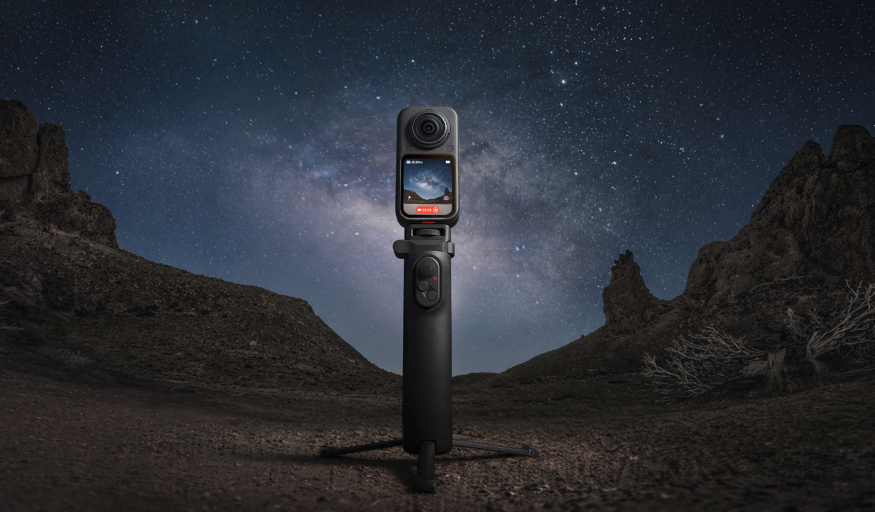
Tripods provide a stable platform for interviews, time-lapses and self-recorded presentations, while selfie sticks make it easier to capture dynamic travel footage and wider perspectives.
Protective cases add peace of mind during transport, and filters help control reflections, reduce glare or create more cinematic motion in bright conditions. These are just a starting point among the best accessories for Insta360 Luna Ultra, so it’s worth building a kit around your specific shooting style.
Editing & App
How Do I Edit Footage Using the Insta360 App?
Capturing great footage is only half the process. The Insta360 app makes it easy to turn raw clips into polished videos. After connecting your camera, browse footage, trim clips, adjust color, apply filters, add music, and export directly from your smartphone. Built-in AI editing features can automatically identify highlights and create shareable edits in a few taps, making the workflow approachable even for beginners.
Wrap-Up
Every so often, a camera changes how we shoot video and photos—one that does it all and doesn't know the meaning of staying in its lane. Insta360 Luna Ultra is one such camera.
With Leica-engineered optics, varied focal lengths, a detachable screen, mechanical gimbal stabilization, AI tracking, and creative color profiles, Insta360 Luna Ultra is the camera where you don't have to compromise. Insta360 Luna Ultra is ready when you are.
Keen to keep up to date on Insta360 stories? Keep an eye on our blog and sign up for our mailing list. Got a story to share? Email yours to communitystories@insta360.com and win up to US$50.
Your shot. Your world. The Insta360 Global Awards 2026 supported by Leica are officially open. Join creators worldwide and compete across six categories (Street, Travel, Life, Portrait, Sports, and Night) for your share of a US$150,000+ prize pool, including cash prizes and Insta360 gear. Submit your best video or photo at insta360.com/awards.




%20(1).svg)


%20(1).svg)

.svg)


