



















































As remote work continues to shape how teams collaborate, one in five workers are now working remotely in some form. To help teams work more efficiently, this article covers the remote work tools that matter most, from Slack, Loom, Miro, and Reclaim to the hardware that supports clearer meetings and better communication.
Slack
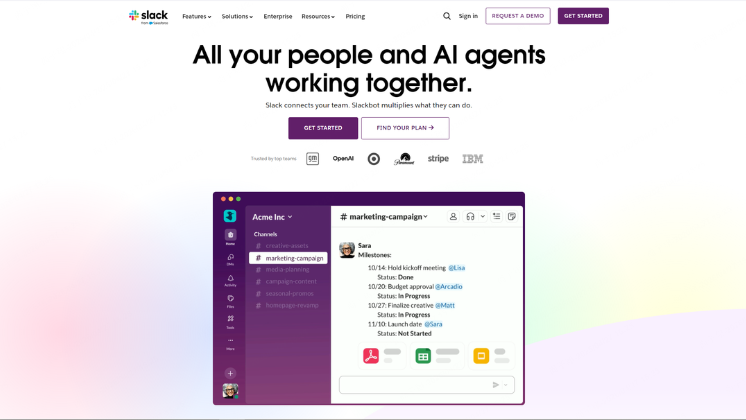
Slack is a cloud-based collaboration tool that combines channels, messaging, lightweight documentation, and integrations into one workspace. It helps remote teams communicate quickly without relying heavily on email.
Best for: Fast-moving teams that need a centralized communication hub
Why we recommend it: Slack works especially well for distributed teams that rely on both real-time and asynchronous communication. Its channel-based structure keeps conversations organized by topic, while threads prevent discussions from becoming chaotic. Compared with tools like Microsoft Teams or Google Chat, Slack stands out for its flexibility and massive integration ecosystem, making it easy to plug into existing workflows and scale as your team grows.
Pros:
- Clean and intuitive interface across desktop and mobile
- Strong support for async work with threads, mentions, and status updates
- Extensive integration ecosystem (2,000+ apps)
- Useful AI features for summarizing conversations and drafting follow-ups
- Built-in features like huddles, screen sharing, and file sharing
Cons:
- Threaded notifications get buried quickly, making Slack a poor long-term knowledge base
- Notification overload is common for active teams
- Some features (like Canvas) are less robust than dedicated tools
- Costs can increase quickly for larger teams
Notion
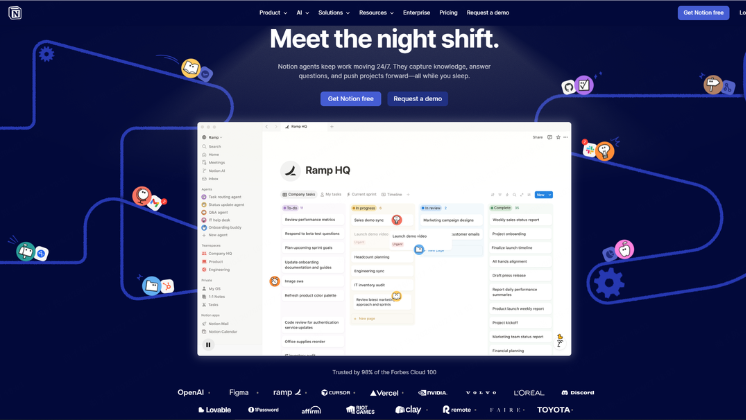
Notion combines note-taking, documentation, databases, and light project management into a single flexible platform. It’s especially useful for remote teams that want a centralized place for both information and workflows.
Best for: Teams that want an all-in-one workspace for docs, knowledge, and project tracking
Why we recommend it: Notion shines as a “single source of truth” for distributed teams. Instead of scattering information across docs, wikis, and tools, teams can build structured pages that house everything from onboarding guides to product roadmaps. Its flexibility means you can tailor it to your workflow, whether you need a simple wiki or a full project system.
Pros:
- Highly customizable and flexible workspace
- Combines docs, databases, and task tracking in one tool
- Great for async collaboration and documentation
- Clean, distraction-free writing experience
- Strong templates and growing AI support
Cons:
- Can feel overwhelming due to flexibility
- Performance may slow with large workspaces
- Not as powerful as dedicated project management tools
- Requires setup time to get the most value
Zoom
Zoom is a widely used video conferencing tool that enables remote teams to meet face-to-face, host webinars, and collaborate in real time.
Best for: Reliable video meetings and virtual collaboration
Why we recommend it: Even in async-first teams, real-time communication is sometimes essential. Zoom stands out for its stability, ease of use, and high-quality video/audio. Features like breakout rooms, screen sharing, and recordings make it ideal for everything from team meetings to workshops.
Pros:
- High-quality, reliable video and audio
- Easy to use with minimal setup
- Breakout rooms for group discussions
- Recording and transcription features
- Works well across devices and bandwidth conditions
Cons:
- Free plan has time limits on meetings
- Can lead to “meeting fatigue” if overused
- Can be more restrictive for teams that want a more open device ecosystem.
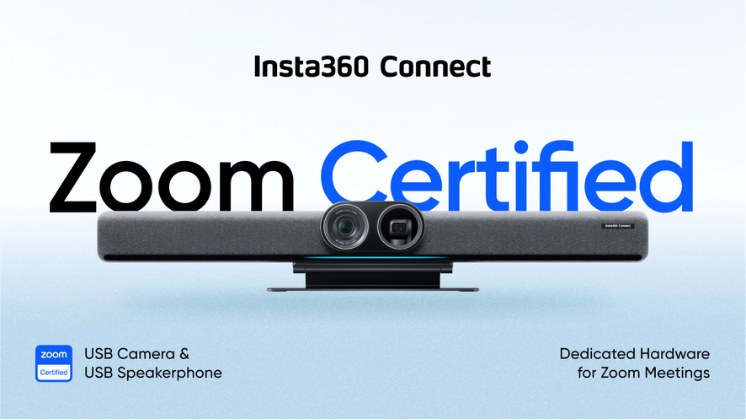
To ensure the best experience within Zoom’s ecosystem, it’s important to choose hardware that’s officially Zoom certified. Certified devices are optimized for compatibility, performance, and reliability, so everything works as expected.
nsta360 offers a Zoom certified video bar designed for professional meetings. Insta360 Connect, the brand’s first AI-powered video bar, features dual 4K cameras and a 14 microphone array, delivering high-quality video conferencing for small to mid-sized meeting rooms.
ClickUp
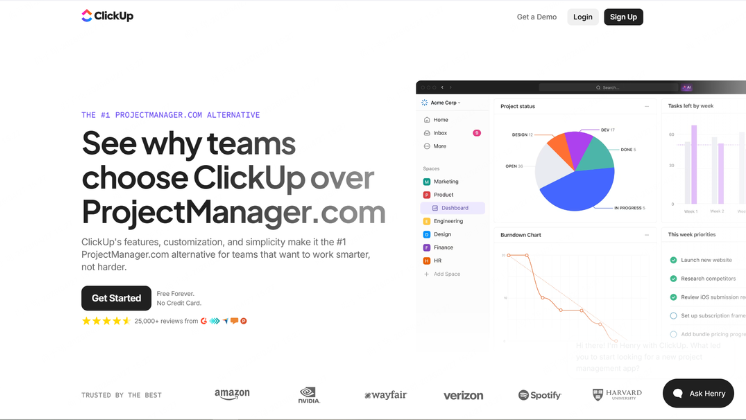
Clickup is an all-in-one project management platform that helps teams plan, track, and execute work across projects.
Best for: Teams that need robust project and task management
Why we recommend it: ClickUp is powerful for remote teams managing complex workflows. It centralizes tasks, docs, goals, and time tracking in one place, reducing the need for multiple tools. Its customization options allow teams to adapt it to different workflows, from agile development to marketing campaigns.
Pros:
- Highly customizable task and workflow management
- Combines tasks, docs, and goals in one platform
- Multiple views (list, board, calendar, Gantt)
- Built-in time tracking and reporting
- Strong integration ecosystem
Cons:
- Steeper learning curve for new users
- Interface can feel cluttered due to many features
- Performance can lag with large projects
Google Drive
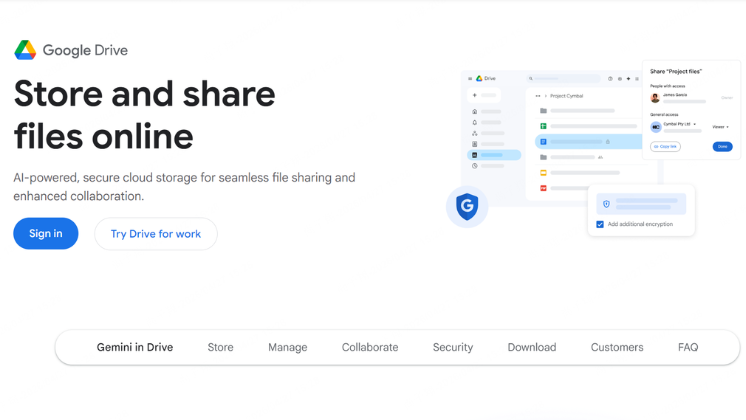
Google Drive (with Docs, Sheets, and Slides) provides cloud storage and collaborative editing tools that are essential for remote teams.
Best for: File storage and real-time document collaboration
Why we recommend it: Google Drive makes collaboration seamless by allowing multiple people to work on the same document in real time. Its simplicity and widespread adoption mean most users can get started immediately, and sharing files is fast and intuitive.
Pros:
- Real-time collaboration on documents
- Easy file sharing and permissions management
- Reliable cloud storage with version history
- Integrates well with many other tools
- Familiar interface for most users
Cons:
- Limited advanced features compared to specialized tools
- File organization can become messy without structure
- Offline access is limited compared to desktop apps
Reclaim
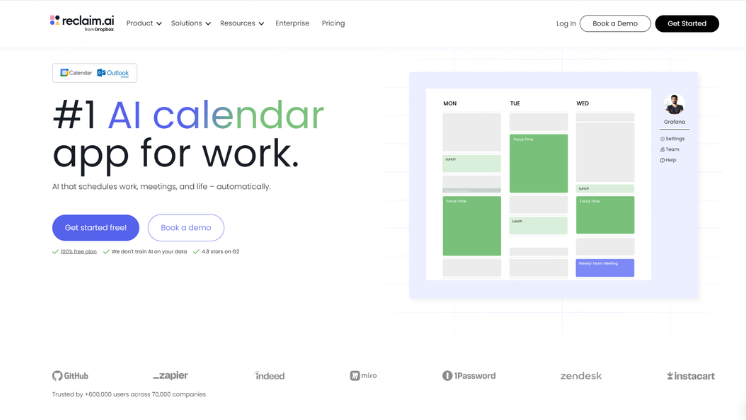
Reclaim is a smart calendar tool that helps remote workers turn tasks, habits, and recurring meetings into flexible time blocks on their calendar. It is especially useful for knowledge workers whose days are usually crowded with calls but still need protected time for deep work and routine tasks.
Best for: People and teams who want to protect focus time and automatically schedule work around meetings.
Why we recommend it: Reclaim is a strong fit for remote teams because it reduces the back-and-forth of manual scheduling and helps everyone defend time for actual work. Instead of forcing you to assign fixed times to every task, it finds openings automatically and adjusts when meetings, PTO, or urgent priorities appear. That makes it especially helpful for distributed teams working across time zones or anyone trying to stay productive without letting meetings take over the calendar.
Pros:
- Automatically schedules tasks and habits into your calendar.
- Reschedules blocks when conflicts come up, so your plan stays realistic.
- Helps protect deep work and reduce meeting overload.
- Works well with task tools like Asana, ClickUp, Jira, and Todoist.
- Offers team-friendly scheduling features such as smart meetings and shared calendar coordination.
Cons:
- Best results require thoughtful setup, so it is not completely “set and forget”.
- It is less of a full project management tool and more of a scheduling layer on top of other apps.
- Pricing can add up for larger teams because it is usually charged per user.
- Teams that want a simple calendar app may find the automation more complex than they need.
Hardware that makes them work better
Great remote work software performs even better when paired with the right hardware. A reliable webcam and microphone setup helps teams communicate more clearly and keeps meetings running smoothly. That’s where Insta360 WaveLink Pro comes in.
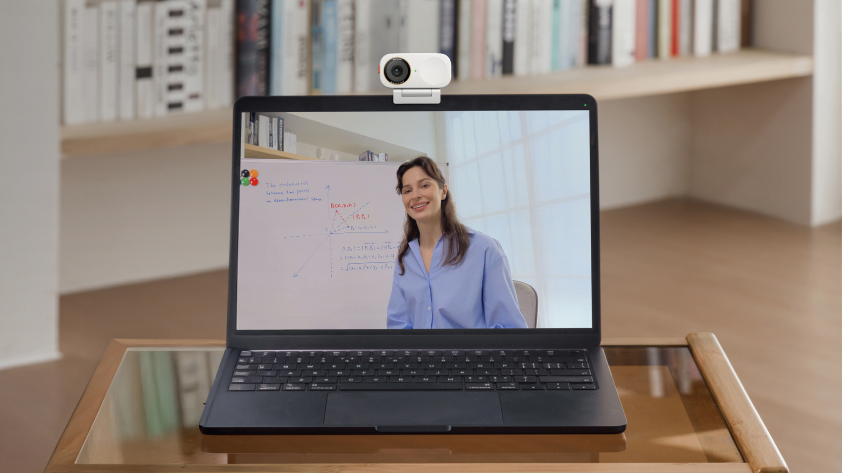
Insta360 WaveLink Pro is an all-in-one bundle combining Insta360's Wave speakerphone and Link 2 Pro AI webcam in one handy package that offers:
- Professional audio performance with a 5m pickup range, multiple pickup modes, and 48 kHz ultra-clear sampling. CCpture voices with impressive clarity. AI-powered auto gain, noise reduction, echo and reverb cancellation, plus full-duplex technology
- Flagship 4K image quality with a 1/1.3" large sensor, dual native ISO, and HDR for crisp visuals and accurate color across different lighting conditions
- Intelligent auto-framing and speaker tracking to keep subjects centered and in focus, even as they move around the room
- Versatile modeslike Whiteboard Mode, DeskView, and gesture control
- Plug-and-play support, simply mount Link 2 Pro on Wave, connect a single USB-C cable, and you’re ready to start
- Compact, space-saving design to fit neatly into small meeting rooms and busy workspaces without taking up much desk space

How to Choose
Choosing the right remote work tools starts with your team’s needs. Identify the gaps, test what works, and prioritize seamless integration. Pair them with hardware like Insta360 WaveLink Pro to elevate every meeting. The right setup turns daily collaboration into a smooth, professional experience.
Explore Insta360’s conferencing solutions and find the right fit for your team. For inquiries, contact us at conferencing@insta360.com.
Keen to keep up to date on Insta360 stories? Keep an eye on our blog and sign up for our mailing list. You can also contact our Enterprise team directly to see how 360 cameras can benefit your business.






%20(1).svg)


%20(1).svg)

.svg)


