




















































Webcams have come a long way from the wobbly, grainy clip-ons that used to perch on top of a monitor. Plenty of first impressions no longer happen in person. They happen the moment your camera turns on.
Whether you're leading a presentation, interviewing for a role, teaching a class or catching up with colleagues, a high-quality webcam helps you look polished and communicate with confidence.
Here's your guide to the five best Insta360 webcams for Zoom meetings.
Key Takeaways
- AI tracking keeps you naturally framed, making presentations and meetings feel more engaging.
- Larger image sensors and HDR deliver noticeably better image quality, especially in low light.
- Whether you're after flagship performance or a simple plug-and-play upgrade, there's an Insta360 webcam designed for your workspace.
Quick Picks
Best Overall: Insta360 Link 2 Pro
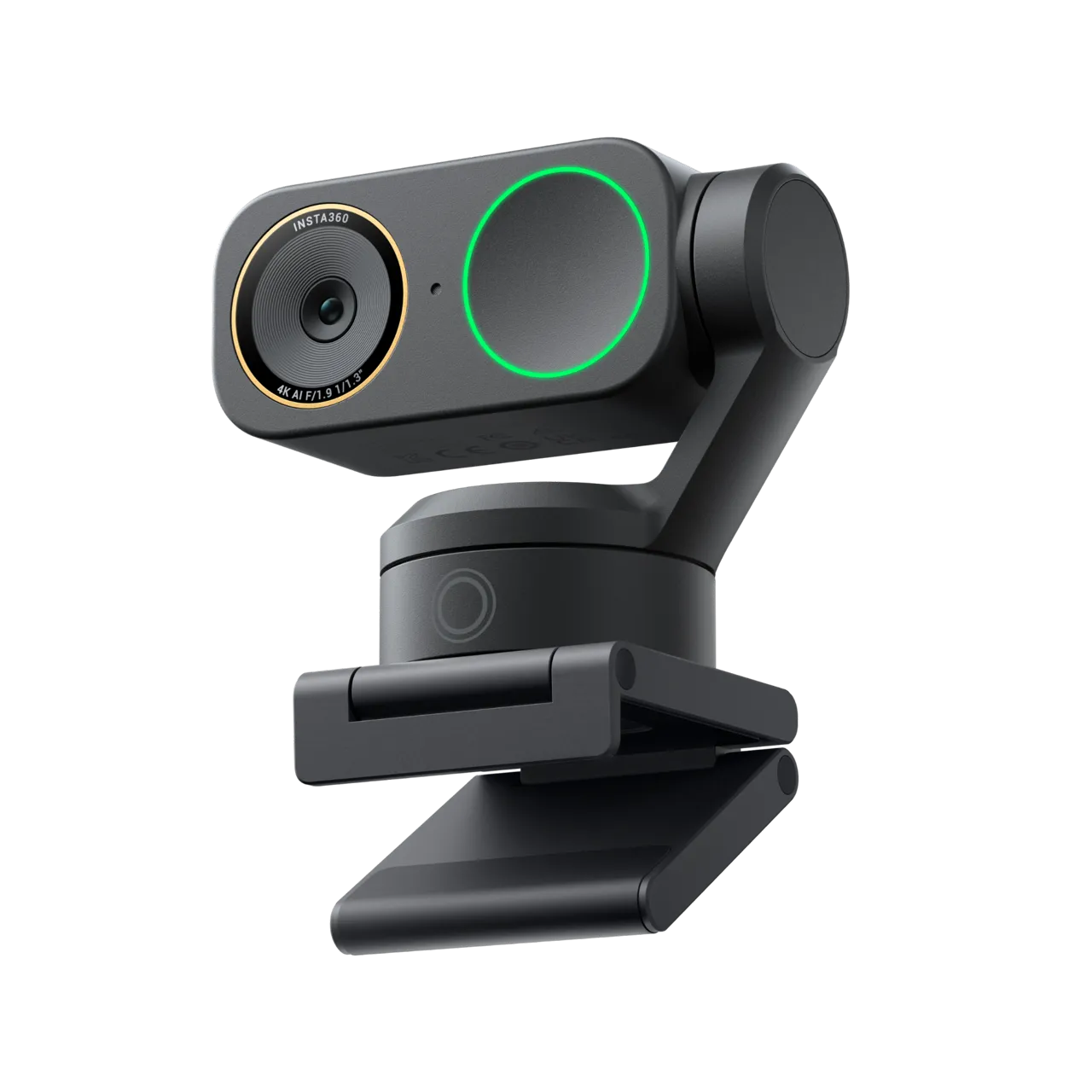
For professionals who spend hours on Zoom every week, Insta360 Link 2 Pro is the complete package. Its larger sensor, AI-powered gimbal tracking and HDR keep you sharp and perfectly framed in almost any lighting, while gesture controls let you adjust tracking without touching your computer. It's the best overall experience for anyone who lives on video calls.
Best Compact Pick (No Gimbal Footprint): Insta360 Link 2C Pro
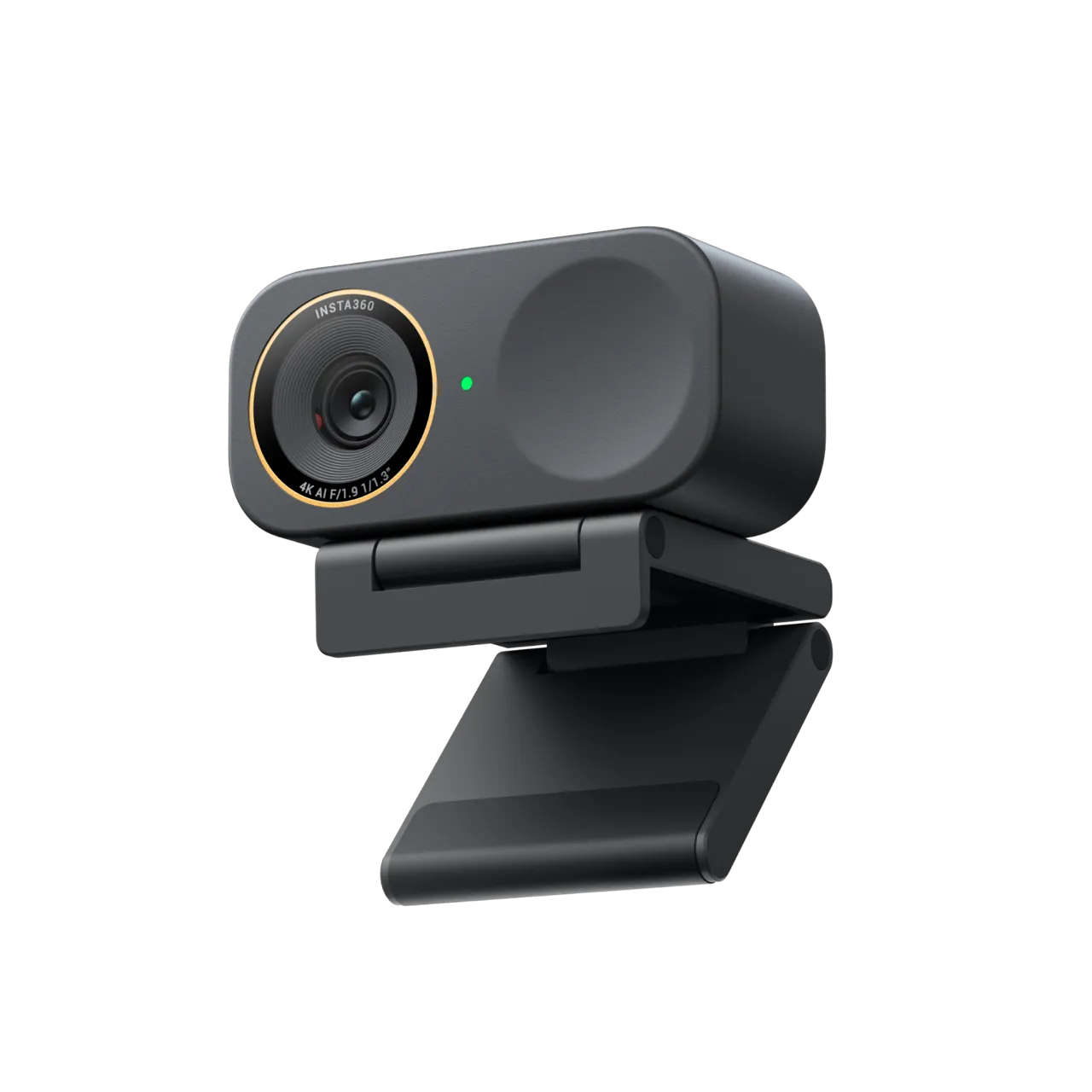
If you want premium image quality without a motorized gimbal on your monitor, Insta360 Link 2C Pro delivers crisp 4K video and intelligent AI auto-framing in a compact design. It's ideal for professionals who mostly stay seated, and a great fit for smaller desks, shared offices and minimalist setups.
Best Value Pick: Insta360 Link 2
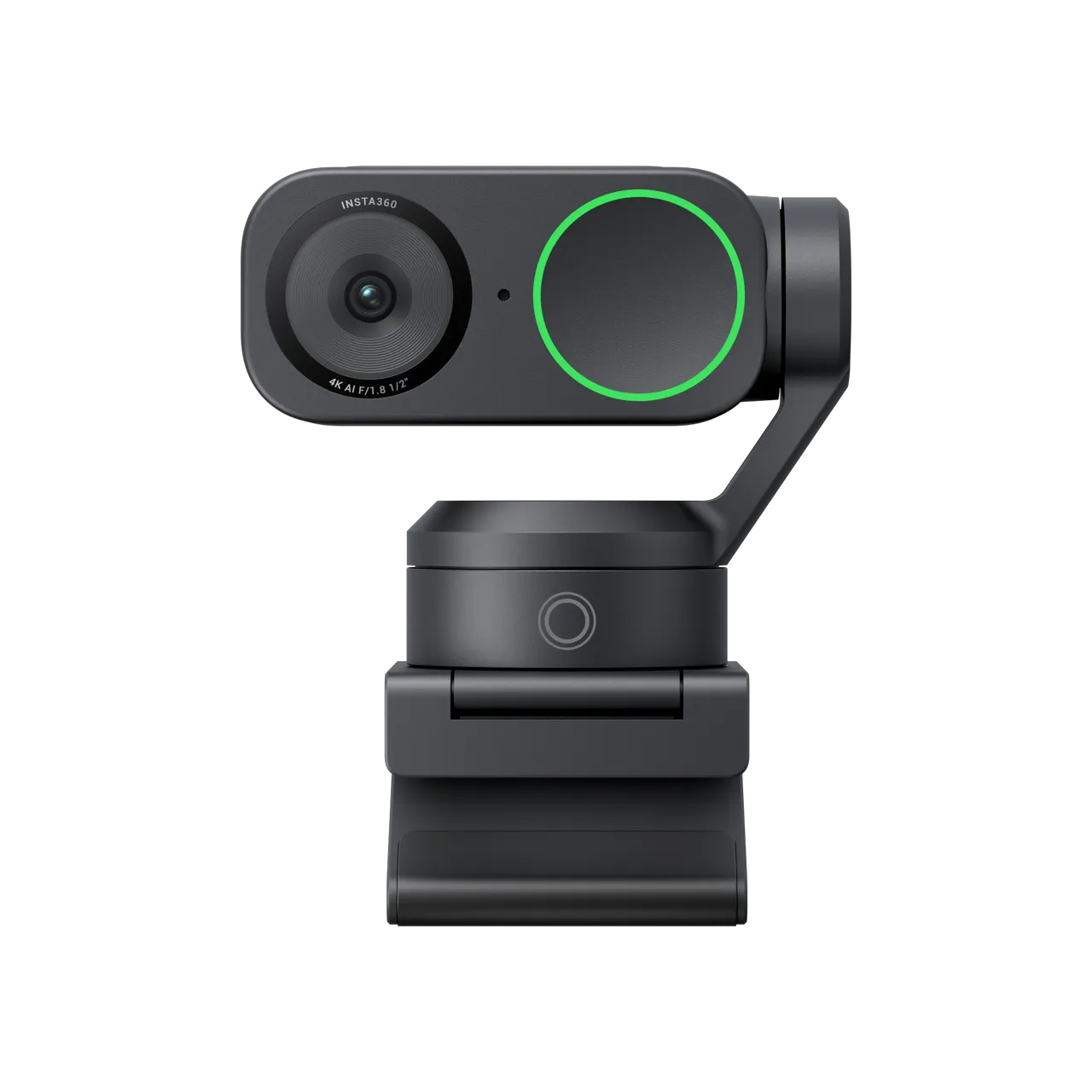
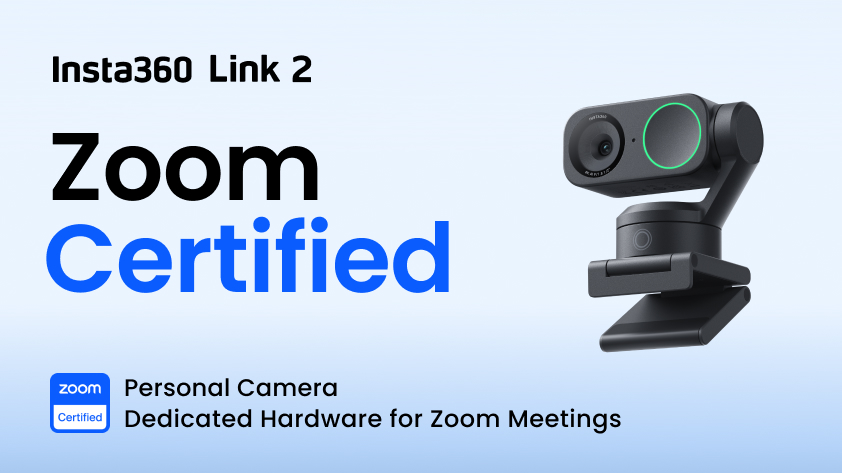
Premium webcams don't need flagship prices. Insta360 Link 2 combines crisp 4K video, AI-powered gimbal tracking, and intuitive controls that make it a noticeable upgrade over any built-in laptop camera—delivering the best balance of performance, features, and price of any webcam here.
Best Budget Pick: Insta360 Link 2C
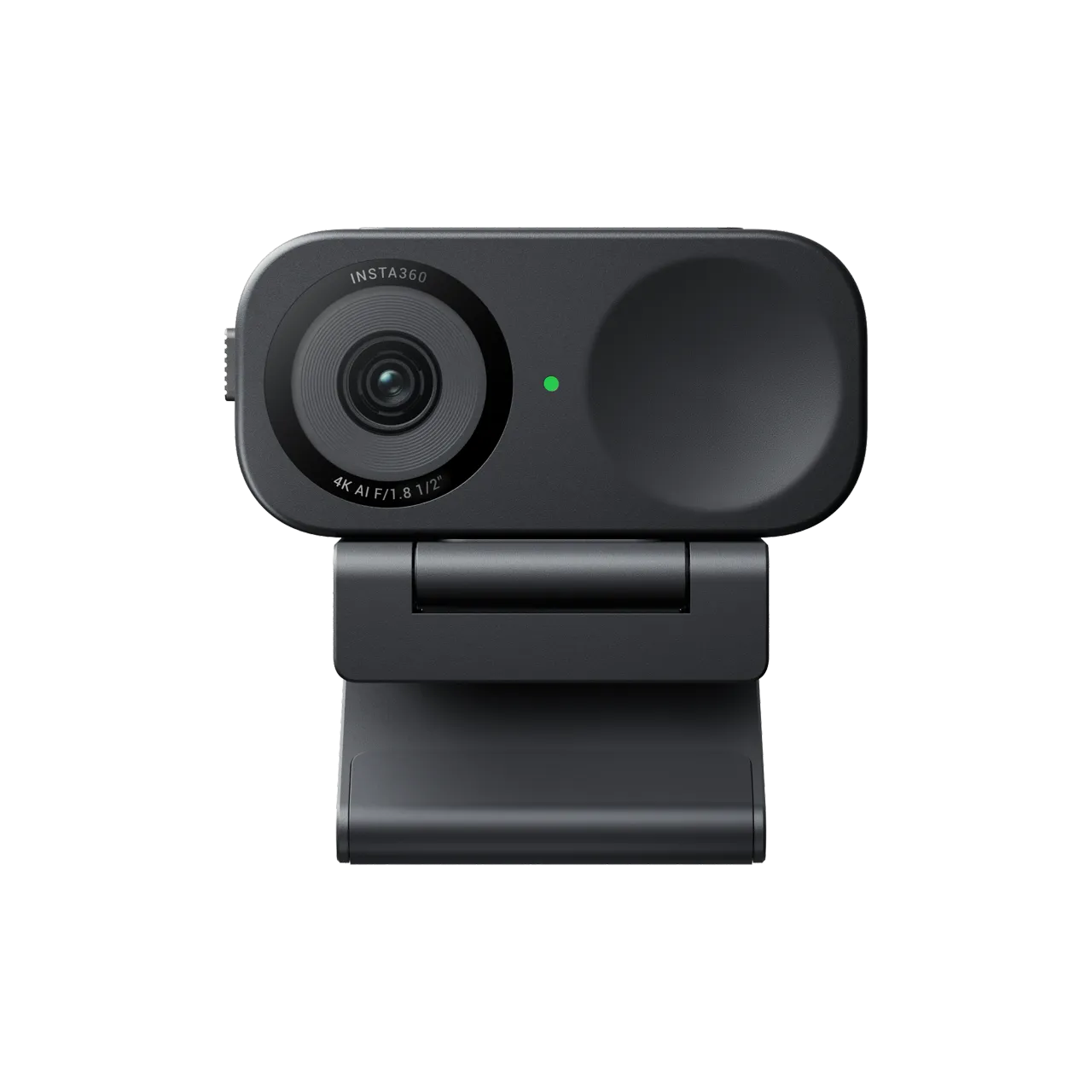
Insta360 Link 2C delivers a significant upgrade over any built-in laptop camera, with crisp 4K video, intelligent AI framing, and effortless plug-and-play setup at an accessible price. Its compact, fixed design suits smaller workspaces where simplicity matters as much as looking professional on Zoom.
How to Choose the Right Webcam for Zoom Meetings
If you regularly present, teach, or move around during meetings, AI-powered gimbal tracking physically follows you, keeping you framed without cropping. If you mostly stay seated, AI auto-framing is the simpler option and keeps you centered.
Beyond tracking, prioritize image quality over megapixels alone. A larger sensor, HDR and strong low-light performance help you look sharper and more natural, while clear built-in microphones, or a dedicated option like Insta360 Wave or Insta360 Mic Pro, ensure your voice sounds just as professional as your video.
Pairing the right webcam with other remote work tools rounds out a setup that looks and sounds professional from every angle.
If you're kitting out a meeting room rather than a desk, Insta360 Connect is now officially supported by Zoom, adding in-call controls straight from the meeting window.
Frequently Asked Questions
Do I Need a Webcam for a Zoom Meeting?
Technically, no. Most laptops include a built-in webcam. The difference is quality. Dedicated webcams typically offer larger sensors, sharper lenses, better low-light performance, and features like HDR and AI framing that built-in cameras can't match.
Do I Need Webcam AI Tracking for Zoom Meetings?
Not everyone does. If you stay seated throughout meetings, AI auto-framing is often enough. If you teach, present, or like the freedom to move while you speak, AI-powered gimbal tracking is the better choice.
Do I Need to Install Any Extra Software to Use These Webcams on Zoom?
No. Insta360 webcams work with Zoom via simple plug-and-play connectivity. Installing the Insta360 software is optional, but it unlocks extras like image adjustments, AI controls, and firmware updates.
If Your Webcam Is Holding You Back, There's an Insta360 Webcam Built to Fix It
A grainy, badly lit webcam undercuts you before you've said a word. Whether you're leading meetings, interviewing for a role, teaching online or collaborating with colleagues worldwide, clear video helps you communicate with confidence.
Check out the Insta360 4K Webcam Collection to find the model that's right for your workspace and walk into your next Zoom meeting looking the part.
Keen to keep up to date on Insta360 stories? Keep an eye on our blog and sign up for our mailing list. Got a story to share? Email yours to communitystories@insta360.com and win up to US$50. Your shot. Your world. The Insta360 Global Awards 2026 supported by Leica are officially open. Join creators worldwide and compete across six categories (Street, Travel, Life, Portrait, Sports, and Night) for your share of a US$150,000+ prize pool, including cash prizes and Insta360 gear. Submit your best video or photo at insta360.com/awards.





%20(1).svg)


%20(1).svg)

.svg)


