

















































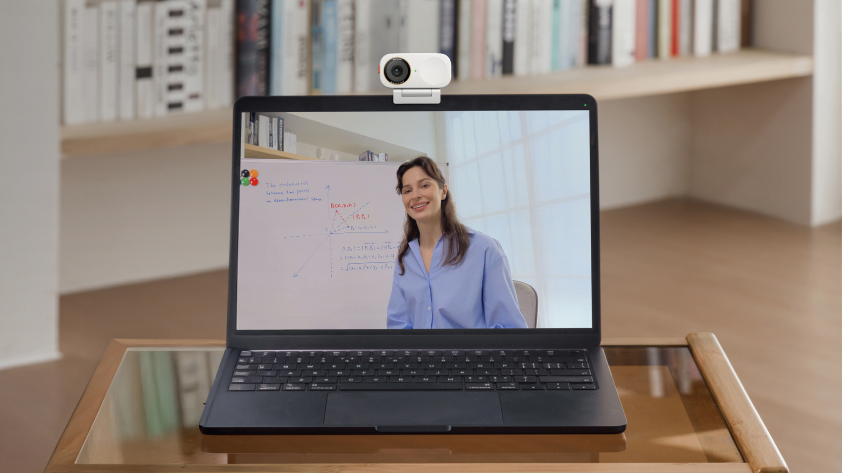


4K has become a benchmark in webcams and video conferencing cameras. But there is an important distinction between capturing in 4K and streaming in 4K.
Most video meetings are still experienced at 720p or 1080p, depending on the platform, account, hardware, bandwidth, and meeting configuration. So while your camera may capture in 4K, that doesn’t necessarily mean participants receive a native 4K stream.
So what is the point of a 4K camera? This guide breaks down what 4K actually means for video conferencing and what to consider when setting up your workspace.
What 4K Means for Video Conferencing
A 4K camera captures 3840 × 2160 pixels, compared with 1920 × 1080 for Full HD. But capture resolution and meeting-stream resolution are separate. For standard video conferencing, 1080p is currently the practical upper limit for supported camera video on the major platforms, rather than native 4K:
- Microsoft Teams: up to 1920 × 1080 sent/received video, depending on conditions.
- Zoom: 720p is standard HD; 1080p is available under specific account, hardware, and configuration requirements.
- Webex: 1080p is supported when enabled, with actual transmitted resolution affected by bandwidth, device capability, and administrative settings.
Not every camera labelled as "4K" delivers the same experience. The key difference is often the image sensor and how the camera processes the captured image.
A camera marketed as 4K using a lower-quality sensor or processor may produce limited detail. In contrast, a true 4K camera starts with a native 4K-capable sensor, giving its image-processing and AI systems more visual information to work with.
That's why 4K should not be evaluated simply by whether a meeting is streamed in 4K.

Three Reasons to Pick a 4K Meeting Camera
- More Details for AI Tracking and Framing
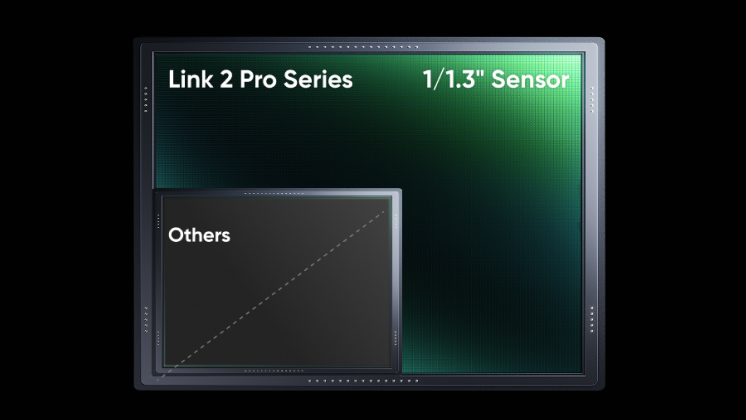
A 4K image gives AI tracking and framing systems more visual information to work with when identifying subjects and creating tighter crops. On Insta360 Link 2 Pro, the larger 1/1.3-inch sensor also improves image quality and low-light performance, helping maintain a clearer image as the camera tracks, frames, and digitally crops.
- Better Digital Cropping
With roughly four times the pixels of 1080p, a 4K image gives the camera considerably more room to crop digitally while maintaining a high-quality 1080p output. That's one of the reasons 4K pairs particularly well with AI auto-framing and tracking.
- Better Image Quality Beyond Live Meetings
The camera may be used for training, presentations, webinars, and product demonstrations. In these cases, the ability to capture native 4K footage allows users to retain the full-resolution source, rather than being limited by the resolution of a meeting platform.
Choosing the Right 4K Conferencing Camera
The right choice depends less on the resolution and more on where and how you work.
For home desk or content creation: Insta360 Link 2 Pro
For individual workstations, home offices, and content creation, Insta360 Link 2 Pro features 4K imaging with smooth AI tracking and framing in a compact 4K webcam.
The Smart Whiteboard mode is particularly useful when you move around while presenting, teaching, demonstrating, or creating content.
For small-to-medium meeting rooms: Insta360 Connect
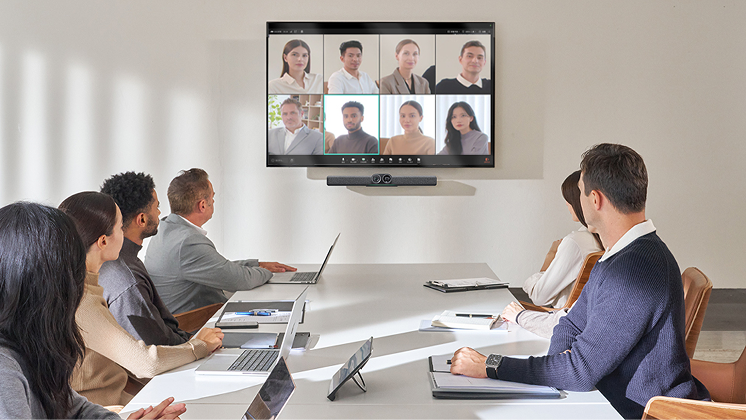
For small and medium-sized meeting rooms, a 4K videobar brings video, audio and meeting controls into one integrated system.
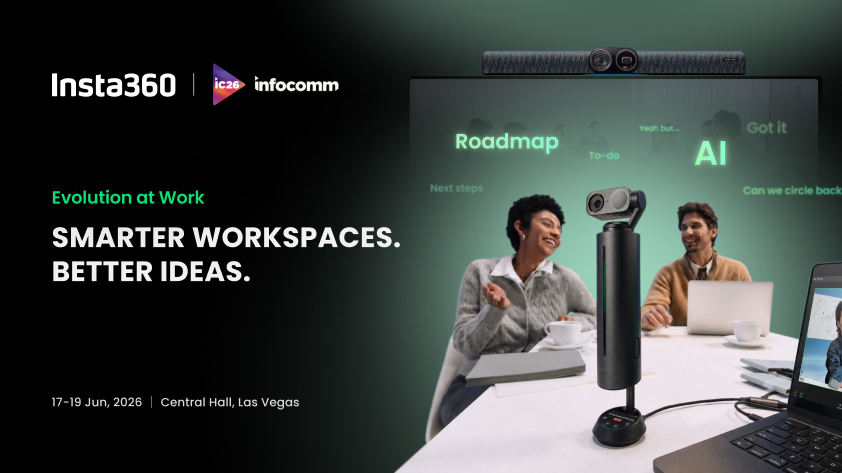
Insta360 Connect combines dual 4K cameras with a 14-microphone array and speaker. Its AI capabilities like speaker tracking, AI framing, and AI noise cancellation allow everyone to be seen and heard clearly.
This is where high-resolution imaging and AI work particularly well together, helping Connect maintain clear individual views as participants move, speak and join the discussion.
For medium-to-large rooms: Insta360 Connect + Link 2
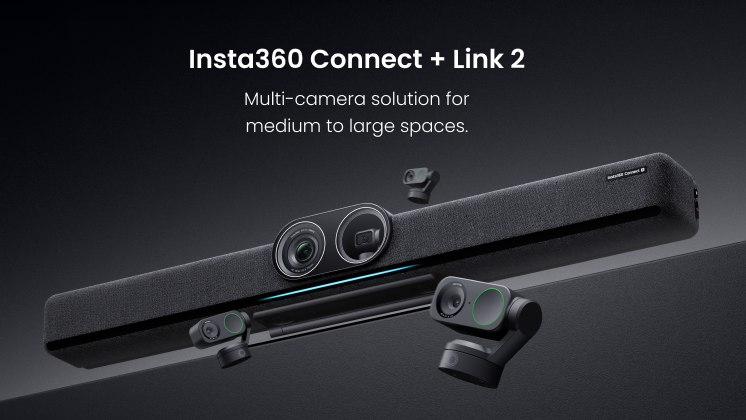
For larger rooms, one camera may not cover everyone. Insta360 Connect + Link 2 adds flexible multi-camera coverage, with up to three Link 2 cameras supported by one Connect.
Connect covers the main view, while Link 2 cameras capture side areas, subject seats and whiteboard activity.
Multiple layouts to switch, including Equal Division, Single Stream Full Screen, and 1+N, adapt to discussions, presentations, and training.
Beyond 4K Camera Resolution
For professional use, choosing a conferencing camera isn't simply about finding the highest resolution. The camera is one part of a larger setup, and its value ultimately comes down to how well it supports your day-to-day workflow.
Beyond 4K, it's worth looking at what else the system can do for you.
- Image Sensor and Optics: Resolution alone doesn't determine image quality. Sensor size and quality, lens performance, dynamic range, autofocus and image processing all contribute to how clear and natural the final image looks.
- AI Infrastructure: Consider how AI is actually used. Features such as speaker tracking, auto-framing, whiteboard enhancement and noise reduction can have a much bigger impact on everyday meetings than resolution alone.
- Field of View and Room Coverage: A single camera may leave blind spots in larger or irregularly shaped rooms. Multi-camera systems such as Insta360 Connect + Link 2 can extend coverage to side seating, presentation areas and whiteboards, with up to three Link 2 cameras supported by one Connect.
- Audio: Clear audio is just as important as clear video. Consider microphone pickup range, speaker performance, echo cancellation and noise reduction, particularly in larger or noisier spaces. A dedicated speakerphone such as Insta360 Wave can also extend the audio capabilities of a conferencing setup.
- Platform and Device Compatibility: Check compatibility with the platforms your organization actually uses, including Teams, Zoom, Webex, and certified room systems.
These factors matter when you need one setup to work reliably across meetings, presentations, training, content creation, and other everyday workflows.
The Bottom Line
4K isn't just about delivering a 4K video call. A higher-resolution image gives modern conferencing systems more room for intelligent framing, tracking and digital cropping, while also providing better-quality source footage for recording and content creation.
Ultimately, the best conferencing camera is the one that combines strong imaging with the coverage, audio and intelligent features your workspace actually needs.
Keen to keep up to date on Insta360 stories? Keep an eye on our blog and sign up for our mailing list. You can also contact our Enterprise team directly to see how 360 cameras can benefit your business.






%20(1).svg)


%20(1).svg)

.svg)


