





































Adjust Speed
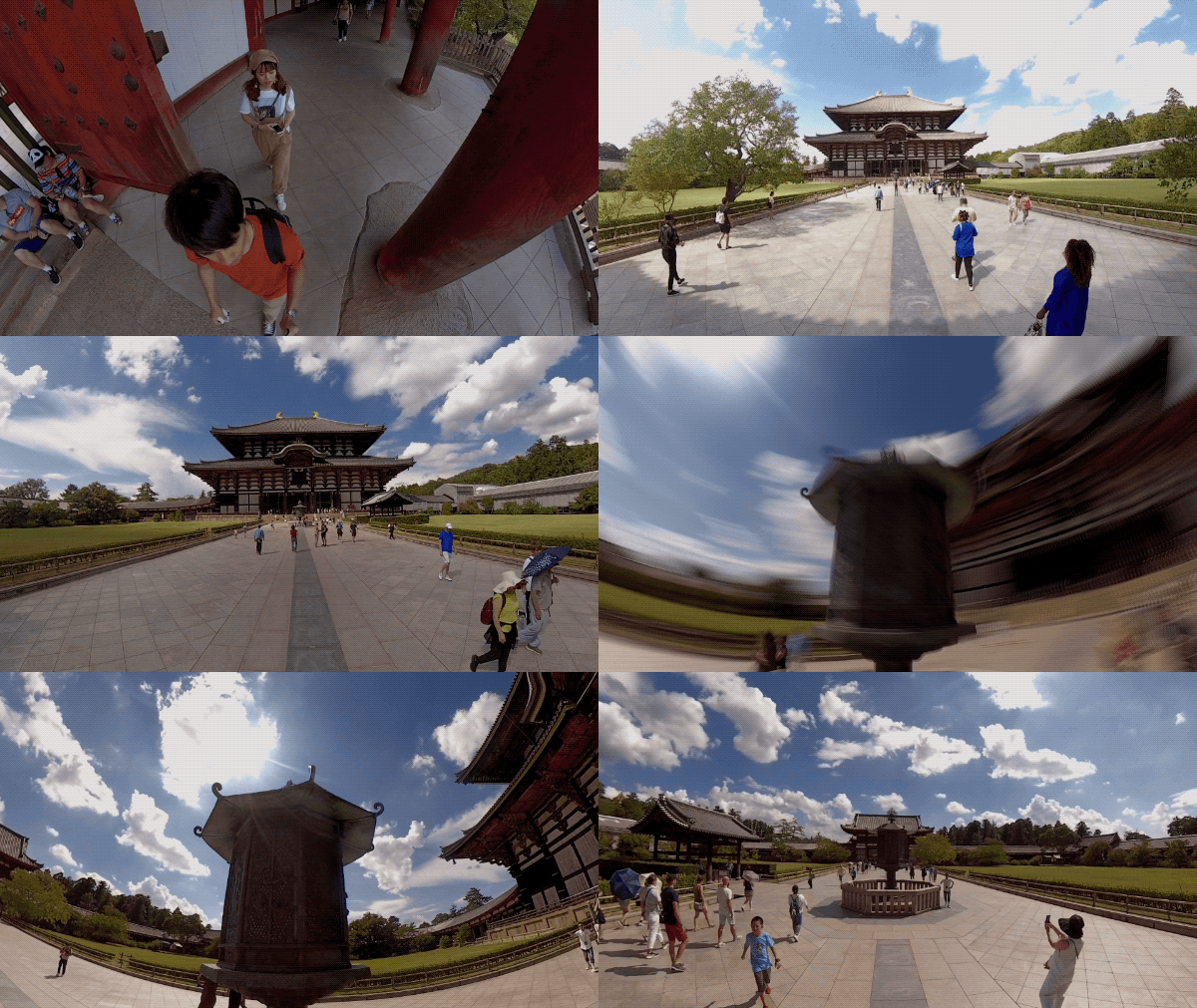
You can adjust the speed to highlight key moments with cinematic slow-mo, or speed things up with a stabilized hyperlapse.
 1. Enter App's album, open the video and hit "Edit -> Speed".
2. Scroll to the start of the clip->select your desired speed (1/4X,1/2X,2X,4X,6X,8X,16X,32X,64X)-> scroll along the timeline to the end of the clip->Tap “✓” on the top right corner to save. Turn on Motion Blur to convey a sense of speed.(Note: Android systems does not support 6X speed currently.)
1. Enter App's album, open the video and hit "Edit -> Speed".
2. Scroll to the start of the clip->select your desired speed (1/4X,1/2X,2X,4X,6X,8X,16X,32X,64X)-> scroll along the timeline to the end of the clip->Tap “✓” on the top right corner to save. Turn on Motion Blur to convey a sense of speed.(Note: Android systems does not support 6X speed currently.)
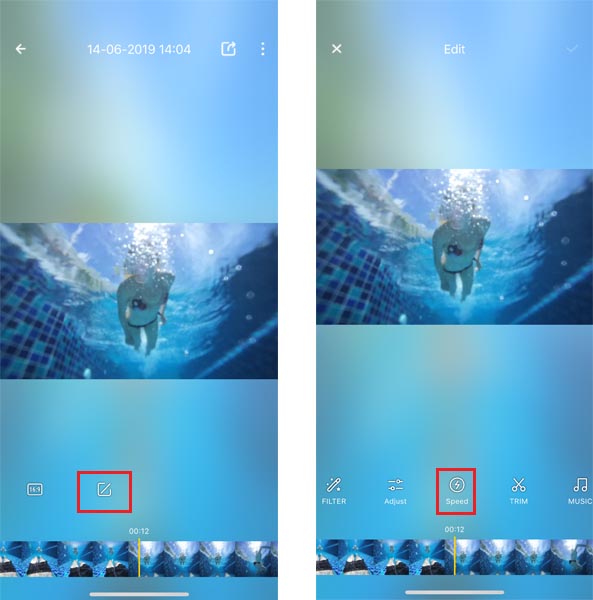
1. Enter App's album, open the video and hit "Edit -> Speed".
2. Scroll to the start of the clip->select your desired speed (1/4X,1/2X,2X,4X,6X,8X,16X,32X,64X)-> scroll along the timeline to the end of the clip->Tap “✓” on the top right corner to save. Turn on Motion Blur to convey a sense of speed.(Note: Android systems does not support 6X speed currently.)
Was this information helpful?
.svg)


Insta360 Trade-In
使っていない機材を価値に変えよう。
詳しくはこちら
メーリングリストに登録
Insta360の最新ニュースをゲット

私はプライバシーポリシーに同意し、Insta360の最新ニュースやセール情報をメールで受け取ることを希望します。 いつでもInsta360に連絡すれば、購読を中止できることを理解しました。



%20(1).svg)


%20(1).svg)

.svg)


購入サポート
購入前の質問
注文と支払い
返品と返金
 営業時間:10:00-19:00(GMT+9)
製品サポート
トラブルシューティング・ヘルプ
保証・修理サービス
営業時間:10:00-19:00(GMT+9)