製品カテゴリ


Insta360 X6
ソニー製1インチセンサー搭載のフラッグシップ8K 360度全景カメラ。新開発OLEDスクリーンを備えたコンパクトボディに無限の可能性を凝縮。

Insta360 Lunaシリーズ
1インチセンサー搭載の8Kジンバルカメラ。優れた低照度性能と着脱式タッチスクリーンを備えています。

Antigravity A1
8K 360度ドローン。
Insta360と共同開発。

Insta360 X5
あらゆる光の条件下で圧倒的な8K画質を実現する、最高のコストパフォーマンスを誇る360度カメラ。画期的な交換可能なレンズデザインを採用しています。

Insta360 Ace Pro 2
8K AI駆動のアクションカメラ、昼夜を問わず優れた画質。

Insta360 GO Ultra
超長寿命バッテリーを搭載したフラッグシップ軽量4Kカメラで、昼夜を問わずPOVやユニークなアングルの撮影が可能です。

Insta360 Flow 2 シリーズ
AIを搭載したオールインワンのジンバルシリーズ。より良いモバイル撮影を実現します。
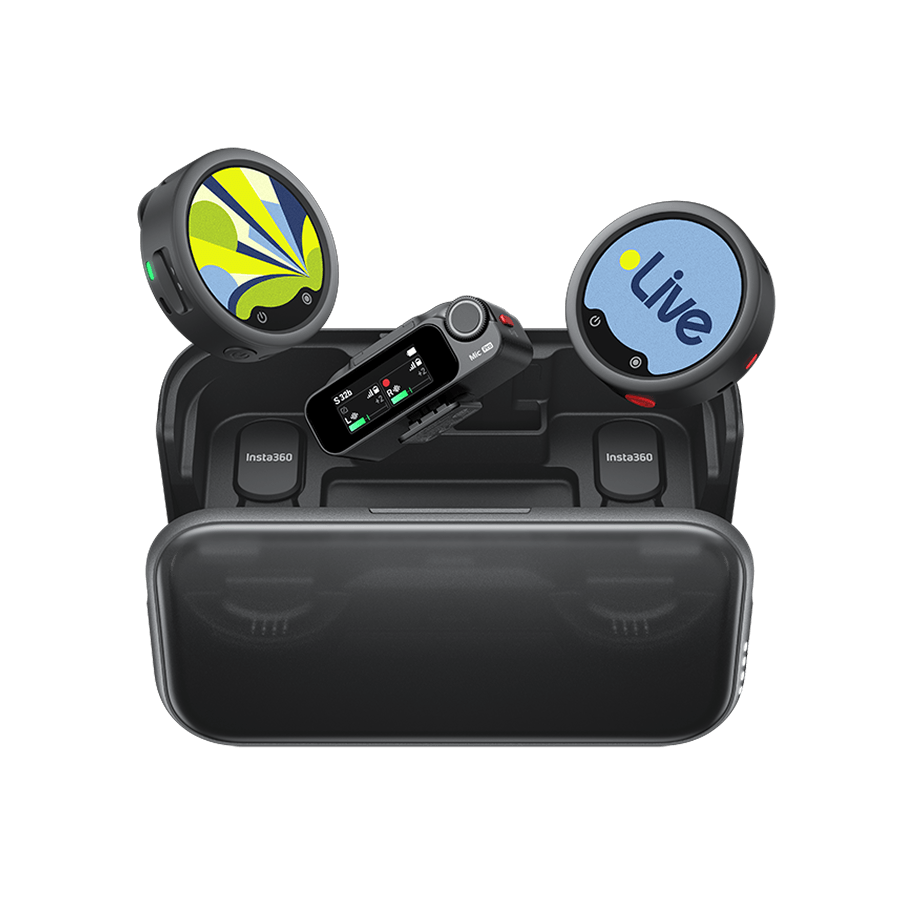
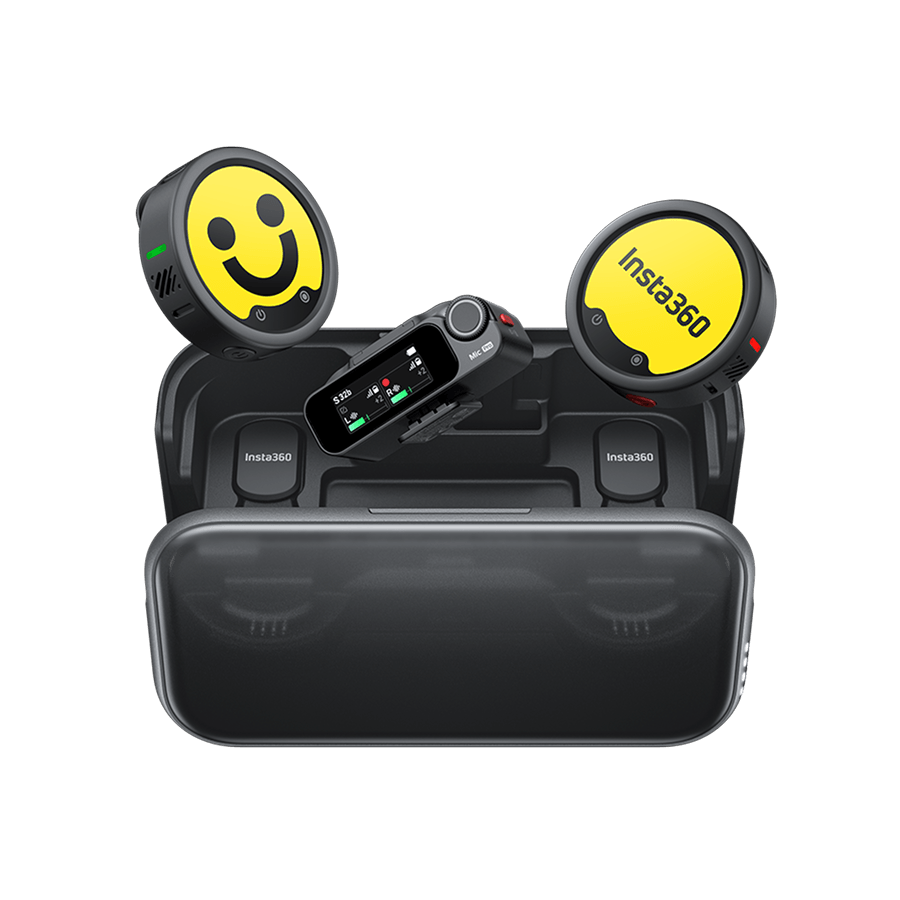
Insta360 Mic&Mic Pro
クリアで自然な音と、
あなたらしいスタイルを両立する
E-Inkワイヤレスマイク。





































How to take photos?
- 1.Plug your camera in the smartphone,and when green LED indicator is on, it means the camera connect successfully.
- 2.Click the yellow shutter button on the shooting page to take a photo.
- 3.Drag the screen on the phone, you can view different angles.
Was this information helpful?
.svg)


Insta360 Trade-In
使っていない機材を価値に変えよう。
詳しくはこちら
一般向け製品
Web会議
メーリングリストに登録
Insta360の最新ニュースをゲット

私はプライバシーポリシーに同意し、Insta360の最新ニュースやセール情報をメールで受け取ることを希望します。 いつでもInsta360に連絡すれば、購読を中止できることを理解しました。



%20(1).svg)


%20(1).svg)

.svg)

Copyright © Insta360 All rights reserved.
Guang Dong ICP No. 16095556.
Right to Opt Out of Sale/Sharing
This webpage is intended for United States data subjects only. Some states provide residents with the right to opt out of “targeted advertising,” “selling,” or “sharing” of personal information. Please visit our "Privacy Policy-9.Special rules for U.S. residents", for more information about your rights and our privacy practices.
Selling, Sharing, Targeted Advertising
We may use personal information to support “targeted advertising,” “selling,” or “sharing,” as defined by applicable privacy laws, which may result in third parties receiving your personal information. You can move the toggle above to the left to opt out of these activities on the websites related to www.insta360.com consistent with applicable law. Please note that, because these activities are based on online cookies, your opt-out choice is specific to this property. If you access other websites of Insta360, you will need to make your election for each. Also, if you clear your cookies on this browser or use another browser or device, you may need to opt out again on this property.You may also choose to enable online, where available, a universal tool that automatically communicates your opt-out preferences, such as the Global Privacy Control (“GPC”). We will process the GPC signal as a request to opt out.
Please be aware that even if you opt out, you may still see ads based on personal information processed before you opt out.

購入サポート
購入前の質問
注文と支払い
返品と返金
 営業時間:10:00-19:00(GMT+9)
製品サポート
トラブルシューティング・ヘルプ
保証・修理サービス
営業時間:10:00-19:00(GMT+9)