
















































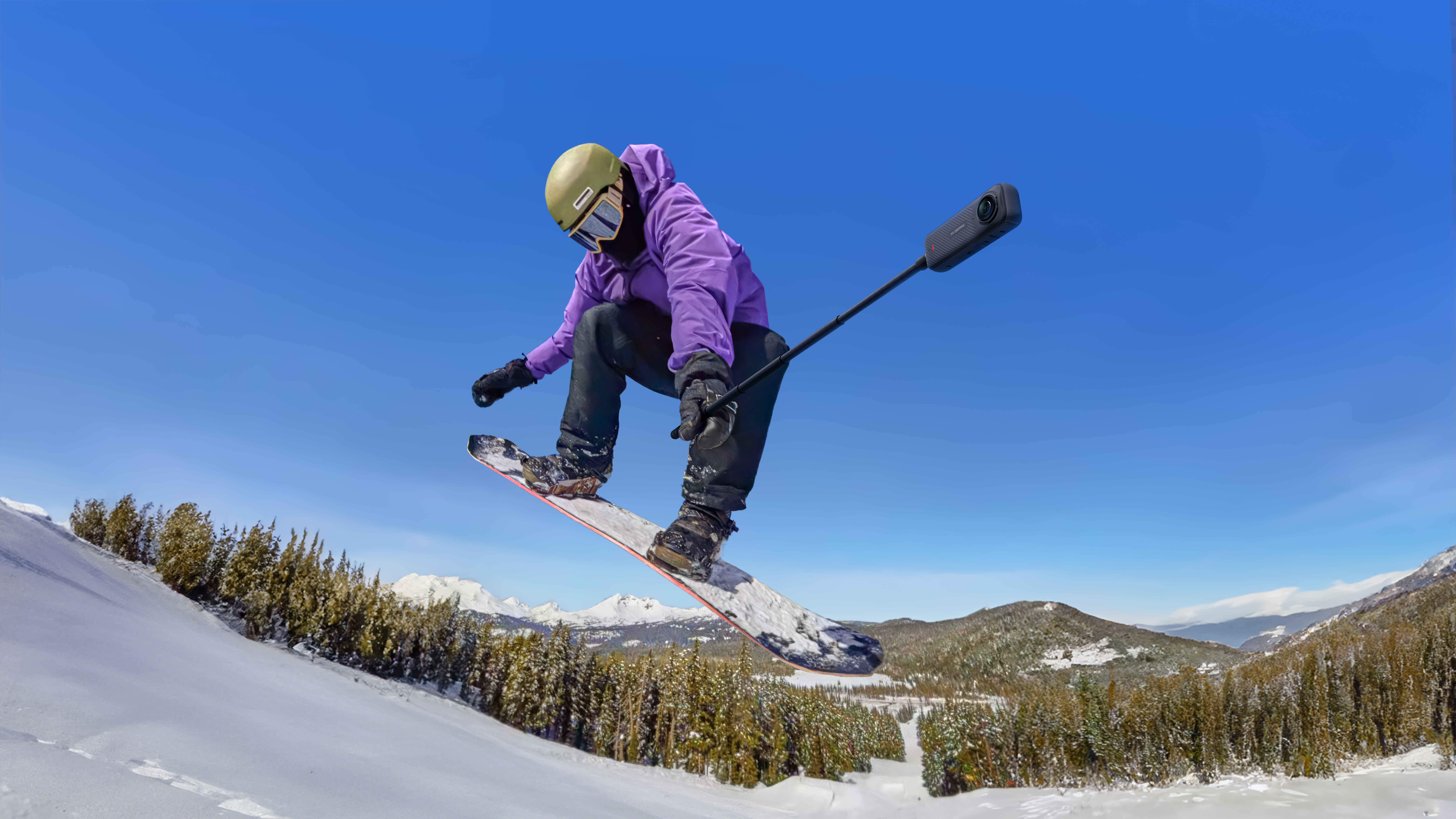


Magic in action. For those looking to knock down the walls of creative constraint, Insta360 X4 pushes what's possible to heady new heights, capturing every 360 angle in sharp 8K and giving creators tools that reshape how action is told. Mount it on your helmet and tear down a ski run, plunge beneath the waves to a new world, or just walk down the street and experience angles never before seen. Insta360 X4 is a true big hitter. This guide breaks down every question worth asking—so you can master your Insta360 X4 from the first press of record.
Getting Started & Setup
What’s Included in the Insta360 X4 Box, and Do I Need a MicroSD Card?
Unboxing Insta360 X4 is like Christmas morning, except you know exactly what you're getting and already know you'll love it. Inside, you’ll find the camera, a removable battery, protective lens guards, a charging cable, and the signature protective pouch—everything you need to start shooting.
Please note that Insta360 X4 does not come with a microSD card; however, it is included as standard with various bundles. Insta360 X4 requires a UHS-I or UHS-II microSD card rated V30 or higher to handle high-bitrate 8K video. Go with at least 64GB for short shoots, but 256GB or 512GB is ideal if you’re capturing extended sessions or multi-angle footage.
How Do I Activate Insta360 X4, Update Firmware, and Connect to the App?
Power on the camera, connect it to the Insta360 app, and follow the on-screen prompts to activate. The app also handles firmware updates, so make sure Wi-Fi is stable before starting the process. Once connected, Insta360 X4 syncs seamlessly with the app—letting you control settings, preview footage, and transfer clips for editing on the go. It’s also the bridge to advanced features such as AI editing and automatic reframing, which we’ll explore later in this guide. It's also easy to pair with a Bluetooth headset, perfect for those epic motorcycle journeys.
Hardware & Design
What’s New Compared to Insta360 X3?
Insta360 X3 was everybody's favorite workhorse, but Insta360 X4 has taken it to the next level, feeling considerably sharper, stronger, and faster than its predecessor. The leap to 8K 360 video marks a significant upgrade, allowing creators to punch in, reframe, and crop without losing detail. You can also shoot 5.7K60fps for smooth action or 4K100fps when slow motion tells the better story.
A larger 2.5-inch touchscreen makes framing and menu navigation far more intuitive, even when wearing gloves. The 2290mAh battery extends recording time by roughly 67% compared to Insta360 X3—ideal for long trail rides, ski sessions, or multi-location shoots.
How Do the Removable Lens Guards and Gorilla Glass Screen Help Protect the Camera?
Adventure equates to knocks, bangs, dinks, and spattered mud—but with all that rough and tumble, you need to be sure your equipment is well protected. The Gorilla Glass touchscreen resists scratches and impacts, keeping your view clear even in sand, snow, or dirt, while the removable lens guards make field protection simple—snap them on before rugged use, then swap them out if they take a hit.
Waterproofing & Durability
Is Insta360 X4 Waterproof, and When Should I Use the Invisible Dive Case?
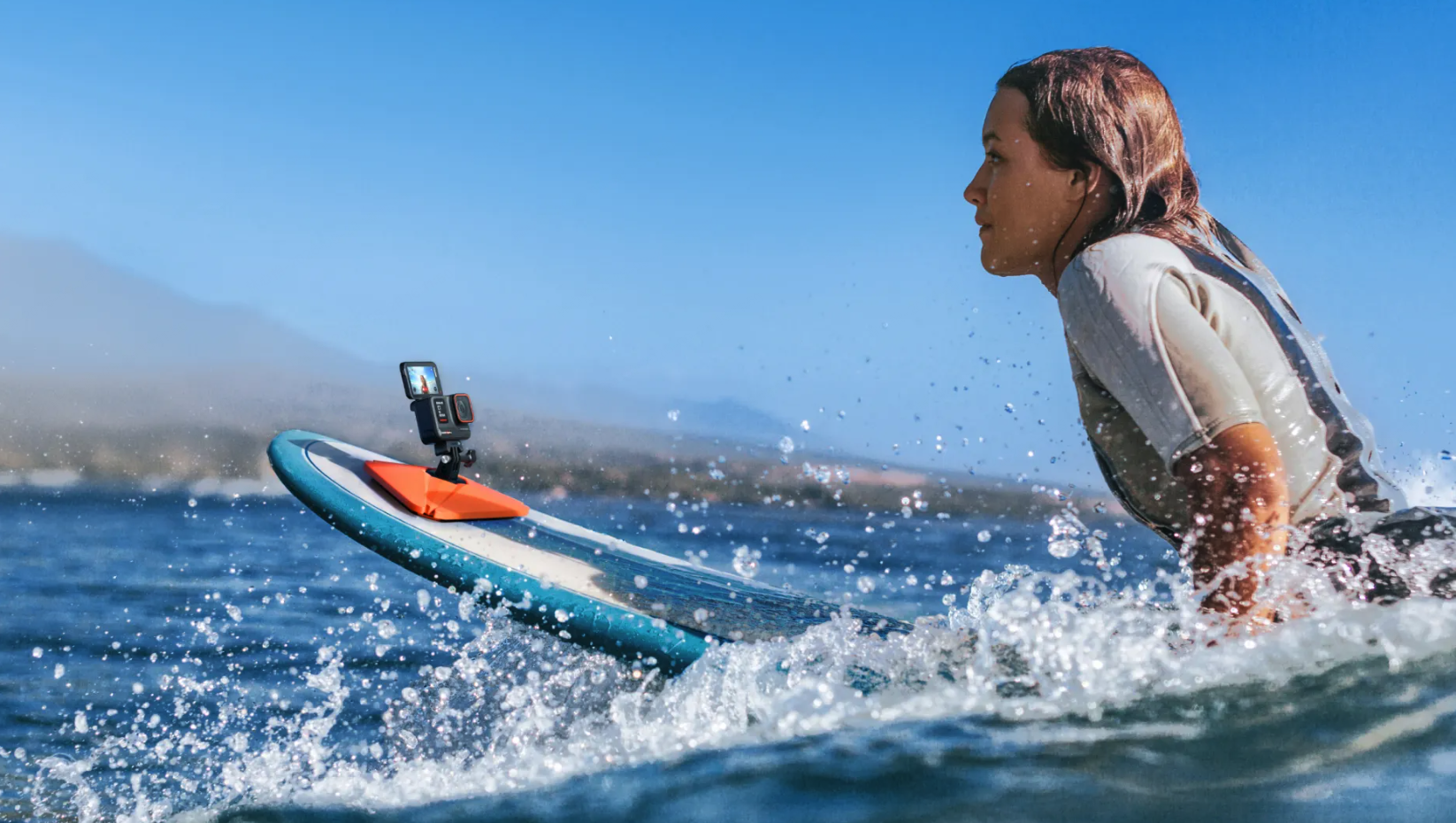
Yes, Insta360 X4 is waterproof down to 33ft (10m) without any extra housing, thanks to its IPX8 rating. This makes it perfect for capturing early swim lessons, paddleboarding adventures, and shallow dives or snorkeling. For anything deeper, we strongly recommend the Insta360 Invisible Dive Case, which extends waterproofing down to 164ft (50m) and maintains flawless 360 filming. Whether you're in saltwater or a blizzard, nothing fazes Insta360 X4. Just rinse it with fresh water after each session, dry it thoroughly, and you’re ready for the next round.
Video & Photo Modes
Which Resolutions and Frame Rates Should I Use?
Insta360 X4 comes with knock-your-socks-off 8K resolution, but that doesn't mean 8K is always the best option. Go for 8K30fps for landscape 360 shots where crystal-clear quality matters. For smoother motion activities such as skiing or mountain biking, consider setting it to 5.7K60fps. Slow motion works great at 4K100fps for crisp, fluid playback that captures every flick of snow or spray of dirt. Photos come out at 72MP that hold up beautifully even after heavy cropping.
What Does Active HDR Do, and When Should I Enable It?
Active HDR balances light when lighting conditions shift quickly or involve strong backlighting. It keeps skies detailed and shadows controlled without flattening contrast. When filming in uniform light or low-light scenes, you won’t need it as much.
What Are the Primary Creative Modes?
The Insta360 X4 creative presets turn complex shots into quick captures:
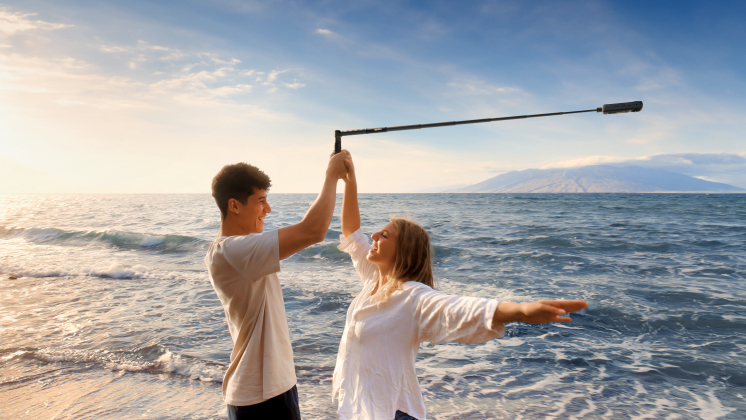
- Me Mode: Centers you automatically, hiding the selfie stick for third-person perspectives without extra editing.
- TimeShift: Speeds up travel footage into dynamic hyperlapses with automatic stabilization.
- Time-lapse: Ideal for static scenes like sunsets or traffic.
- Bullet Time: Spins the camera around you for a signature action-movie look.
Stabilization & FOV
How Do Flowstate Stabilization and 360° Horizon Lock Improve Footage?
Insta360 X4 uses FlowState stabilization to keep footage steady even when you’re sprinting, carving, or catching air. It analyzes motion vectors and counteracts shakes in real-time without requiring a gimbal.
With 360° Horizon Lock, Insta360 X4 keeps your frame level no matter how the camera rotates. Mount it upside down, twist it mid-jump, or spin it on a pole—your horizon won’t budge.
Controls & Capture
How do Gesture Control, Voice Control, and Timed Capture work?
Insta360 X4’s Gesture Control lets you start or stop recording with a simple hand signal—perfect when the camera’s on a helmet or selfie stick. Voice Control responds to clear commands, letting you switch modes or trigger capture mid-ride or mid-hike. With Timed Capture, you can schedule Insta360 X4 to power on, record, and shut down automatically.
Power & Storage
How Long Does the Battery Last, and How Fast Can It Recharge?
Insta360 X4’s 2290mAh battery powers up to 135 minutes of continuous recording at 5.7K30fps. Higher resolutions or frame rates draw more power, but even at 8K, you’ll get solid runtime. Charging is fast and can reach 80% in about 35 minutes.
What Type and Capacity of MicroSD Cards Does Insta360 X4 Support?
Insta360 X4 requires a UHS-I or UHS-II microSD card rated V30 or higher. SanDisk Extreme or Samsung EVO Plus are reliable options. Insta360 X4 supports cards up to 1TB, which equates to about 1–2 hours of 8K footage.
Mounting & Accessories
How Do I Get the Invisible Selfie Stick Effect, and Which Mounts Work Best?
The Insta360 Invisible Selfie Stick aligns perfectly between the dual lenses, letting the camera remove it automatically. The result looks like the camera is filming from a floating drone. This works particularly well while skiing, biking, or skating to create wide, cinematic sweeps.
Editing & App
How Do I Reframe and Auto-Edit Footage Using the Insta360 App?
The Insta360 app transforms raw footage into ready-to-share clips. Its AI Edit feature scans each video, identifies key moments, and creates an edited cut complete with transitions and music.
What Desktop Editing Options Are Available?
Insta360 Studio offers a detailed timeline interface with fine-tuned control over keyframes, color, and motion paths. Editors using Adobe Premiere Pro can also use the official Insta360 plugin to reframe directly within the software—no conversions needed.
Wrap-Up
8K, 360 shots, FlowState stabilization—in short, Insta360 X4 has stepped up the game. Whether you're dangling from a cliff, powering through powder, or documenting city life, Insta360 X4 redefines what's possible. Think bold. Think big. Capture everything.
Keen to keep up to date on Insta360 stories? Keep an eye on our blog and sign up for our mailing list. Got a story to share? Email yours to communitystories@insta360.com and win up to US$50.






%20(1).svg)


%20(1).svg)

.svg)


