
















































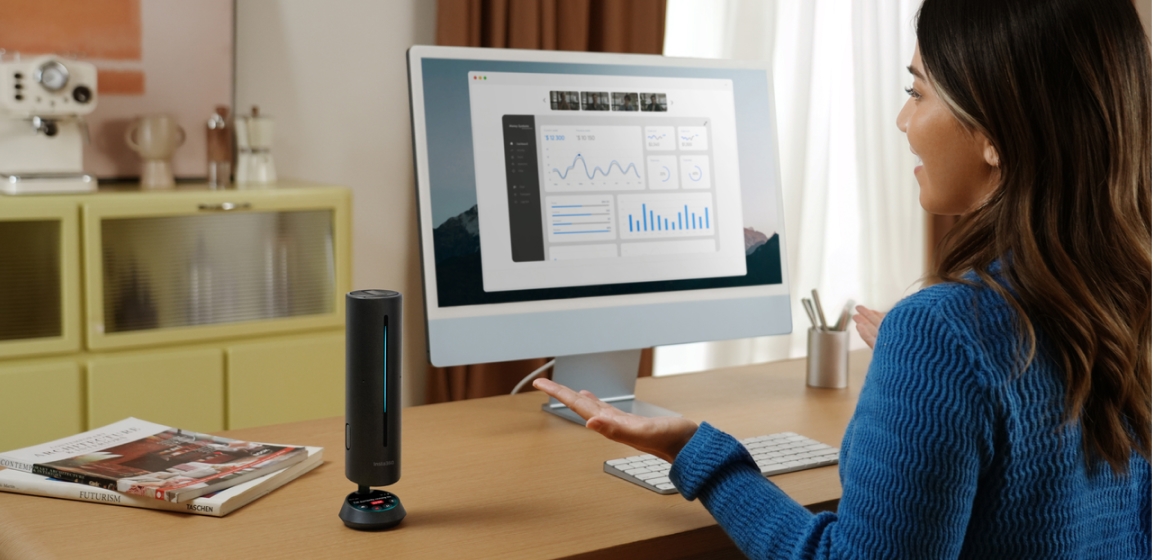


Remote work isn’t a temporary pandemic fix anymore, it’s how millions of people actually work now. Heading into 2026:
- 30+ million Americans work remotely at least part of the week
- Hybrid work is the dominant model (43% hybrid, 22% fully remote)
- WFH improves time efficiency, saves commuting hours, and boosts work–life balance
- Even with RTO pushes, remote + hybrid work shows no signs of major change
But here’s the catch: a lot of people are still using the same “temporary” home office they threw together in 2020. If you’re spending 40+ hours a week at your desk, your setup shouldn’t just be functional, it should help you focus better, communicate clearly, and work comfortably.
Your space shapes your productivity. So let’s build the best work from home setup we can - that actually works!
Home Office Essentials: Hardware That Makes a Difference
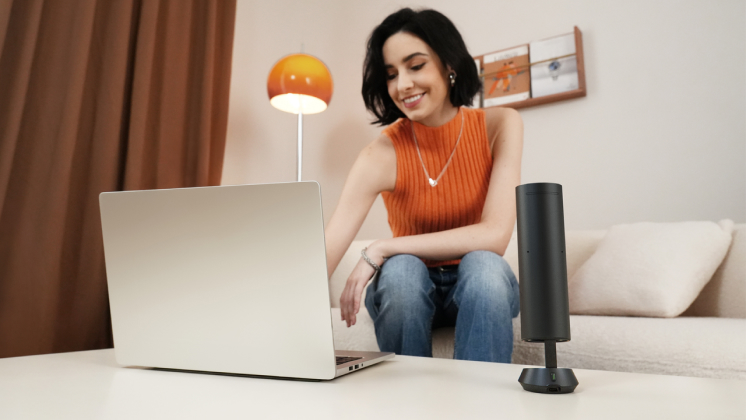
Your workday instantly runs smoother when your gear isn’t holding you back. Here’s the foundational equipment every modern home office should have:
- PC: Choose based on your workflow. Creators and analysts may need more power; light users can stick with a compact laptop.
- Monitor: A 13-inch laptop screen slows you down. Try a 27-inch 4K display, or a 34-inch ultrawide. We love ultrawides for multitasking! You’ll be able to run a meeting window, your notes, and your browser side-by-side without juggling tabs.
- Ergonomics: Invest in a chair with lumbar support. If you stand while presenting, a motorized standing desk is a game-changer for energy levels.
- Proper lighting: improves visibility and overall meeting experience.
- Optional gear: Depending on your setup, a solid mechanical keyboard, mouse, or headset can work wonders.
Look Better on Camera: Fix Your Potato Webcam
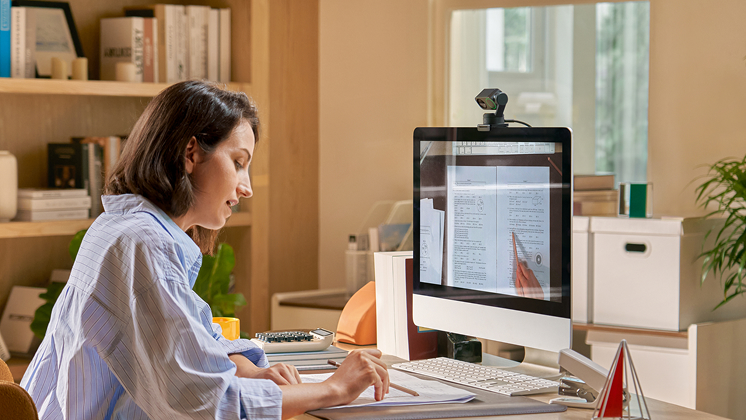
In remote work, your video feed is often your first (or daily) impression. Grainy laptop webcams, then, are from from ideal!
Built-in cameras often use tiny sensors that struggle in low light, can’t track movement, and lock you into awkward angles. Upgrading your webcam is one of the fastest ways to look more professional.
Insta360 Link 2 Pro (or the compact Link 2C Pro) currently stand as our top recommendation for professionals for three reasons:
- 4K Resolution & 1/1.3" Sensor: It captures DSLR-like detail and performs exceptionally well in dim home offices.
- AI Tracking: Using a built-in gimbal, the camera physically rotates to follow you. This is perfect if you like to stand up, pace, or present your desk view during calls.
- Whiteboard Mode: It uses AI to identify and square off your physical whiteboard, making it legible for remote viewers. Ideal for teachers and project managers.
Sound Better on Calls: The Most Important Part of Remote Work
People can tolerate mediocre video, but bad audio kills a meeting.
Crackling mics, barking dogs, echo, or muffled sound all break communication. Headphones work but get uncomfortable during long hours.
Insta360 Wave is the modern alternative.
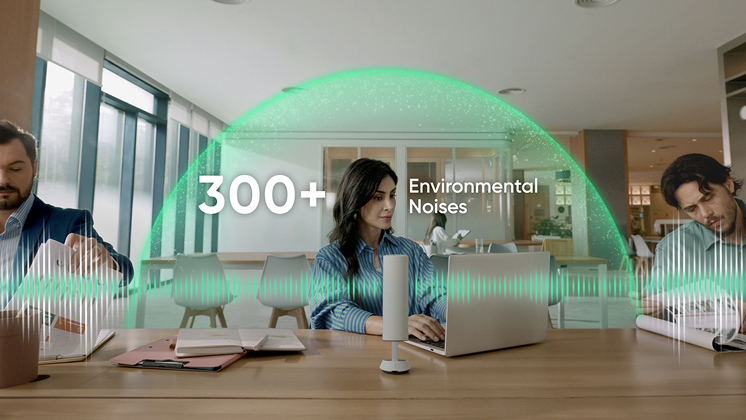
Why Wave is The Best Speakerphone for Remote Work
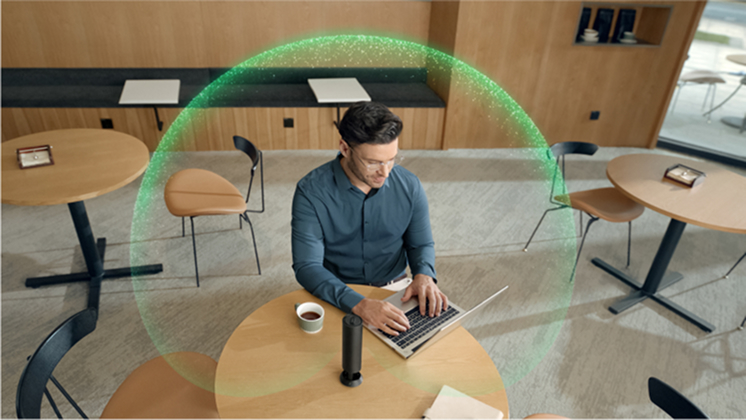
Move freely 3D 8-mic array + 5-meter pickup range means you can walk around, grab a coffee, and stay in the conversation.
AI Noise Cancellation
Wave automatically strips out the everyday distractions that ruin call quality. Keyboard clicks, AC hums, roommates or kids in the background, even the low rumble of a coffee machine get filtered out in real time. The result is simple: your voice stays clean and clear, even when your environment isn’t.
Beamforming Modes
Different spaces need different microphones. Beamforming lets your speakerphone “focus” its ears in the right direction so your voice comes through clearly.
- Cardioid Mode Picks up sound mainly from the front, which makes it perfect for shared spaces or busy homes. It reduces noise from behind you so the mic hears your voice first.
- Omni Mode Omni picks up sound from all directions. Use this when you’re working alone, moving around, or need to be heard no matter where you are in the room.
WaveLink: A Complete Meeting Setup
If you want an all-in-one solution for video and audio, WaveLink is the most straightforward upgrade you can make. It pairs the Insta360 Link 2 webcam with the Wave speakerphone in a single bundle, giving you pro-level video and crystal-clear audio without having to compare parts or buy accessories separately.
WaveLink is designed for people who bounce between presenting, typing, and collaborating. Link 2 handles the visuals with 4K clarity and AI tracking, while Wave covers the room with its 3D mic array and smart noise cancellation.
Together, they feel like a unified conferencing system rather than two devices glued into a setup. Plus, less cable mess and fewer compatibility issues!
Wave + AI = Your New Meeting Assistant
Wave isn't just a speakerphone! It offers a full AI-powered productivity tool through Insta360 InSight.
- Automatic Transcription Stop typing notes. Let AI handle it.
- Meeting Summaries Instant highlights, summaries, and to-dos.
- Searchable Knowledge Base: Can’t remember what a client said three weeks ago? Just search it.
This is a game-changer for busy professionals, project managers, and WFH workers who join multiple meetings a day.
- Automated Summaries: Instead of frantically taking notes, let the device record and transcribe the meeting.
- Action Items: The AI analyzes the conversation and generates a list of "To-Dos" and key highlights.
- Knowledge Base: Turn your daily conversations into a searchable database. Need to remember what the client said three weeks ago? Just search your transcript history.
Set Up Your Desk for Productivity and Aesthetics
A great home workspace should make you want to sit down and get things done, so start by choosing a quiet corner away from distractions.
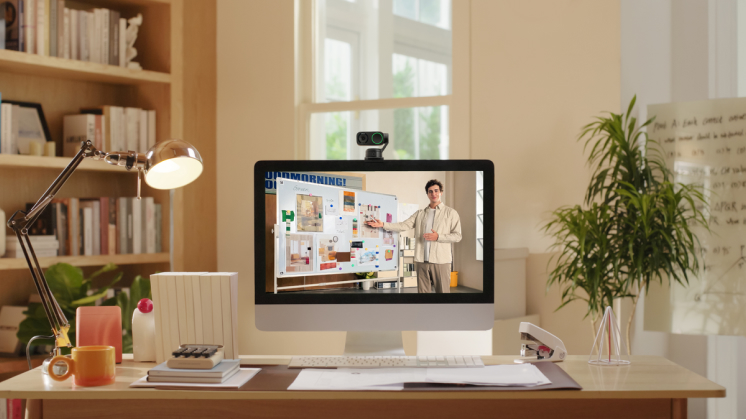
Keep the area tidy with simple cable management to cut visual clutter and stress. For meetings, upgrade the basics: use a clear microphone, an HD webcam, a reliable speakerphone, and stable internet to avoid interruptions.
During calls, AI tools can streamline your workflow by generating automatic summaries, highlighting decisions, and organizing everything into your knowledge base.
After each meeting, quickly review your AI notes, add tasks to your to-do list, and keep your setup and workflow tidy so you’re always ready for the next session.
Your Home Office, Optimized with Insta360
Every remote worker has different needs, but all benefit from clear audio, sharp video, and smart tools. Insta360’s lineup is built for remote work:
- Insta360 Link 2 Pro → Crystal-clear 4K video, AI tracking
- Insta360 Wave → Professional AI speakerphone
- Insta360 WaveLink bundle → All-in-one conferencing
- Insta360 InSight → AI meeting assistant
And for those who want the simplest setup, you can combine them into a single 3-in-1 conferencing device with premium audio, video, and automatic speaker tracking.
In 2026, the most productive people are using tools that help them work smarter. Insta360 does just that!
Shop our whole range via the Insta360 Store here.





%20(1).svg)


%20(1).svg)

.svg)


