

















































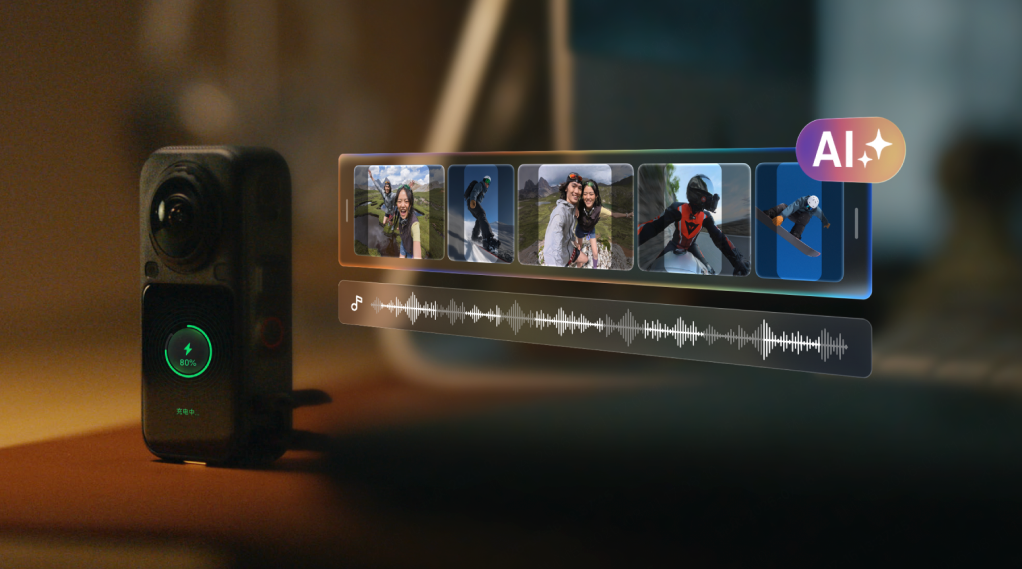


Most cameras stop working the moment you hit stop. X6 doesn't. While it's charging, on your desk, overnight, whenever it's plugged in, it's already analyzing your footage, finding the best moments, and building a finished edit before you've even opened the app.
For anyone who's ever come home from a ride, a trip, or a day out with hours of raw 360 footage and no real plan for turning it into something watchable, that's the actual promise here: the editing step doesn't disappear because it got easier, it disappears because something else is doing it.
Here's a closer look at the AI system running underneath X6, and what it's actually doing behind the scenes.
The Engine Behind It: Insta360 PanoMind
Every AI feature on X6 runs on the same foundation: Insta360's own in-house 360 AI multimodal model, Insta360 PanoMind, trained on more than 10,000 hours of footage across 30-plus real-world scenarios, including travel, daily life, winter sports, motorcycling, diving, and cycling. That range matters more than it might sound like it should. A model trained mostly on studio footage or straight-line action shots would struggle the moment real conditions got messy: low light on a night dive, sudden movement on a trail, a crowded street during travel. Training across that many different scenarios is what lets the same model hold up whether you handed it a ski run or a family barbecue.
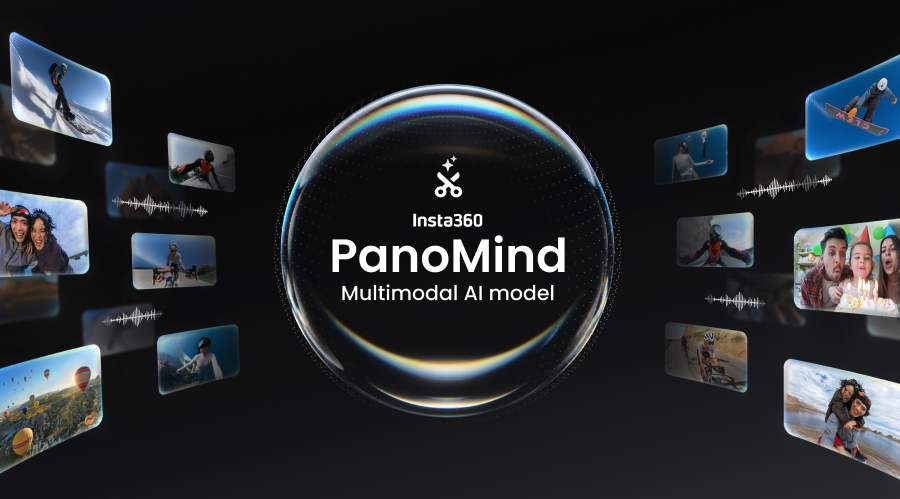
That training shows up in three core capabilities:
The first is recognizing highlight-worthy moments. Identifying the seconds in hours of footage that are actually worth keeping, rather than just cutting at fixed intervals.
The second is generating virtual camera movement through 360 footage, essentially deciding where a camera would have been pointing if you'd been operating one manually, panning and framing through the captured sphere the way a human editor would.
The third is judging what actually belongs in a finished edit. Not just which moments are interesting, but which sequence of them actually tells a story rather than reading as a random highlight reel. Everything else built on top, AI Director, Auto Edit 2.0, Moments Pro, is a different interface onto the same underlying model, not three separate AI systems.
The word multimodal is doing real work in that description. Rather than only analyzing video frame by frame, the model reads footage alongside audio cues and camera motion together, which is part of how it tells the difference between a moment worth keeping and a few seconds of the camera bouncing around in a bag.
A sudden change in engine sound on a ride, a burst of laughter on a trip, a slowdown in camera movement right as a view opens up: these are all signals the model can use together, not just visual frames in isolation.
AI Director: An Edit Before You Even Ask
Plug X6 in to charge, and AI Director gets to work in the background. It analyzes your footage, identifies the best moments using the same recognition the model was trained for, and builds a complete highlight edit automatically, then pushes the finished clips straight to the Insta360 app. There's no timeline to open and no backlog to work through, and critically, no decision to even start editing. The edit exists whether or not you were planning to make one. By the time you check your phone, it's already waiting in your Memories, ready to watch or share.
This is the mode built for the footage you'd otherwise never touch: the hour of raw video from a group ride, a family trip, or a day you weren't planning to make content out of. AI Director doesn't wait for you to decide it's worth editing. It just does it.
Auto Edit 2.0: One Tap, Full Edit
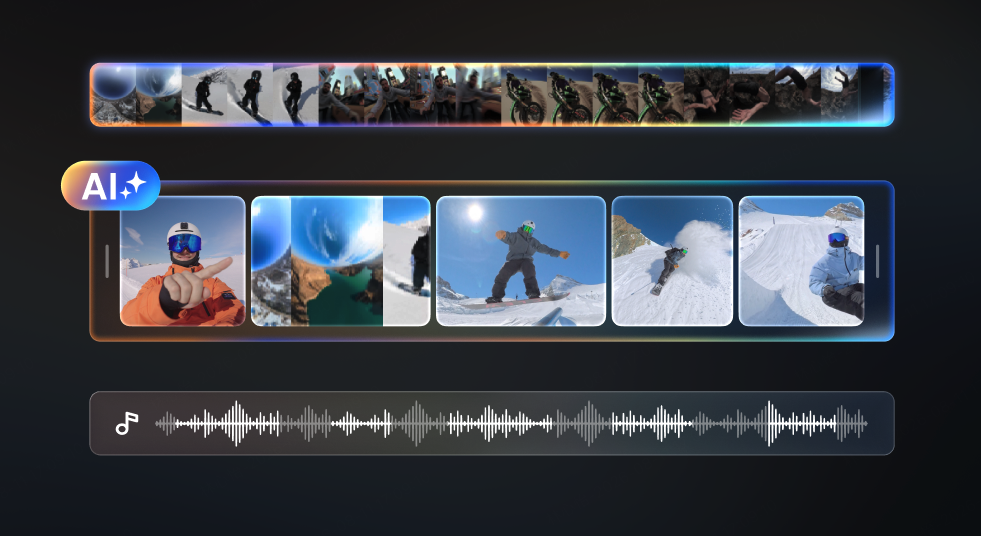
When you want more control over which footage gets used, Auto Edit 2.0 hands you the same AI without giving up the choice of source material. Select one clip or several from a specific ride or trip, tap once, and the AI handles framing, camera movement, cuts, music, and transitions, delivering a complete edit without you touching a timeline.
It's the difference between editing whatever you happened to shoot and editing the specific thing you actually care about, using the same underlying intelligence either way.
Moments Pro: Direct the Edit Without Touching a Timeline
Moments Pro takes the same AI a step further into the cloud, and shifts the starting point entirely. Instead of editing footage you've already shot, you set the direction up front: choose a subject, a mood, a style, and a timeframe, and the AI generates the video for you from there.
Where Auto Edit 2.0 starts from your footage and makes it good, Moments Pro starts from what you want and builds it. It's the closest thing to briefing an editor and getting a finished cut back, without ever specifying which clips to use yourself.
What This Looks Like in Practice
Picture a full day out on a motorcycle: hours of riding, a stop for lunch, a scenic overlook near the end. Manually, that's hours of footage to scrub through for the ten seconds that were actually worth keeping. With AI Director, the camera does that scrubbing itself while it's charging that evening, and by the next morning there's a finished highlight reel waiting in the app, cut to the ride's actual best moments without anyone having opened a timeline.
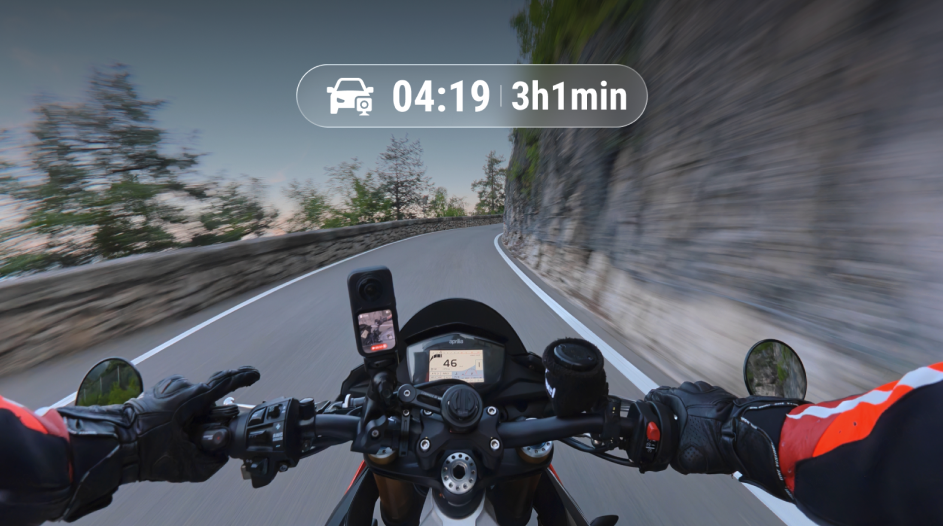
The same applies to a day of diving, a family trip, or a ski weekend: any shoot that generates more footage than most people would ever sit down and edit themselves.
Desktop Power When You Need It
None of this locks you out of manual control when you actually want it. Insta360 Studio remains free on both Mac and Windows for multi-clip editing, keyframe reframing, and enabling AI Stitching for the cleanest possible stitch on a tricky shot.
Why This Matters
Every one of these tools exists to remove the same bottleneck: the gap between shooting something great and having something great to share.
That gap is usually where 360 footage goes to die, sitting on an SD card, technically captured but never actually turned into anything, because editing it felt like a separate project on top of the trip itself. X6's AI doesn't just help you edit faster.
It removes editing as a distinct step altogether, for the footage where you'd never have made time for it otherwise. Shoot, charge, and the edit is already done.
Keen to keep up to date on Insta360 stories? Keep an eye on our blog and sign up for our mailing list. Got a story to share? Email yours to communitystories@insta360.com and win up to US$50.
Your shot. Your world. The Insta360 Global Awards 2026 supported by Leica are officially open. Join creators worldwide and compete across six categories (Street, Travel, Life, Portrait, Sports, and Night) for your share of a US$150,000+ prize pool, including cash prizes and Insta360 gear. Submit your best video or photo at insta360.com/awards.






%20(1).svg)


%20(1).svg)

.svg)


