

















































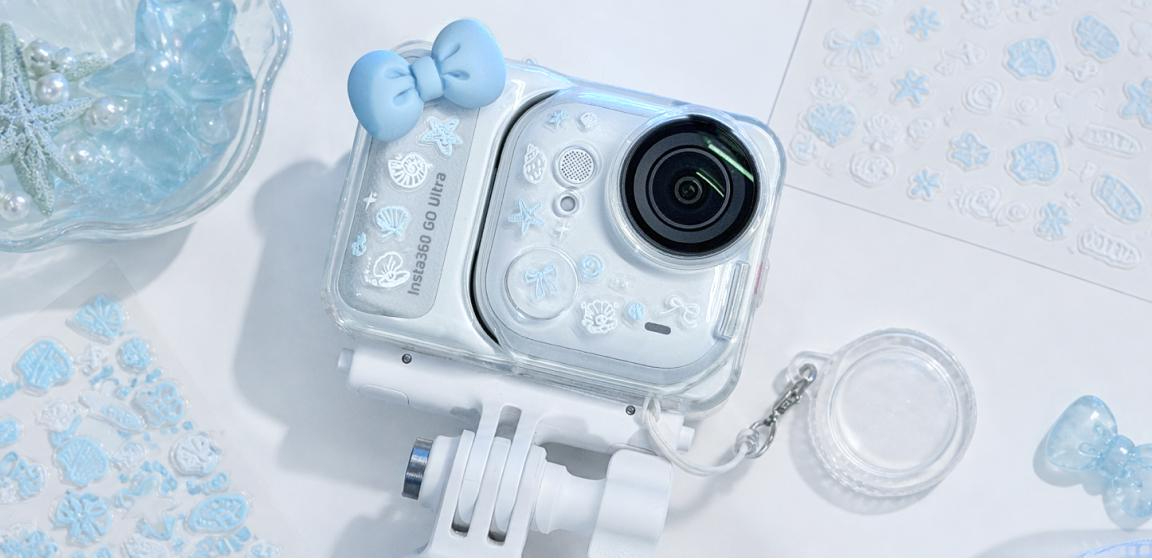


Style it. Wear it. Shoot it. Here's how to give the tiny 4K camera a look that's completely yours.
Your phone has a case. Your bag has charms. Your laptop has stickers. So why is your camera still wearing the factory look?
Insta360 GO Ultra is tiny, magnetic, and made to be worn, not buried in a camera bag. Most cameras live behind the shot. This one can be part of it: clip it to your jacket, cap, or bag and it films your point of view, hands-free.
In Arctic White, it's also a blank canvas, one that works with candy colors, chrome details, soft pastels, bold graphics, and clean monochrome. A skin changes the whole look. A few stickers tell a story. One charm makes it feel less like gear and more like something you'd choose to carry every day.
Ready for a camera glow-up? Here are seven easy ways to make GO Ultra unmistakably yours.
1. Skin It Your Way
Want the biggest change in the fewest steps? Start with a skin. With the official GO Ultra Custom Skin, you choose a design, create your own, or generate one with AI, and you get two per pack. Want a full-body wrap? Those are out there too, from gingham and chrome to florals and animal print.
Think of the skin as the base layer. Once the main color or pattern is in place, choosing stickers, straps, and charms gets much easier. Match your phone case, borrow colors from your favorite sneakers, or build the whole design around one illustration.
.jpeg)
2. Tell Your Story With Stickers
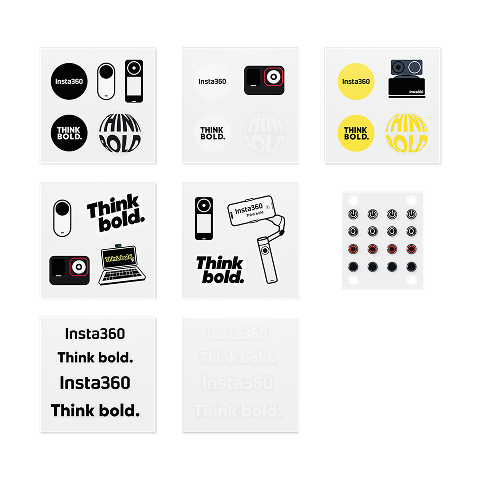
Stickers are the fastest way to give a camera some personality. Pick a favorite character, a travel memory, your current color obsession, or a few of your own designs.
For a cleaner finish, try one larger sticker with two or three smaller accents. Want more chaos? Layer shapes, type, and mini icons until the camera feels like a tiny scrapbook. There's no perfect formula. Just make sure the pieces look like they belong together.
Use removable stickers made for electronics, test the adhesive on a corner first, and keep the lens, mics, and charging contacts clear.
3. Add a Little Charm
A beaded strap. A tiny plush. A chrome star. Your initial. Sometimes one detail is all it takes to turn camera gear into an everyday accessory.
Keep charms light and attach them only to a case, carry accessory, or designated attachment point. Then give everything a quick shake test before you hit record: nothing should swing in front of the lens or get in the way of the controls.
.jpeg)
4. Match Your Everyday Carry
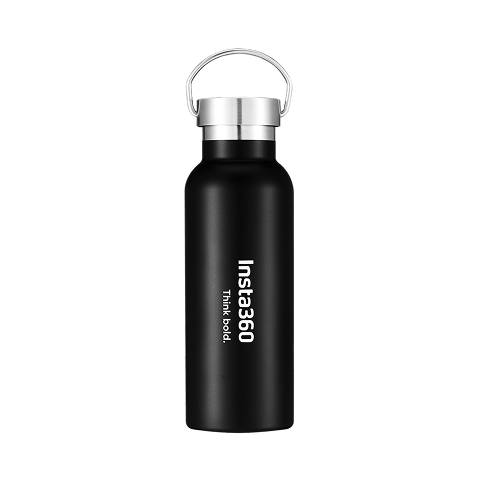
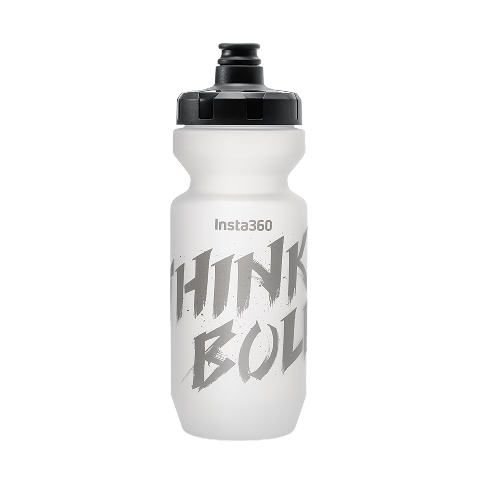
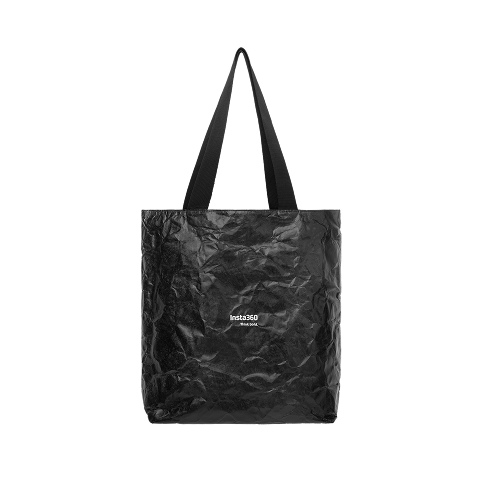
Pull out your phone, headphones, tote, keychain, and water bottle. See a color that keeps showing up? Use it on GO Ultra and the whole setup suddenly looks intentional.
It doesn't need to be an exact match. Repeat one accent color, texture, or motif and the camera becomes the last piece of your everyday carry.
Content idea: film a "What's in my bag?" reveal and save your decorated GO Ultra for last. Then clip it on and shoot the next scene with it.
5. Wear It With Your Look
GO Ultra is made to be worn, so style it like something you'd wear. Pair pastels with soft neutrals, add chrome to a futuristic fit, or keep the whole setup black and white.
The camera doesn't have to disappear. It just has to look like it belongs. Clip it on and capture the moment from your point of view.
6. Pick a Theme and Commit
When every sticker is fighting for attention, the camera can get lost. One clear theme keeps the look playful without turning it into visual noise.
Start with an anchor: florals, travel, food, music, the outdoors, retro graphics, or a character-inspired color palette. Then repeat one shape or color two or three times and the whole look pulls together.
.jpeg)
7. Switch It Up
A glow-up doesn't have to be permanent. Go bright for summer travel, spooky for Halloween, glossy for the holidays, or start over whenever your mood changes.
Removable decorations make it easy to refresh the camera without committing to one look forever. Follow the accessory maker's removal instructions, and keep harsh chemicals and sharp tools away from the camera body.
Watch the Glow-Up
Peel. Press. Stick. Click. Sometimes the transformation is every bit as satisfying as the final reveal. Watch a creator turn Arctic White GO Ultra into something that's completely their own, one detail at a time.
Shooting your own glow-up? Get close. Let the sound of peeling, pressing, and clicking do the work, then take the finished camera out and end the video on what it sees. That's the real reveal: where GO Ultra goes and what it captures.
Keep It Cute and Camera-Safe
A camera glow-up should never get in the way of the camera. Before you start, keep these basics in mind:
- Keep the lens, microphones, indicator lights, buttons, ports, screen hinge, charging contacts, and the magnetic back uncovered.
- Use lightweight decorations and removable adhesives designed for electronics.
- Attach charms only to secure, compatible accessories or designated attachment points.
- Check that nothing can swing into the lens or block the controls while filming.
- Take charms and stickers off before swimming, water sports, or high-impact activity unless they're made for it.
- Follow the product and accessory care instructions when applying or removing any decoration.
Ready to Give GO Ultra a New Look?
There's no single right way to style a camera. Start clean, add one detail, and keep going until it feels like yours.
Insta360 GO Ultra Standard Bundle in Arctic White gives you the tiny 4K camera, the magnetic mounts to wear it, and the blank canvas. The rest is up to you.
een to keep up to date on Insta360 stories? Keep an eye on our blog and sign up for our mailing list. Got a story to share? Email yours to communitystories@insta360.com and win up to US$50.
Your shot. Your world. The Insta360 Global Awards 2026 supported by Leica are officially open. Join creators worldwide and compete across six categories (Street, Travel, Life, Portrait, Sports, and Night) for your share of a US$150,000+ prize pool, including cash prizes and Insta360 gear. Submit your best video or photo at insta360.com/awards.






%20(1).svg)


%20(1).svg)

.svg)


