



Insta360 X6
Caméra 360° 8K haut de gamme équipée de capteurs Sony, imagerie 360 à 1 pouce. Nouvel écran OLED. Compacte. Immense potentiel.

Série Insta360 Luna
Caméras à stabilisateur 8K avec capteurs de 1", superbes performances en basse lumière et écrans tactiles détachables.

Antigravity A1
drone 360° 8K.
co-conçu avec Insta360.

Insta360 X5
Notre caméra 360° 8K au meilleur rapport qualité-prix. 8K exceptionnelle dans toutes les conditions. Objectifs interchangeables.

Insta360 Ace Pro 2
Caméra d'action 8K alimentée par l'IA avec une qualité d'image de premier plan, de jour comme de nuit.

Insta360 GO Ultra
Caméra 4K phare et légère avec une batterie ultra-longue durée pour filmer des points de vue et des angles uniques jour et nuit.

Insta360 Série Flow 2
Série de stabilisateurs tout-en-un alimentés par l'IA pour de meilleures prises de vues mobiles.
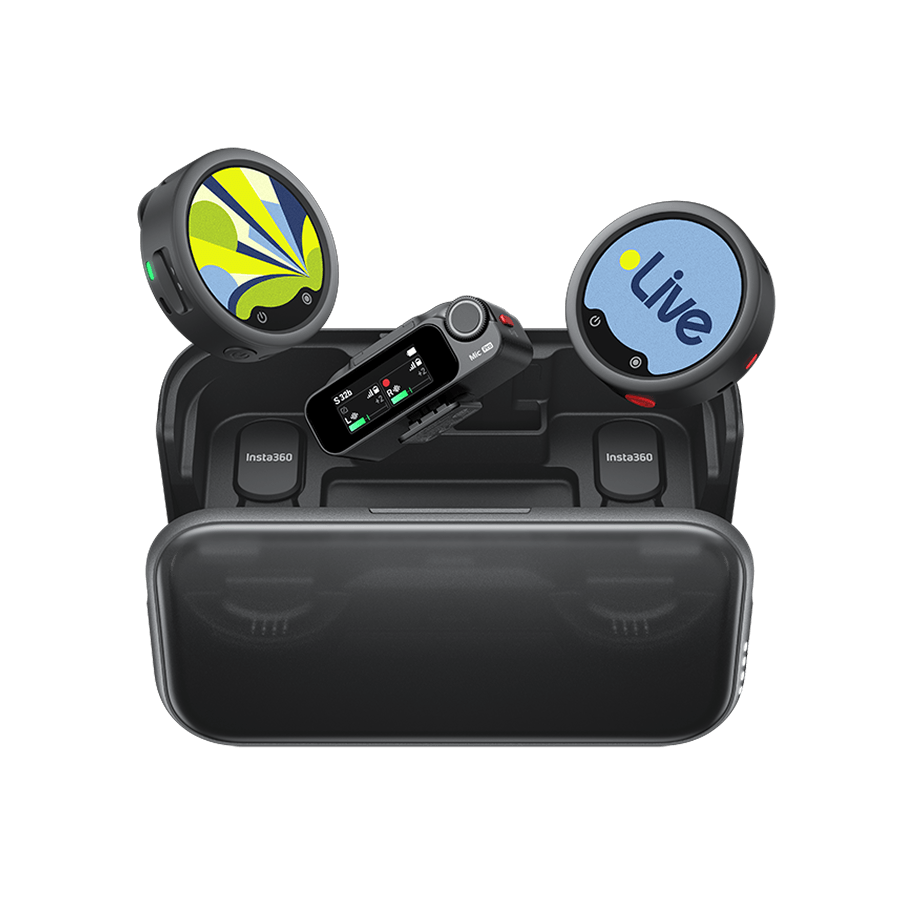
Insta360 Mic et Mic Pro
Microphones sans fil à écran E-Ink avec un son clair et naturel, et un style rien qu'à vous.










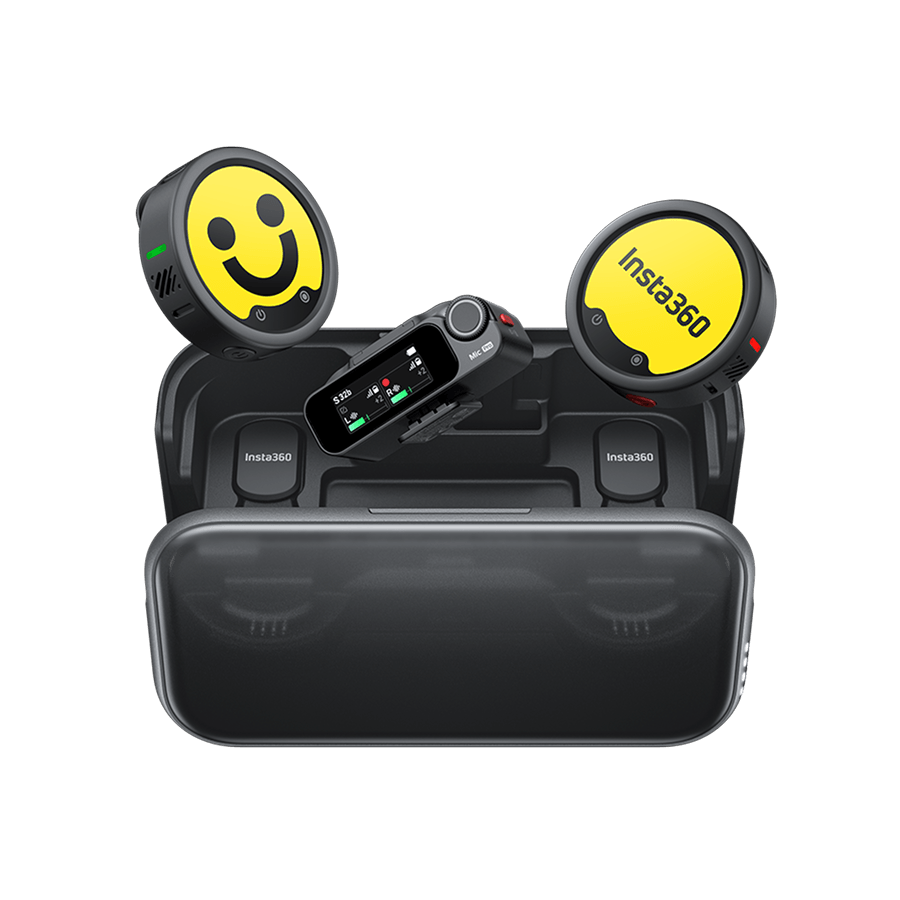




























How do I change/add a watermark (Bottom Logo)?
1.Open EVO App, tap Settings->Bottom Logo
2.Select the logo what you want, or you can tap ‘+’ -> select a photo -> adjust the parameters of the Logo and add it.
.jpg)
Was this information helpful?
.svg)


Insta360 Trade-In
Tirez profit du matériel que vous n'utilisez plus.
En savoir plus
Amateur
Conférence
Professionnel
Où acheter
Aide
À propos de nous
Souscrire
Recevez les dernières nouvelles d'Insta360

J'accepte la politique de confidentialité et je souhaite recevoir les dernières nouvelles et offres d'Insta360 par email. Je comprends que je peux contacter Insta360 pour me désabonner à tout moment.


%20(1).svg)


%20(1).svg)

.svg)

Copyright © Insta360 All rights reserved.
Guang Dong ICP n° 16095556.
Right to Opt Out of Sale/Sharing
This webpage is intended for United States data subjects only. Some states provide residents with the right to opt out of “targeted advertising,” “selling,” or “sharing” of personal information. Please visit our "Privacy Policy-9.Special rules for U.S. residents", for more information about your rights and our privacy practices.
Selling, Sharing, Targeted Advertising
We may use personal information to support “targeted advertising,” “selling,” or “sharing,” as defined by applicable privacy laws, which may result in third parties receiving your personal information. You can move the toggle above to the left to opt out of these activities on the websites related to www.insta360.com consistent with applicable law. Please note that, because these activities are based on online cookies, your opt-out choice is specific to this property. If you access other websites of Insta360, you will need to make your election for each. Also, if you clear your cookies on this browser or use another browser or device, you may need to opt out again on this property.You may also choose to enable online, where available, a universal tool that automatically communicates your opt-out preferences, such as the Global Privacy Control (“GPC”). We will process the GPC signal as a request to opt out.
Please be aware that even if you opt out, you may still see ads based on personal information processed before you opt out.

Assistance à l'achat
Questions avant-vente
Commandes & Paiement
Retours & Remboursements
 Heures de bureau: 9:00-18:00 (UTC+1)
Assistance produit
Dépannage & Aide
Réparations & Garantie
Heures de bureau: 9:00-18:00 (UTC+1)
