



















































Running out of power in the middle of a shoot can ruin an otherwise perfect day. The good news? With the right habits and gear, you can extend the battery life of your Insta360 camera and stay ready for action. This guide covers everything you need to keep filming longer and charging smarter, from best practices for preserving battery health and cold-weather care to smart power-saving settings and accessories to give you a boost.
Factors That Influence Insta360 Camera Battery Life
Here’s what affects your Insta360’s batteries so that you can plan your next shoot.
Battery Capacity and Runtime
Insta360 X5 boasts 208 minutes of continuous recording with its 2400mAh battery, surpassing other camera models like Insta360 Ace Pro 2, which provided approximately 180 minutes of recording with its 1800mAh battery.
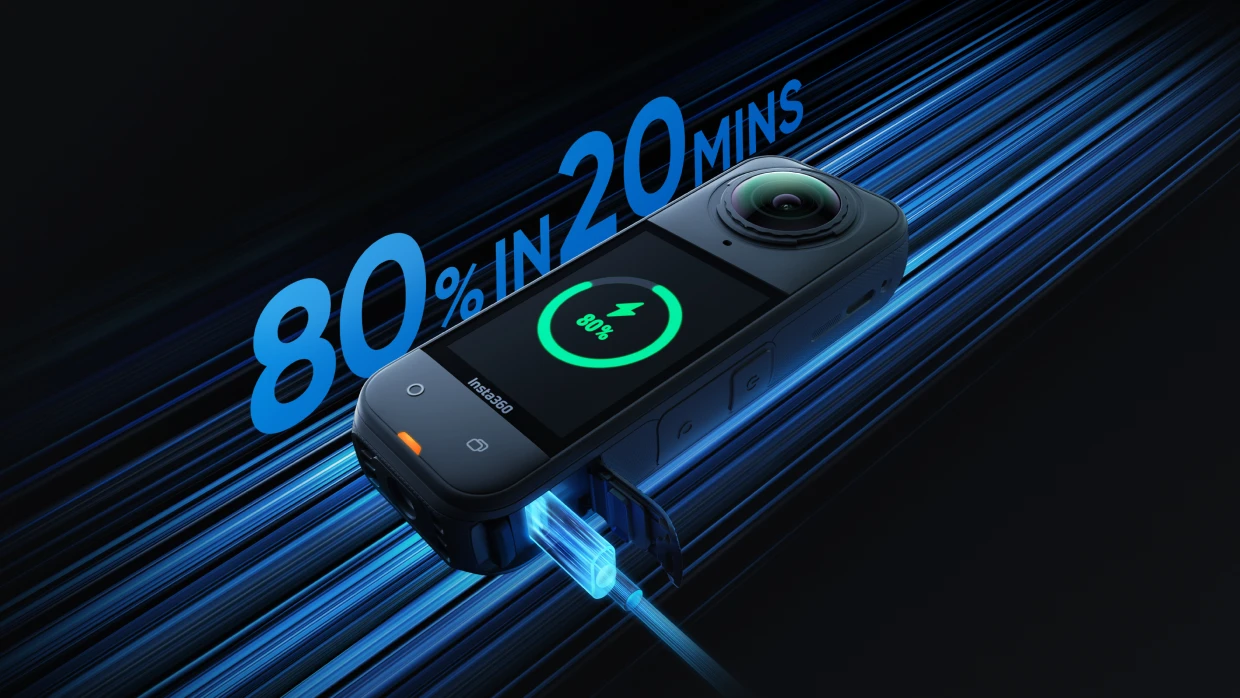
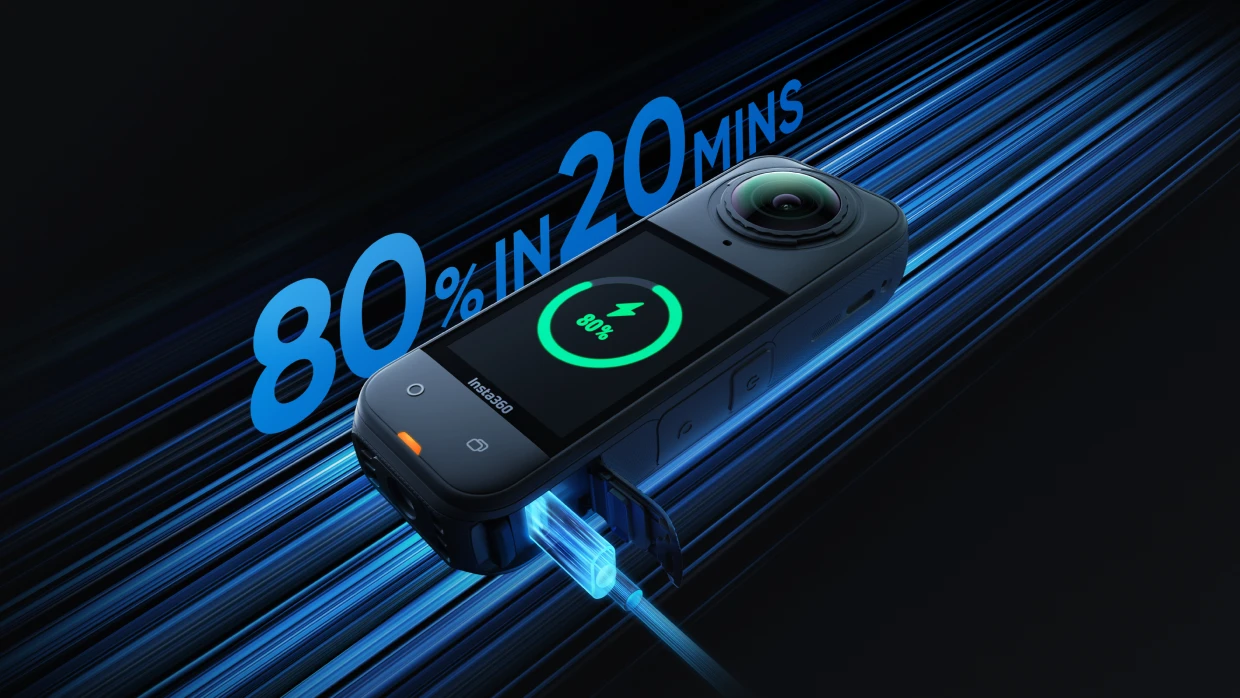
Both of these cameras support fast charging. You can use a 30W USB-C Power Delivery (PD) charger. For heavy users, you can reach 80% in just 20 minutes. Fast charge hubs will allow you to charge up to three batteries simultaneously.
Recording Modes and Power Use
Recording modes using slow motion, high frame rates, or HDR will affect power draw. This is because they typically have higher frame rates or higher resolution so consume more power, thus reducing maximum runtime.
Environmental Impacts on Battery Life
An important factor to consider is the effect of temperature on battery performance. Lithium-ion batteries are the best choice thanks to their long life and reliable performance. However, one concern is overheating in hot climates, which in rare cases can cause permanent battery damage.
If you’re shooting in freezing weather, your battery will drain faster because the lithium-ion battery chemistry slows down, reducing its ability to deliver power. This is why cameras, smartphones, and other gear often show a drop in battery percentage or shut down in freezing conditions. If you’re out skiing or filming in winter, tuck spare batteries in your jacket. Future—you will need them when the first one taps out due to the cold.
Charging and Care Best Practices
Here are a few tips and tricks to help your batteries perform at their best so you can say goodbye to dead batteries mid-shoot!
- Top up your batteries once they hit around 20–30%—don’t run them all the way down.
- When in long-term storage, store batteries at 40–60% capacity in a cool, dry place.
- Only use the provided or manufacturer’s recommended chargers.
- Never leave batteries charging for extended periods, in case the charger malfunctions.
Maximize Battery Life Through Smart Settings
You can also utilize power-saving options that preserve essential features when needed. Let’s take a look!
Apply Smart Settings for Power Savings
Disable your Wi-Fi and Bluetooth when not in use to reduce energy consumption and conserve battery runtime for when you need it the most.
Balance Resolution, Frame Rates, and Processing Power
Lowering the resolution or frame rate you shoot at also extends battery life because higher resolutions and higher frame rates require more power.
Leverage On-Device Features and Power Modes
You can also leverage on-device power-saving modes to prolong battery life since HDR, FlowState stabilization and slow motion require extra processing power, impacting lifespan.
Explore Accessories and Charging Solutions
Of course, sometimes you need that extra processing power and battery runtime; in such cases, you’ll want to explore gear like charging docks, USB-C Power Delivery (PD) fast charging cables, and spare batteries to extend shooting time and streamline charging.
Utilize the Dual Battery Dock and Related Chargers
The dual battery 11,000mAh charging dock charges two batteries simultaneously, allowing you to save time and stay prepared for longer shoots. Simply insert your Insta360 Ace, X Series, or Insta360 GO Ultra camera batteries and the 11,000mAh battery will charge them while you’re out on your adventure.
Choose On-the-Go Power: Portable Banks With PD
Select a portable power bank with Power Delivery (PD) functionality for faster charging to top off multiple batteries, including removable and non-removable batteries. They also allow you to shoot and charge simultaneously, so the action never stops. Then, the battery pack can be recharged to 80% of its original capacity in as little as 20 minutes.
Maintain Spare Batteries and Care
And of course, if you’re a heavy shooter, carry spare batteries at 40–60% capacity to avoid power gaps.
Frequently Asked Questions
How Can You Make an Insta360 Battery Last Longer?
You can make an Insta360 battery last longer by connecting to an external power bank, utilizing a battery pack, or an action pod to extend recording times. Other tips include turning off Wi-Fi and Bluetooth and turning off the camera when not in use.
How Long Will an Insta360 Battery Last?
How long the battery lasts depends on the model, shooting modes, temperature, and other factors. Insta360 X3 lasts 81 minutes at 5.7K30fps, and the new Insta360 X5 gets 208 minutes at 5.7K24fps in Endurance Mode.
Is It Okay to Use an Insta360 Camera While it’s Charging?
Yes, you can use your Insta360 camera while it's charging, although it may generate more heat, which could potentially cause the battery to overheat and lead to premature damage. This is why it's best not to use it while charging for extended recording.
How Long Does It Take for an Insta360 Camera to Charge?
Each model charges at a different rate. Insta360 X4 takes approximately 55 minutes for a full charge using a fast 9V/2A charger, while Insta360 X3 takes about 90 minutes with a 5V/3A adapter. The new Insta360 X5 can charge up to 80% in as little as 20 minutes.
Want Some Tips on Extending Insta360 Battery Life?
Maximizing your Insta360 camera’s battery life is all about balance: smart charging habits, optimized camera settings, and the right accessories for your style of shooting. Keep your batteries healthy, pack spares, and consider fast-charge hubs or PD power banks for longer sessions with your Insta360 camera. With these strategies, you can spend less time worrying about power and more time capturing amazing adventures!
Keen to keep up to date on Insta360 stories? Keep an eye on our blog and sign up for our mailing list. Got a story to share? Email yours to communitystories@insta360.com and win up to US$50.







%20(1).svg)


%20(1).svg)

.svg)


