
















































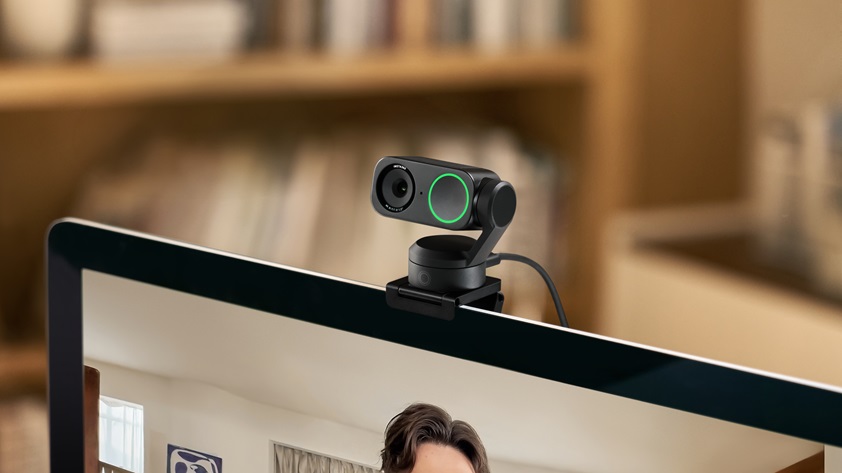


Perhaps you’ve just properly noticed the quality of your laptop cam and were shocked at the sight, or you bought a webcam back in 2021 and now look grainy next to everyone else in the grid. Lucky for you, this guide breaks down some of the best 4K webcams to transform your picture quality from pixelated to professional.
Below, find advice on sensor size, AI tracking and microphones, plus what your video platform actually transmits.
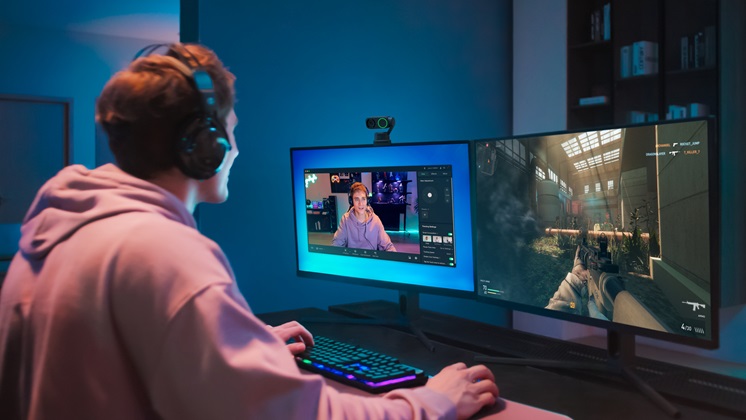
Key Takeaways
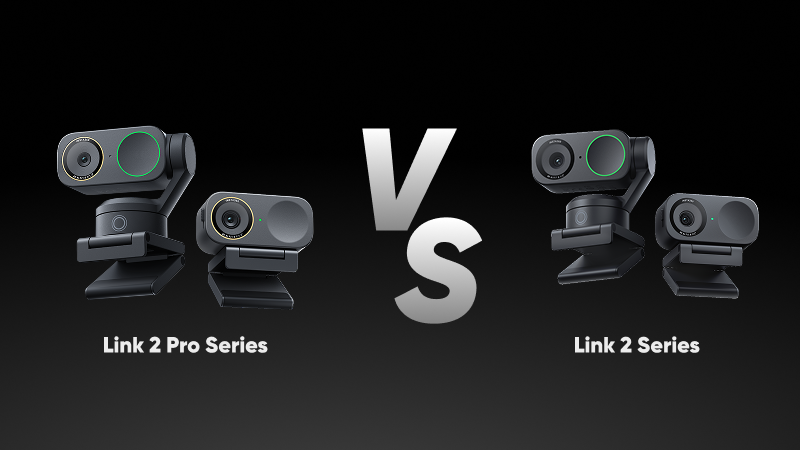
- Sensor size matters more than the resolution number. Insta360 Link 2 Pro’s photosensitive area is 2.23 times that of Insta360 Link 2.
- AI tracking can either mean a gimbal that turns to follow you or a fixed camera cropping into a wider image.
- Dual directional mics beat a single mic in noisy rooms.
- Lighting, upload speed and plan tier cap results before the camera does.
Quick Picks
Best Overall: Insta360 Link 2 Pro
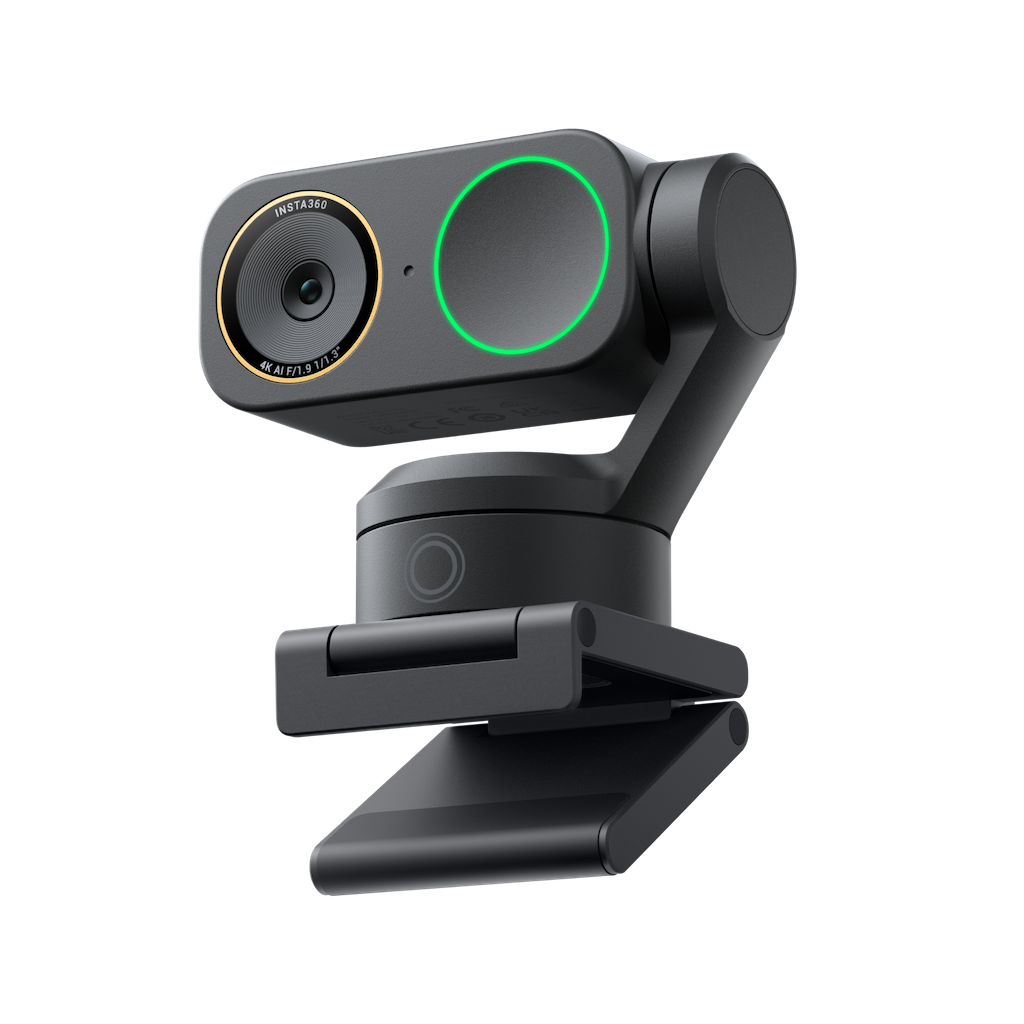
Insta360 Link 2 Pro handles every situation in this guide, earning it the Best Overall title.
It holds detail on poorly-lit calls, physically follows you when you stand up to point at something, narrows its pickup to roughly 1m when the room around you gets loud and switches presets from a Stream Deck without you touching the software mid-stream.
Compared against Insta360 Link 2, you get 2.23× the photosensitive area, a second directional microphone and native Stream Deck control.
Best for Everyday Calls & Meetings: Insta360 Link 2C Pro
Back-to-back meetings need two things: you have to look clear in a small video tile, and people have to hear you over whatever else is going on nearby.
Insta360 Link 2C Pro resolves both of those.
Sitting with a window behind you makes most webcams expose for the bright light outside and leave your face dark—but the camera’s 1/1.3in sensor and HDR keep the window and your face both properly lit. Its focus mode handles the sound, too, picking up voices within about 1m and cutting the rest.
Meeting platforms shrink everyone's video, but a 4K conferencing camera looks sharper than a 1080p laptop camera, because the platform scales your picture down from a much bigger image.
Best Budget Pick With AI Tracking: Insta360 Link 2
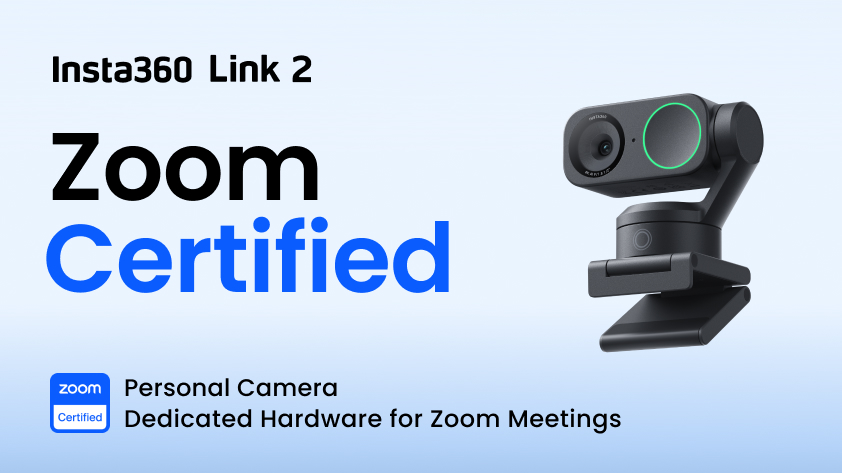
Insta360 Link 2 offers the most cost-effective way to get the physical tracking feature. T3 even called it “a dream webcam for power users.”
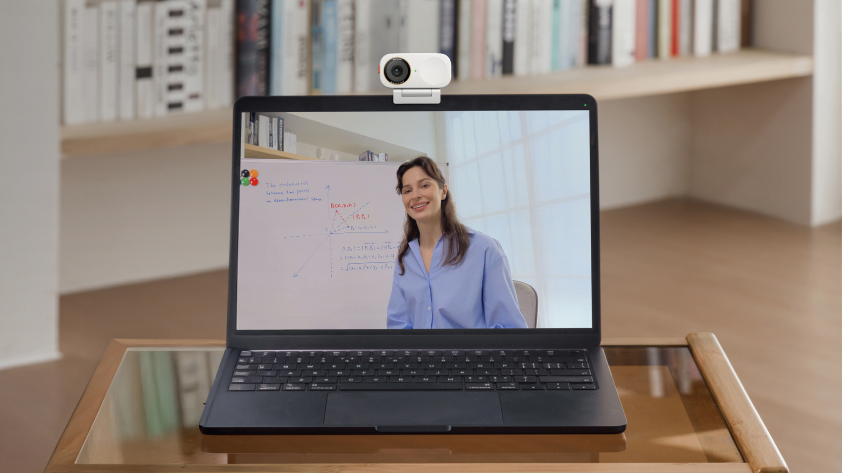
If your job involves pointing at things on a wall, the gimbal keeps you in frame as you step to the board, and Whiteboard Mode straightens the angle and sharpens what's written on it.
Best for Simple, Reliable Video Calls: Insta360 Link 2C
Reliable here means it behaves the same way every time, on any machine, with nothing to set up. Insta360 Link 2C comes as a standard USB camera, so it's working before you've installed Link Controller, and there's no gimbal to knock out of alignment or block with a stray notebook. Tom's Guide gave Insta360 Link 2C an Editor's Choice badge largely on that simplicity.
Buying several works the same way—every unit behaves identically out of the box. Standardizing a remote team's call setup then comes down to checking the mount fits the monitors people actually have, and keeping everyone on the same software version.
How to Choose the Right 4K Webcam for You
| If You Mostly… | Prioritize… | Go For… |
| Take back-to-back meetings | Sensor size, mic modes. | A compact fixed camera with the biggest sensor you can find. |
| Stream or present live | Low-light performance, hardware controls, green screen. | A flagship sensor plus physical controls you can access during a stream. |
| Teach, demo or move while talking | Gimbal tracking, wide field-of-view, gesture control. | A gimbal model. |
| Replace an aging PC webcam | Sensor size, autofocus. | A bigger sensor, and treat resolution as secondary. |
| Buy several cameras for a team | Plug-and-play reliability, mounting flexibility. | The simplest model that suits the rooms and monitors. |
Why 4K Resolution Matters (Even If You Won't Always Notice It)
It’s actually rare that anyone on your call will see your true 4K quality. Zoom explains that certain video qualities are limited by plan type, for example:
| Zoom Plan | What Other People Typically See |
| Free Account | HD isn’t available. 720p needs a paid plan. |
| Pro | 720p. |
| Business or Enterprise | 1080p, once Zoom Support enables it. |
Microsoft Teams also allows people to see up to 1080p, or even as low as 240p on a minimum connection.
So if that’s the case, why buy 4K at all?
Well, for two big reasons.
4K downsampled to 720p is cleaner than native 720p, since the camera averages four pixels into one and discards noise. And AI framing crops into the full 4K frame, not the output frame, so a zoomed-in shot still has 1080p worth of pixels to work with.
Key Features Worth Checking Before You Buy
Watch for:
- Sensor size. A bigger sensor takes in more light, which keeps your picture clean in a dim room.
- Aperture. A lower f-number lets in more light. At F/1.8 to F/1.9, the Link range is bright for a webcam.
- Field of view. How much of the room fits in shot, at 79.5° on the standard Link models and 83.9° on the Pro ones. Look at what's behind you before choosing the widest setting.
- Microphones. A single omnidirectional mic picks up everything around you. Dual mics with directional pickup can focus on whoever is in front of the camera and cut the rest, which matters in a café or a shared office.
- Mounting and cable length. Check the mount works with a thin laptop lid or a curved monitor, and measure the distance to a desktop tower before assuming the supplied cable reaches.
And here are two other factors to keep in mind as well:
"AI tracking" means two different things. A gimbal model turns on a motor to follow you as you move. A fixed model stays still and crops into a wider image to keep you centered, which works until you step outside that wider image. Check which one you're actually buying.
Some features arrive after you buy. Elgato Stream Deck control and green screen both came to Insta360 Link 2 as software updates before shipping built-in on the Pro models. Link Controller has since added Insta360 InSight, bringing transcription, chaptered summaries and searchable meeting notes to cameras people bought a year earlier.
When a New Webcam Won't Fix the Problem
Some problems look like camera problems and aren't.
- A window or bright wall behind you will beat any sensor. Move the light in front of your face or move the desk.
- Sending 1080p on Zoom needs at least 3.8Mbps upstream. Below that, or on a free plan, the platform caps your resolution no matter what you plugged in.
- If you sound distant, that's mic distance, and a speakerphone or lavalier fixes it faster than a new camera.
Sort those first and a modest webcam looks great. Skip them and an expensive one still looks flat.
Frequently Asked Questions
Is It Worth Getting a 4K Webcam?
Yes, though not for the reason most buyers expect. The gain comes from the larger sensor, better optics and autofocus that tend to accompany 4K, plus the extra pixels that let AI framing crop in without the image falling apart.
What Is the Best 4K Webcam for PC?
Any USB webcam that works as a standard camera device covers the whole Insta360 Link range. On a desktop, check cable length to the tower and whether your GPU meets the requirements for green screen and background blur.
Will a 4K Webcam Work With Zoom, Teams and Google Meet?
Yes. USB 4K webcams appear as standard devices, so all three recognize them without extra drivers—though what people actually see is capped by your plan and bandwidth.
The Right 4K Webcam Helps You Look and Sound Your Best on Every Call
Sensor area, the kind of tracking you're getting and how many microphones are listening will do more for you than any resolution figure on the box. Work out whether you move while you talk, how dark your room gets by 5pm, who else is making noise nearby and how many desks you're buying for, then buy for those four answers.
Insta360's range of 4K webcams covers all of them, from a compact fixed camera for the quiet desk to a gimbal that follows you across a classroom.
Keen to keep up to date on Insta360 stories? Keep an eye on our blog and sign up for our mailing list. Got a story to share? Email yours to communitystories@insta360.com and win up to US$50.
Your shot. Your world. The Insta360 Global Awards 2026 supported by Leica are officially open. Join creators worldwide and compete across six categories (Street, Travel, Life, Portrait, Sports, and Night) for your share of a US$150,000+ prize pool, including cash prizes and Insta360 gear. Submit your best video or photo at insta360.com/awards.


.jpg)


%20(1).svg)


%20(1).svg)

.svg)


