


















































The right Sony hot shoe mic fixes a common audio complaint in on-the-go filming: you hit stop, confident that the take sounded great, then headphones reveal muddy, unusable sound. Sony’s Multi Interface Shoe can solve that by sending digital audio straight into the camera, cutting the cables that usually cause problems.
Pick the right mic setup and you get clean digital audio, less clutter and a rig that’s ready to move.
Key Takeaways
- Sony's Multi Interface Shoe can support digital audio on compatible cameras, helping creators build cleaner rigs with fewer cables.
- Audio quality, pickup pattern, channel count and wireless flexibility are key considerations when choosing a Sony hot shoe mic.
- Insta360 Mic Pro can connect to compatible Sony cameras through the Camera Adapter, supporting four independent 48kHz/24-bit audio tracks.
What Is the Sony MI Hot Shoe, and Why Does It Matter?
Sony's Multi Interface Shoe, often shortened to MI shoe, builds electronic contacts into the familiar camera-top mounting point, letting digital audio pass directly from a compatible microphone or receiver into the camera.
That can make a real difference when you're shooting fast. Instead of mounting a receiver and running a separate 3.5mm audio cable into the side of the camera, a compatible hot shoe setup can create a more direct connection. That also means less gear to snag, knock loose or forget when you're moving between shots.
Sony notes that compatible digital microphones can communicate through the Multi Interface Shoe, keeping the signal digital as it enters the camera. Supported cameras vary in sampling rate, bit depth and channel configuration. Some models support four-channel 48kHz/24-bit audio through the shoe.
But compatibility can be a catch. MI shoe capabilities vary between Sony cameras and accessories, so always check support for your specific model before building your setup.
What to Look for in a Sony Hot Shoe Mic
A good Sony camera microphone needs to fit the way you actually shoot. Picking a wireless microphone for vlogging means very different requirements than outfitting a crew recording a four-person interview.
Start with these fundamentals:
| Feature | Why It Matters |
| Audio quality | Preserves detail and helps voices sound clean and natural |
| Pickup patterns | Determines the direction the microphone picks up sound from |
| Multi-channel recording | Keeps different speakers or sources separated for editing |
| Wireless flexibility | Lets subjects move without staying tethered to the camera |
| Internal recording | Provides a backup if the wireless or camera recording runs into trouble |
| Camera compatibility | Determines which hot shoe and digital audio features you can use |
Audio Quality and Bit Depth
Dialogue can go from a whisper to a laugh in half a second, so your recording setup needs enough room to handle both.
Bit depth affects dynamic range and editing flexibility. Insta360 Mic Pro supports 24-bit audio alongside 32-bit float internal recording on the transmitter, capturing a much wider dynamic range for recovering audio in post.
That distinction matters: with the Mic Pro Camera Adapter, a compatible Sony camera receives 48kHz/24-bit digital audio, while the transmitter records the 32-bit float file internally rather than sending it to the camera as a 32-bit float track.
Pickup Patterns
An omnidirectional pattern captures sound from around the mic, making it useful when you want a natural sense of the surrounding environment. A cardioid pattern focuses toward the front, while figure-8 captures front and rear, useful for face-to-face conversations.
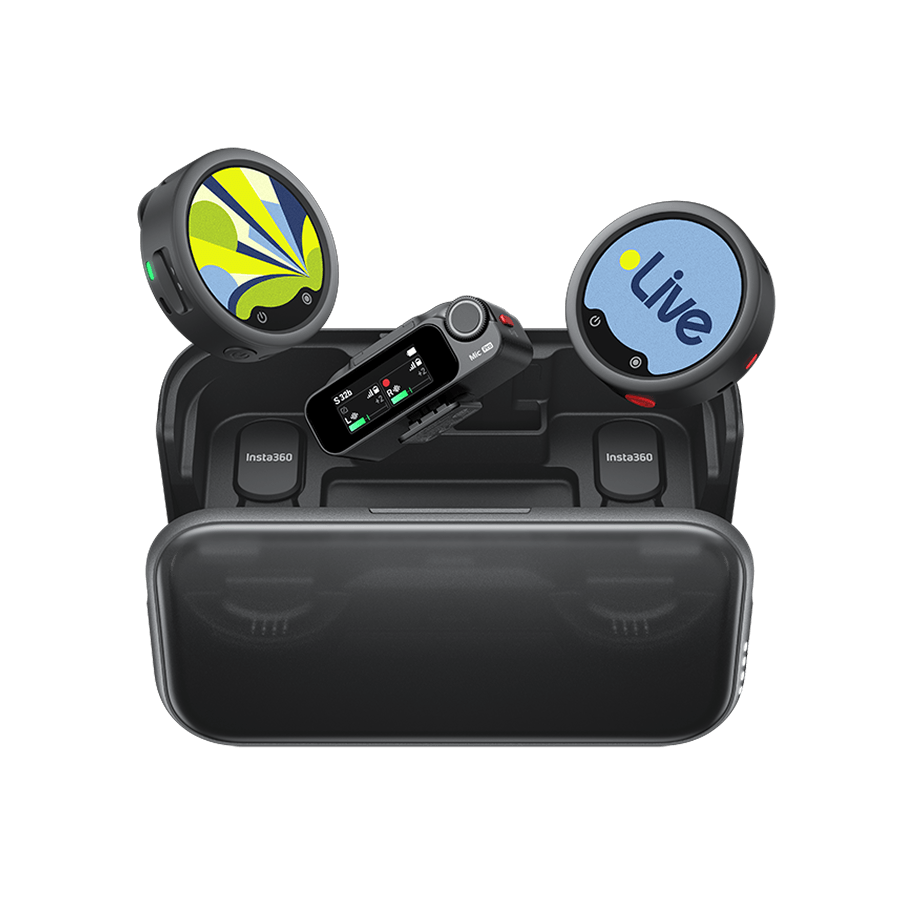
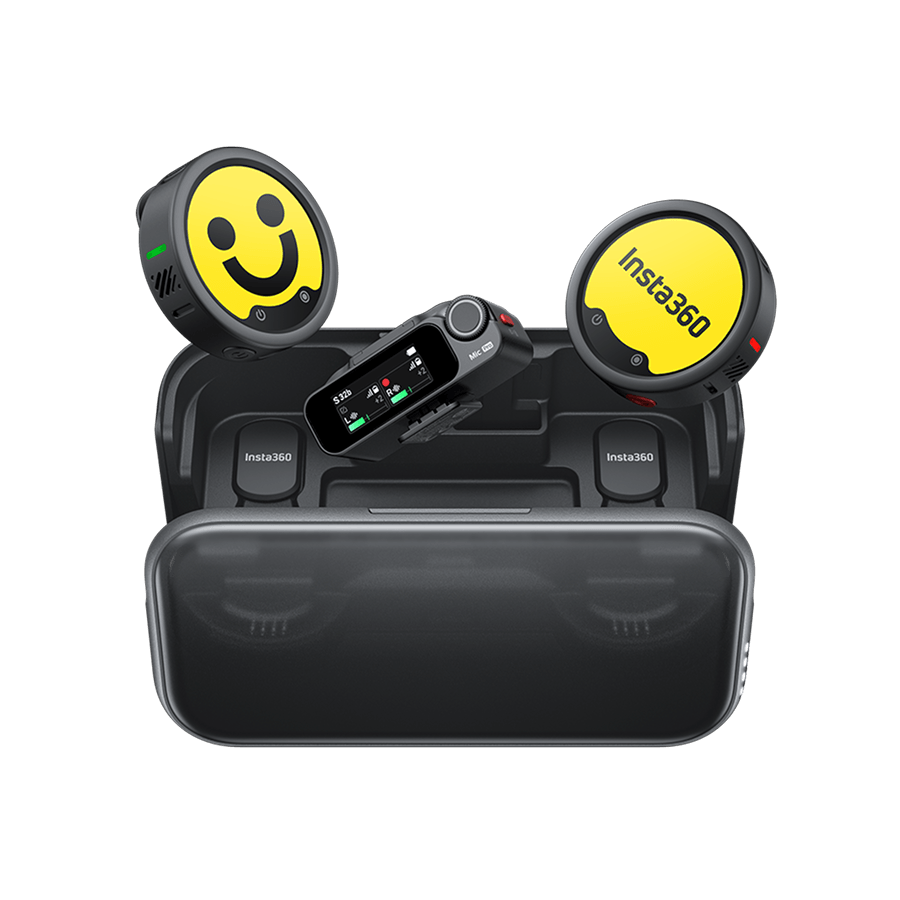
Insta360 Mic Pro uses a three-mic array with four pickup modes: Omnidirectional, Voice Focus (Super-directional), Cardioid and Figure-8. That means the same system can move from a clipped wireless mic to more focused camera-top recording without forcing every shoot into the same audio setup.
Multi-Channel Recording
Imagine a roundtable interview where one guest speaks quietly and another laughs straight into the mic. If every voice is mixed into one track, correcting one person can affect everyone else. Separate channels change that.
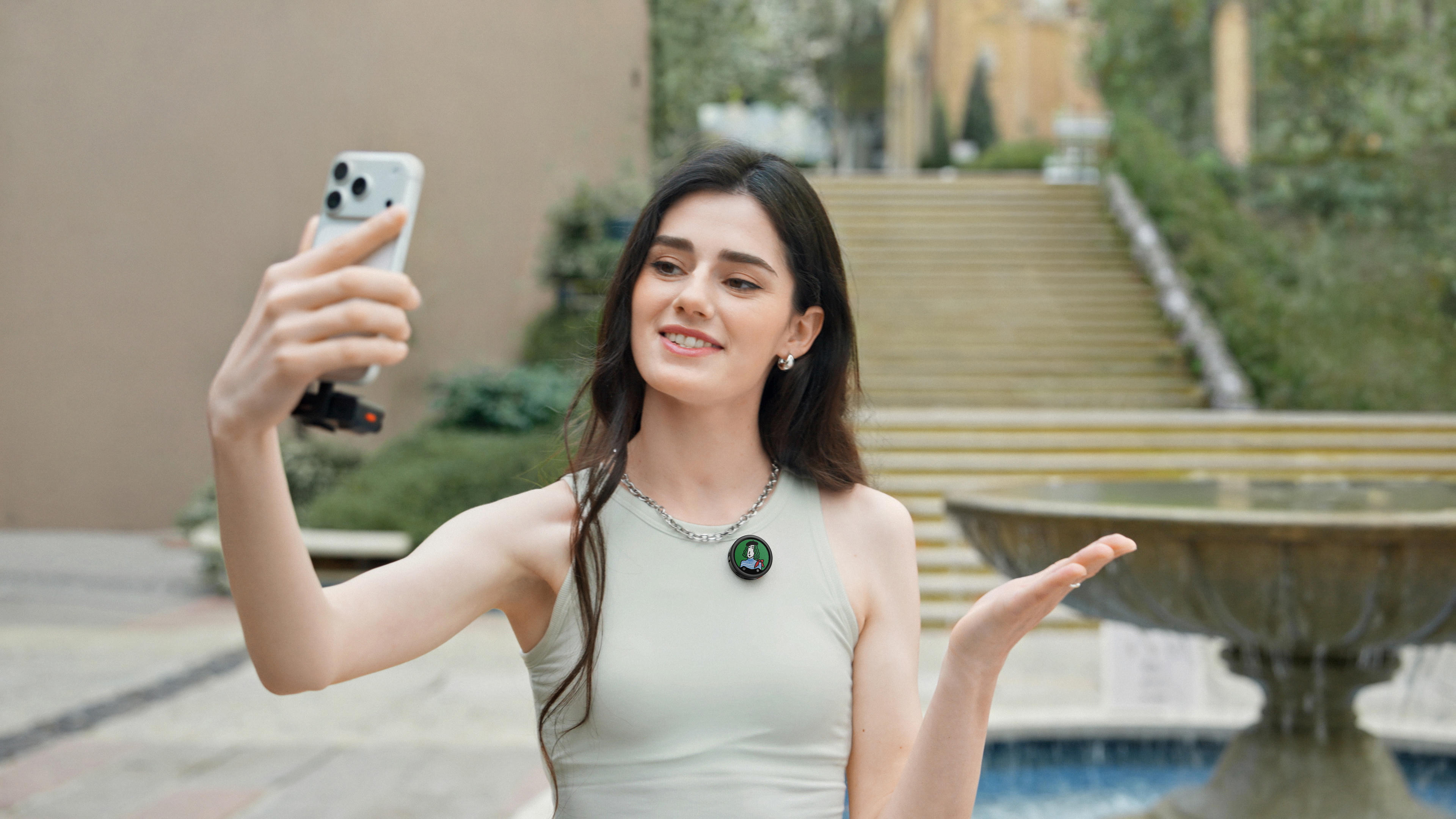
Digital wireless microphone systems like Insta360 Mic Pro can connect up to four transmitters to one receiver. Each source can remain independent, giving editors individual control over every speaker rather than forcing them to work with one combined track.
4 Types of Sony Hot Shoe Mics
No single microphone is right for every shoot; the best pick depends on the shot itself. Before choosing a setup, think about where your subject will be, how much they'll move and how many voices you need to capture.
| Mic Type | Best For | Tradeoff |
| Shotgun/directional mic | Vlogging, run-and-gun video and subjects close to camera | Performance depends heavily on placement and direction |
| Wireless lavalier system | Interviews, presenters and moving subjects | Requires transmitters, a receiver and battery management |
| Compact on-camera mic | Travel, casual vlogging and lightweight rigs | Less flexible when the subject moves farther away |
| Multi-transmitter wireless system | Panels, interviews and multi-person productions | More components than a simple camera-top mic |
If you're usually behind the camera filming one person who moves around, wireless gives you freedom that a fixed camera-top mic can't match. If you're traveling light and speaking directly into the lens, simplicity may matter more.
The Insta360 Mic Pro Camera Adapter: Four-Channel Audio Through the Sony Hot Shoe
Four people. Four voices. One camera, but no need to cram everybody onto the same track. This is where Insta360’s flagship wireless microphone matters most for Sony creators.
An Insta360 Mic Pro receiver connects to up to four transmitters simultaneously. Attach it to a compatible Sony camera using the Mic Pro Camera Adapter, select Four-Channel Mode and the camera can record audio from all four as independent tracks.
That delivers four synchronized 48kHz/24-bit sources already inside the camera file, ready for individual adjustment in post.
For interviews, panels, documentary work and multi-person YouTube shoots, that's a major workflow advantage. You can raise one speaker without boosting everyone else and treat noise on another channel independently. You can shape the mix around the conversation rather than trying to rescue one combined recording.
Its transmitter also connects directly to supported Insta360 cameras like Insta360 X5, for hybrid creators working across systems.
How to Set Up Insta360 Mic Pro on a Sony Camera
The point of a hot shoe workflow is speed, which means setup should feel just as clean.
- Check compatibility: Confirm your Sony camera supports the required digital audio features through its Multi Interface Shoe.
- Pair your transmitters: Connect the Insta360 Mic Pro transmitters you need to the receiver.
- Attach the Mic Pro Camera Adapter: Connect the dedicated adapter securely to the microphone’s receiver.
- Mount it on the camera: Slide the adapter into the Sony Multi Interface Shoe and make sure it is secure.
- Choose your channel mode: If you're using four transmitters and want four isolated tracks, select Four-Channel Mode.
- Check the camera's audio settings: On supported Sony models, select the appropriate 48kHz/24-bit four-channel shoe audio setting.
- Monitor before the take: Check every speaker, then record and review a short test clip before rolling for real.
Creator Tip: Keep internal transmitter recording enabled for important shoots. It gives you a backup copy if something goes wrong elsewhere in the signal chain.
When to Use a Hot Shoe Mic vs a Separate Audio Recorder
A hot shoe setup shines when speed and mobility matter. Solo filmmakers, vloggers, documentary shooters and small crews can capture synchronized audio directly into the video file without building a larger sound rig. That means less gear to manage on location and less synchronization work waiting in post.
A separate audio recorder still has its place. Larger productions may need specialized inputs, more complex routing or an audio operator working independently from the camera department, or microphones positioned far from the camera.
Insta360 Mic Pro offers a useful middle ground. The transmitters record internally while feeding the receiver, so you get camera-ready audio and a backup copy at once.
Frequently Asked Questions
Can You Record Four Audio Channels Through the Sony Hot Shoe?
Yes, on compatible Sony cameras with four-channel digital audio support. Connect up to four Insta360 Mic Pro transmitters to one receiver, attach it through the Mic Pro Camera Adapter and select Four-Channel Mode to send four independent 48kHz/24-bit tracks to the camera.
Do I Need a Cable to Connect a Mic to a Sony Camera?
Not necessarily. Many microphones and wireless receivers connect to cameras using a 3.5mm audio cable. Compatible digital accessories can instead pass audio through Sony's Multi Interface Shoe. With Insta360 Mic Pro, the Mic Pro Camera Adapter allows the receiver to connect directly through the MI shoe on compatible Sony cameras.
Is the Insta360 Mic Pro Compatible With Sony Cameras?
Yes. Insta360 Mic Pro can work with Sony cameras through its receiver. A standard 3.5mm camera audio cable provides a conventional connection option, while the dedicated Mic Pro Camera Adapter enables direct Multi Interface Shoe integration and four-channel digital output on compatible Sony cameras.
Better Audio Shouldn't Mean a Messier Rig: the Hot Shoe Is the Answer
Sony's Multi Interface Shoe gives creators a cleaner path to digital camera audio, and the right microphone brings the flexibility to handle everything from solo vlogs to four-person interviews.
With Insta360 Mic Pro, that means wireless freedom, internal backup recording and up to four independent tracks sent directly to a compatible Sony camera through the Mic Pro Camera Adapter. Fewer cables to chase. Fewer compromises to manage. More attention on the story in front of the lens.
Keen to keep up to date on Insta360 stories? Keep an eye on our blog and sign up for our mailing list. Got a story to share? Email yours to communitystories@insta360.com and win up to US$50.
Your shot. Your world. The Insta360 Global Awards 2026 supported by Leica are officially open. Join creators worldwide and compete across six categories (Street, Travel, Life, Portrait, Sports, and Night) for your share of a US$150,000+ prize pool, including cash prizes and Insta360 gear. Submit your best video or photo at insta360.com/awards.





%20(1).svg)


%20(1).svg)

.svg)


