
















































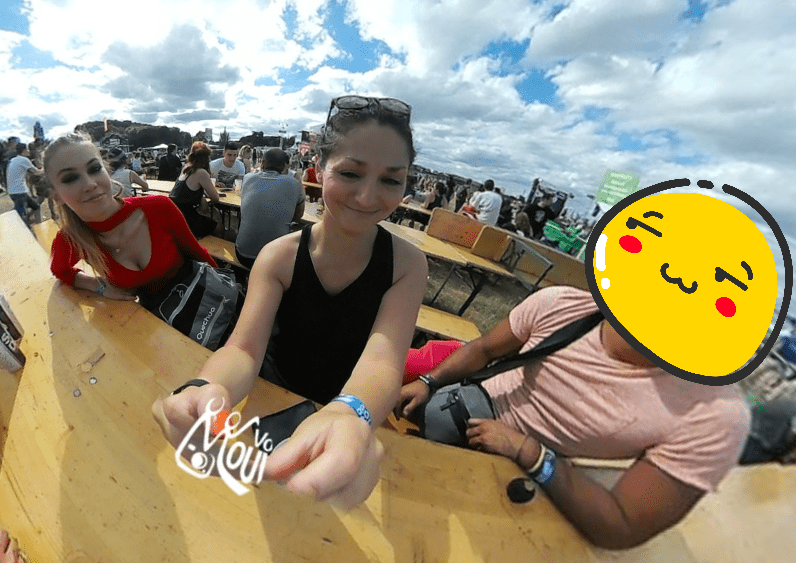


Stickers are like cheese. Whatever they're added to improves proportionately with the quantity applied.
With today's Insta360 Air update, both Insta360 Air and Insta360 Nano users can now enjoy the raw emotive power that's unleashed by a full-featured sticker arsenal.
Along with making things awesome, stickers are also useful for creatively concealing a camera (or a photographer if that's your preference) in a 360 photo.
We've put together a quick video guide on how to use stickers on your Insta360 captures. Don't forget that you can adjust the size and orientation of stickers, flip them, and also that they'll bend dynamically to conform to your 360 scene.
Keen to keep up to date on Insta360 stories? Keep an eye on our blog and sign up for our mailing list.







%20(1).svg)


%20(1).svg)

.svg)


