


















































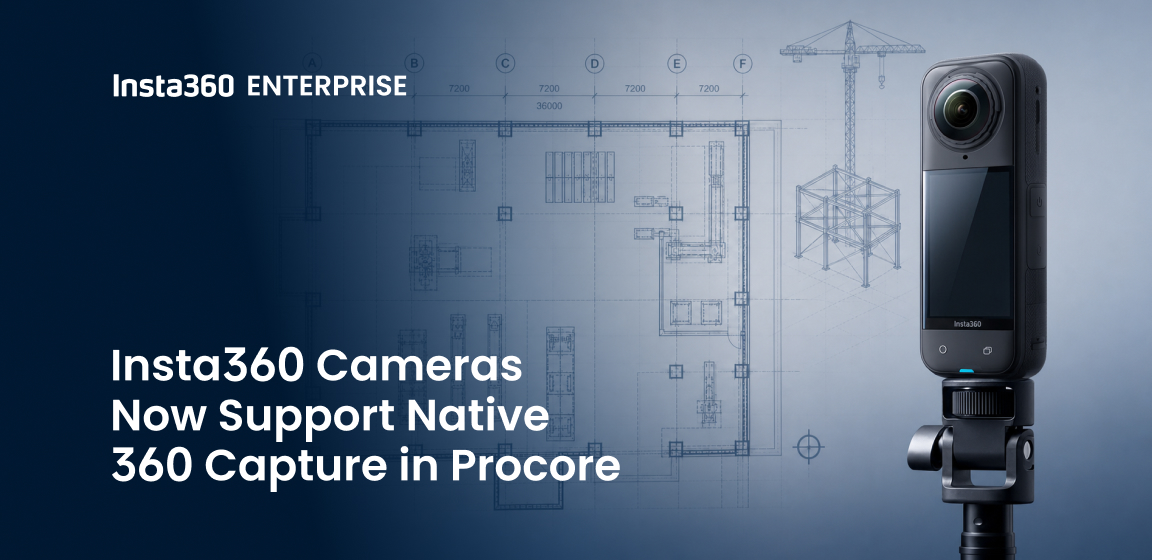


Procore's mobile app now supports native 360 photo capture with Insta360 cameras. Field teams can pair an Insta360 camera directly inside Procore, capture a full 360 view of a work area, and save it straight to the project record, with no separate app and no manual upload. For crews that already run daily documentation through Procore, it removes a step that used to slow the work down.
It is a small change with a real payoff: high-fidelity visual documentation becomes a natural part of the workflow field teams already trust, rather than another tool to manage on the side.
How Native 360 Capture Works in Procore
As of April 21, the Procore mobile app for iOS and Android pairs directly with Insta360 cameras, including the X-series and ONE RS. The on-site flow is short:
- Open Procore and go to the Camera tool or Photos tool.
- Tap the 360 icon with your Insta360 camera powered on and discoverable.
- Pair over Bluetooth. Procore connects to the camera's Wi-Fi network and shows a live preview inside the app.
- Frame and shoot. Each 360 photo saves automatically to your Procore photo session tray.
- Review on the spot in the built-in 360 viewer.
No third-party apps. No manual file transfers. The 360 image becomes part of the official project record right away.
Field tip: First-time pairing can take a moment, and connecting to the camera's Wi-Fi may briefly drop your device's internet. When you finish, leave the camera's network and rejoin your usual connection.
Real Jobsite Value
This is not about adding another feature. It is about making complete visual documentation faster and more consistent inside the platform field teams already use every day.
Full context in a single shot. One 360 photo covers an entire area, cutting the number of individual photos a crew needs and reducing the blind spots common with standard photography.
Fewer return trips. Project managers, superintendents, and stakeholders can walk a space remotely through rich, immersive imagery.
Faster coordination. Photos land directly in Procore, where office and field teams can view, comment, and reference them in context.
Stronger records for claims, inspections, and handovers. A consistent, timestamped visual history tied to the project's official documentation.
A repeatable standard. A capture process teams can train on and scale across multiple projects.
For large-scale or multi-phase work, this turns routine progress photos into a searchable record of site conditions over time, without changing how people already work in Procore.
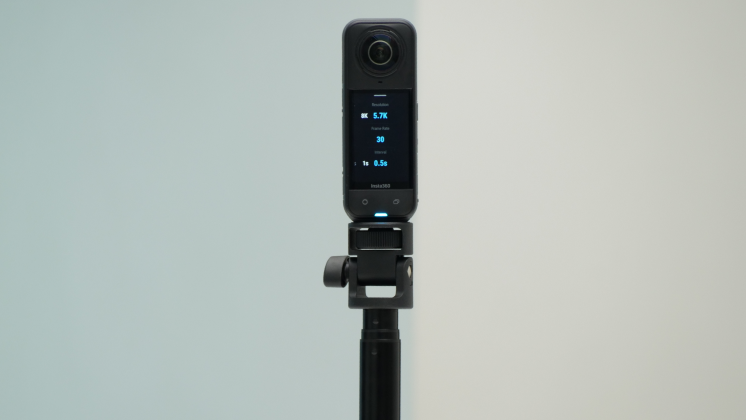
Why This Matters for Enterprise Construction
Insta360 cameras are built to be quick to learn and tough enough for daily field use. They are handheld and mountable, including a hard hat mount that lets crews capture as they walk a site, so documentation does not add steps to the day. High-resolution 360 photos give a clear, verifiable view of conditions across large and complex environments.
Behind the hardware, Insta360 Enterprise provides SDK integration, fast technical support, and dedicated partner services, working with solution providers across more than 20 industries. Field teams get ease of use and professional results in the same device, inside the platform they already rely on.
Upgrade Your Jobsite Documentation
Update your Procore mobile app, grab your Insta360 camera, and bring native 360 capture into your existing workflow.
Practical technology. Real jobsite impact.
Keen to keep up to date on Insta360 stories? Keep an eye on our blog and sign up for our mailing list. You can also contact our Enterprise team directly to see how 360 cameras can benefit your business.




%20(1).svg)


%20(1).svg)

.svg)


