

Product Categories


Insta360 X6
Flagship 8K 360 camera with Sony sensors for 1-inch 360 imaging. New OLED screen. Compact. Huge potential.

Insta360 Luna Ultra
Flagship dual-lens 8K gimbal camera with superb low-light performance and a detachable touchscreen.
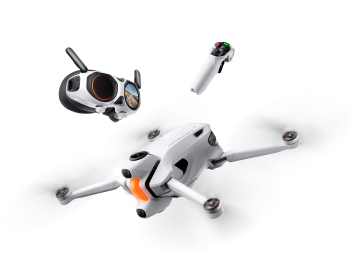
Antigravity A1
8K 360 drone.
Co-engineered with Insta360.
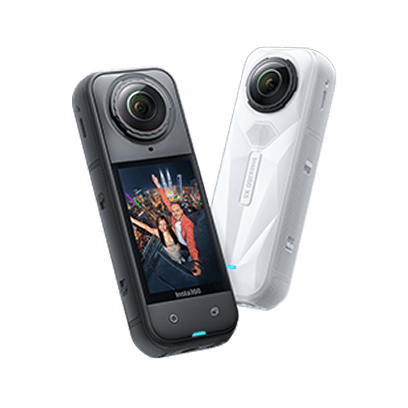
Insta360 X5
Best value 360 camera with unbeatable 8K image quality in any light and a revolutionary replaceable lens design.
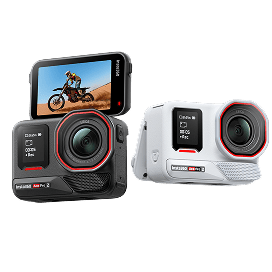
Insta360 Ace Pro 2
8K AI-powered action cam with leading image quality, day and night.
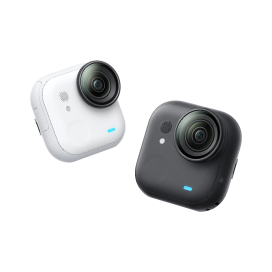
Insta360 GO Ultra
Flagship lightweight 4K camera with an ultra-long battery for shooting POVs & unique angles all day and night.

Insta360 Flow 2 Series
All-in-one AI-powered gimbal series for better mobile shots.

Insta360 Mic Pro
Insta360 Mic Pro offers exceptional audio quality with 32-bit float and auto gain control, plus an E-Ink display to match your style.





















Shop by Interest
















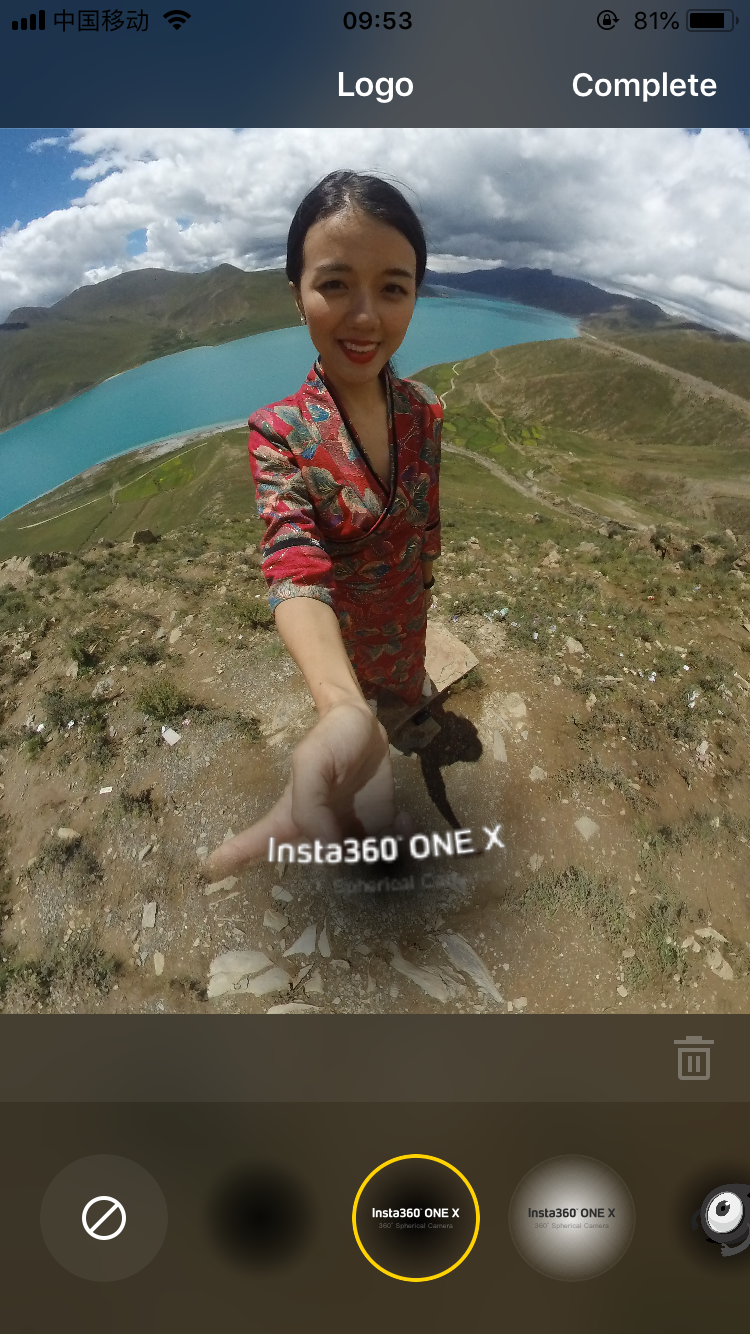
How do I add/change the watermark (button LOGO)?
- 1.Open the ONE X App, tap settings->Nadir Logo.
- 2.Select the logo what you want.
- 3.Or you can tap ‘+’ -> select a photo -> adjust the parameters of the LOGO and add it.
Was this information helpful?
.svg)


Insta360 Trade-In
Get more from gear you're not using.
Learn more
Consumer
Conferencing
Professional
Where to buy
Support
Subscribe
Get the latest news from Insta360

I agree with the Privacy Policy and I'd like to receive the latest Insta360 news and deals by email. I understand I can contact Insta360 to unsubscribe at any time.


%20(1).svg)


%20(1).svg)

.svg)

Copyright © Insta360 All rights reserved.
Guang Dong ICP No. 16095556.
Right to Opt Out of Sale/Sharing
This webpage is intended for United States data subjects only. Some states provide residents with the right to opt out of “targeted advertising,” “selling,” or “sharing” of personal information. Please visit our "Privacy Policy-9.Special rules for U.S. residents", for more information about your rights and our privacy practices.
Selling, Sharing, Targeted Advertising
We may use personal information to support “targeted advertising,” “selling,” or “sharing,” as defined by applicable privacy laws, which may result in third parties receiving your personal information. You can move the toggle above to the left to opt out of these activities on the websites related to www.insta360.com consistent with applicable law. Please note that, because these activities are based on online cookies, your opt-out choice is specific to this property. If you access other websites of Insta360, you will need to make your election for each. Also, if you clear your cookies on this browser or use another browser or device, you may need to opt out again on this property.You may also choose to enable online, where available, a universal tool that automatically communicates your opt-out preferences, such as the Global Privacy Control (“GPC”). We will process the GPC signal as a request to opt out.
Please be aware that even if you opt out, you may still see ads based on personal information processed before you opt out.

Chat
Office Hours: 24/7
Start now

Email

