


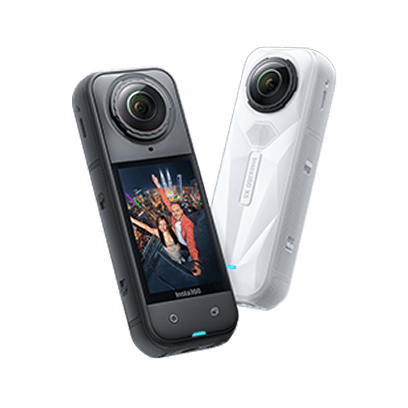
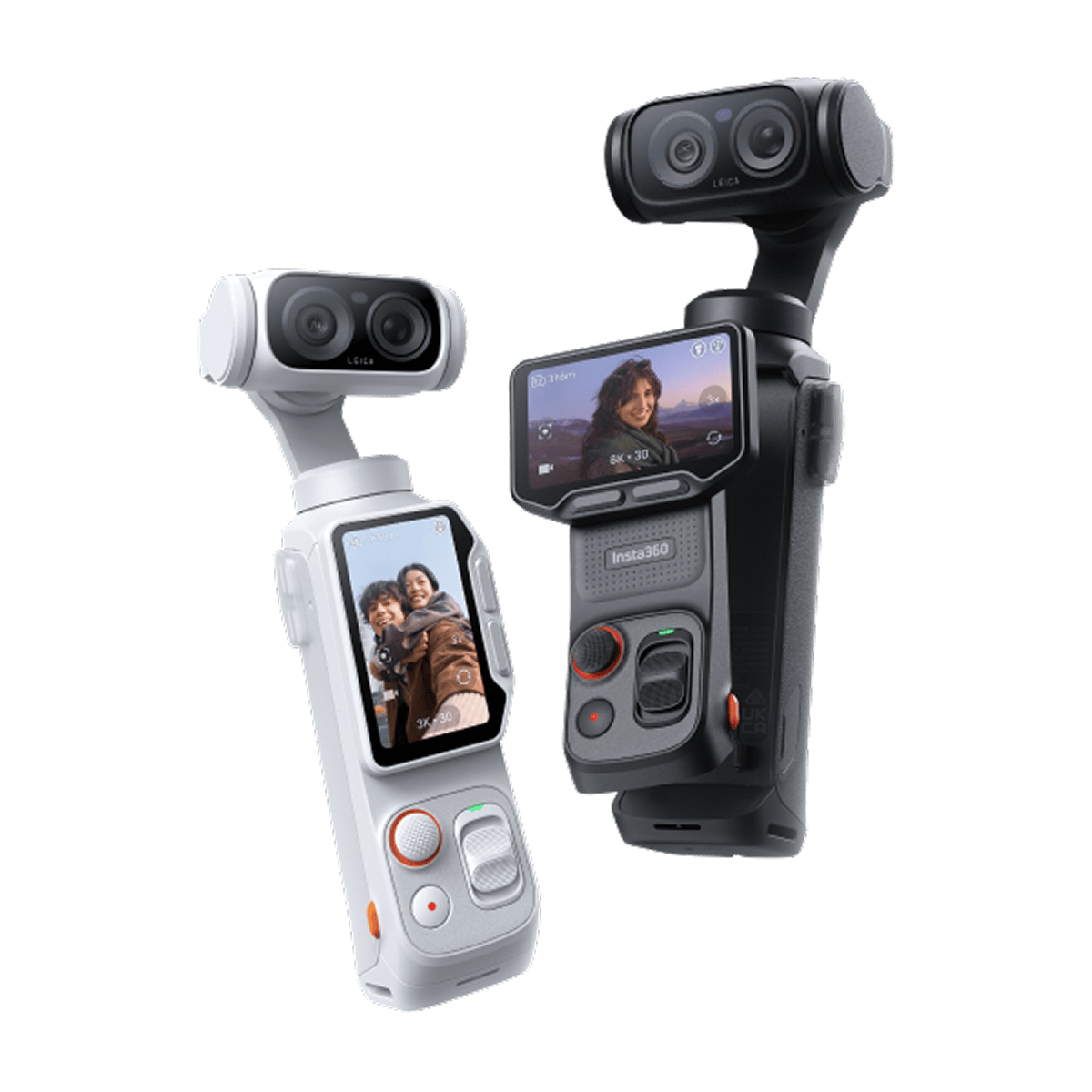
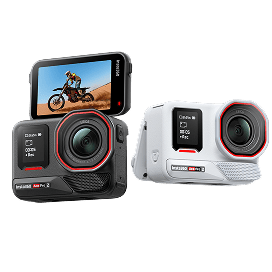
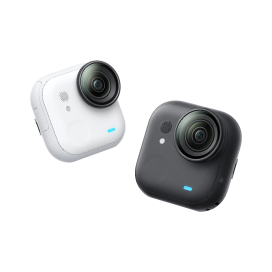

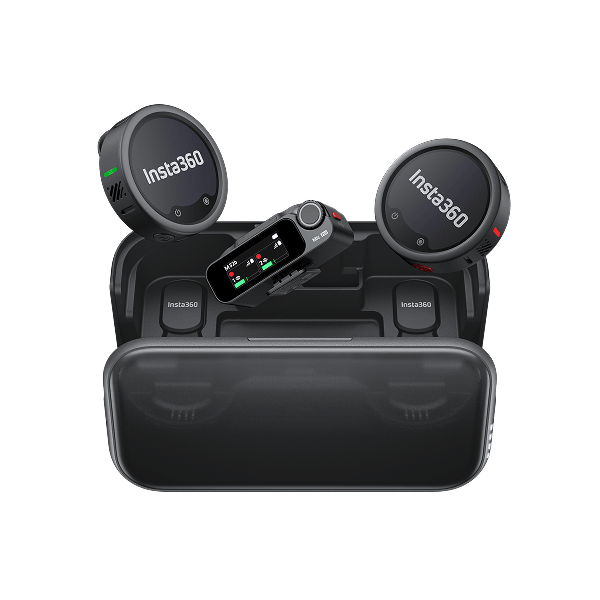













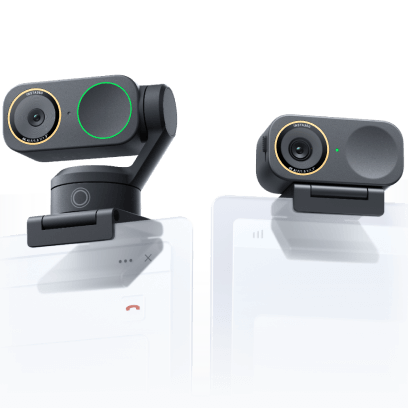






















Steps to follow:
1.Turn on your Insta360 camera.
2.Enable Wi-Fi and Bluetooth on your phone.
3.Open the Insta360 app, grant the necessary permissions, tap the yellow camera icon on the main page, and follow the on-screen instructions to complete the connection and activation.
- If you're connecting to the Insta360 app for the first time, you'll need to authorize the connection on your camera's touchscreen.
If the steps above don't work, go to your phone's Wi-Fi settings, find your camera in the list, tap it, and enter the password. Then return to the app.
Don't know your camera's name or password?
On your camera, go to Settings > Wi-Fi Settings. If your camera hasn't been activated yet, tap "Having trouble activating?" for more help.
Still can't connect to the Insta360 app? Check the following:
1.Ensure both your camera and Insta360 app are updated to the latest version.
2.Make sure the app has permission to access:
○ Location
○ Nearby devices
○ Notifications
○ Photos and videos
○ Bluetooth
3.Go to your phone's Wi-Fi settings and check whether the camera's Wi-Fi is connected.
○ If it's not connected, enter the Wi-Fi password.
○ Still having trouble? Tap the camera Wi-Fi, select Forget Network, then try connecting again.
.svg)


Get the latest news from Insta360


%20(1).svg)


%20(1).svg)

.svg)


