



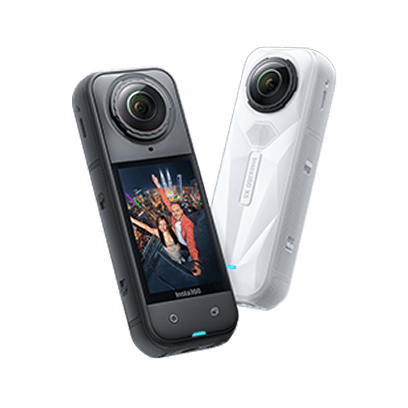





































How do I connect the ONE X to my computer?
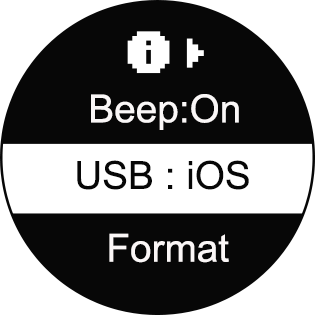
- 1. Please ensure the camera's USB mode is switched to iOS mode (press and hold the power button to turn the camera on, enter Settings->More Settings menu, select "USB" to check or adjust the mode).
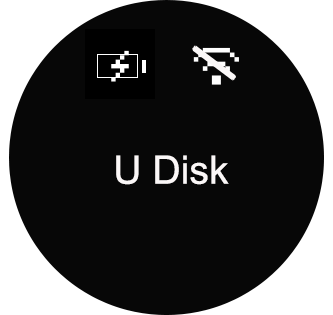
- 2. Connect the camera to your computer with a USB cable, press and hold the power button to turn it on. Wait for the camera to change to "U Disk" mode. The computer should now read the camera's SD card directly.
Was this information helpful?
.svg)


Insta360 Trade-In
Ottieni di più dall’attrezzatura che non usi.
Persaperne di più
Iscriviti
Ottieni le ultime notizie da Insta360

Accetto l'Informativa sulla privacy e desidero ricevere via email le ultime novità e offerte di Insta360. Sono consapevole di poter annullare l'iscrizione contattando Insta360 quando desidero.


%20(1).svg)


%20(1).svg)

.svg)


Assistenza all'acquisto
Domande pre-vendita
Ordini & Pagamento
Resi & Rimborsi
 Orario d'ufficio: 9:00-18:00 (UTC+1)
Assistenza al prodotto
Risoluzione dei problemi & Assistenza
Riparazioni & Garanzia
Orario d'ufficio: 9:00-18:00 (UTC+1)
