

















































3D Video Shooting Tutorial
Note:
1. For best results, move steadily and smoothly when shooting 3D video.
2. Keep the camera as level as possible, Otherwise it will cause the 3D screen to tilt. Imagine your shooting with a pair of eyes.
3. Just like your actual eyes, you'll feel discomfort if you get to close to the lenses when playing back in VR. The shooting safety distance is 1.4m-2m.
1.Unfold the camera, and slide in the latch to switch it to VR180 mode.
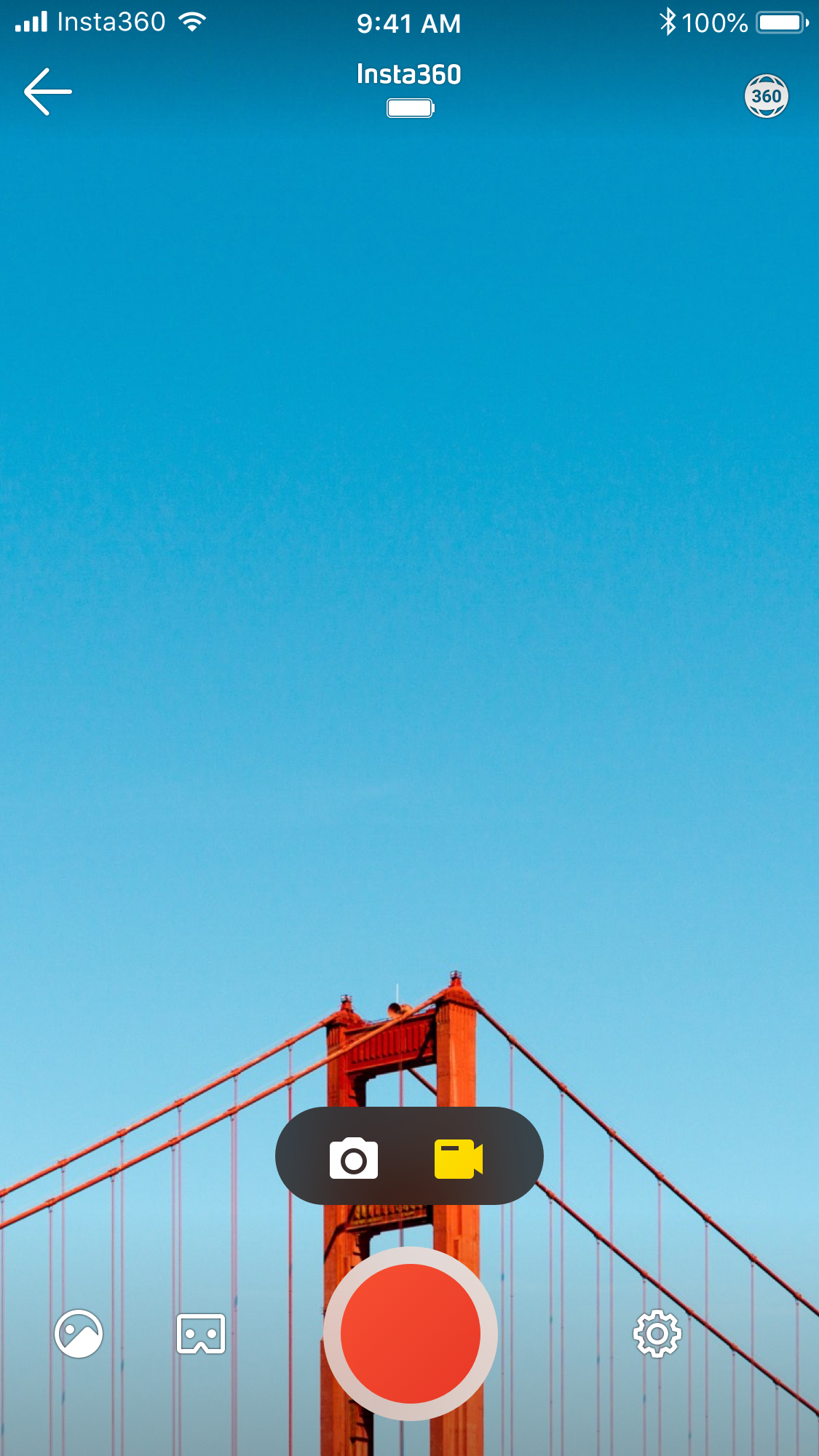
2.Open the EVO app and connect EVO to your phone/ipad (How do I connect?).
3.Enter the shooting inferface-> choose recording mode to record video. You can tap the "3D Mode" in lower left corner to turn on real time 3D.
Was this information helpful?
.svg)


Insta360 Trade-In
Ottieni di più dall’attrezzatura che non usi.
Persaperne di più
Iscriviti
Ottieni le ultime notizie da Insta360

Accetto l'Informativa sulla privacy e desidero ricevere via email le ultime novità e offerte di Insta360. Sono consapevole di poter annullare l'iscrizione contattando Insta360 quando desidero.


%20(1).svg)


%20(1).svg)

.svg)


Assistenza all'acquisto
Domande pre-vendita
Ordini & Pagamento
Resi & Rimborsi
 Orario d'ufficio: 9:00-18:00 (UTC+1)
Assistenza al prodotto
Risoluzione dei problemi & Assistenza
Riparazioni & Garanzia
Orario d'ufficio: 9:00-18:00 (UTC+1)
