

















































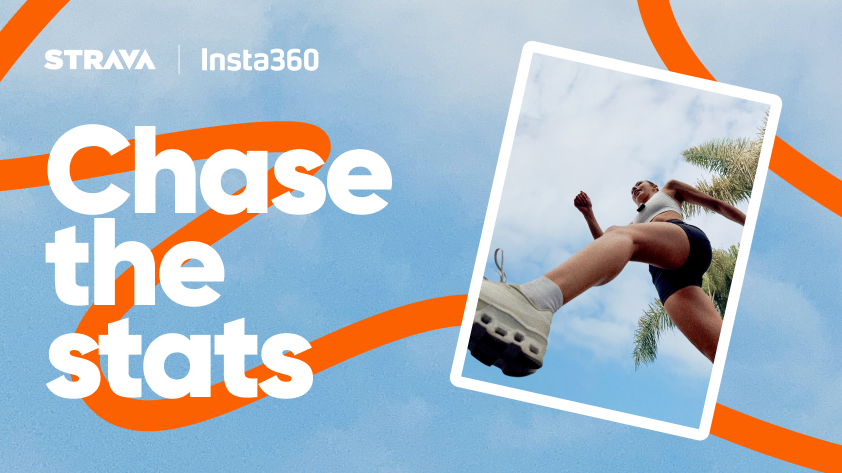


Strava support is now live in the Insta360 app!
We're making it easier than ever to create performance-rich fitness edits with your Insta360 camera. Pushing your limits on a weekend group ride, running your favorite trial, or just taking a cinematic cruise, you can now automatically sync key ride stats from Strava into your videos, all in a few taps!
What Is the Stats Dashboard?
The Stats Dashboard is a built-in tool in the Insta360 app that lets you overlay real-time ride data directly onto your footage. Think speed, cadence, incline, heart rate, and GPS tracks, all brought to life in your video.
Compatible with popular models like the Insta360 X series, Ace Pro 2, and GO 3S, it’s a powerful way to show not just what you saw, but how hard you pushed to get there.
Before this, adding stats meant third-party tools and time-consuming desktop editing. Now, it’s all done right from your phone.
Strava Support Is Here
Until now, the Stats Dashboard only supported data from brand-specific platforms like Apple or Garmin. This fragmented approach made it difficult to reach users across the broader fitness community.
With Strava, one of the world’s most popular cycling and fitness tracking platforms, now acting as a universal data source, creators can automatically sync data from their Strava-connected devices (Apple Watch, Garmin, etc.) into the Insta360 app with just a few taps.
This update removes the need for manual file transfers or device-matching and opens the door for creators to bring a more dynamic, personalized element into their sports videos.
Why It Matters
Adding real-time stats isn't just for data geeks. It helps your footage hit harder, tell clearer stories, and connect with your audience. With Strava integration, creators can:
- Build immersive edits that show speed bursts, elevation gain, and heart rate surges.
- Save time by syncing stats automatically, with no desktop editing needed.
- Boost engagement, as stat-rich videos tend to get more interaction and shares.
How to Use It
Before shooting, you'll want to make sure your Strava or Strava-supported device is uploading to Strava to record stats. Then:
- Make sure your Insta360 app is up to date (iOS or Android).
- Record your ride with an Insta360 camera.
- Head to the Insta360 app to edit your footage. Choose Stats, then select Strava as your source.
- Connect your Strava account in the app settings.
- Sync your ride data and add overlays in the edit screen.
- Export and share!
Availability
Strava compatibility is now available for everyone, just update the Insta360 app to the latest version (iOS or Android). Try out this new integration today and share immersive shots seamlessly with your training community.
Keen to keep up to date on Insta360 stories? Keep an eye on our blog and sign up for our mailing list. Got a story to share? Email yours to communitystories@insta360.com and win up to US$50.





%20(1).svg)


%20(1).svg)

.svg)


