


















































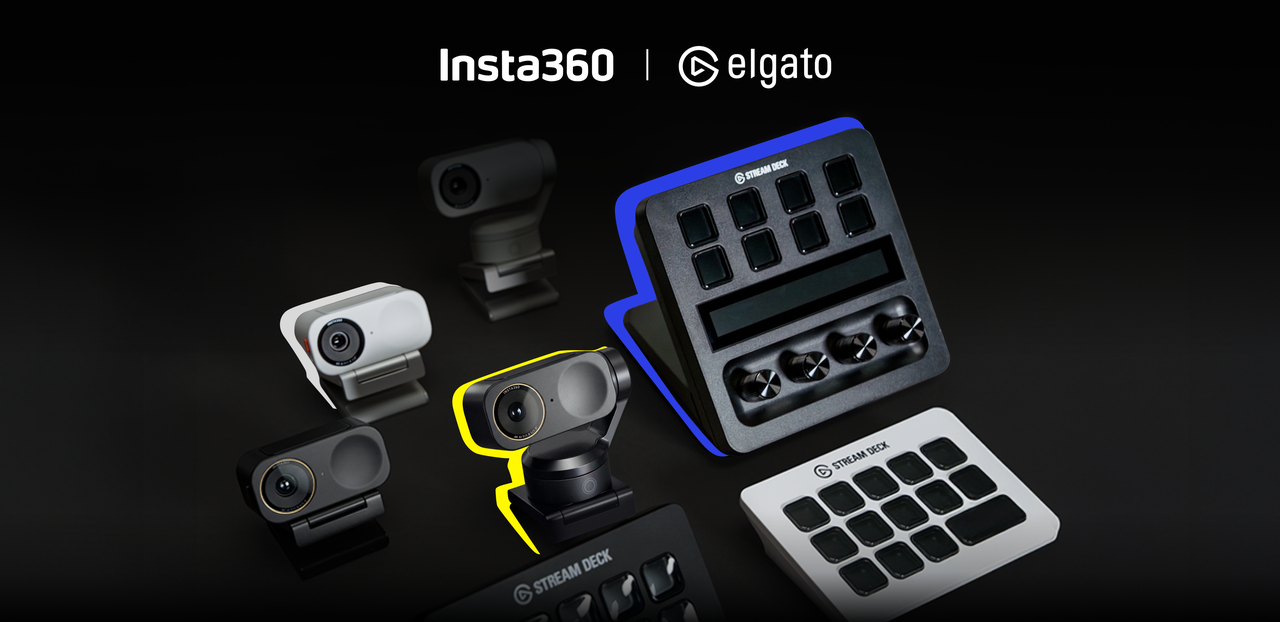


When it comes to online meetings, live streams, and beyond, creators don't lack features in this day and age. They lack flow. Too often, great sessions are slowed down by app switching, scattered settings, and last-minute adjustments. The real challenge is not image quality or AI, it's reducing friction before the camera even turns on.
Insta360 is proud to announce its partnership with Elgato, a leading brand in live streaming hardware and software for global content creators. This collaboration aims to bring smooth workflows to creators by using Link 2 and Link 2 Pro series with Elgato Stream Deck, which was first introduced at CES 2026.
.png)
A Partnership Focusing on User Needs
For streamers, educators, and power users, Stream Deck has become a core part of the modern creator setup. Its physical buttons turn complex, multi-step actions into something predictable and repeatable. It is less like a peripheral and more like a control center.
At Insta360, we believe great tools should reduce mental load, not add to it. Performance matters, but performance alone is not enough if a product exists in isolation. Our goal with Link 2 Pro was always to fit naturally into the workflows creators already trust.
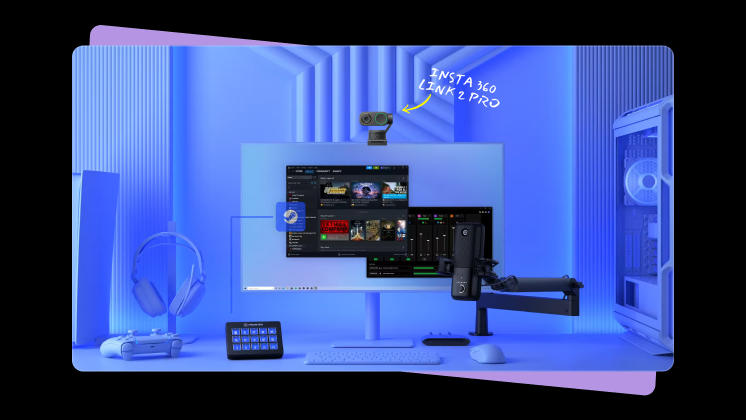
What Creators Can Control At a Glance
With the official Insta360 plugin for Stream Deck, creators gain access to powerful camera control without opening another app or menu.
Controls are grouped into four intuitive categories:
- Gimbal Control: Granular Pan/Tilt/Zoom adjustments.
- AI Tracking & Smart Composition: Active AI Tracking and toggling between different compositions instantly, such as headshot, half-body, and whole-body modes.
- Scene Presets: One-touch recall of specific camera angles, framing settings, AI modes, and more.
- Image Settings: Exposure, White Balance, and Brightness adjustments.
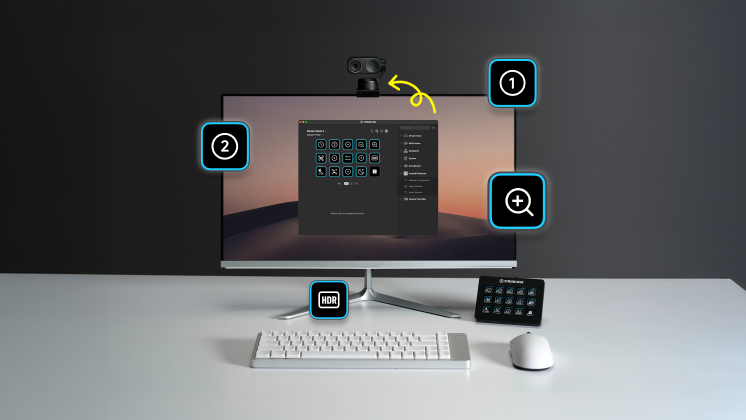
A Key Advantage: Simultaneous Multi-Camera Control
This is where Stream Deck unlocks something software alone cannot.
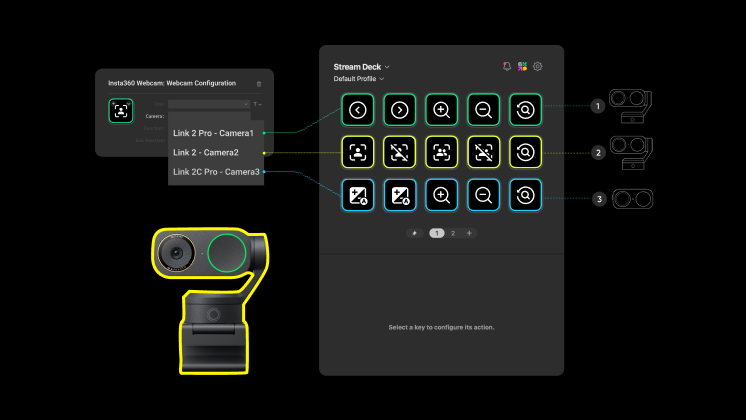
Native webcam software is typically designed around controlling one camera at a time. Stream Deck changes that. With Link 2 Pro, creators can control multiple Insta360 cameras simultaneously from a single interface.
This matters for podcasting, teaching, and multi-angle production setups. A single button press can adjust framing, tracking, or image settings across multiple cameras at once, without switching apps or windows.
For some creators, this has already become a critical tool for managing complex setups smoothly and confidently. That's what we call a full workflow upgrade!
Built for Real-World Use
This integration is not about adding more controls. It is about removing friction at moments that usually break focus.
For meetings, that means no more fumbling at the start of a call. Creators can rely on a single, familiar control surface to set framing, adjust image settings, and feel confident before the conversation begins. The camera simply behaves the way it is expected to, without interrupting the flow of the moment.
For teaching and presenting, the value shows up in transitions. Switching from a face-on explanation to a whiteboard or top-down view becomes a natural part of the session rather than a technical interruption. The audience stays engaged because the presenter never has to step away from the content to manage the camera.
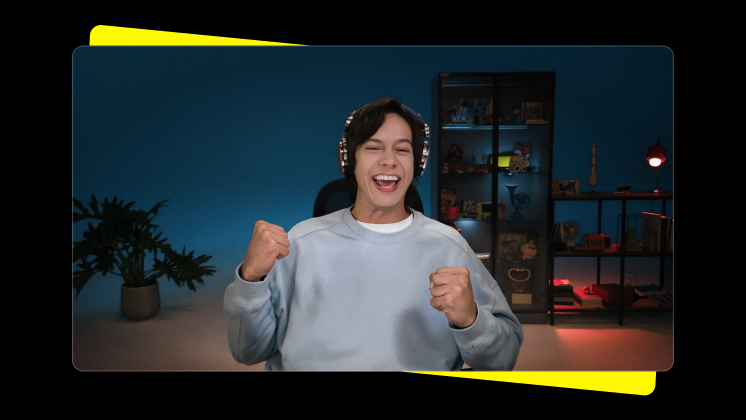
In streaming and podcasting setups, the benefits scale even further. Managing multiple angles, tracking modes, or visual presets becomes faster and more predictable, allowing creators to stay focused on timing, pacing, and audience interaction instead of software windows and settings panels.
Across all of these scenarios, the goal is the same. The camera fades into the background, and the workflow stays intact.
Integration Live on Elgato Marketplace, Link 2 Pro Now Available
The best tools are the ones you barely notice. They work together quietly, allowing creators to focus on what actually matters: communicating, teaching, and creating.
That's why the Insta360 Link 2 Series and Link 2 Pro Series are now fully compatible with Elgato Stream Deck. Creators can download the official plugin directly from the Elgato Marketplace and integrate Link 2 Pro into their workflow immediately.
This partnership is just the beginning. Insta360 and Elgato will continue exploring deeper integrations, working together to turn technical setup into creative freedom.
Less time preparing. More time creating. Shop our powerful AI webcam solution, Link 2 Pro, here.
The Insta360 Vision Awards supported by Leica are now open. Join creators worldwide for a chance to win from an US$80,000+ prize pool, including Leica cameras and Insta360 gear.
Got a story to share? Email yours to communitystories@insta360.com and win up to US$50.




%20(1).svg)


%20(1).svg)

.svg)


