




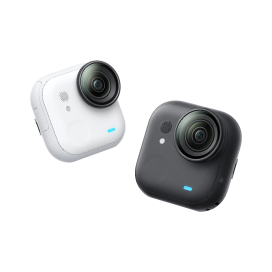






































How do I check the Serial Number of my GO?
-
-
1. Connect your camera to the app via charge case first. Then go to the app's sign-up page. The Serial Number will be recognized automatically.
2. You can also check the bottom of the box your camera came in. You will find the Serial Number attached.
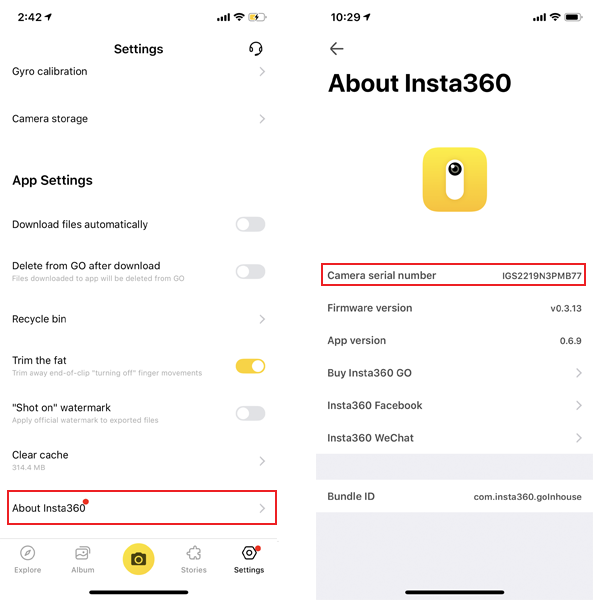
3. After connection, You can also go to the Settings->About Insta360 to check the serial number.
-
1. Connect your camera to the app via charge case first. Then go to the app's sign-up page. The Serial Number will be recognized automatically.
2. You can also check the bottom of the box your camera came in. You will find the Serial Number attached.
3. After connection, You can also go to the Settings->About Insta360 to check the serial number.
Was this information helpful?
.svg)


Insta360 Trade-In
Get more from gear you're not using.
Learn more
Subscribe
Get the latest news from Insta360

I agree with the Privacy Policy and I'd like to receive the latest Insta360 news and deals by email. I understand I can contact Insta360 to unsubscribe at any time.


%20(1).svg)


%20(1).svg)

.svg)


Chat
Office Hours: 24/7
Start now

Email

