
















































How do I connect the ONE X to my computer?
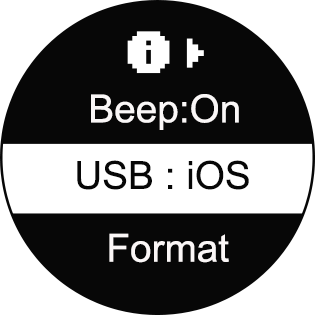
- 1. Please ensure the camera's USB mode is switched to iOS mode (press and hold the power button to turn the camera on, enter Settings->More Settings menu, select "USB" to check or adjust the mode).
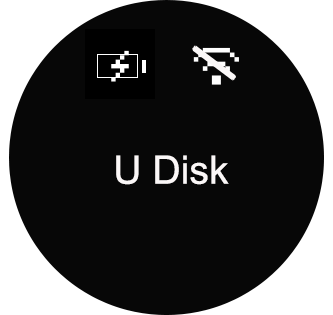
- 2. Connect the camera to your computer with a USB cable, press and hold the power button to turn it on. Wait for the camera to change to "U Disk" mode. The computer should now read the camera's SD card directly.
Was this information helpful?
.svg)

Insta360 Trade-In
Get more from gear you're not using.
Learn more
Subscribe
Get the latest news from Insta360

I agree with the Privacy Policy and I'd like to receive the latest Insta360 news and deals by email. I understand I can contact Insta360 to unsubscribe at any time.


%20(1).svg)


%20(1).svg)

.svg)


Chat
Office Hours: 24/7
Start now

Email

