



































Adjust Speed
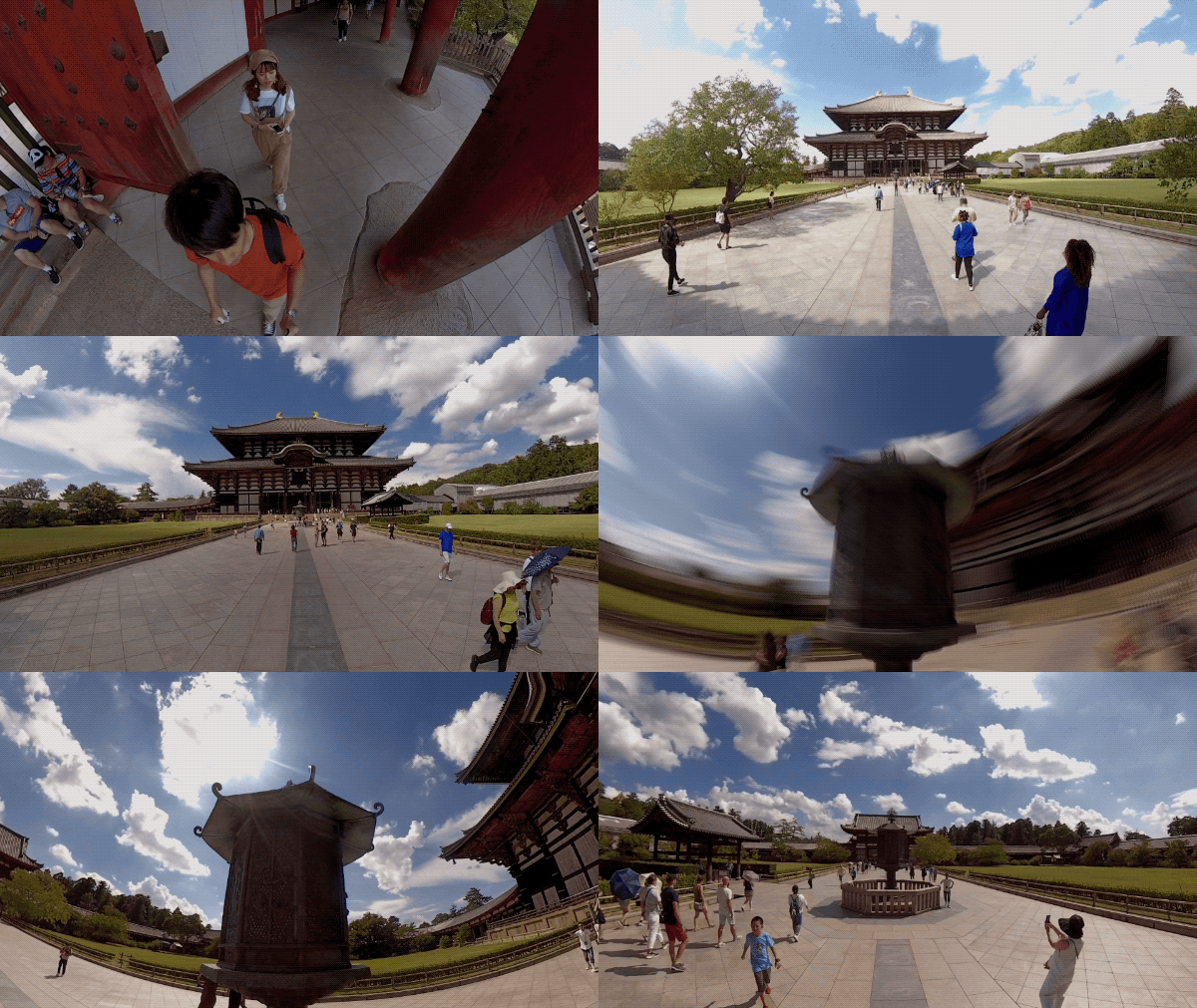
You can adjust the speed to highlight key moments with cinematic slow-mo, or speed things up with a stabilized hyperlapse.
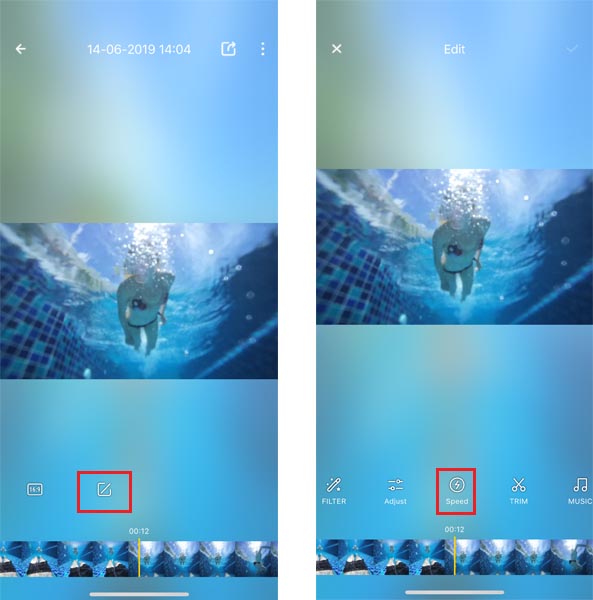
 1. Enter App's album, open the video and hit "Edit -> Speed".
2. Scroll to the start of the clip->select your desired speed (1/4X,1/2X,2X,4X,6X,8X,16X,32X,64X)-> scroll along the timeline to the end of the clip->Tap “✓” on the top right corner to save. Turn on Motion Blur to convey a sense of speed.(Note: Android systems does not support 6X speed currently.)
1. Enter App's album, open the video and hit "Edit -> Speed".
2. Scroll to the start of the clip->select your desired speed (1/4X,1/2X,2X,4X,6X,8X,16X,32X,64X)-> scroll along the timeline to the end of the clip->Tap “✓” on the top right corner to save. Turn on Motion Blur to convey a sense of speed.(Note: Android systems does not support 6X speed currently.)
1. Enter App's album, open the video and hit "Edit -> Speed".
2. Scroll to the start of the clip->select your desired speed (1/4X,1/2X,2X,4X,6X,8X,16X,32X,64X)-> scroll along the timeline to the end of the clip->Tap “✓” on the top right corner to save. Turn on Motion Blur to convey a sense of speed.(Note: Android systems does not support 6X speed currently.)
Was this information helpful?
.svg)

구독하기
Insta360 최신 소식을 만나보세요!

저는 개인정보 보호정책에 동의하며, 이메일로 최신 Insta360 소식과 할인 정보를 받고 싶습니다. 언제든지 Insta360에 연락하여 구독을 취소할 수 있다는 점을 이해합니다.


%20(1).svg)


%20(1).svg)

.svg)


구매 안내
주문 및 결제
구매 전 문의
반품 및 환불
 영업 시간: 10:00‑19:00 (GMT+9)
제품 지원
트러블슈팅·도움말
보증·수리 서비스
영업 시간: 10:00‑19:00 (GMT+9)