


































Camera Button Settings
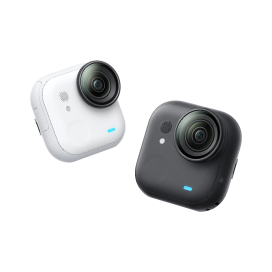
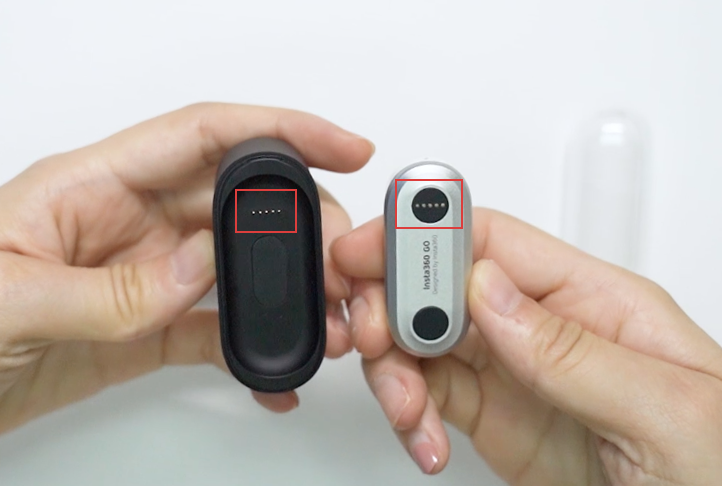
1. Connect GO to your phone via the Charge Case or over Bluetooth. (How do I connect via Bluetooth?)
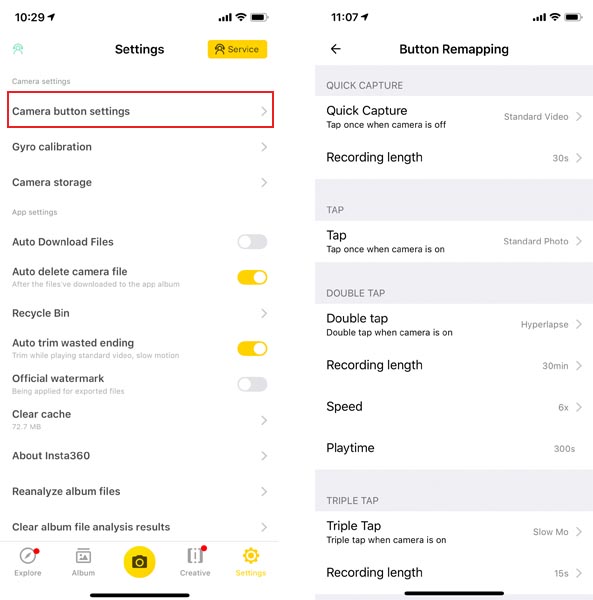
 2. Open GO App, tap Settings-> Camera button settings.
3. From here, you can re-assign the four shooting modes to each of the GO's basic Action Button prompts.
2. Open GO App, tap Settings-> Camera button settings.
3. From here, you can re-assign the four shooting modes to each of the GO's basic Action Button prompts.
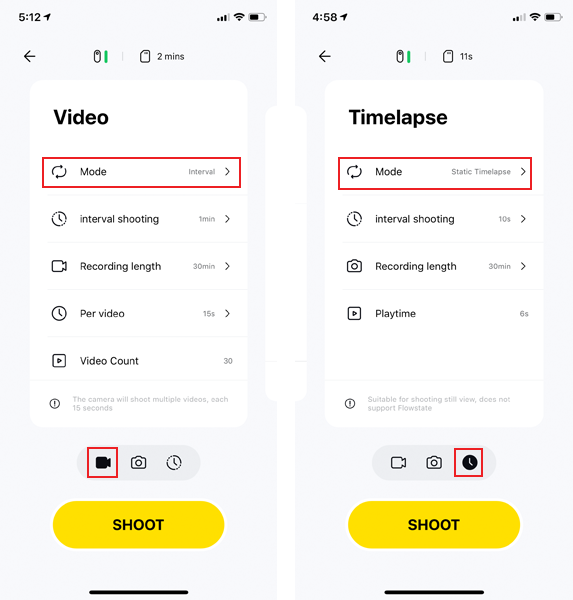
 Note: Static Timelapse and Interval Video shooting modes only available under bluetooth connection.(How do I connect via Bluetooth?)
2. Open GO App, tap Settings-> Camera button settings.
3. From here, you can re-assign the four shooting modes to each of the GO's basic Action Button prompts.
Note: Static Timelapse and Interval Video shooting modes only available under bluetooth connection.(How do I connect via Bluetooth?)
Was this information helpful?
.svg)

구독하기
Insta360 최신 소식을 만나보세요!

저는 개인정보 보호정책에 동의하며, 이메일로 최신 Insta360 소식과 할인 정보를 받고 싶습니다. 언제든지 Insta360에 연락하여 구독을 취소할 수 있다는 점을 이해합니다.


%20(1).svg)


%20(1).svg)

.svg)


구매 안내
주문 및 결제
구매 전 문의
반품 및 환불
 영업 시간: 10:00‑19:00 (GMT+9)
제품 지원
트러블슈팅·도움말
보증·수리 서비스
영업 시간: 10:00‑19:00 (GMT+9)