

HDR Video Tutorial
1. HDR video is available with Insta360 ONE X firmware version 1.17.15 or above. When shooting still video with a wide range of lighting (such as a sunrise), you can now use HDR video mode to produce a more favourable shot.
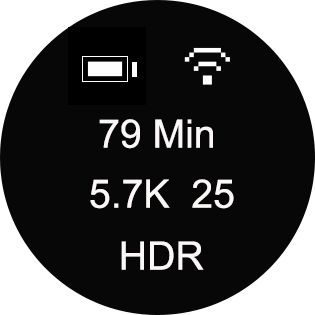
2. Press and hold the power button (the small one) to turn on your ONE X. Then press the power button to switch to Video mode. In video mode, press and hold the shutter button to choose HDR video mode. Then, press the shutter button to start/stop video recording.
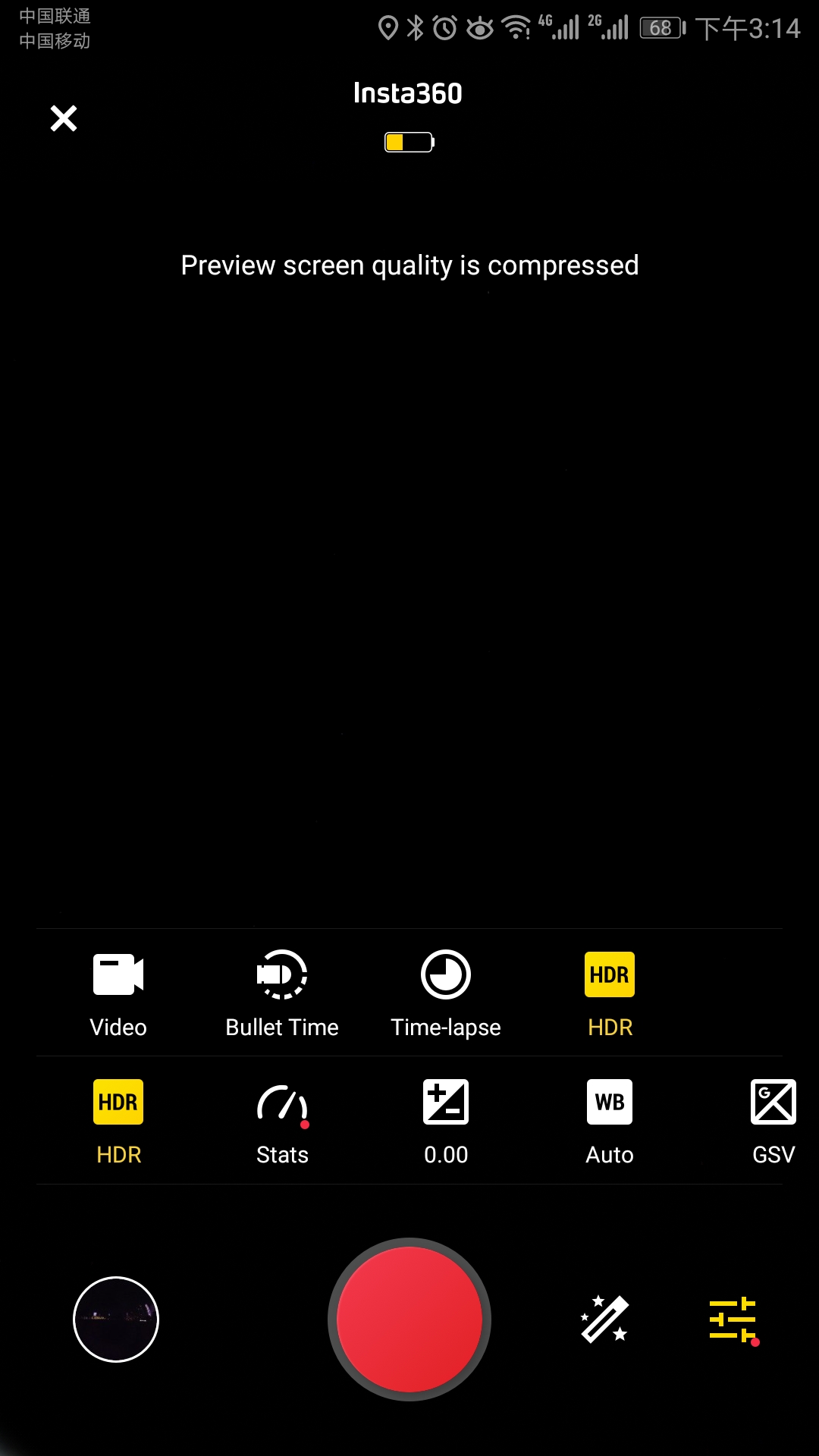
 3. Alternatively, you can connect the ONE X with your phone(How do I connect?),enter the Shooting interface->choose Video mode-> Tap settings in the lower right corner ->Tap mode and choose HDR video mode. Afterwards, you can shoot HDR video via App.
 *How can I update to the latest version?
3. Alternatively, you can connect the ONE X with your phone(How do I connect?),enter the Shooting interface->choose Video mode-> Tap settings in the lower right corner ->Tap mode and choose HDR video mode. Afterwards, you can shoot HDR video via App.
*How can I update to the latest version?
Was this information helpful?
.svg)

구독하기
Insta360 최신 소식을 만나보세요!

저는 개인정보 보호정책에 동의하며, 이메일로 최신 Insta360 소식과 할인 정보를 받고 싶습니다. 언제든지 Insta360에 연락하여 구독을 취소할 수 있다는 점을 이해합니다.


%20(1).svg)


%20(1).svg)

.svg)


구매 안내
주문 및 결제
구매 전 문의
반품 및 환불
 영업 시간: 10:00‑19:00 (GMT+9)
제품 지원
트러블슈팅·도움말
보증·수리 서비스
영업 시간: 10:00‑19:00 (GMT+9)