

































How do I turn on OTG feature on my Android phone?
Note:As for the sync cable connection, you need to enable the OTG feature first on some Android phones such as Vivo, OPPO and Sony to establish the connection.
*For OPPO devices, please turn on OTG feature in system setting first and then plug the camera into your phone.
*For vivo devices, please turn on OTG feature in setting first and then plug the camera into your phone.
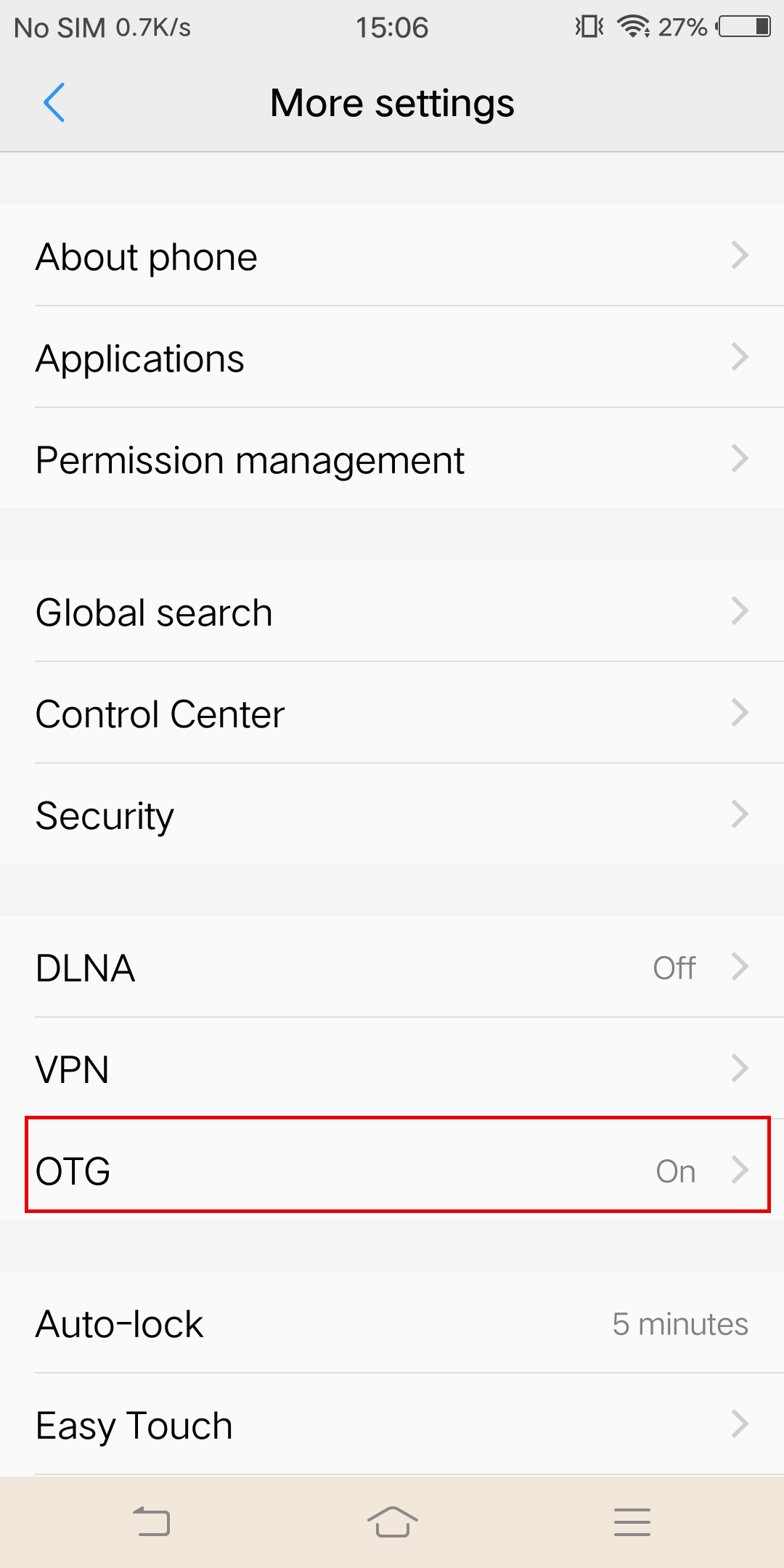 *For Sony devices, after connecting your phone with sync cable, enter setting, tap 'USB Connectivity', and turn on 'Detect USB device'.
*For Sony devices, after connecting your phone with sync cable, enter setting, tap 'USB Connectivity', and turn on 'Detect USB device'.
Was this information helpful?
.svg)

구독하기
Insta360 최신 소식을 만나보세요!

저는 개인정보 보호정책에 동의하며, 이메일로 최신 Insta360 소식과 할인 정보를 받고 싶습니다. 언제든지 Insta360에 연락하여 구독을 취소할 수 있다는 점을 이해합니다.


%20(1).svg)


%20(1).svg)

.svg)


온라인 채팅
업무시간: 24/7(영어)
채팅 시작

메일