產品列表


Insta360 X6
8K 超旗艦全景相機,Sony 訂製雙方形感光元件,一英吋全景影像。創新 OLED 螢幕設計,緊湊機身,大有實力。

Insta360 Luna 系列
8K Leica 旗艦影像雲台相機,一英吋感光元件,晝夜都清晰,創新分離式螢幕設計。

Antigravity A1
8K 全景空拍機。
與 Insta360 共同研發。

Insta360 X5
8K 高 CP 值全景相機,晝夜畫質皆精彩,創新可拆換鏡片設計。

Insta360 Ace Pro 2
旗艦影像運動相機,與徠卡聯合研發,晝夜畫質皆出眾。

Insta360 GO Ultra
4K 便攜 第一人稱運動/生活相機,輕鬆解鎖解放雙手的第一人稱視角和創意視角,支持PureVideo錄影和超長續航,晝夜暢拍。

Insta360 Flow 2 系列
全能 AI 手機穩定器,全環境智慧跟拍,手機也能拍出電影感。
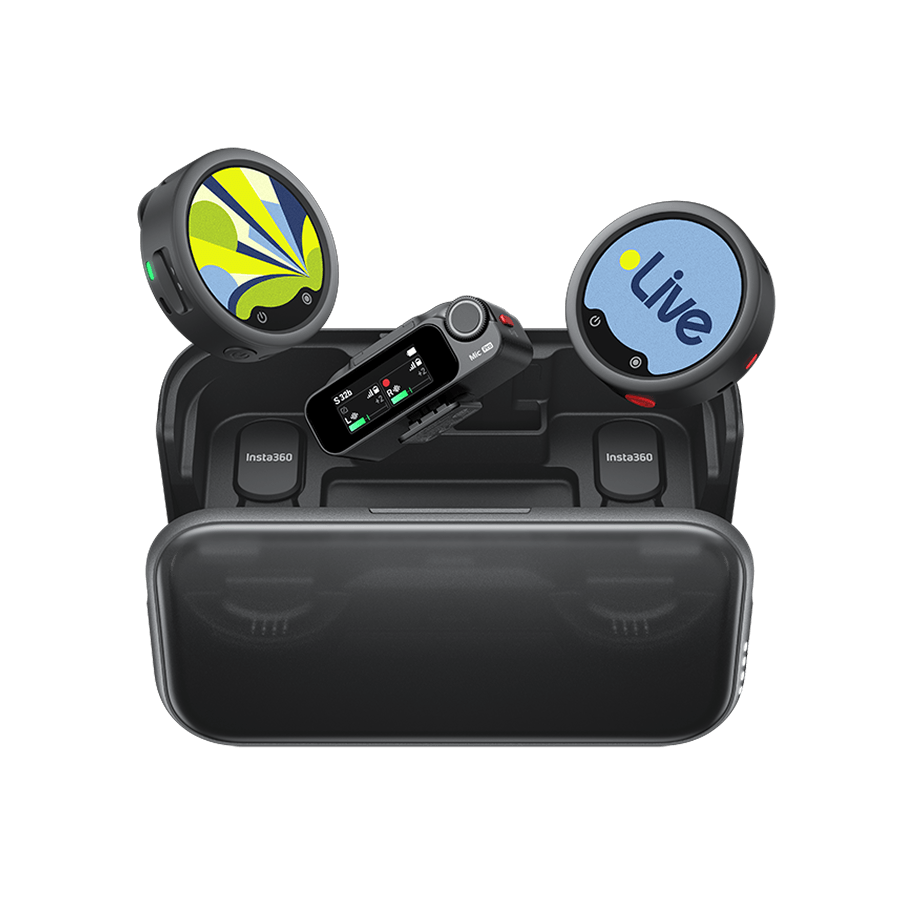
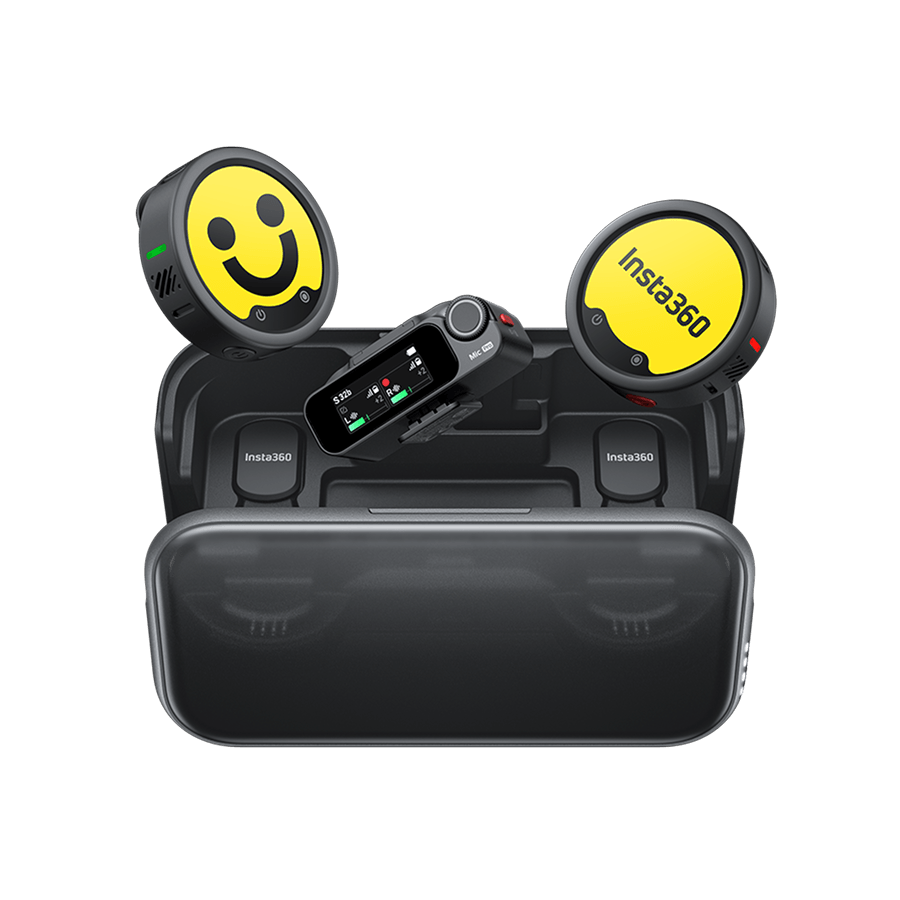
Insta360 Mic & Mic Pro
電子墨水螢幕系列無線麥克風,收音清晰自然,展現個人風格。





































Gyro Calibration Tutorial
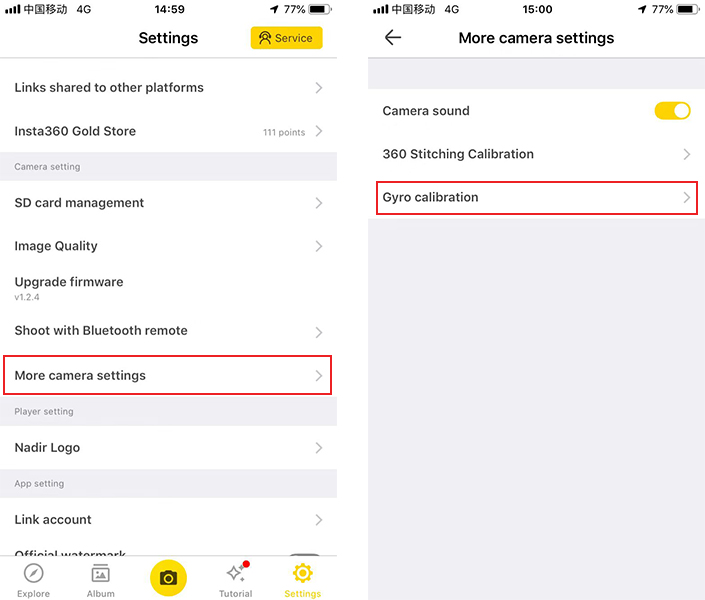
1. Open the EVO App, connect EVO to your phone(How do I connect?), Tap Settings->More camera settings->Gyro Calibration.
 2. Place the camera level on a smooth horizontal surface, then follow the instructions on the app to complete the gyro calibration. Please do not exit the app in calibration.
2. Place the camera level on a smooth horizontal surface, then follow the instructions on the app to complete the gyro calibration. Please do not exit the app in calibration.Was this information helpful?
.svg)


Insta360 Trade-In
舊機折抵,購新省錢。
了解詳情
消費級產品
會議
社區論壇


%20(1).svg)


%20(1).svg)

.svg)

Copyright © Insta360 All rights reserved.
廣東 ICP No. 16095556.
Right to Opt Out of Sale/Sharing
This webpage is intended for United States data subjects only. Some states provide residents with the right to opt out of “targeted advertising,” “selling,” or “sharing” of personal information. Please visit our "Privacy Policy-9.Special rules for U.S. residents", for more information about your rights and our privacy practices.
Selling, Sharing, Targeted Advertising
We may use personal information to support “targeted advertising,” “selling,” or “sharing,” as defined by applicable privacy laws, which may result in third parties receiving your personal information. You can move the toggle above to the left to opt out of these activities on the websites related to www.insta360.com consistent with applicable law. Please note that, because these activities are based on online cookies, your opt-out choice is specific to this property. If you access other websites of Insta360, you will need to make your election for each. Also, if you clear your cookies on this browser or use another browser or device, you may need to opt out again on this property.You may also choose to enable online, where available, a universal tool that automatically communicates your opt-out preferences, such as the Global Privacy Control (“GPC”). We will process the GPC signal as a request to opt out.
Please be aware that even if you opt out, you may still see ads based on personal information processed before you opt out.