


















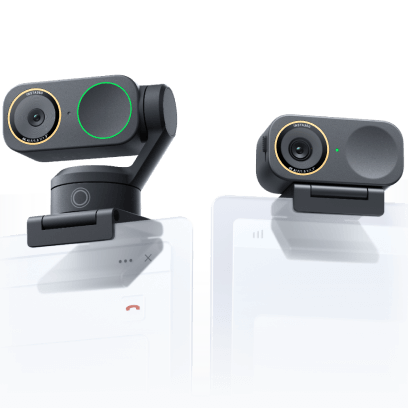






















How to shutdown Pro?
Press “POWER” key for 6 seconds when the camera is in the READY FOR SHOOTING, SETTING or ABNORMALITY PROMPT state, it will be shut down.
Press “POWER” key for 6 seconds when the camera is in the SHOOTING (photo-taking, video recording and live video broadcast) or STORAGE state, it will stop the current work first and then perform shutdown after storage is completed.
Was this information helpful?
.svg)


Insta360 Trade-In
Tirez profit du matériel que vous n'utilisez plus.
En savoir plus
Souscrire
Recevez les dernières nouvelles d'Insta360

J'accepte la politique de confidentialité et je souhaite recevoir les dernières nouvelles et offres d'Insta360 par email. Je comprends que je peux contacter Insta360 pour me désabonner à tout moment.


%20(1).svg)


%20(1).svg)

.svg)


Assistance à l'achat
Questions avant-vente
Commandes & Paiement
Retours & Remboursements
 Heures de bureau: 9:00-18:00 (UTC+1)
Assistance produit
Dépannage & Aide
Réparations & Garantie
Heures de bureau: 9:00-18:00 (UTC+1)
