
















































How to Use the Insta360 4K Camera
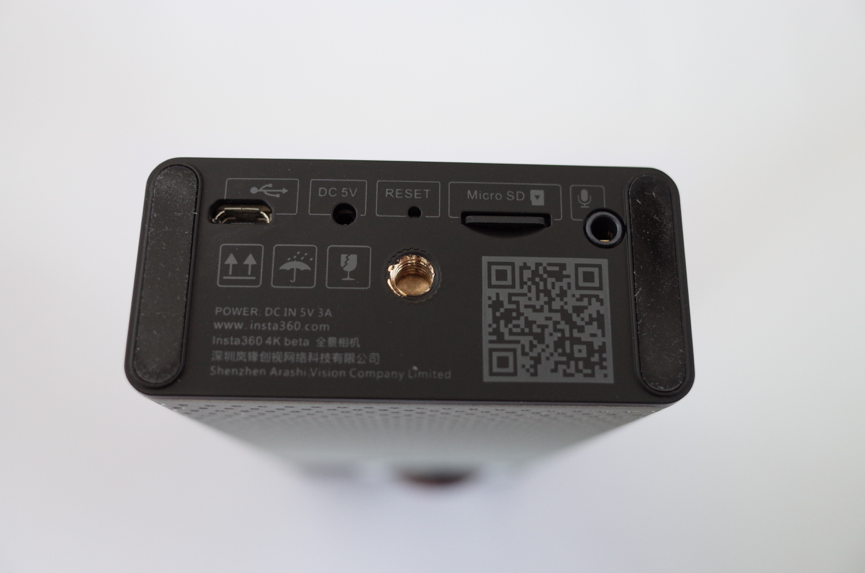
- Slide the TF card into the card slot.
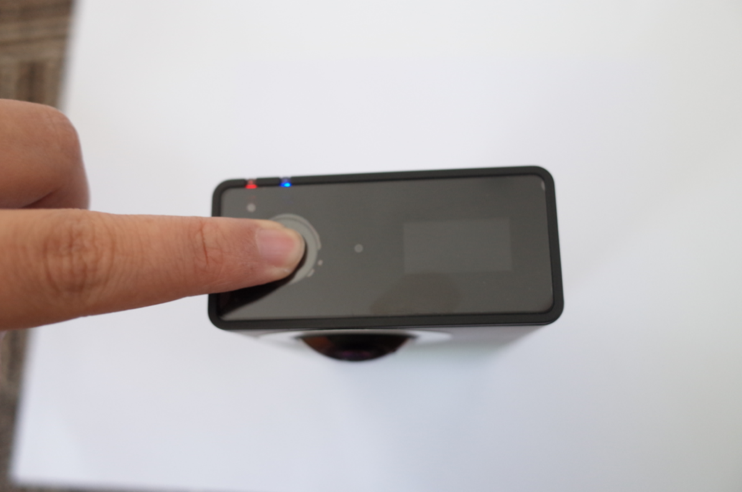
- Hold down the power/shutter button until the red and blue indicators show.
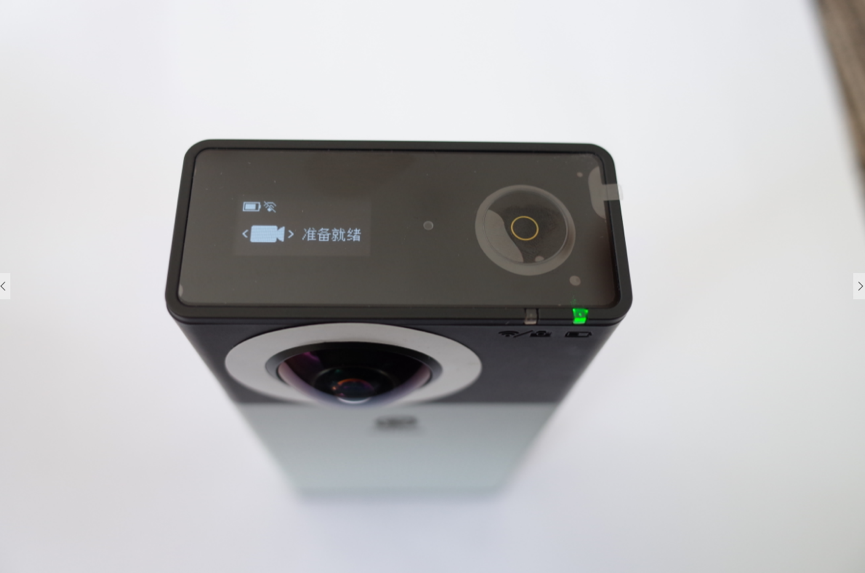
When the camera is ready for use, the green light will display.
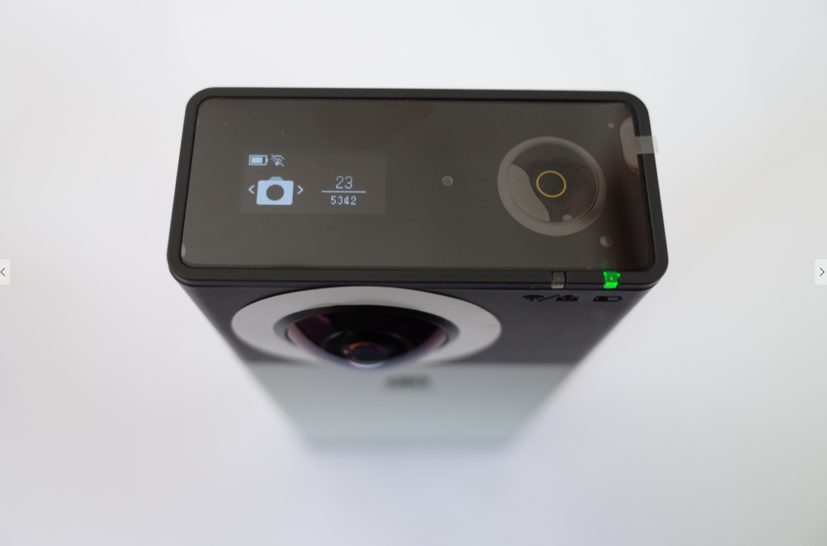
While the 4K camera is recording, the blue light will blink, and the duration of recording will be shown on screen. After you finish recording, it will take about 10 seconds to process the footage for viewing.
 。
。
- You can capture video remotely via the App to 4K camera, at a range of up to 20 meters.
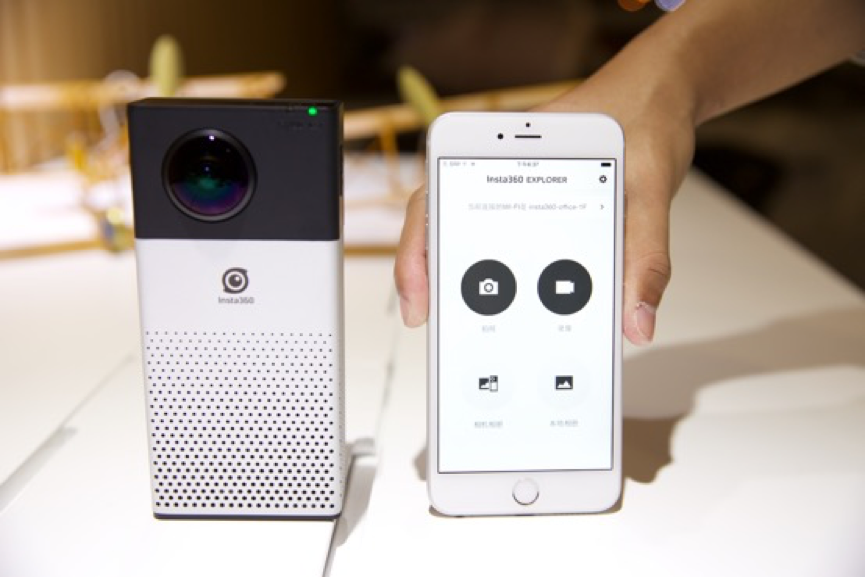
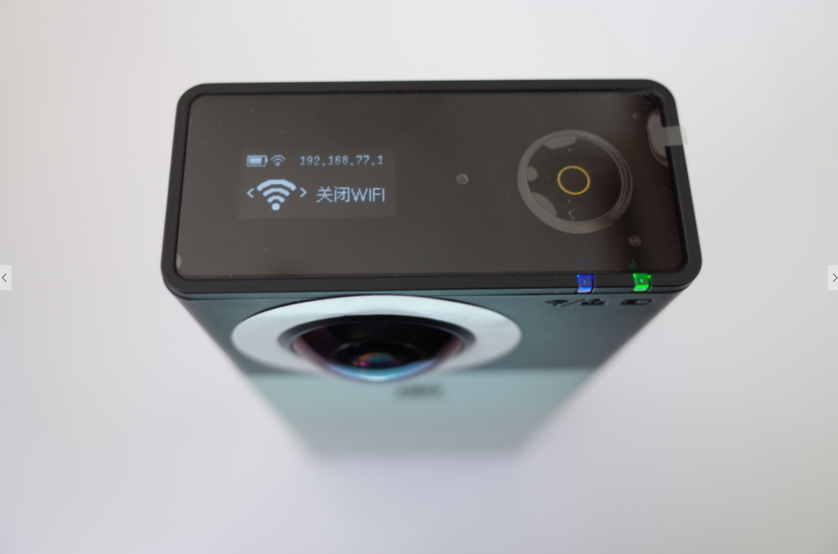
When the camera WIFI is on, the blue light will display. The assigned IP address is shown on the screen of the camera.
The default WiFi password is “Insta360”.
Was this information helpful?
.svg)


Insta360 Trade-In
Saca más partido al equipo que no utilizas.
Conoce mas
Suscríbete
Recibe las últimas noticias de Insta360

Estoy de acuerdo con la Política de Privacidad y me gustaría recibir las últimas noticias y ofertas de Insta360 por correo electrónico. Entiendo que puedo contactar con Insta360 y dar de baja mi suscripción en cualquier momento.
.svg)


%20(1).svg)

%20(1).svg)


Soporte de compra
Preguntas antes de la compra
Pedidos & Pago
Devoluciones & Reembolsos
 Horario de oficina: 9:00-18:00 (UTC+1)
Soporte del producto
Solución de problemas & Ayuda
Reparaciones & Garantía
Horario de oficina: 9:00-18:00 (UTC+1)
